
Add GIZMOCHINA on Google:
As an Amazon Associate, Gizmochina earns from qualifying purchases. Links on this page may earn us a commission at no extra cost to you.
Swiss Military is better known for its lifestyle accessories, but with the NXT Pods, the brand is targeting users looking for a no-fuss, functional audio experience in a stylish shell. I’ve been using the NXT Pods over the past week across different scenarios like music streaming, voice calls, and even switching between devices like a laptop and phone. Here’s how they held up in real-world use.
3Controls and Connectivity
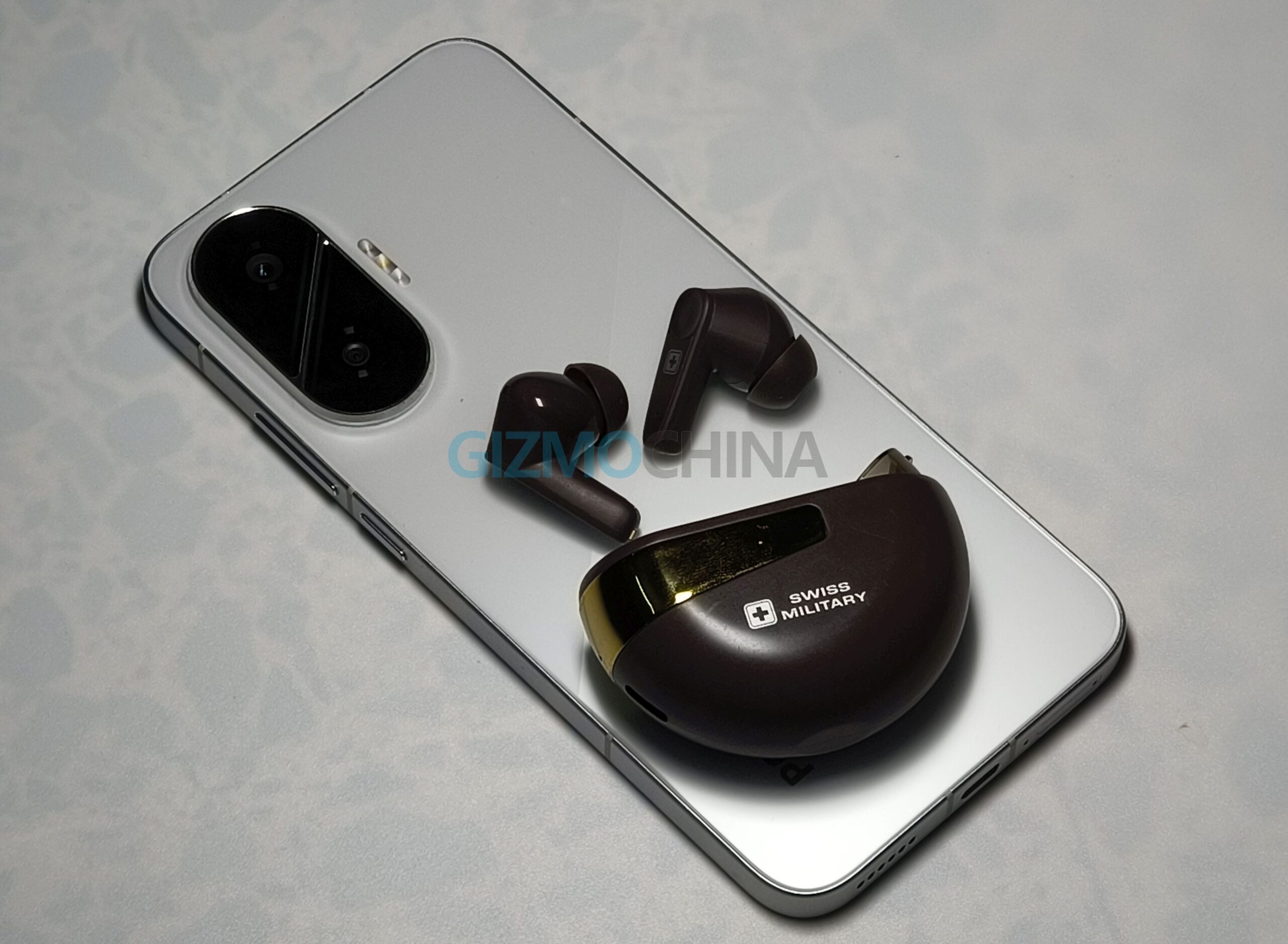
The touch controls work consistently once you get used to them. Key functions include:
- Play/Pause: Single tap on either bud
- Next track: Triple tap on the left bud
- Previous track: Triple tap on the right bud
- Volume up: Double tap on the left bud
- Volume down: Double tap on the right bud
- Answer/End call: Single tap
- Reject call: Press and hold for 1.5 seconds
- Voice assistant: Press and hold for 1.5 seconds
- Game/Music mode switch: Tap four times
The four-tap gesture for toggling between game and music modes feels a bit excessive, it can easily lead to accidental misfires or confusion, especially when you’re quickly trying to change tracks or volume. You can turn on and off the earbuds, by long pressing until you hear power on/off message.
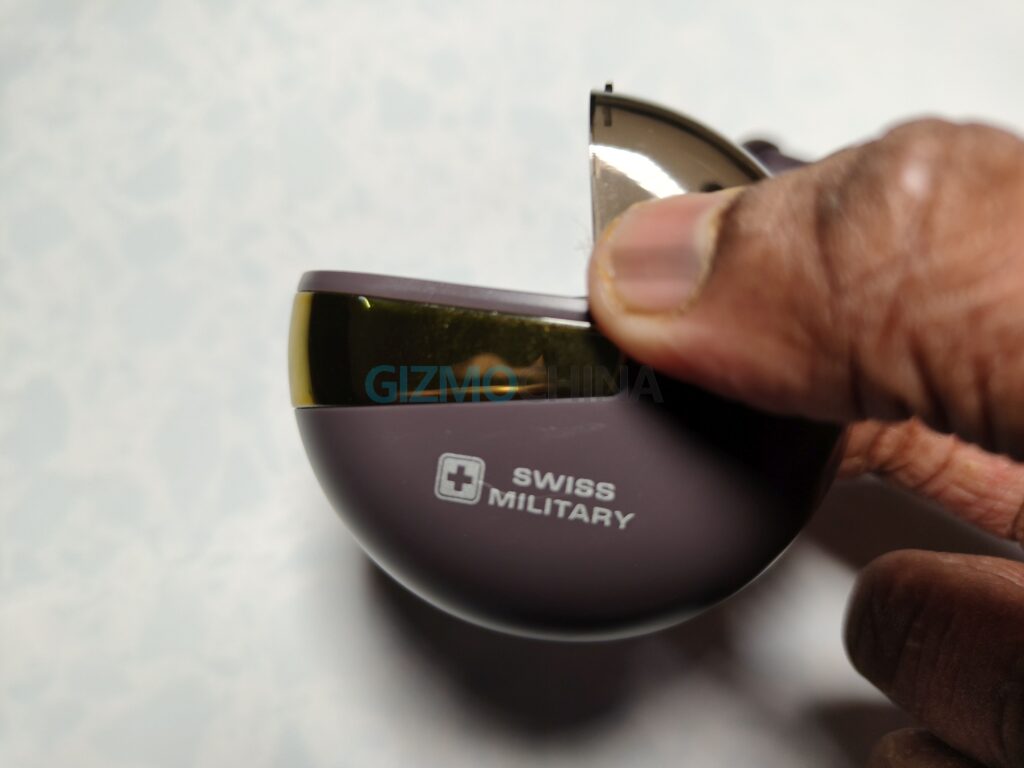
The NXT Pods come with Bluetooth 5.4 and support dual-device pairing. Pairing is straightforward—open the lid, take out the buds, and they automatically enter pairing mode. You can then connect them via your phone or laptop’s Bluetooth settings. Switching between devices works, though there is a slight delay when jumping from one to another.