Add GIZMOCHINA on Google:
The Dreame L10s Ultra is a high-end robot vacuum that I have used almost daily for at least two months, scheduled twice a day through the Dreame Home app. I can confidently say that this model pushes the experience of automated cleaning further, though with some practical considerations to keep in mind.
4Controls, App support, AI, and camera navigation
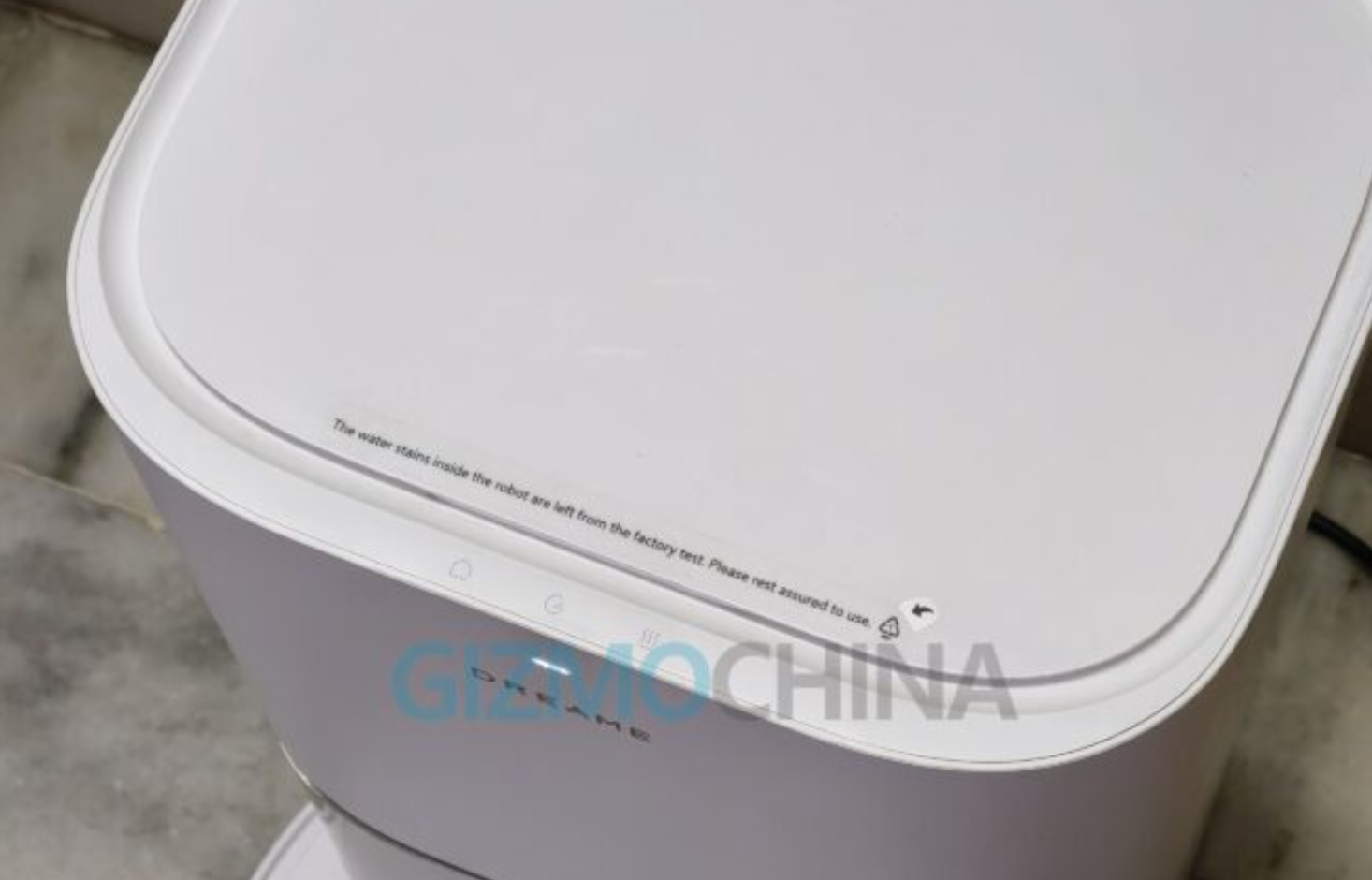
The Dreame L10s Ultra’s base station comes with three handy buttons on the top – Leave, Clean, and Dry. The Leave button lets the robot exit the base to begin cleaning, while the Clean button directly starts a cleaning cycle. The Dry button activates or stops the mop pad drying function, helping keep the pads fresh after use. For added safety, pressing the Leave and Dry buttons together enables the child lock, preventing accidental operation.
The Dreame L10s Ultra robot vacuum itself also has three buttons on top – Power/Clean, Spot Clean, and Dock. The Power/Clean button starts or pauses a cleaning session, the Spot Clean button makes the robot clean a specific area in a spiral pattern, and the Dock button sends the robot back to the base station for charging.
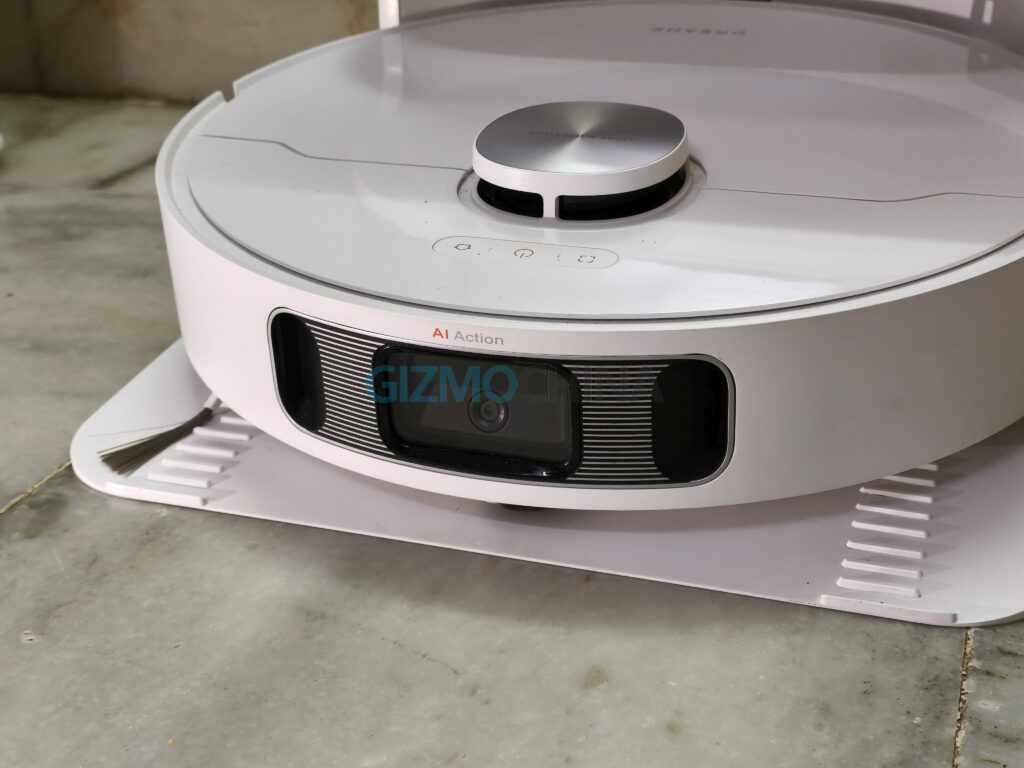
The Dreame Home app remains one of the strongest parts of the experience. The 3D mapping is accurate, and the AI-powered navigation works reliably to cover every part of the home. One of the highlights of the L10s Ultra is its AI Action camera combined with 3D structured light, which allows the robot to identify obstacles and tailor its cleaning path intelligently.
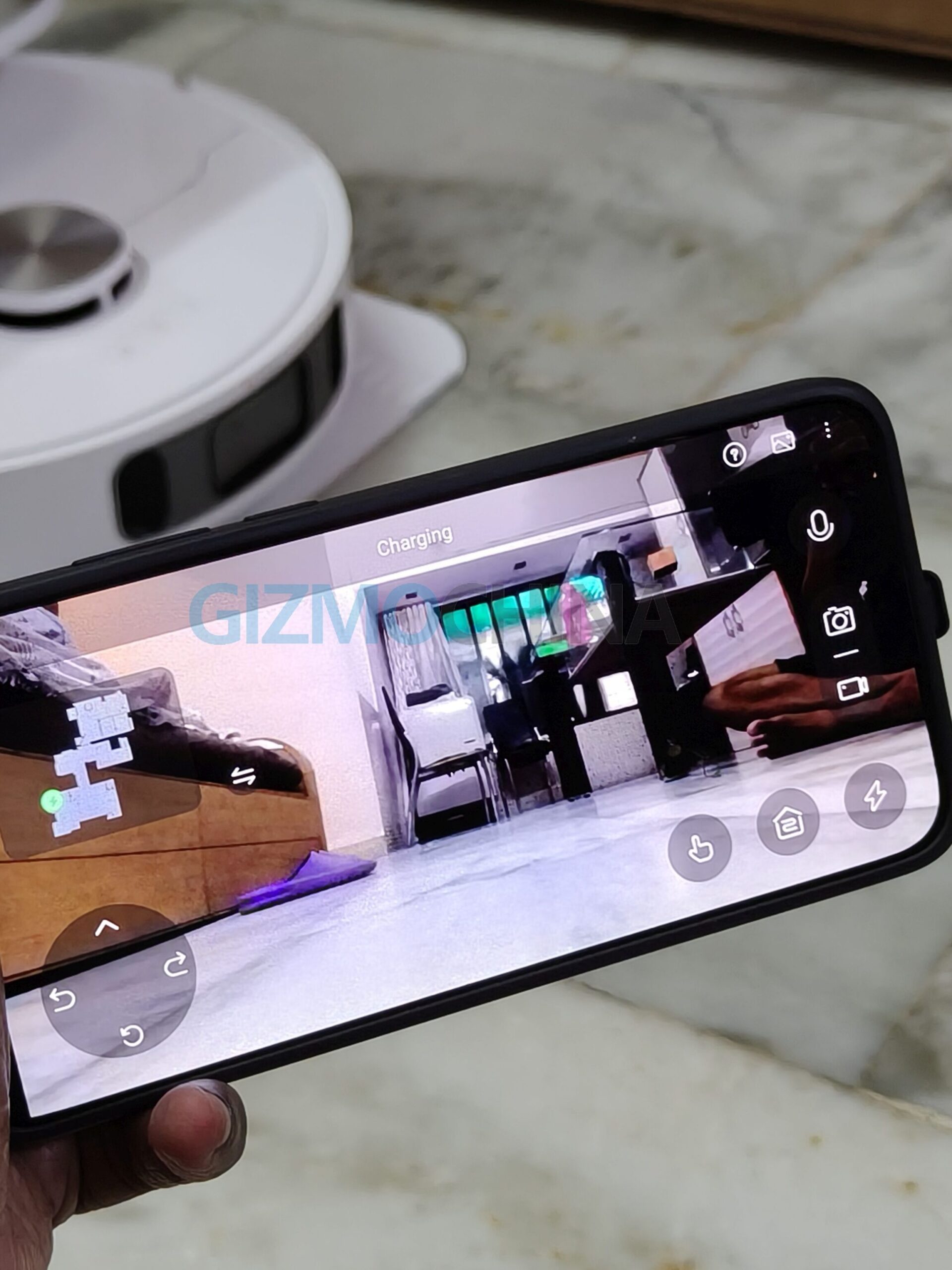
This feature ensures the vacuum rarely misses spots or repeats areas unnecessarily, and it avoids getting stuck in tight corners. The camera also enables remote video supervision through the app, which some households may find useful for checking in on their space while away.
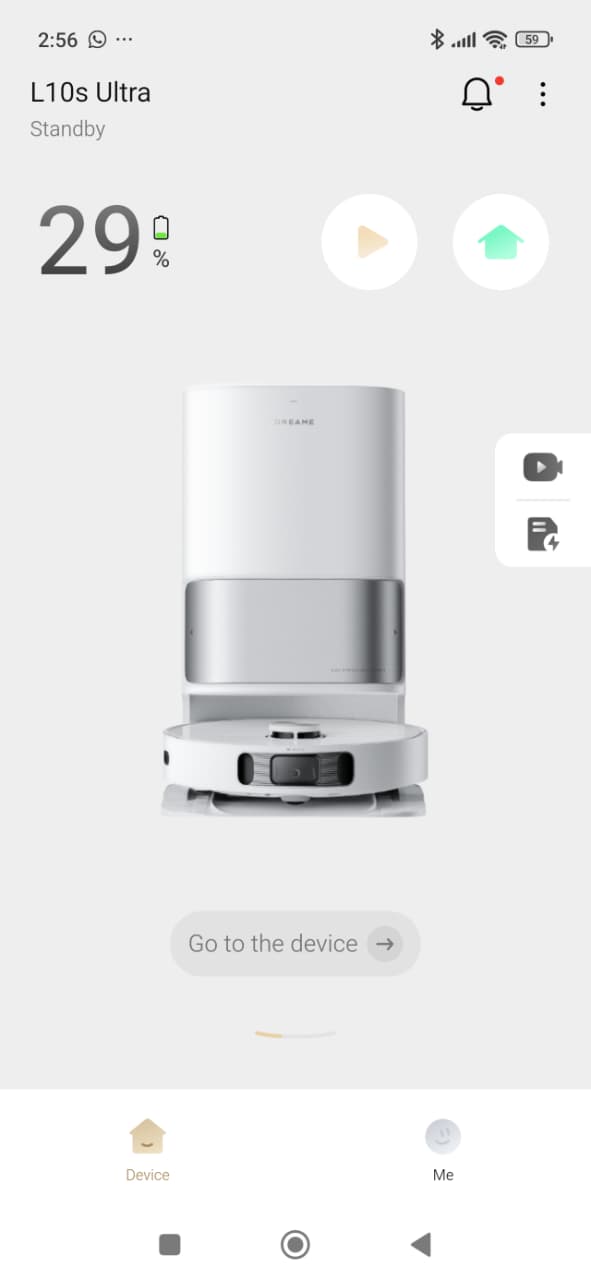
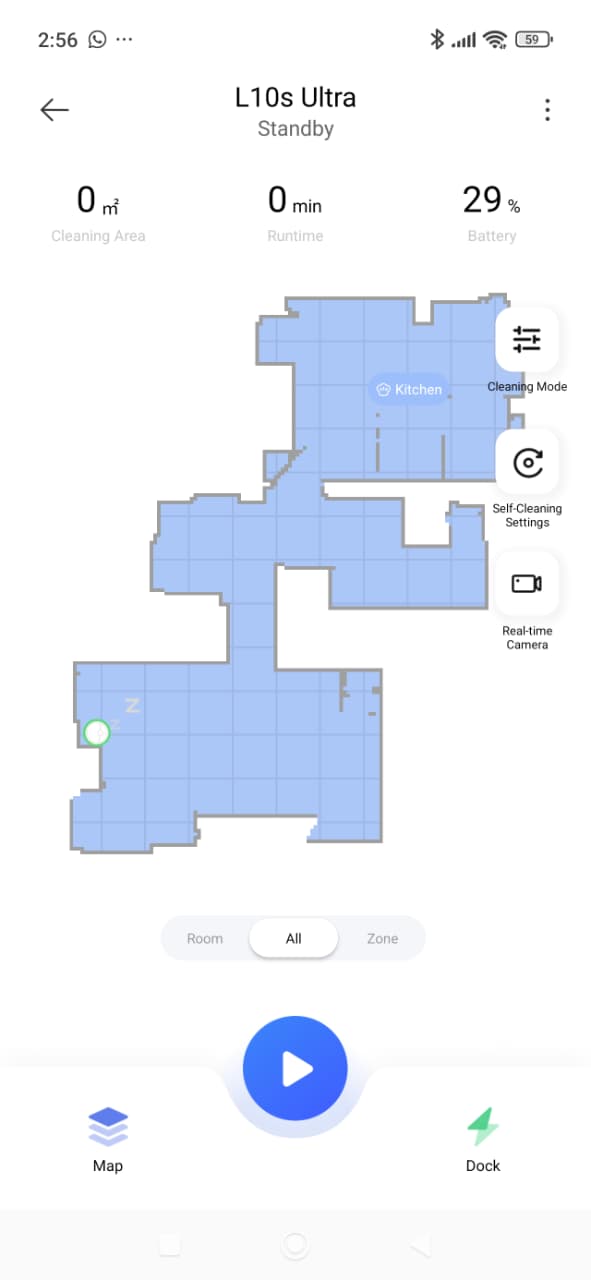
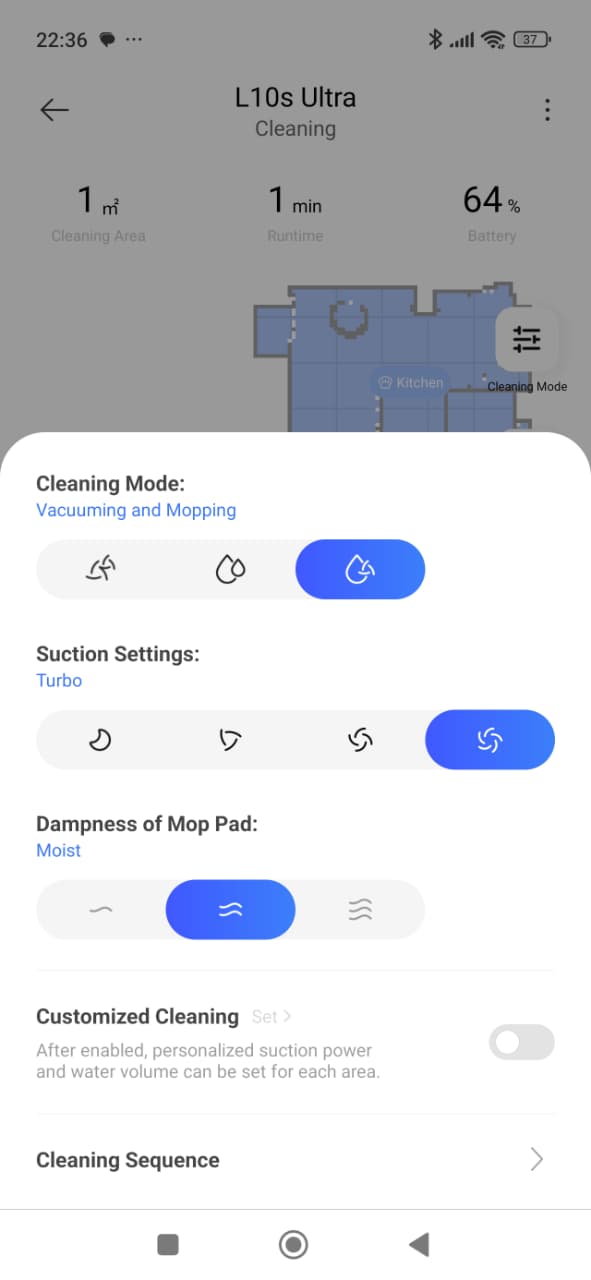
In my case, I found the app’s remote control and video monitoring features more of a novelty than an essential function, but for those who want extra reassurance, it adds another layer of utility. Integration with Alexa, Google Assistant and Siri makes it easy to start or stop cleaning with voice commands.