Add GIZMOCHINA as Preferred Source on Google
As an Amazon Associate, Gizmochina earns from qualifying purchases. Links on this page may earn us a commission at no extra cost to you.
The right 3D printer can help you produce prototypes, custom products, replacement parts, miniatures, props, and small production runs. The market now includes fast CoreXY printers, large-format machines, dual-nozzle systems, and high-resolution resin printers.
Each printer in this list serves a different type of user. Some models focus on ease of use and low cost. Others support engineering materials, large parts, or detailed resin models. You should consider print volume, material support, multicolor features, maintenance, and available workspace before choosing a machine.
Here is a look at the best 3D printers available for creators and small businesses right now.
1. Bambu Lab X2D
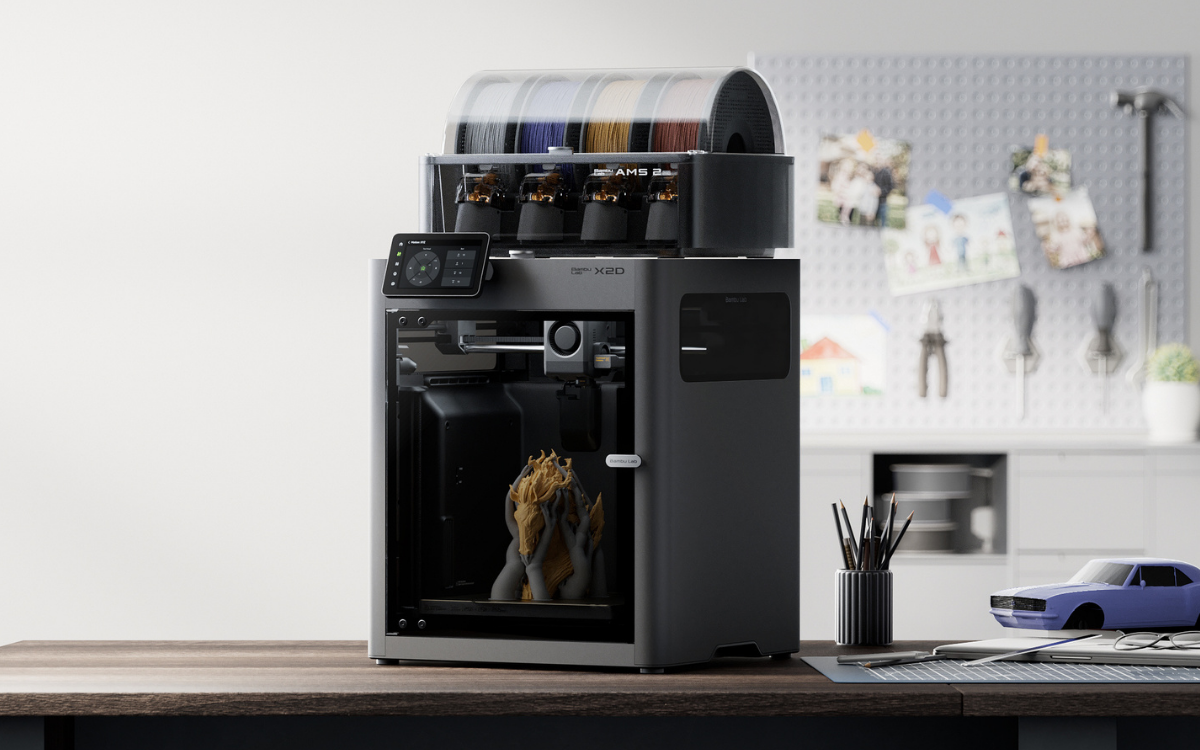
The Bambu Lab X2D is the most advanced printer in this group. It uses a dual-nozzle system that lets one nozzle print the model while the second nozzle handles support material. This setup can improve support removal and reduce the cleanup you need to do for complex shapes.
The X2D has a 256 x 256 x 260mm build volume, a 300-degree Celsius nozzle, and a 65-degree actively heated chamber. It supports materials such as PLA, PETG, ABS, ASA, TPU, nylon, polycarbonate, PVA, and several carbon- and glass-fiber-reinforced filaments.
Bambu Lab also includes a servo-driven extruder, automatic calibration, AI print monitoring, a toolhead camera, and a three-stage filtration system. The printer can detect problems such as spaghetti, nozzle clumping, foreign objects, and purge-chute jams.
The X2D costs $649, while the version with an AMS 2 Pro costs $899. It is a strong choice if you design products, make props, or run a small business that needs reliable support for advanced materials. Its price and more complex dual-nozzle system may be excessive if you are a casual hobbyist.
2. Bambu Lab A2L
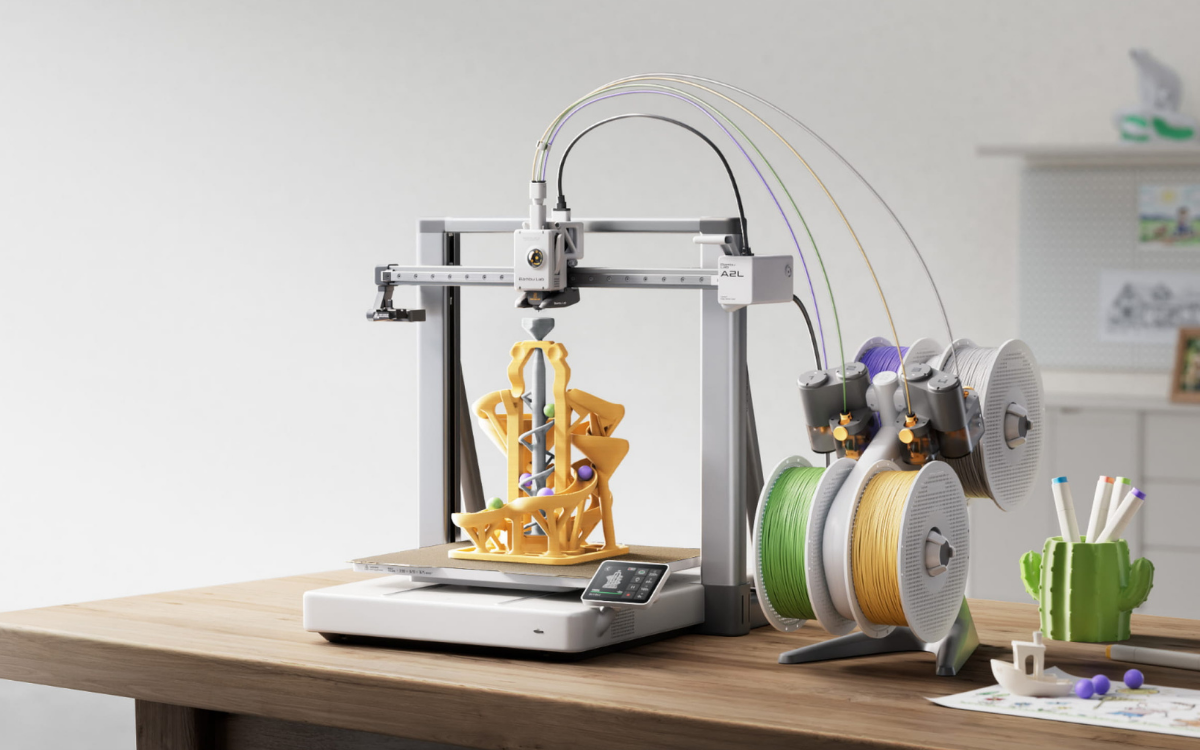
The Bambu Lab A2L focuses on build volume and flexibility. Its 330 x 320 x 325mm print area is much larger than the X2D’s volume. You can print large helmets, props, organizers, and batches of smaller products without splitting models into multiple sections.
The A2L supports AMS systems for multicolor and multi-material printing. It also supports optional cutting and drawing modules. Those accessories allow you to cut paper, vinyl, leather, and other materials or draw with compatible pens.
The printer costs $469. The A2L Combo costs $569 and includes an AMS lite system. The machine supports PLA, PETG, TPU, PVA, and some carbon-fiber materials. It does not offer the same high-temperature material support as the X2D or the Creality K2 Pro.
The A2L fits you well if you need a large print area at a reasonable price. It also suits you if you run a small shop that sells custom decorations, household products, cosplay items, and other consumer-focused goods.
3. Creality K2
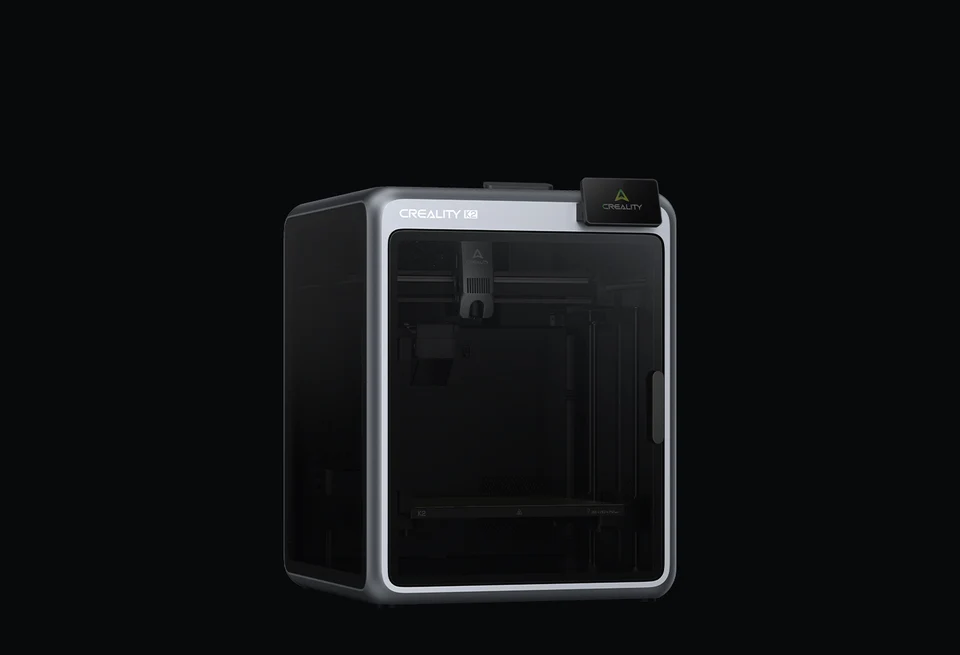
The Creality K2 provides a compact CoreXY design with a 260 x 260 x 260mm build volume. It supports print speeds of up to 600mm/s and includes automatic leveling, a direct-drive extruder, filament monitoring, power-loss recovery, and print-failure detection.
The K2 Combo includes one CFS unit for multicolor printing. Creality says you can connect up to four CFS units for a total of 16 colors. The system also supports automatic filament feeding and relay functions.
The printer costs $399, which makes it one of the least expensive options in this comparison. The standard K2 supports PLA, PETG, and some PLA-CF materials. It lacks the active chamber heater found in the K2 Pro, so it is less suitable for demanding ABS, ASA, and other engineering filaments.
The K2 Combo is a practical choice if you want fast printing, an enclosed frame, and multicolor capability without paying a premium price.
4. Creality K2 Pro
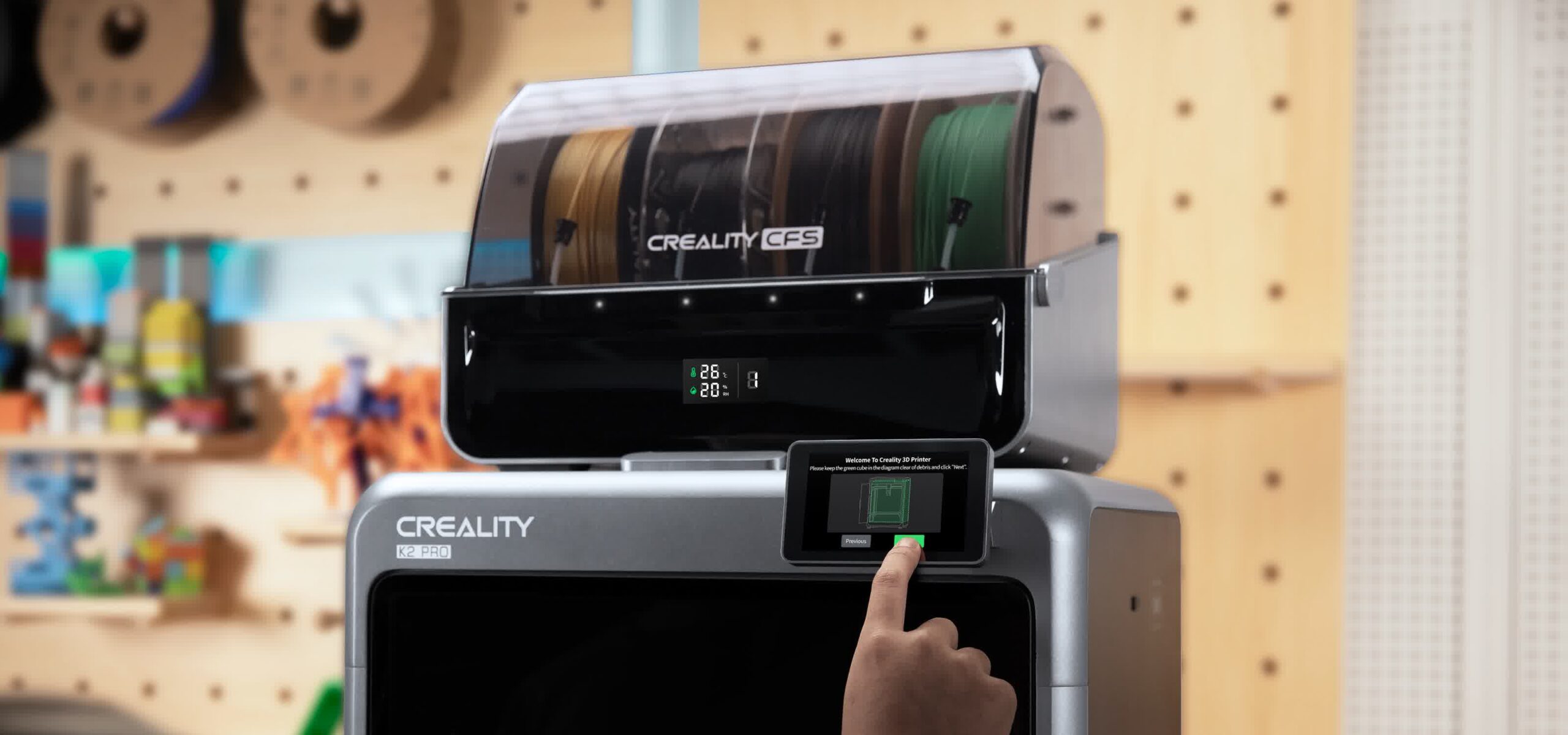
The Creality K2 Pro adds several features for business and engineering use. It has a 300 x 300 x 300mm build volume, a 60-degree actively heated chamber, a 300-degree Celsius nozzle, and a hardened-steel extrusion system.
The printer supports materials such as ABS, ASA, PLA-CF, PA-CF, and PPA-CF. It also includes dual AI cameras, automatic leveling, flow calibration, Ethernet, 32GB of storage, and compatibility with up to four CFS units.
The K2 Pro Combo costs $799. It offers more material flexibility and a larger print area than the standard K2. You can use it for prototypes, cosplay parts, functional components, and short production runs.
The K2 Pro makes sense if you need an enclosed printer but do not want to spend more than $1,000. Its larger footprint and higher power requirements may create challenges if you have a smaller workspace.
5. Prusa CORE One+ Gen 2
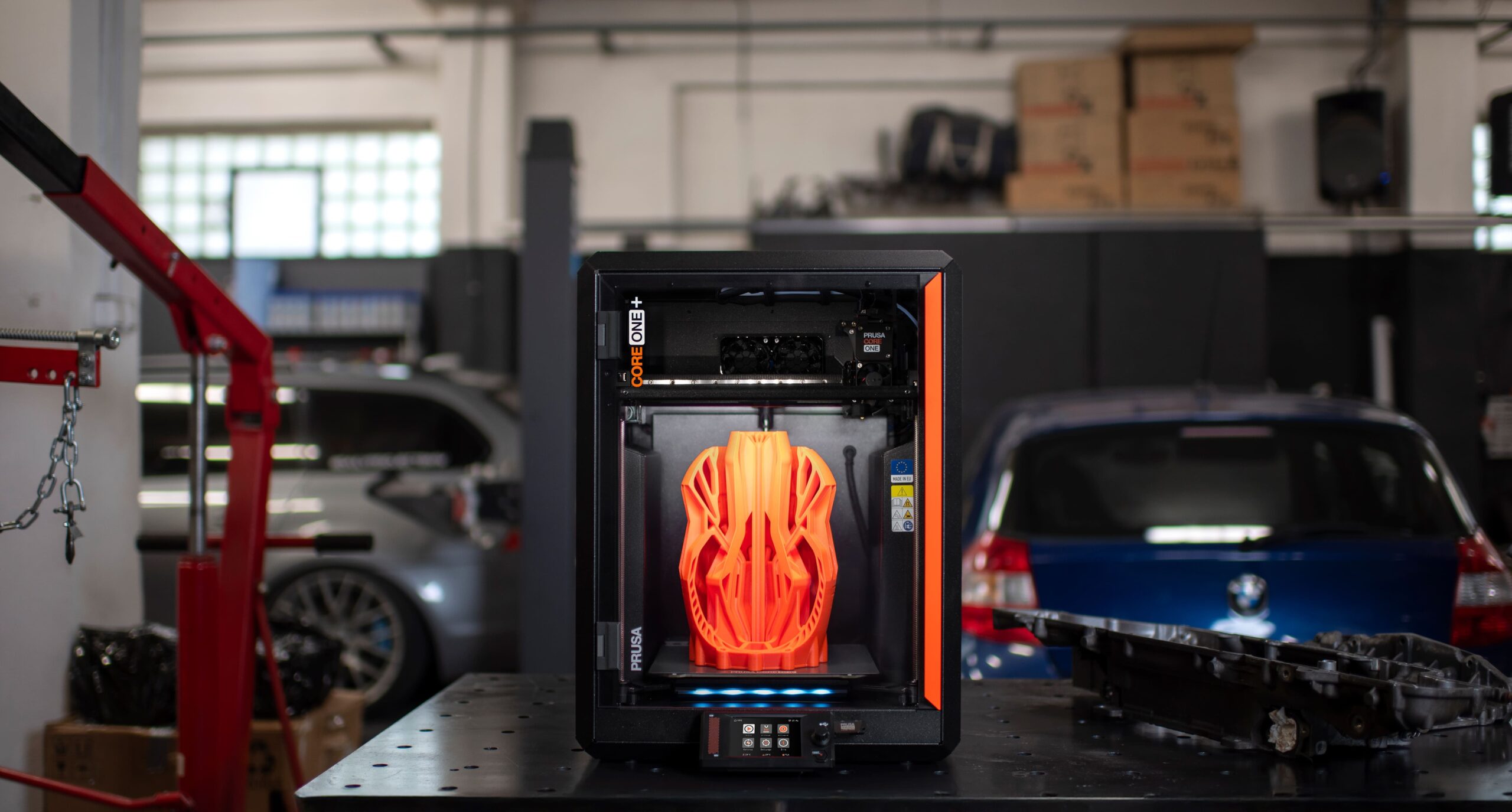
The Prusa CORE One+ takes a different approach. It focuses on repairability, documentation, long-term support, and consistent print quality. The assembly kit costs $999, while the assembled version costs $1,299.
The printer has a 250 x 220 x 270mm build volume and a 55-degree heated chamber. It supports PLA, PETG, TPU, PVA, polycarbonate, nylon, ABS, ASA, and other materials. It also includes automatic first-layer calibration, a direct-drive extruder, a removable PEI spring-steel sheet, and support for Prusa’s MMU3 and INDX multicolor systems.
The kit takes about 12 hours to assemble. That process requires more time than the mostly preassembled machines in this list, but it also gives you a better understanding of the printer’s components.
The CORE One+ suits you if you value serviceability and long-term ownership. It is also a good choice if you prefer an open and well-documented hardware ecosystem.
6. Elegoo Saturn 4 Ultra 16K
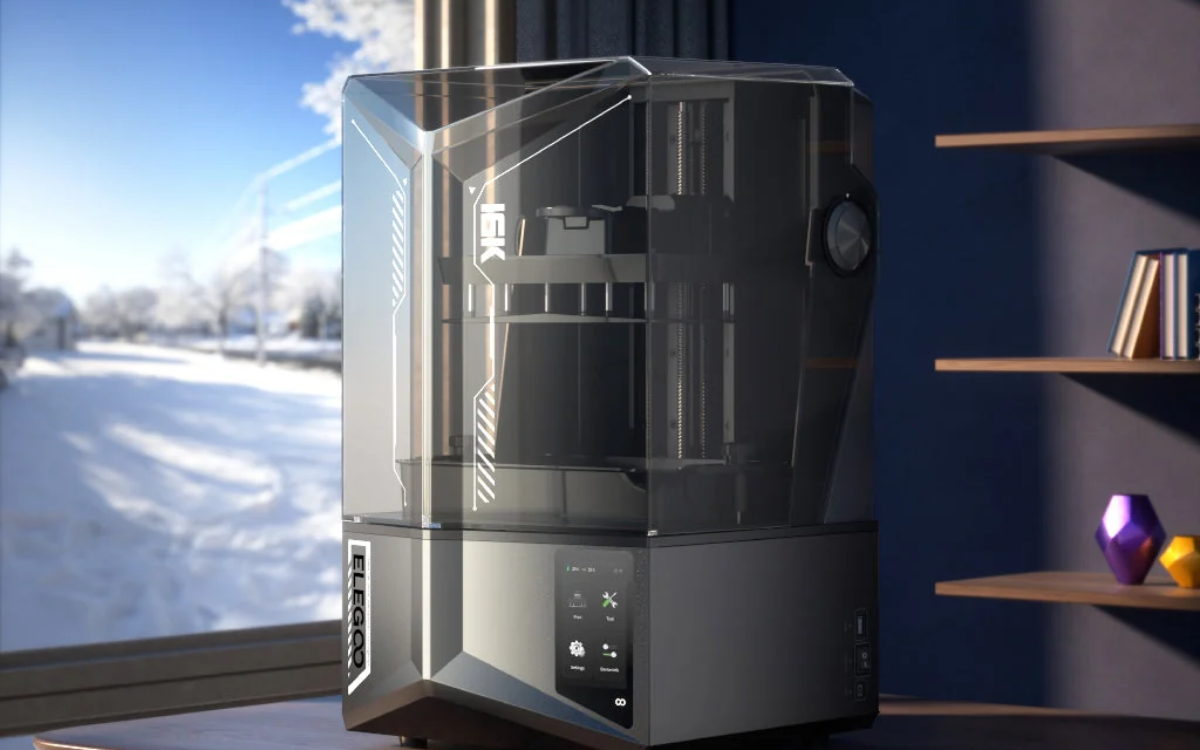
The Elegoo Saturn 4 Ultra 16K is the only resin printer in this comparison. It targets you if you need extremely fine detail for miniatures, figurines, jewelry designs, and collectible models.
The printer uses a 10-inch 16K monochrome LCD with a 14 x 19-micron XY resolution. Its build volume measures 211.68 x 118.37 x 220mm. It also includes automatic leveling, tank heating, tilt-release technology, residue detection, an AI camera, and a maximum print speed of 150mm per hour.
The Saturn 4 Ultra 16K costs $499 at the listed sale price. Resin printing produces more detailed results than most filament printers, but it requires additional equipment and safety procedures. You need gloves, cleaning fluid, a curing station, and a well-ventilated workspace.
This printer is an excellent choice if you want detailed models. It is not the best option if you need large functional parts or a low-maintenance workflow.
7. Anycubic Kobra S1 Max
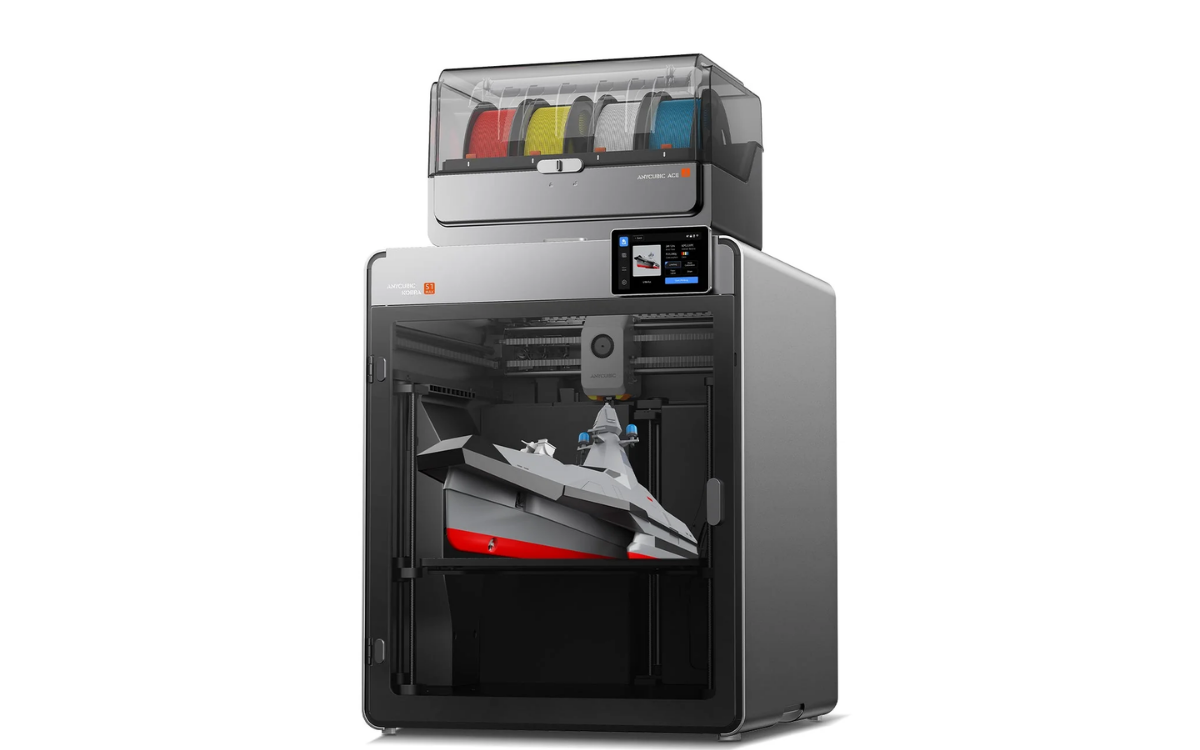
The Anycubic Kobra S1 Max Combo targets large-format printing. Its 350 x 350 x 350mm build volume can handle full-size helmets, large props, footwear, prototypes, and production batches.
The printer features a fully enclosed CoreXY design, a 350-degree Celsius hotend, a 65-degree heated chamber, and a 120-degree heated bed. It supports materials such as ABS, ASA, polycarbonate, nylon, PA6-CF, PET-CF, and other engineering filaments.
The included ACE 2 Pro system supports four-color printing. You can add more ACE 2 Pro units to reach up to 16 colors. The system also provides filament drying, automatic refill, filament identification, and moisture control.
The Kobra S1 Max Combo costs $899. It is a strong option if you need large parts or frequent batch production. You should plan for its large physical footprint and 25.7kg machine weight.
8. Flashforge Adventurer 5M Pro
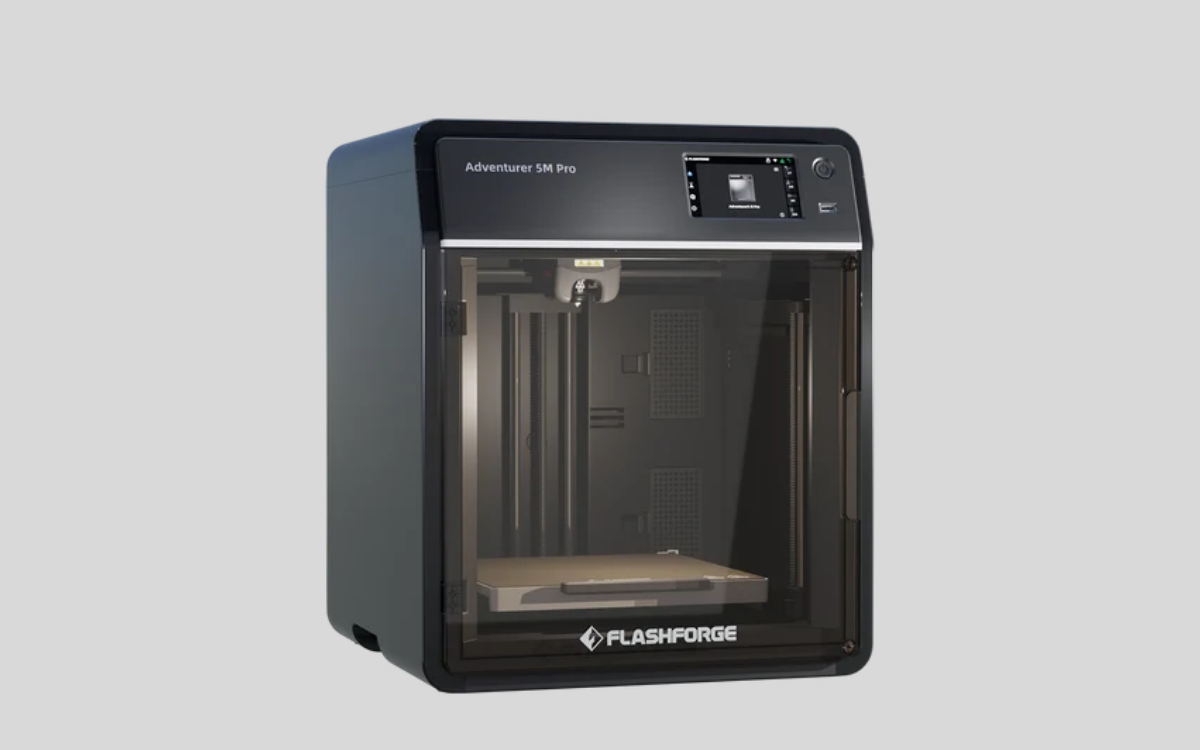
The Flashforge Adventurer 5M Pro offers a simpler experience. It has a 220 x 220 x 220mm build volume, an enclosed CoreXY frame, automatic leveling, a built-in camera, and HEPA and activated-carbon filtration.
The printer reaches speeds of up to 600mm/s and supports PLA, PETG, ABS, ASA, TPU, PLA-CF, and PETG-CF with the proper nozzle. It arrives about 95% assembled, so you can begin printing after a short setup process.
The Adventurer 5M Pro costs $449 at the listed sale price. It is a good fit if you run a classroom, work from a home office, operate a small studio, or need a dependable general-purpose printer.
For more daily updates, please visit our News Section.
Stay ahead in tech! Join our Telegram community and sign up for our daily newsletter of top stories!