
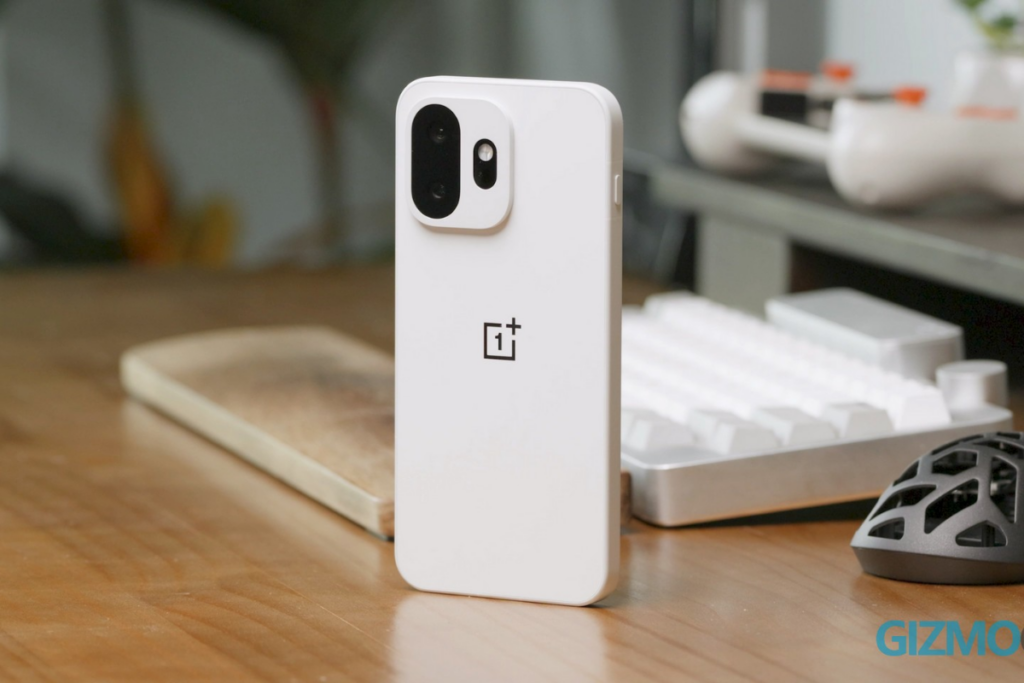
Android devices and PCs have some cross-connectivity capabilities, but there’s still a lot of work to do. Microsoft has been making some progress through features like Phone Link that lets users take phone calls using their PC and perform some actions on their phone without touching it. Meanwhile, Android brands are stepping up to bridge this gap even further.
OnePlus is rolling out a new update that allows users to automatically unlock their computers with compatible mobile phones and tablets. This new “Automatically unlock when connected” feature comes with the November update. The firmware version to look out for is C20P01(BRB1EX01) on supported phones and C20P01(BRB3EX01) on supported tablets.
According to the official changelog, the “Automatically unlock when connected” feature lets you automatically unlock your PC while it’s remotely connected to your phone using a saved password. To enable this feature, tap the More icon on the floating ball during a remote connection, tap “Unlock PC” and turn on “Automatically unlock when connected.”
In an announcement post on the official community, OnePlus has mentioned that the feature will be rolled out to phones and tablets running OxygenOS 16 or above.
Here’s the list of eligible devices:
- OnePlus Open
- OnePlus 15 series
- OnePlus 13 series
- OnePlus 12 series
- OnePlus 11 series
- OnePlus 10 Pro
- OnePlus Nord 6
- OnePlus Nord CE6 series
- OnePlus Nord 5
- OnePlus Nord CE5
- OnePlus Nord 4
- OnePlus Nord CE4 series
- OnePlus Nord 3
- OnePlus N6x
- OnePlus Pad 4 / OnePlus Pad 3 / OnePlus Pad 2 / OnePlus Pad
- OnePlus Pad Go 2
OnePlus started rolling out the update on October 27, but it’s rolling out in stages. That means it can take a while to reach all the devices. If you still haven’t received the update, the wait shouldn’t be long, as OnePlus promises to update all eligible devices by around November 19, 2026.
Head over to the Settings app and go to System & Update > Software Update to manually check for the latest update if the update notification is yet to reach your OnePlus device.
This new auto-unlock feature would be helpful for plenty of people like me who need to unlock the computer dozens of times every single day. I would expect other Android brands to implement a similar feature, and work more aggressively towards a seamless cross-connectivity with PCs.
FREE DAILY NEWSLETTER
Joel Explains
What matters in phones and gadgets, before it reaches you. From Gizmochina’s editor-in-chief, every morning.
Join 1,500+ readers. One email a day, unsubscribe in one click.



Comments