As an Amazon Associate, Gizmochina earns from qualifying purchases. Links on this page may earn us a commission at no extra cost to you.
Sata hard drive docking station is one of those gadgets that may come handy if you have your old internal HDD disk or you want to use the new internal SSD (or HDD) disk as the external one. Orico has a solution that may help you do that. Find out more in a the full review.
UNBOXING
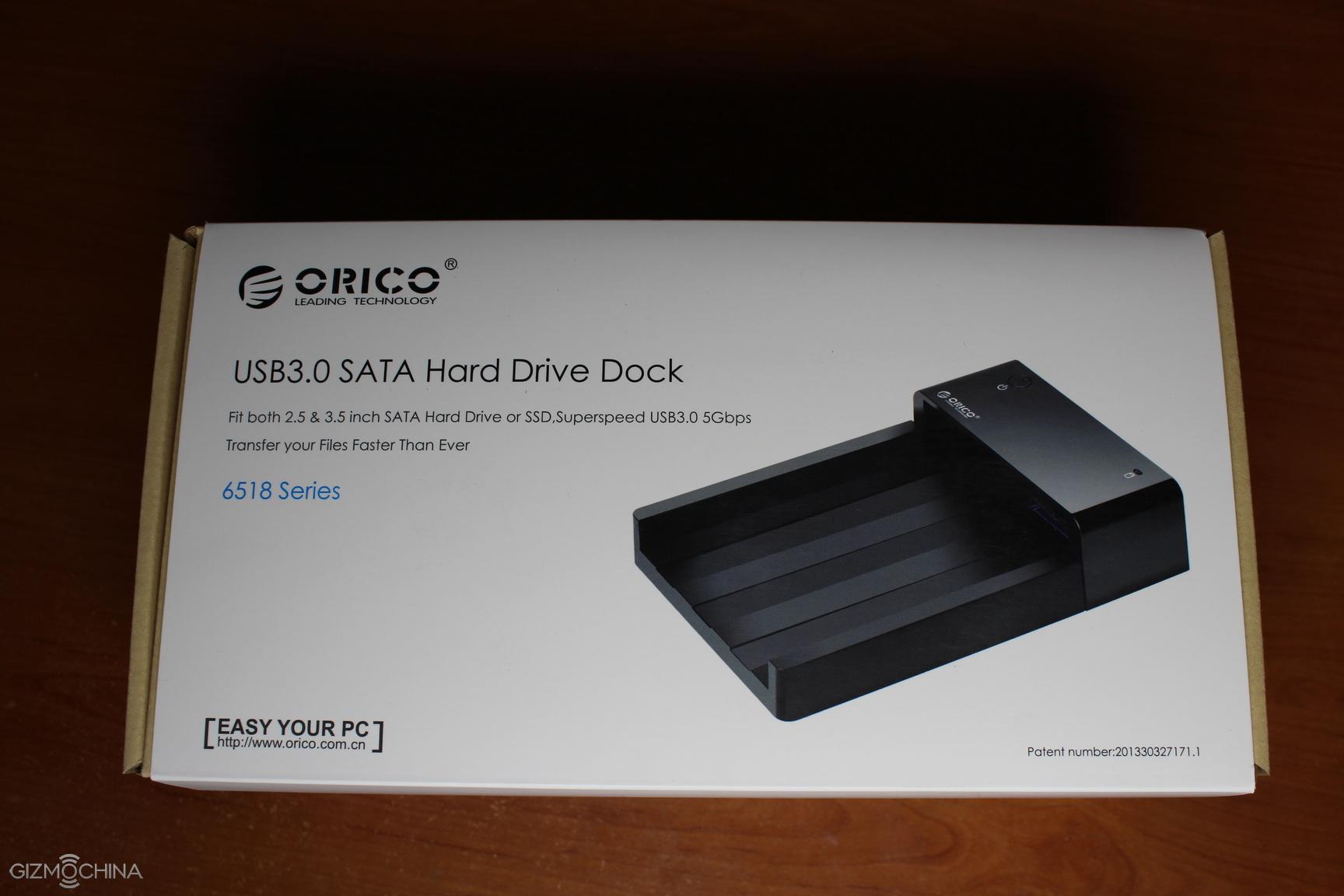
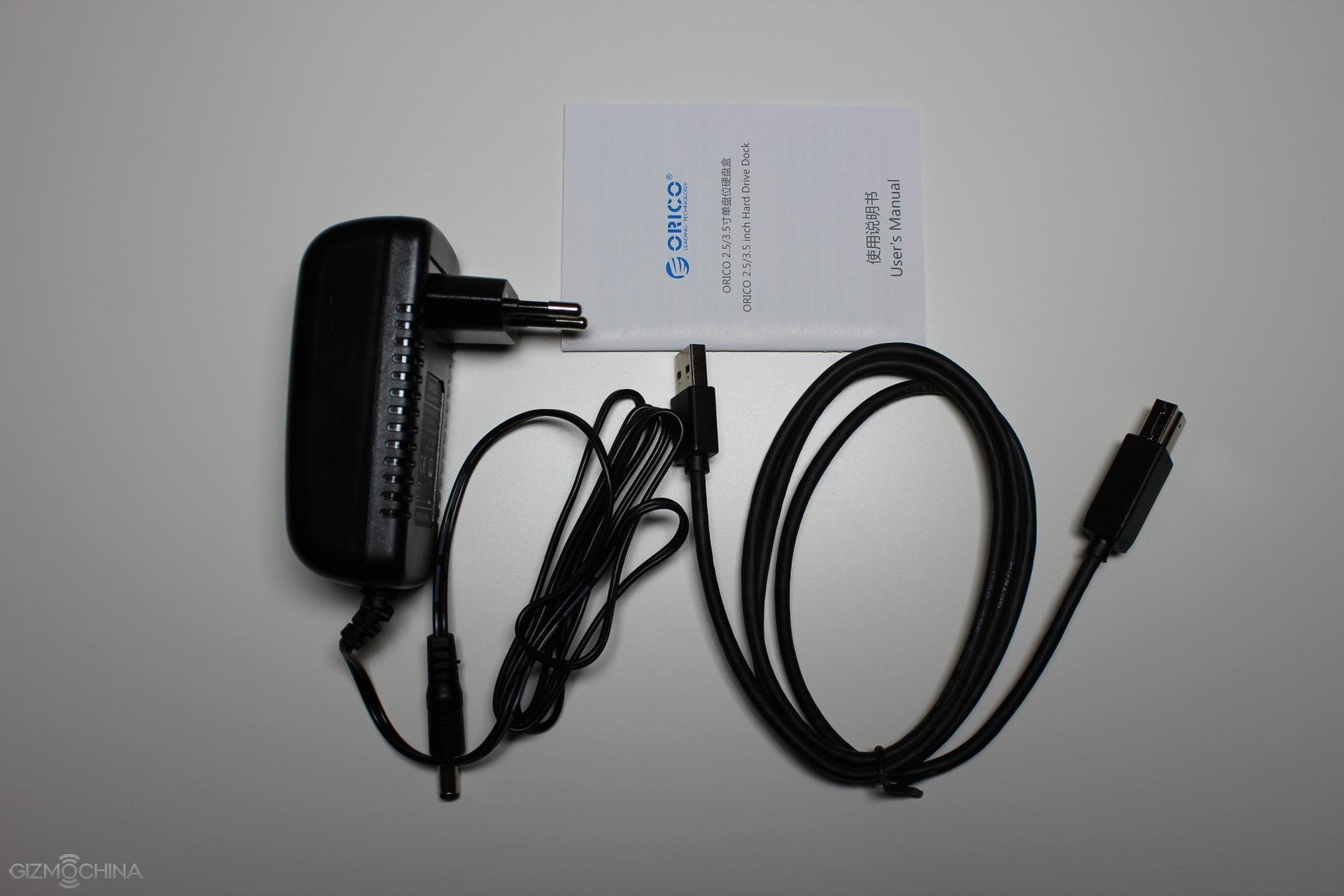
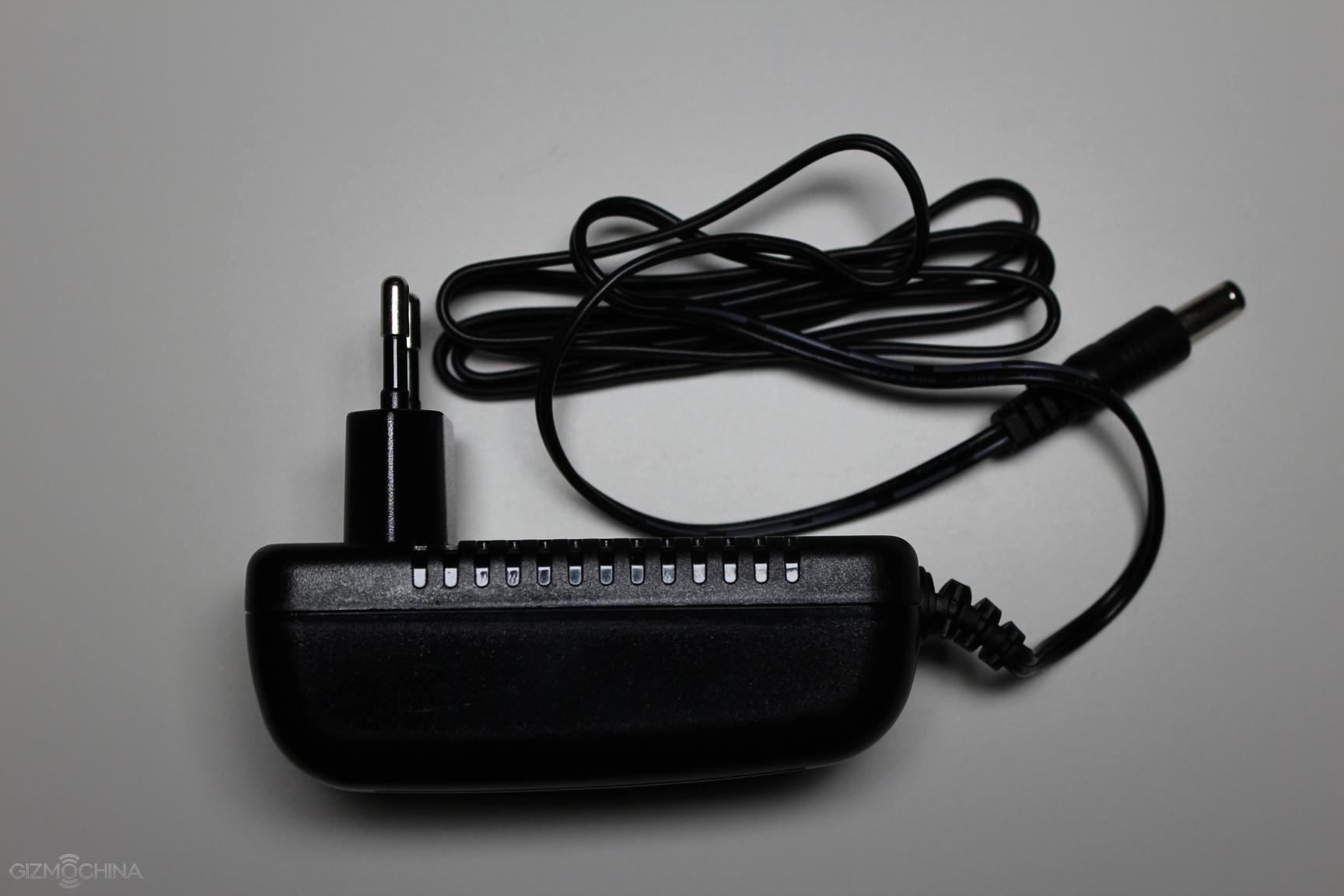
The docking station comes in a simple yet neat looking box and the contents include the docking station itself, a power cord, USB cable and instruction manuals.
DESIGN
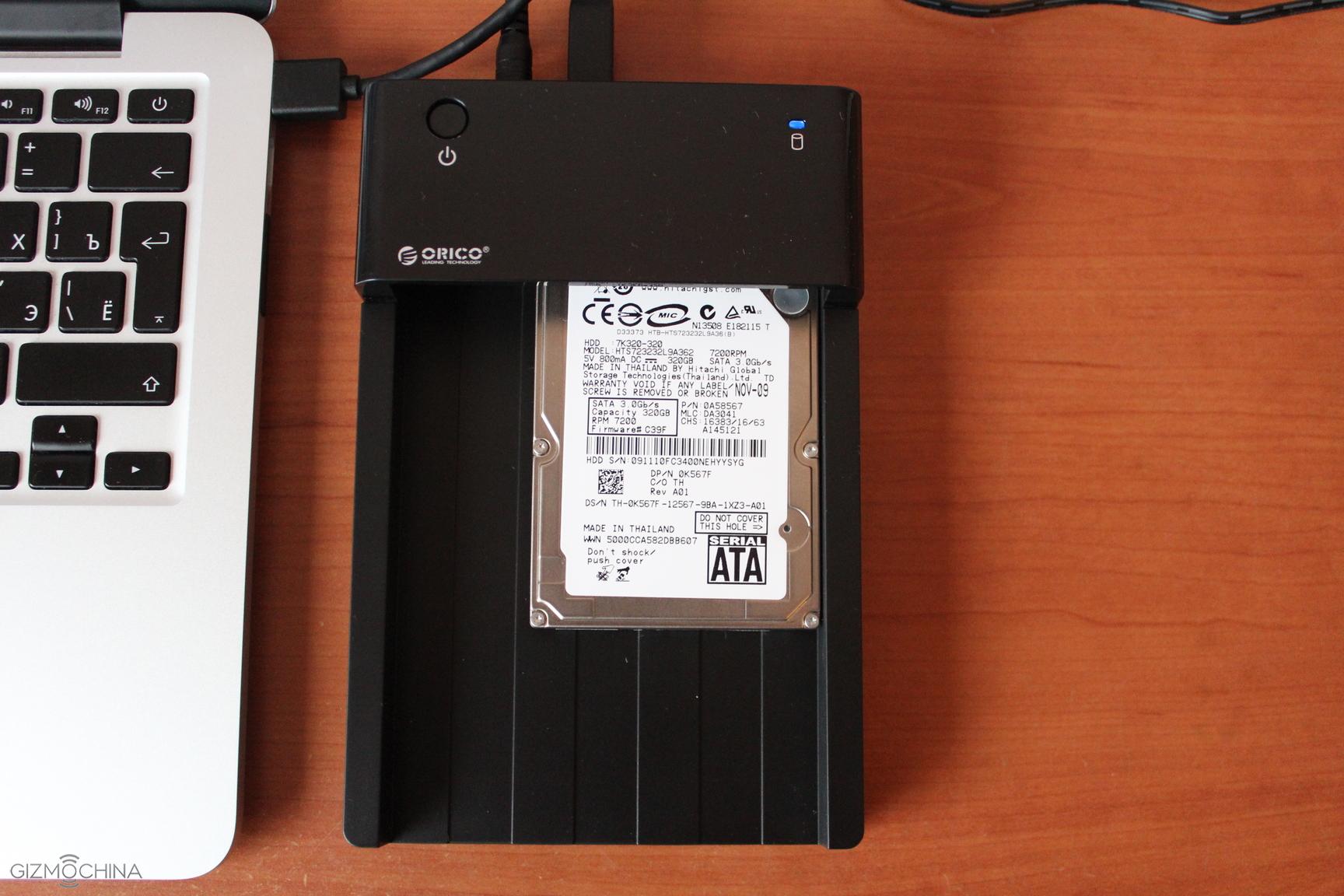
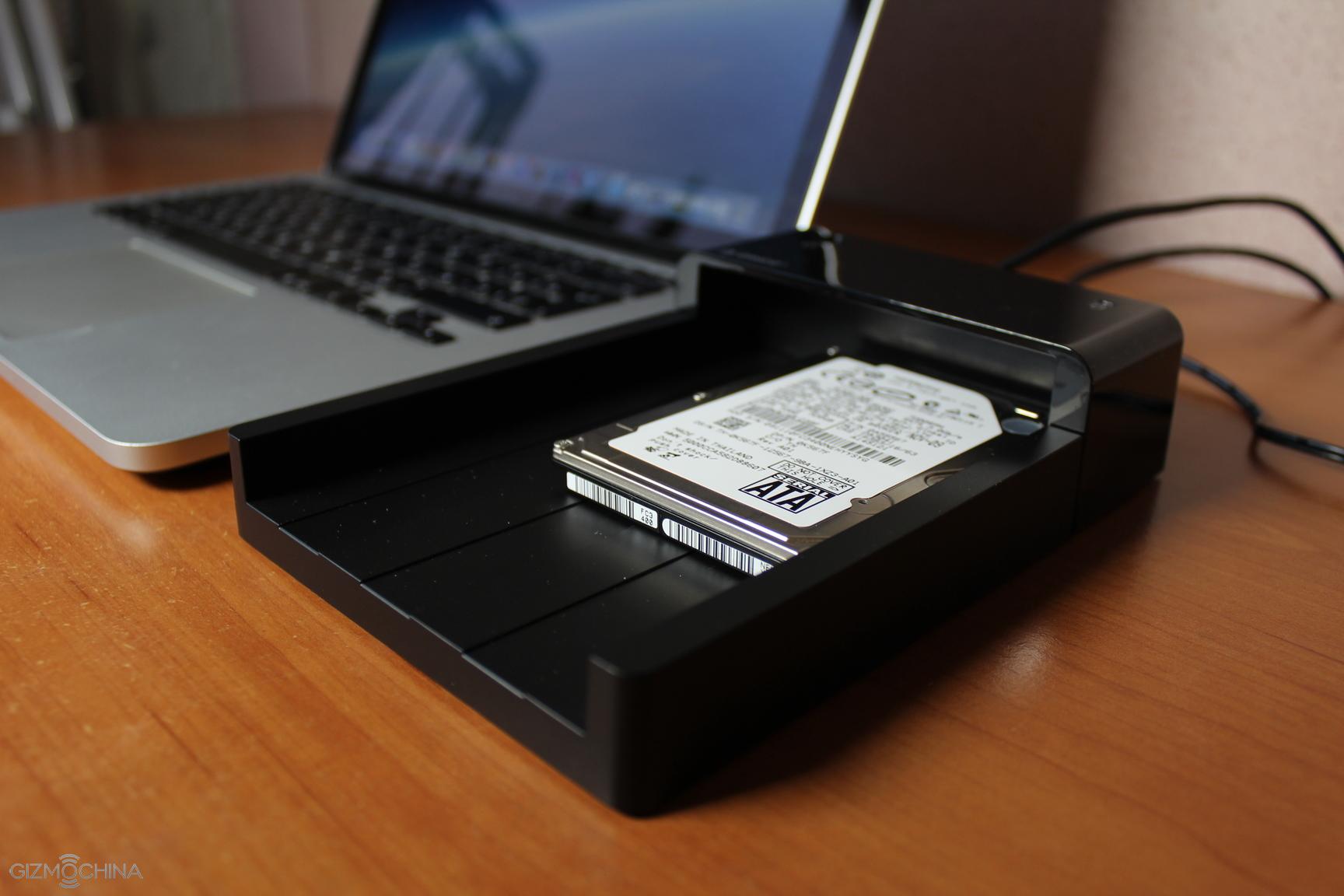
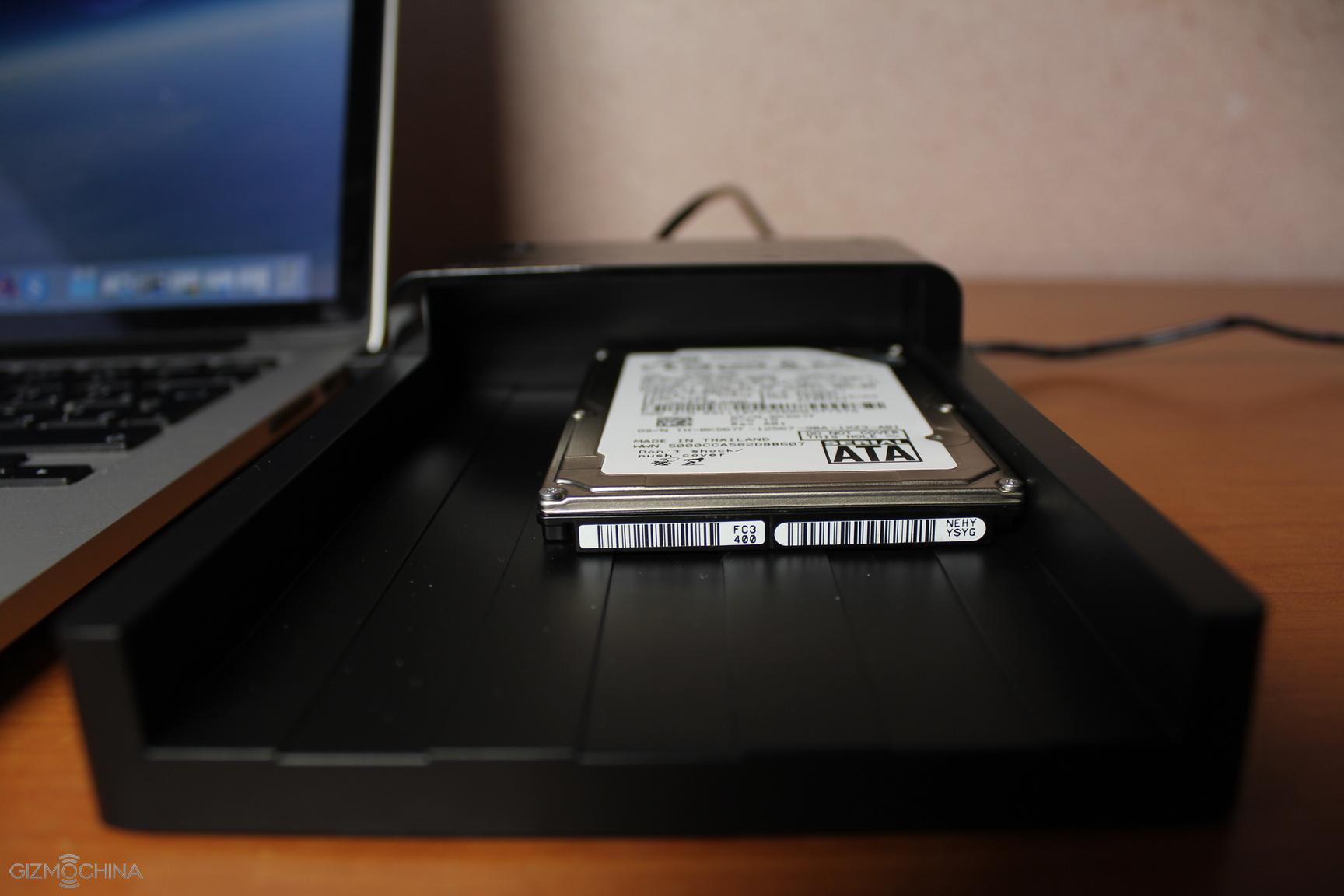
Orico docking station can take either 2.5″ or 3.5″ HDD or SSD disks. You can either insert a 2.5″ or 3.5″ disks, which is very convenient if you have lots of old disks lying around. What you have to do is simply slide the HDD drive into the mount and you are good to go. It is very easy to do it and even easier to remove the disk.
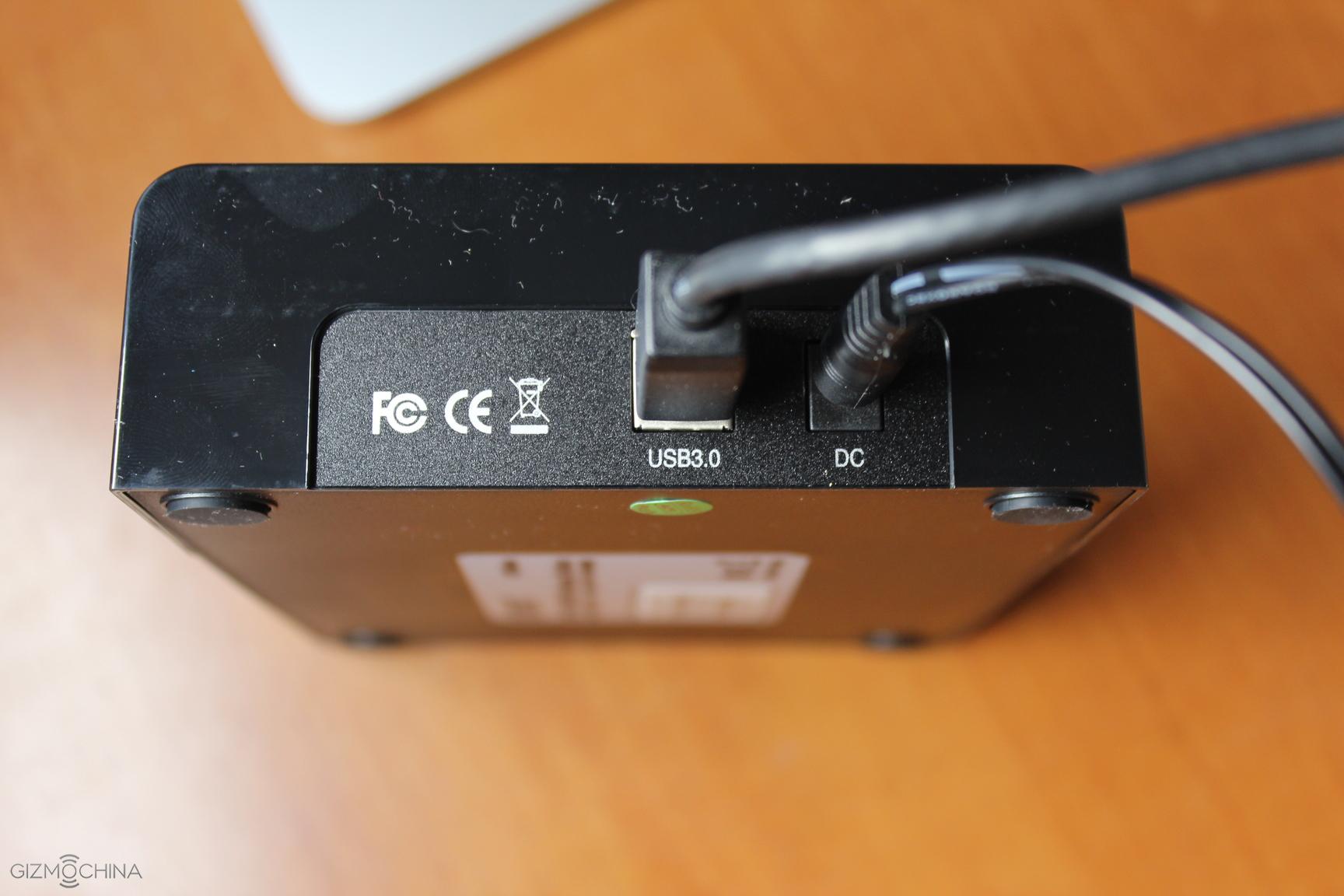
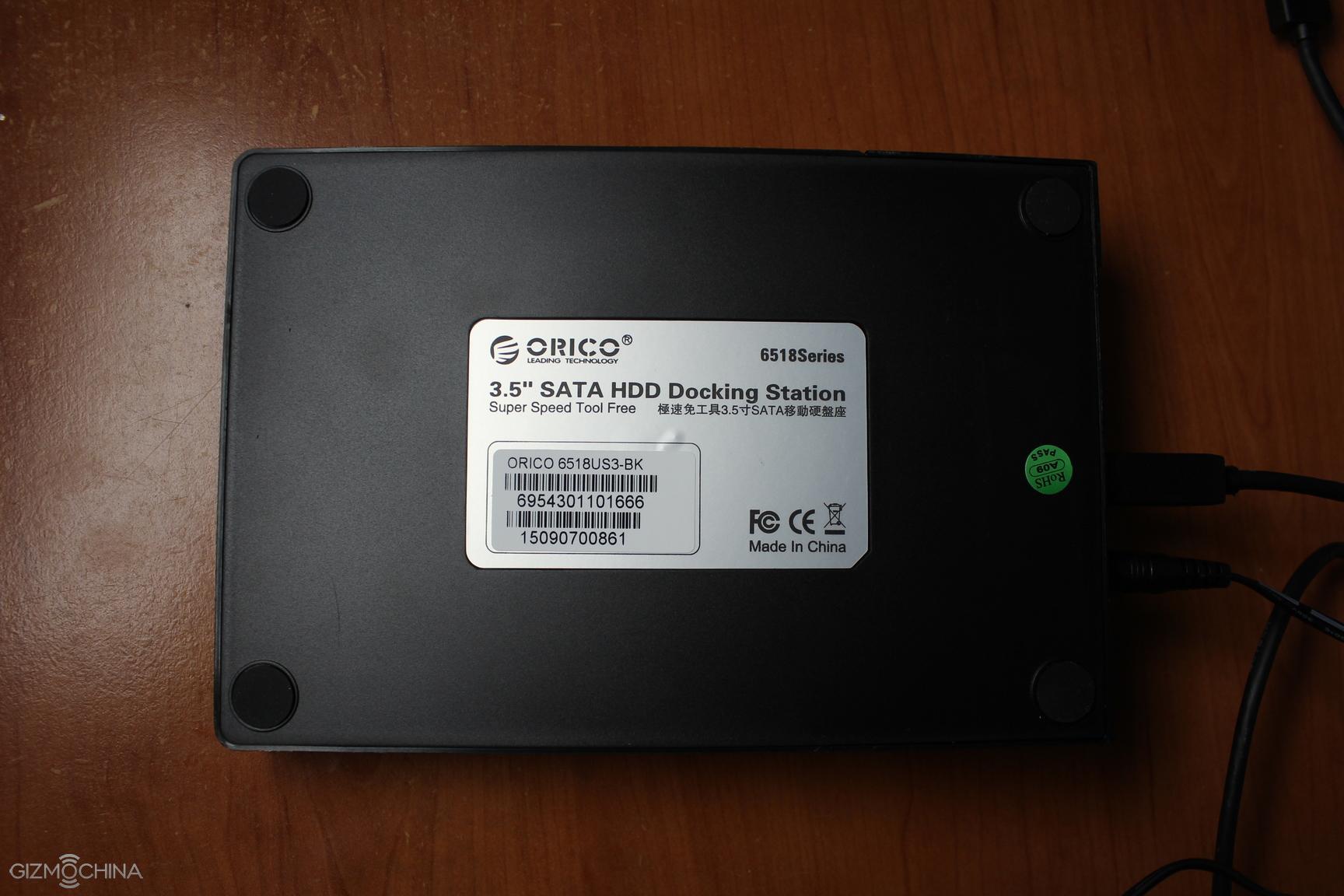
On the back we a USB 3.0 interface and DC power input.
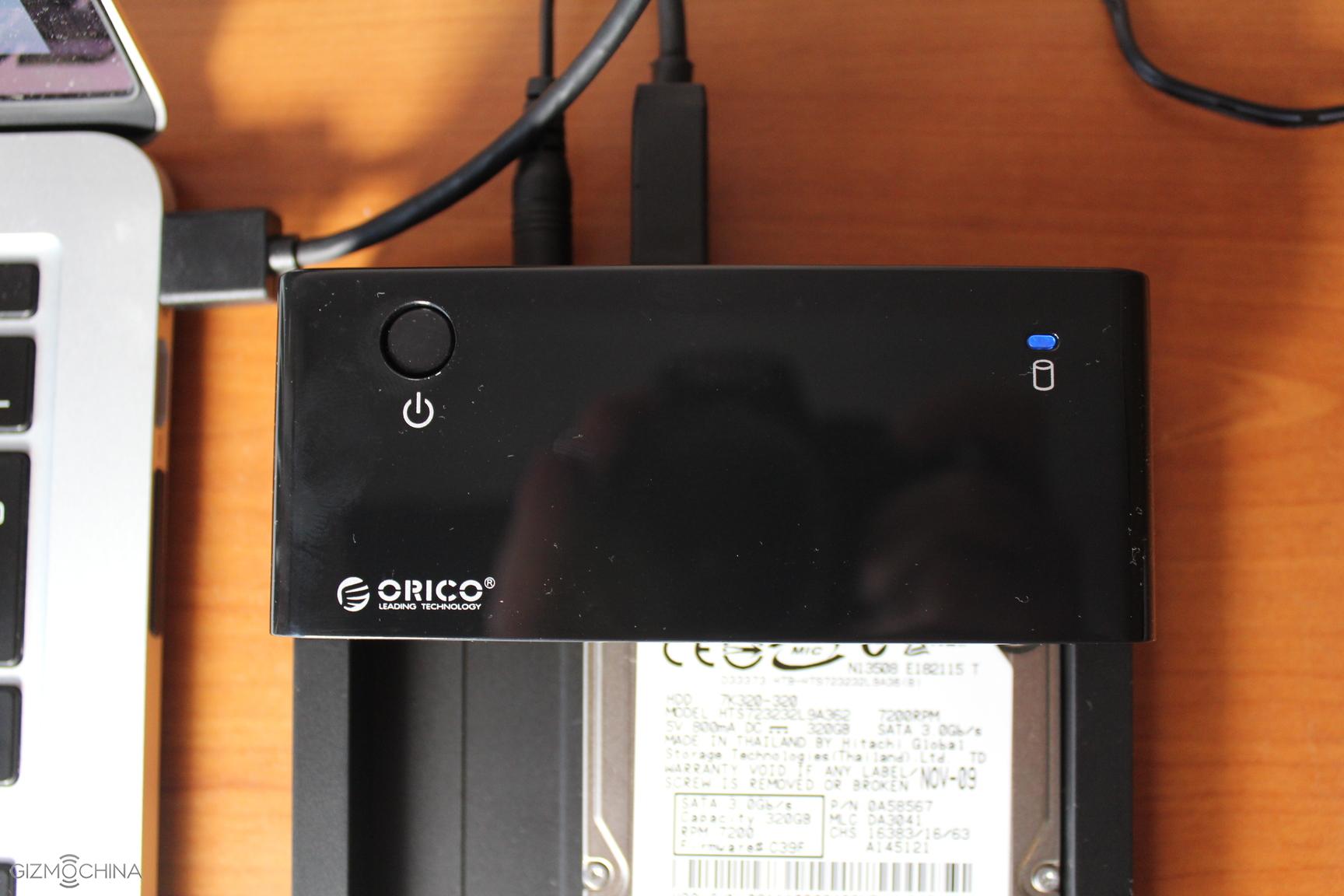
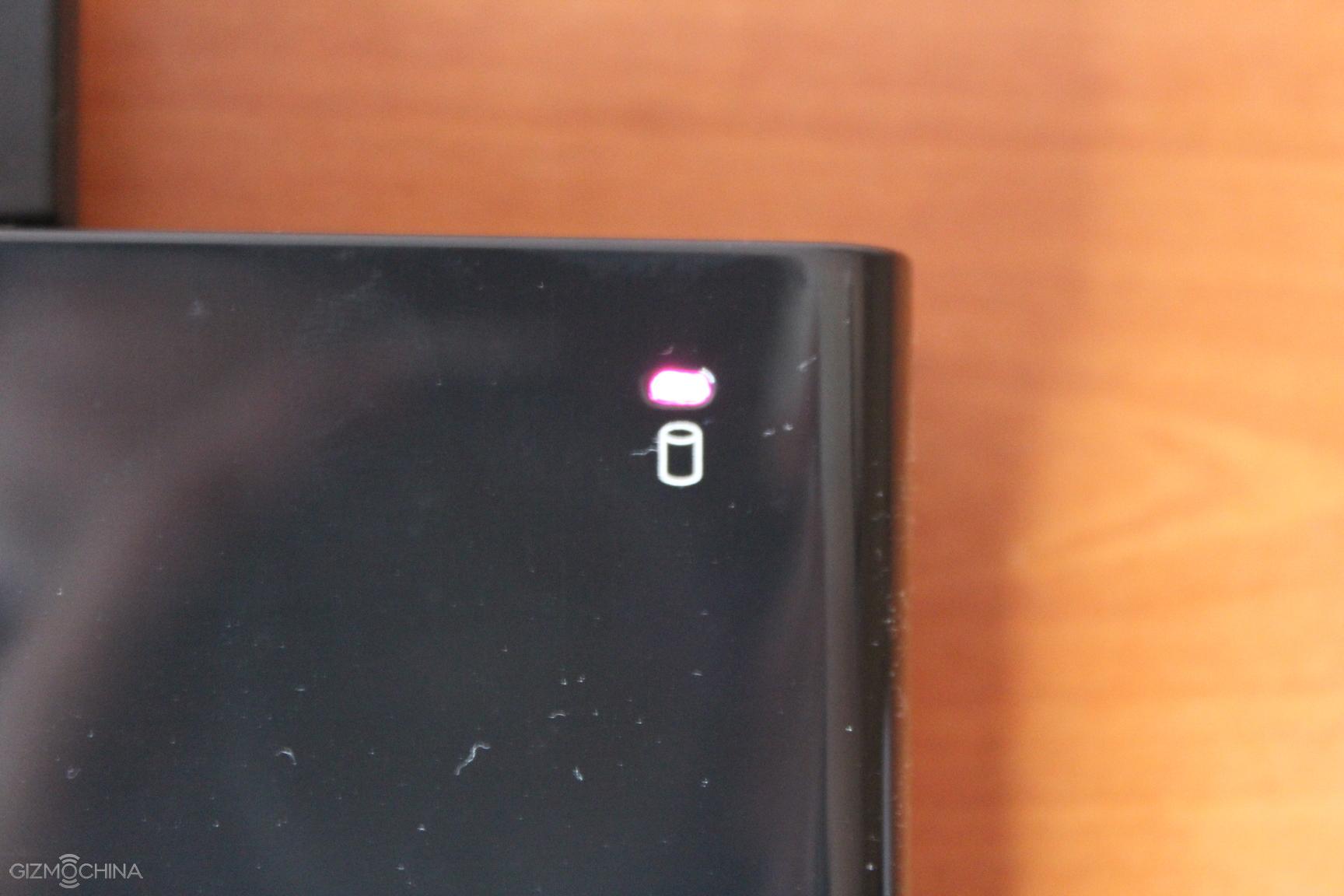
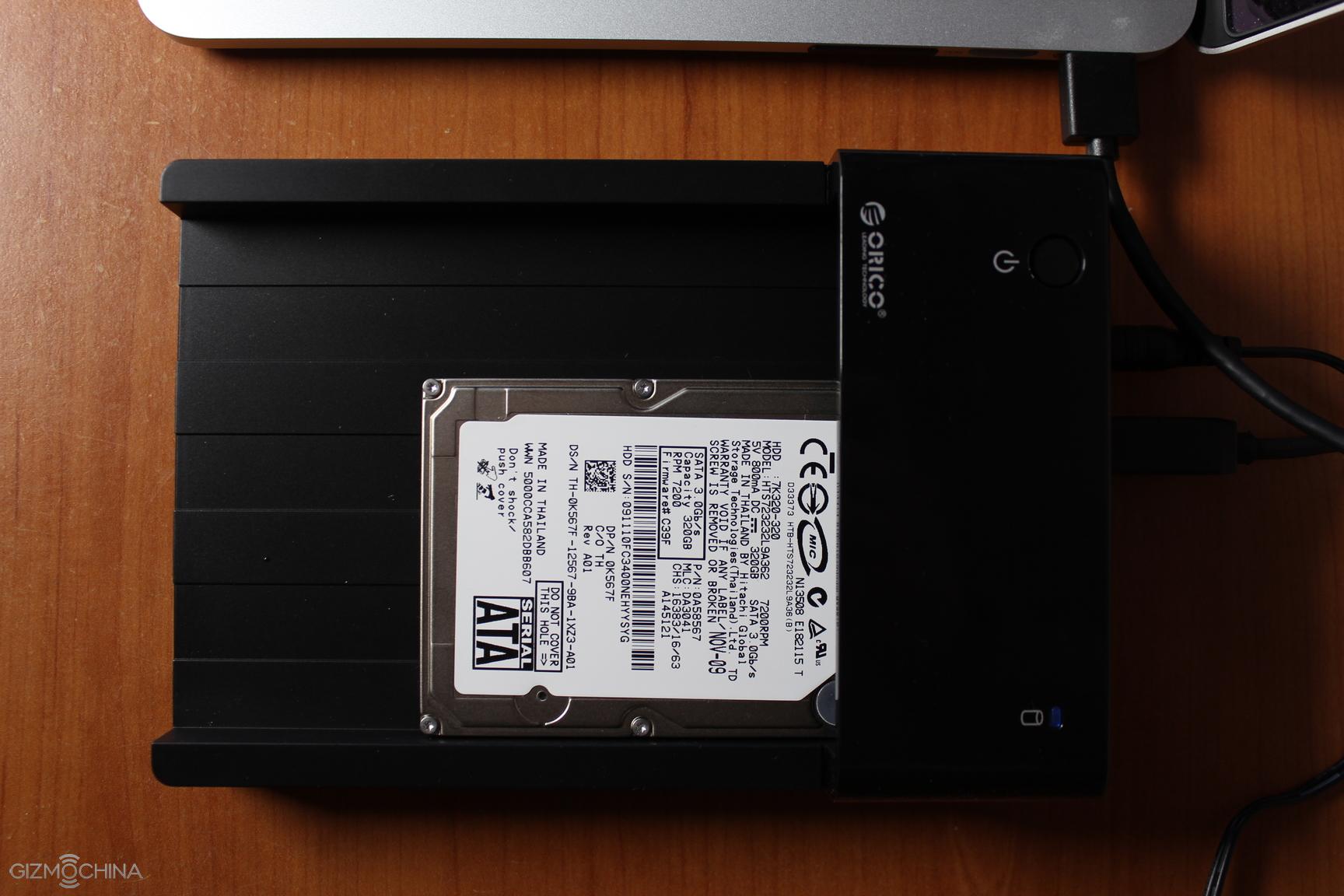
The top is made of glossy plastic and we are not huge fans of it since it attracts dust, fingerprints and smudges very easily. Here you can find a power button and the LED light.
It lights up purple once the docking station is powered on and turns blue once you insert your HDD disk.
On the bottom of the docking station there are soft pads to prevent the device from sliding on the table.
FEATURES and FUNCTIONALITY
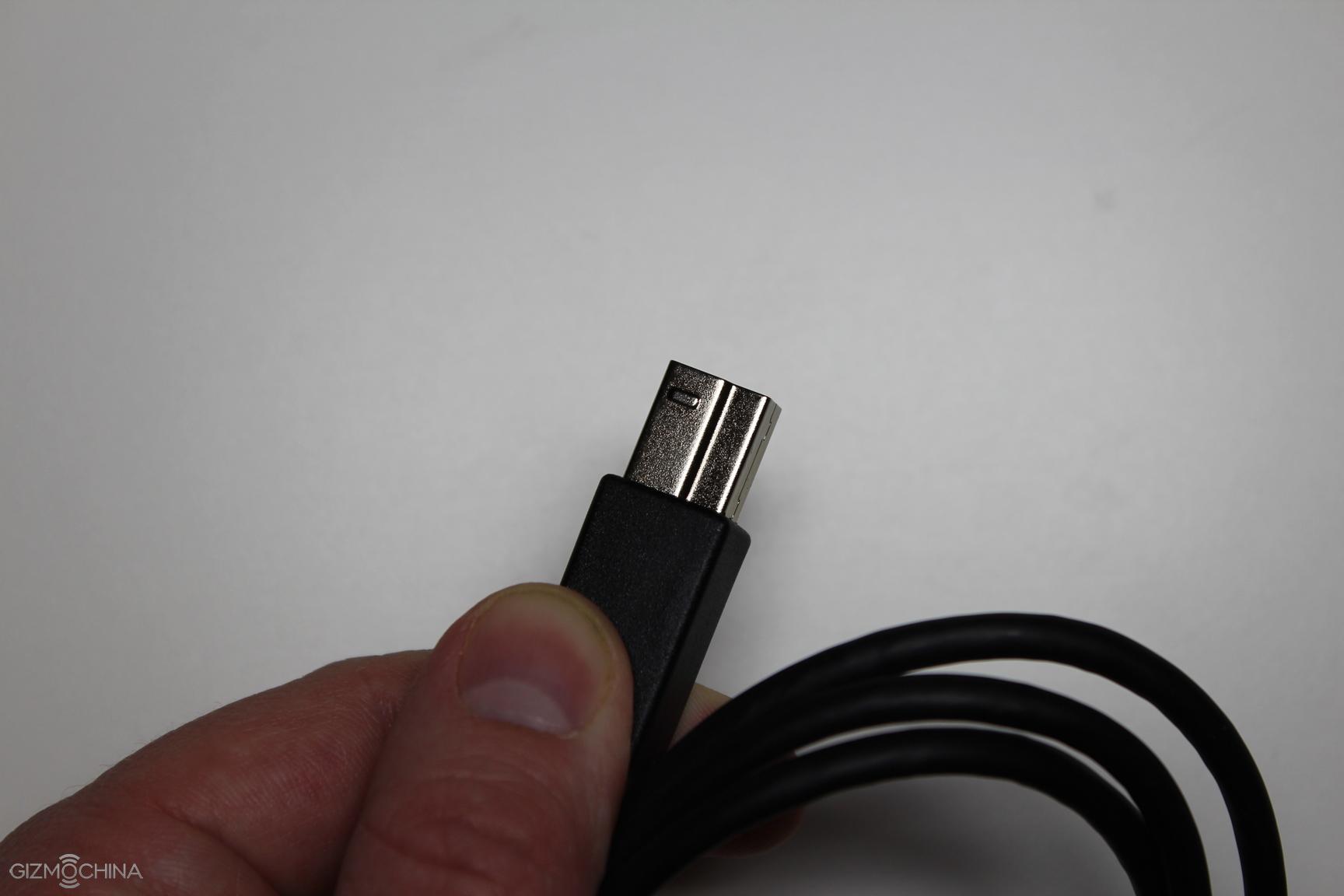
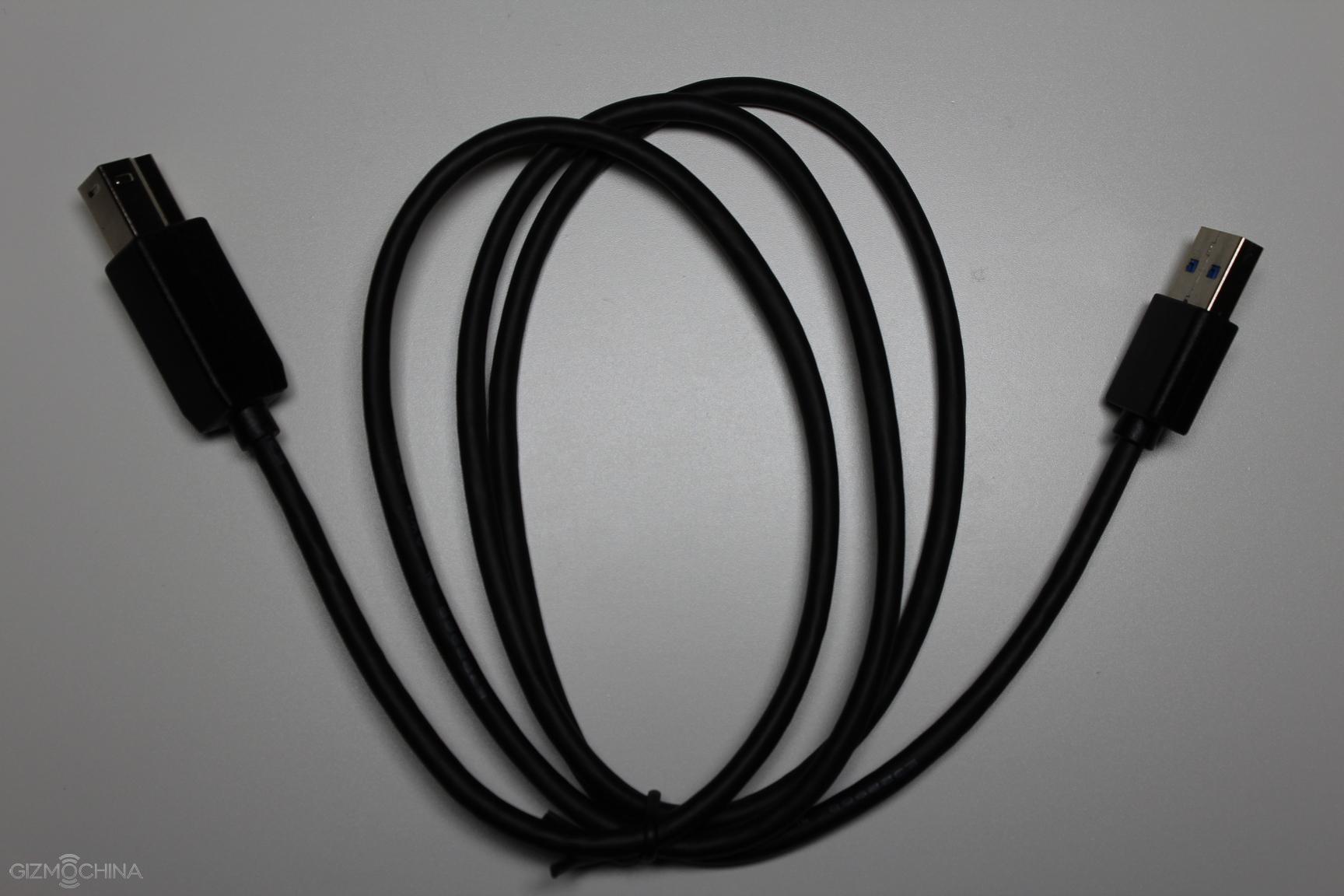
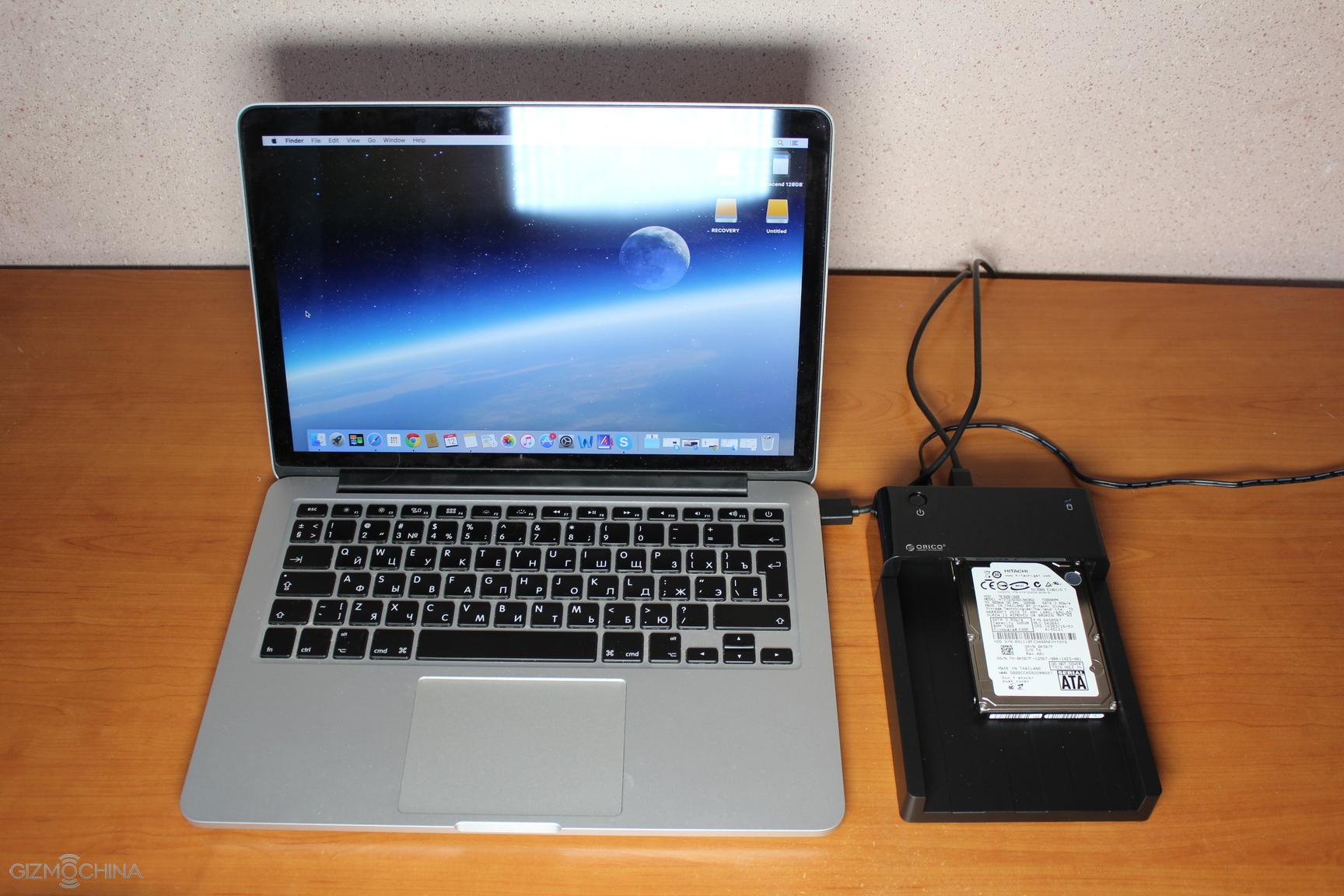
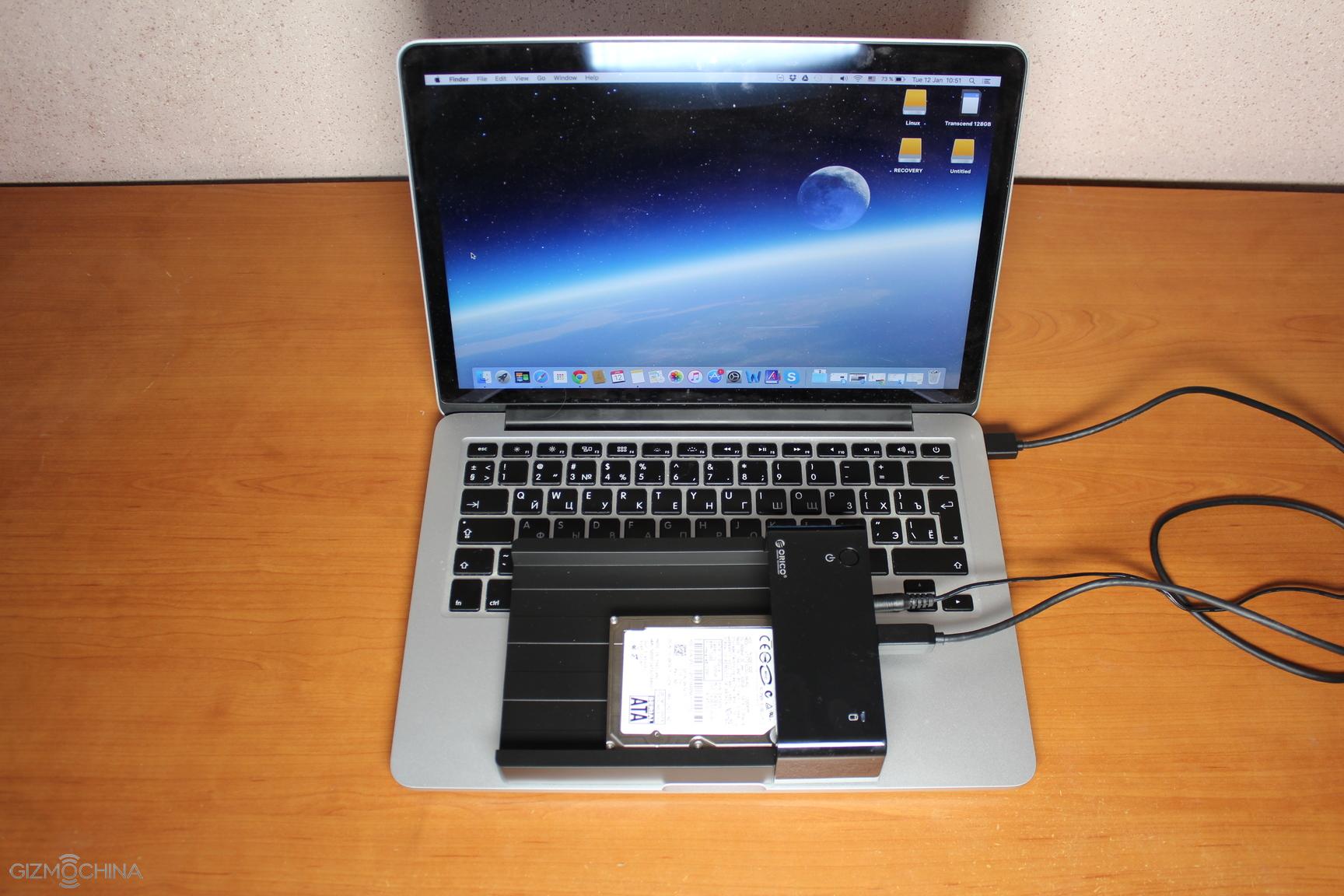
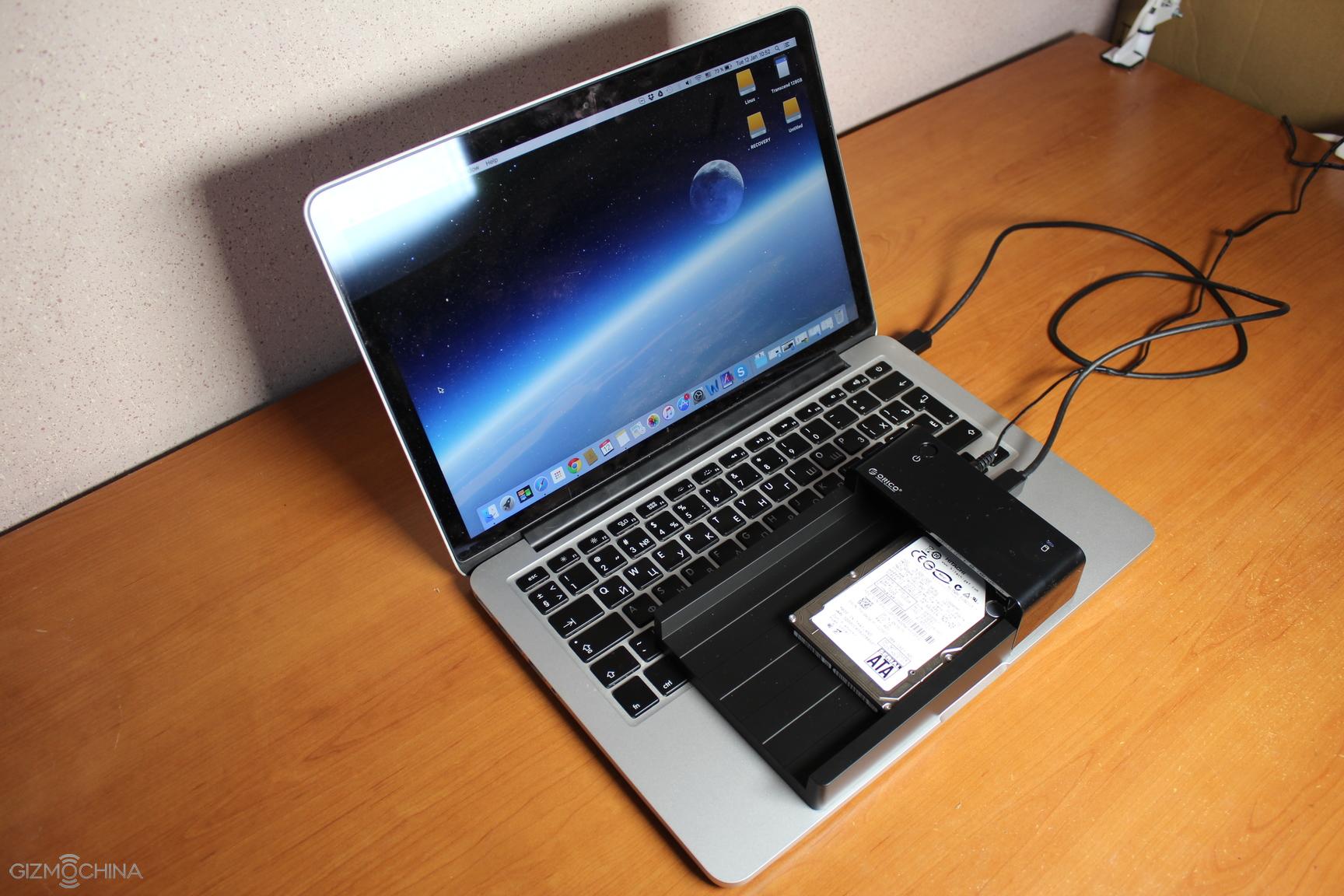
To start using the Orico docking station you have to connect it via USB 3.0 to your computer and power it up.
To be honest, this is a very old (made in 2009) HDD disk that I used in this review. It was lying around for quite a while and it was used in my old laptop, and I thought it was almost dead. The reason for this kind of thinking is that I replaced it with the SSD disk on my old laptop since it was working very slowly. Seriously, painfully slowly.
Once I connected the disk (320GB, SATA 3.0GB/s) to my MacBook I was pleasantly surprised that it was recognised within seconds. No drivers needed.
Another surprise was that the old HDD disk was a lot faster than using it inside the old laptop. As a matter of fact, it has become more than usable and I may start using it for backup files. All the folders and files are opening and closing fast, and the performance is great overall. Of course, it is not on par with any SSD disks but since I used this old HDD disk for 5 years on my old laptop, this is one the fastest performances of it I have seen.
CONCLUSIONS
Orico USB 3.0 SATA docking station is not something we haven’t seen before as there are plenty of other offerings out there but it offers a great quality and value.
For the price of $21.99, you are getting a well designed device that is sturdy, looks pretty nice but most importantly it performs as advertised.
All in all, it is very easy to recommend the Orico SuperSpeed USB 3.0 to SATA hard drive docking station and it is well worth the price.
We use cookies on our website to give you the most relevant experience by remembering your preferences and repeat visits. By clicking “Accept”, you consent to the use of ALL the cookies.
This website uses cookies to improve your experience while you navigate through the website. Out of these, the cookies that are categorized as necessary are stored on your browser as they are essential for the working of basic functionalities of the website. We also use third-party cookies that help us analyze and understand how you use this website. These cookies will be stored in your browser only with your consent. You also have the option to opt-out of these cookies. But opting out of some of these cookies may affect your browsing experience.
Necessary cookies are absolutely essential for the website to function properly. This category only includes cookies that ensures basic functionalities and security features of the website. These cookies do not store any personal information.
Any cookies that may not be particularly necessary for the website to function and is used specifically to collect user personal data via analytics, ads, other embedded contents are termed as non-necessary cookies. It is mandatory to procure user consent prior to running these cookies on your website.



Comments