
Add GIZMOCHINA as Preferred Source on Google
OnePlus has officially started rolling out the stable OxygenOS 10 based on Android 10 to OnePlus 7 and OnePlus 7 Pro. The company has released this stable version after two Open Beta builds that were rolled out earlier this month. The stable update brings a host of new Android 10 features alongside OxygenOS 10 features to the two recent OnePlus 7 devices that were launched back in May 2019. While the final Open Beta version was pretty good for daily use, a stable release ensures that this build is certified for daily usage.
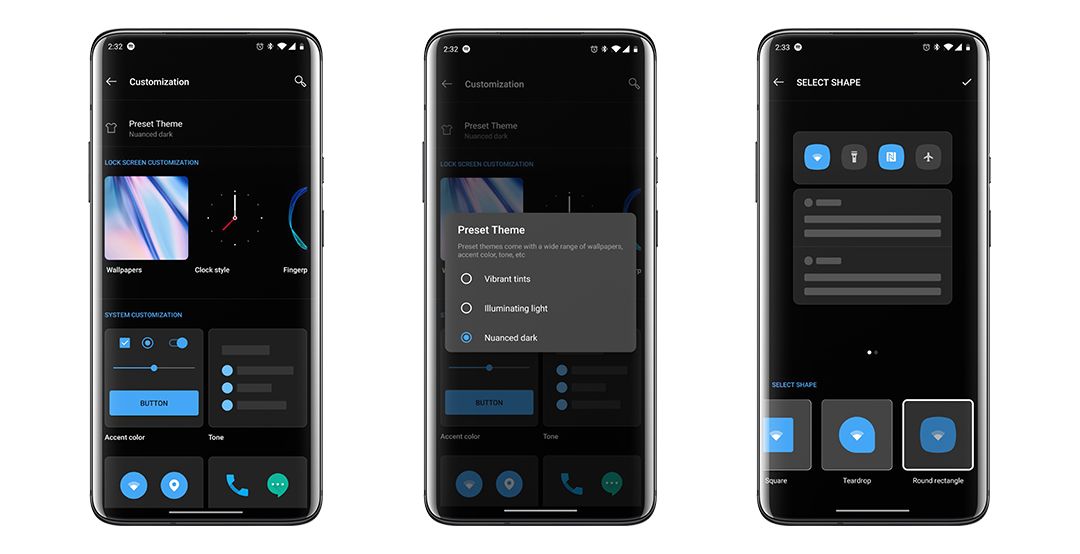
OnePlus is rolling out the OxygenOS 10 in a staged manner. The OTA will be sent to a limited number of users today and the company will check for any critical bugs. If everything works out fine, the OTA will be rolled out to a broader user base in the next few days. Note that the rollout isn’t pushed out geographically, instead, it is randomly sent out to a limited number of OnePlus 7 and 7 Pro users.
The OxygenOS 10 stable build brings features like notifications segregation, Wi-Fi sharing, a new game space, and a smarter ambient display.
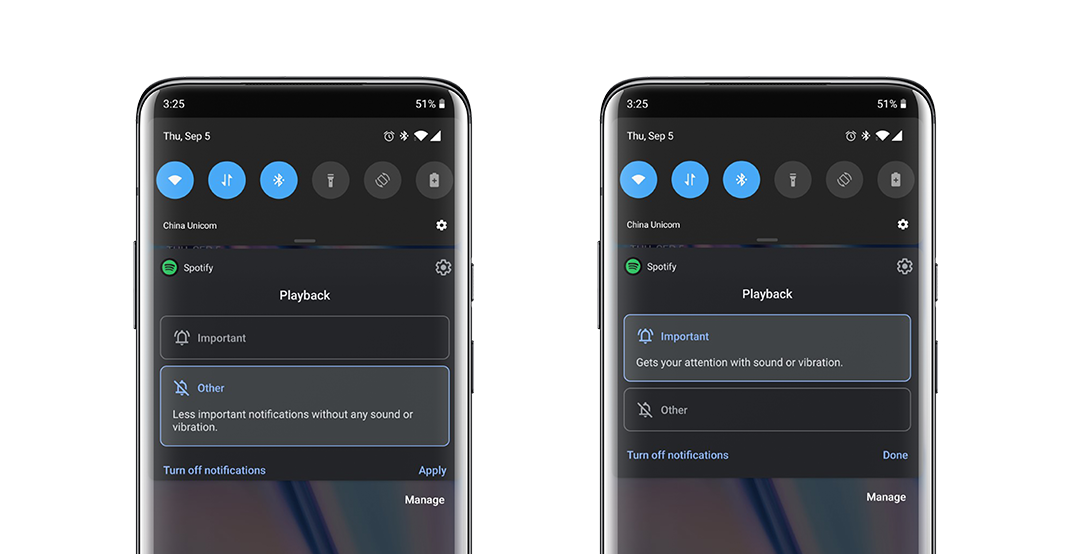
The complete changelog of the OxygenOS 10 can be found below.
- System
- Upgraded to Android 10
- Brand new UI design
- Enhanced location permissions for privacy
- New customization feature in Settings allowing you to choose icon shapes to be displayed in the Quick Settings
- Full Screen Gestures
- Added inward swipes from the left or right edge of the screen to go back
- Added a bottom navigation bar to allow switching left or right for recent apps
- Game Space
- New Game Space feature now joins all your favorite games in one place for easier access and better gaming experience
- Smart display
- Intelligent info based on specific times, locations and events for Ambient Display (Settings – Display – Ambient Display – Smart Display)
- Message
- Now possible to block spam by keywords for Message (Messages – Spam – Settings -Blocking settings)
UP NEXT: Images and Specs of OnePlus TV Q1 and Q1 Pro leaked
(Source)




Comments