
Add GIZMOCHINA as Preferred Source on Google
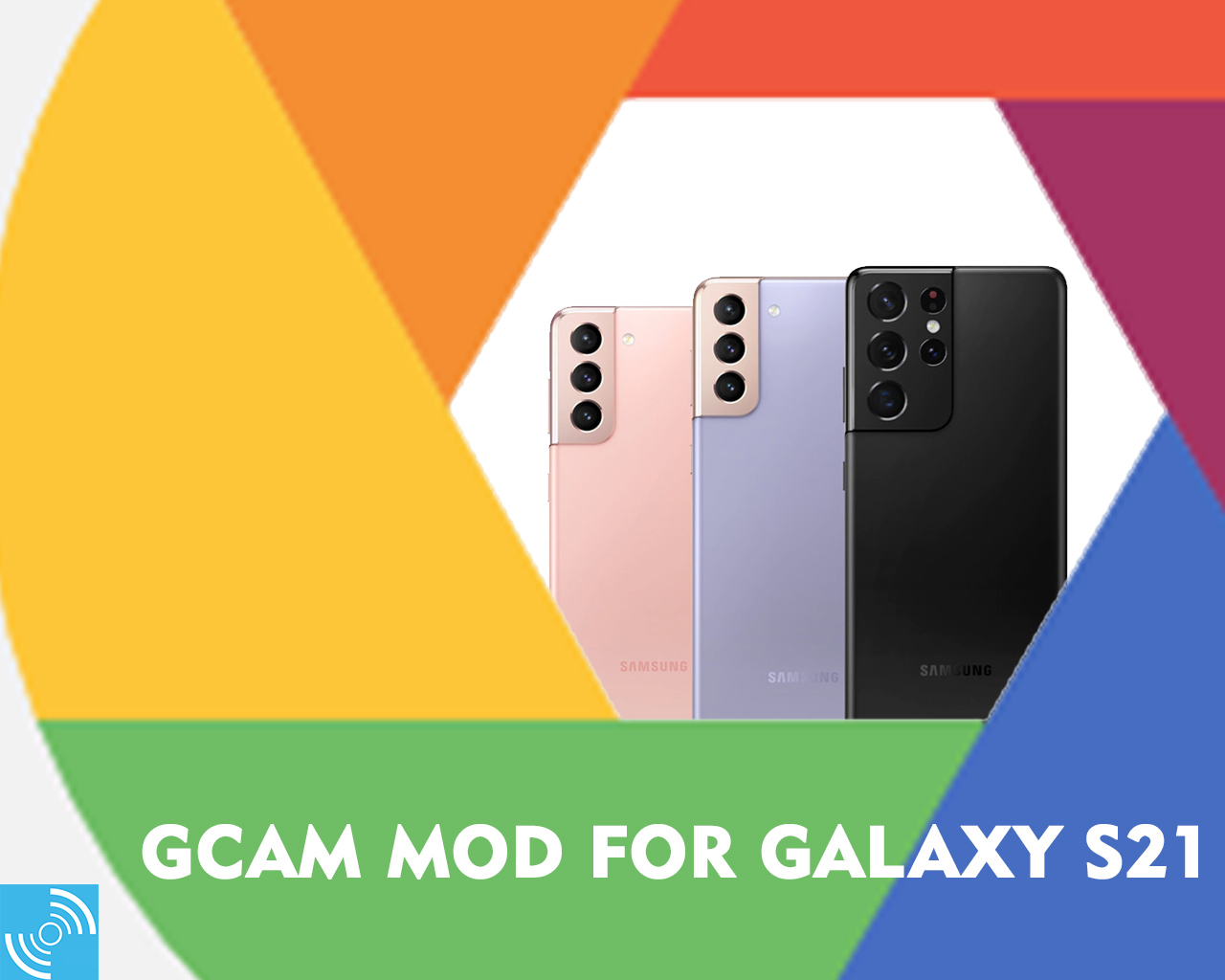
Samsung Galaxy S21 series is considered the benchmark for Smartphone cameras. These devices still hold their lead for the best camera in a smartphone. The Korean giant did put a ton of effort to make them the way we see today. Anyone into smartphone cameras knows that Google Camera (or simply GCam) is one of the best camera apps for smartphone. This is because Google processes images like no other. So in this guide will tell you how to download GCam for Galaxy S21 series.
Must See: Samsung announces Galaxy Unpacked event for April 28 to launch ‘the most powerful Galaxy device’
We are as curious as you are to see if the GCam outperforms the native camera app of the Galaxy S21 series. Whenever a new smartphone is launched, developers always make a port of the GCam app. By the grace of the developers Arnova8G2 and BSG, we now have 2 varieties of the same app to choose from. We expect that at least one of these apps should work on your brand new Galaxy S21.
Steps to Download GCam for Galaxy S21 Series
We’ll start by downloading both the ports. This step is crucial, as there is a high chance
that only one of the app will work on your device, and we don’t know which. So make
sure that you download both of them from the following links.
- Download BSG GCam 8.1 APK
- Download Arnova8G2 GCam 8.1 APK
(We know that whenever we download an Android application from anywhere other than
Google Play Store, our device will warn us of malicious software. Simply ignore it and proceed with the download.) - Once the download is complete open the file. Enable unknown sources if
necessary. - Click on install, and wait for the installation to complete.
- Once complete, click on done, and you can now open the app from the App drawer.
- If the one you installed isn’t working, try the alternate one.
- If everything goes as expected, you will now be able to use GCam without any
hassle.
GCam 8.1 offers everything that was there with the previous releases. It also introduces
the following features.
All the functionality from GCam 7.4 and 7.3 are preserved as it is.
- Quick Zoom
- Cinematic Pan
- Improved Super Res Zoom
- Night Sight Portrait Mode
You can now use the popular features of the GCam like Night Sight, Astrophotography, and more. You can enable them by going to Settings > Advanced.
Samsung Galaxy S21, S21 Plus and S21 Ultra Specs
Samsung Galaxy S21 Ultra was launched early this year with a 6.8-inch dynamic AMOLED display sporting 1440 x 3200 pixels resolution, 120Hz refresh rate, 1500 nits brightness, and Corning Gorilla Glass Victus. It is powered with Snapdragon 888 in the USA and China, while the rest of the world enjoys it with Exynos 2100. The smartphone sports a powerful quad-rear camera featuring a 108MP primary lens, a 10 MP periscope sensor, a 10MP telephoto and a 12MP ultrawide sensor. A 40MP sensor resides on the front for selfies.
The Galaxy S21+ smartphone comes with the same chipset and houses a 6.7-inch Dynamic AMOLED 2X display with 1080 x 2400 pixels resolution. However, a triple-camera replaces the quad-rear camera with a 13MP primary sensor, 64MP telephoto and a 12MP ultrawide sensor. On the front, the device features a 10MP selfie sensor.
The last but not least, Galaxy S21 houses a 6.2-inch Dynamic OLED display with 1300 nits brightness and 1080 x 2400 pixels resolution. A similar camera setup as the Galaxy S21+ is present on the standard variant too.
We hope you were able to install the GCam on your Galaxy S21. Do let us know in the
comments how it competes with the native camera app of the device. Please note that
the app is only a copy of the original, and there will definitely be bumps and kinks here
and there. Don’t forget to hit the comments if you need any further information.


Comments