Add GIZMOCHINA on Google:
The Obsbot Tiny 2 Lite is the latest addition to Obsbot‘s lineup of AI-powered webcams, designed to cater to users who want high-quality video without breaking the bank. As a more budget-friendly alternative to the flagship Tiny 2, the Tiny 2 Lite offers an impressive set of features, including 4K resolution, AI tracking, and gesture control. In this review, we’ll take a deep dive into the Tiny 2 Lite, exploring its design, setup, performance, software, and how it stacks up against its more expensive sibling.
1. What’s in the Box?
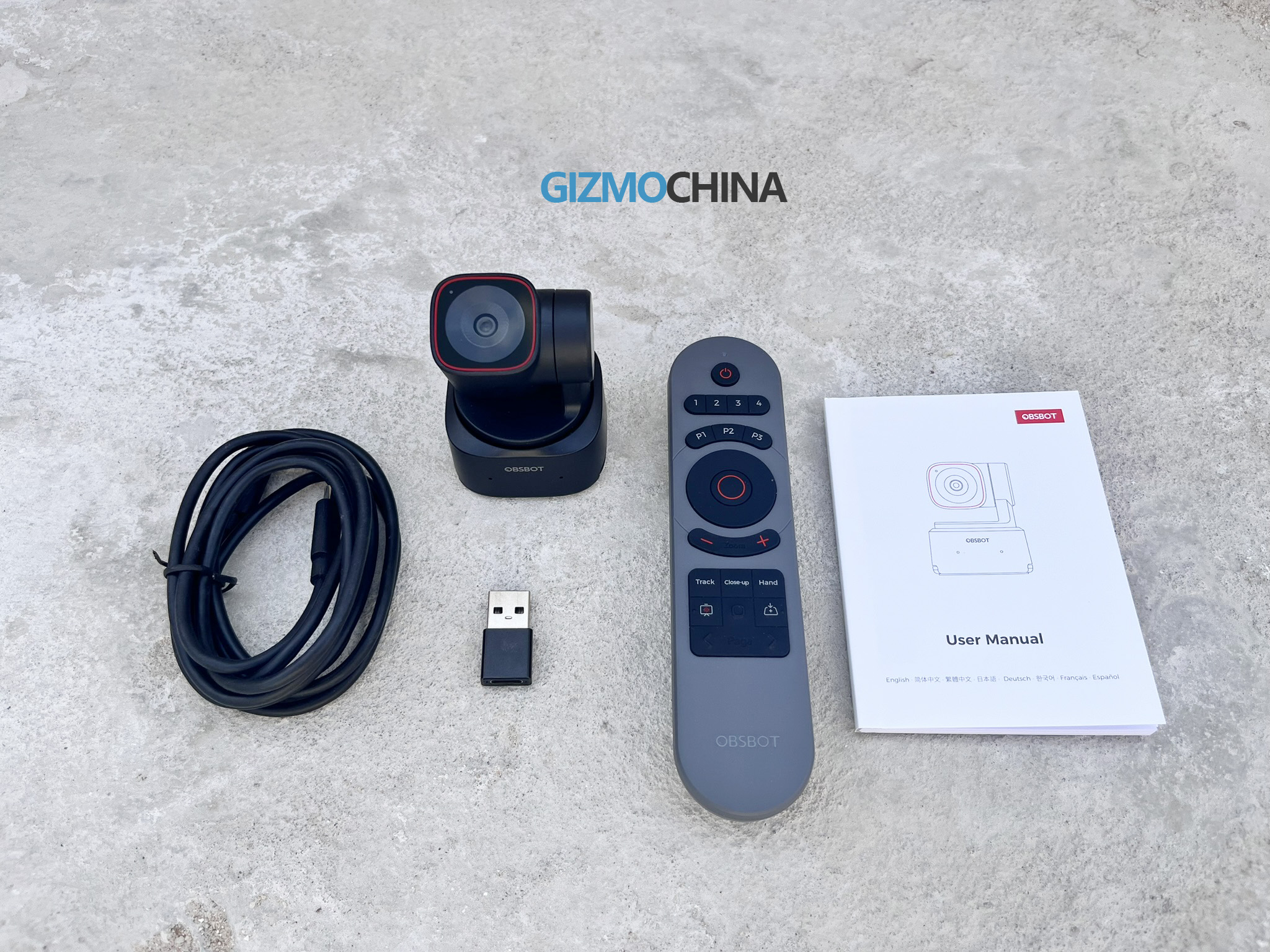
The Obsbot Tiny 2 Lite comes neatly packaged with everything you need for basic setup and usage. Inside the box, you’ll find the Tiny 2 Lite webcam itself, a USB-C to USB-A adapter, and a USB-C to C cable. We also got another package containing the Smart Remote 2, which is available as a separate, optional purchase.
2. Design and Build Quality
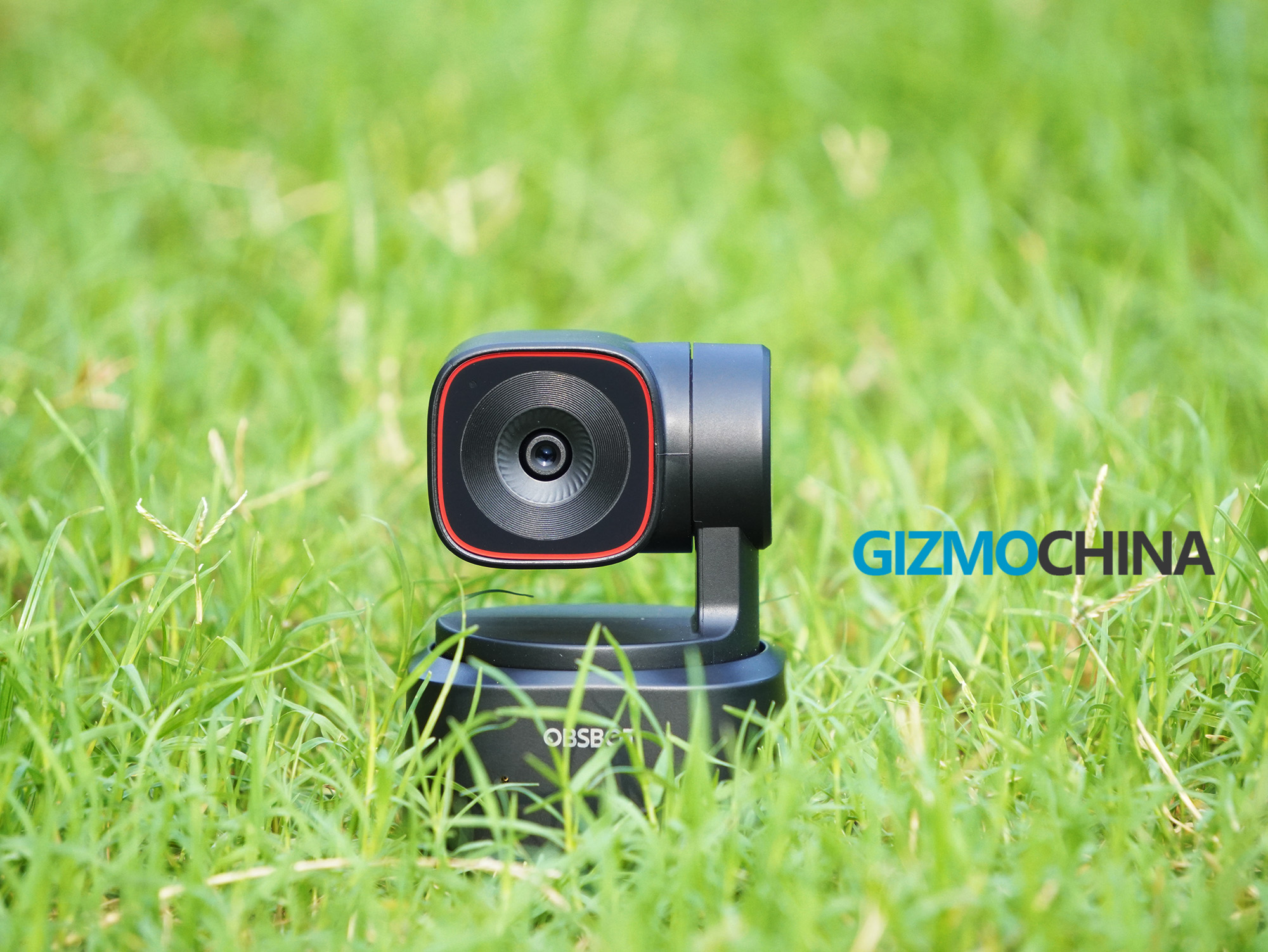
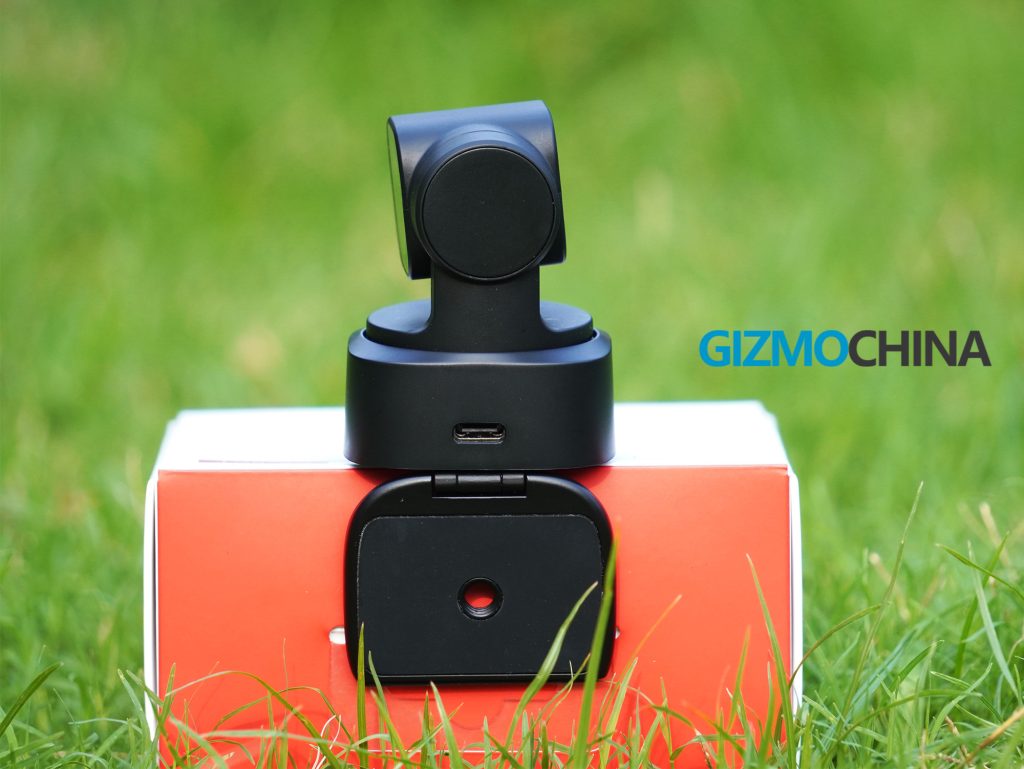
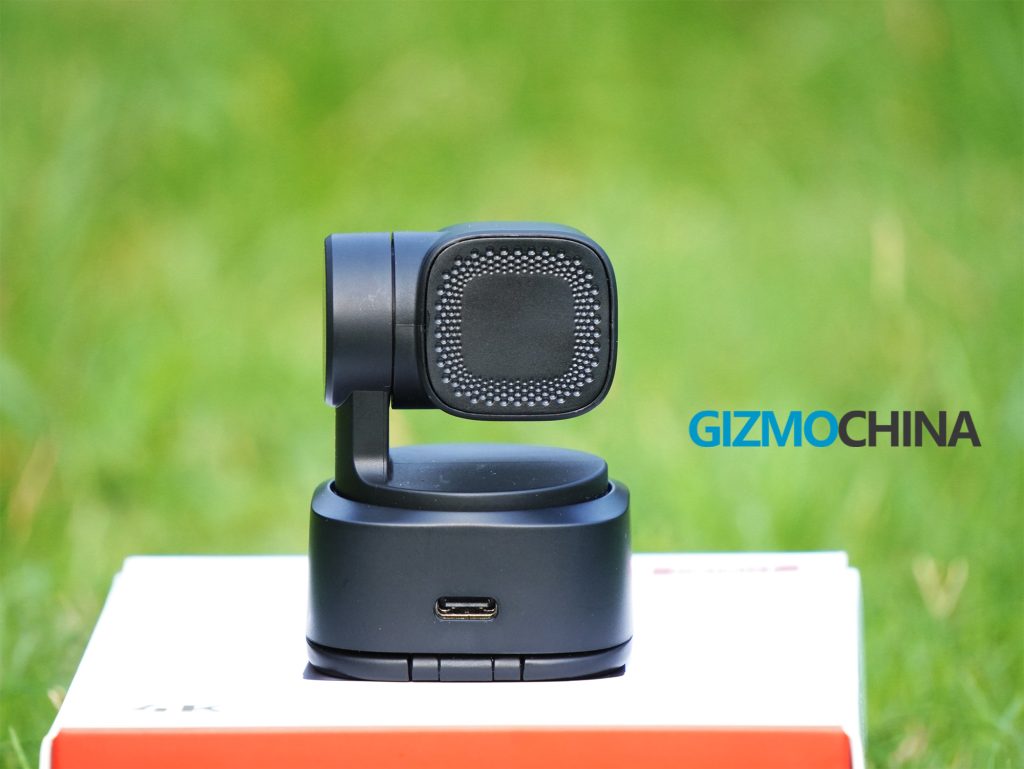
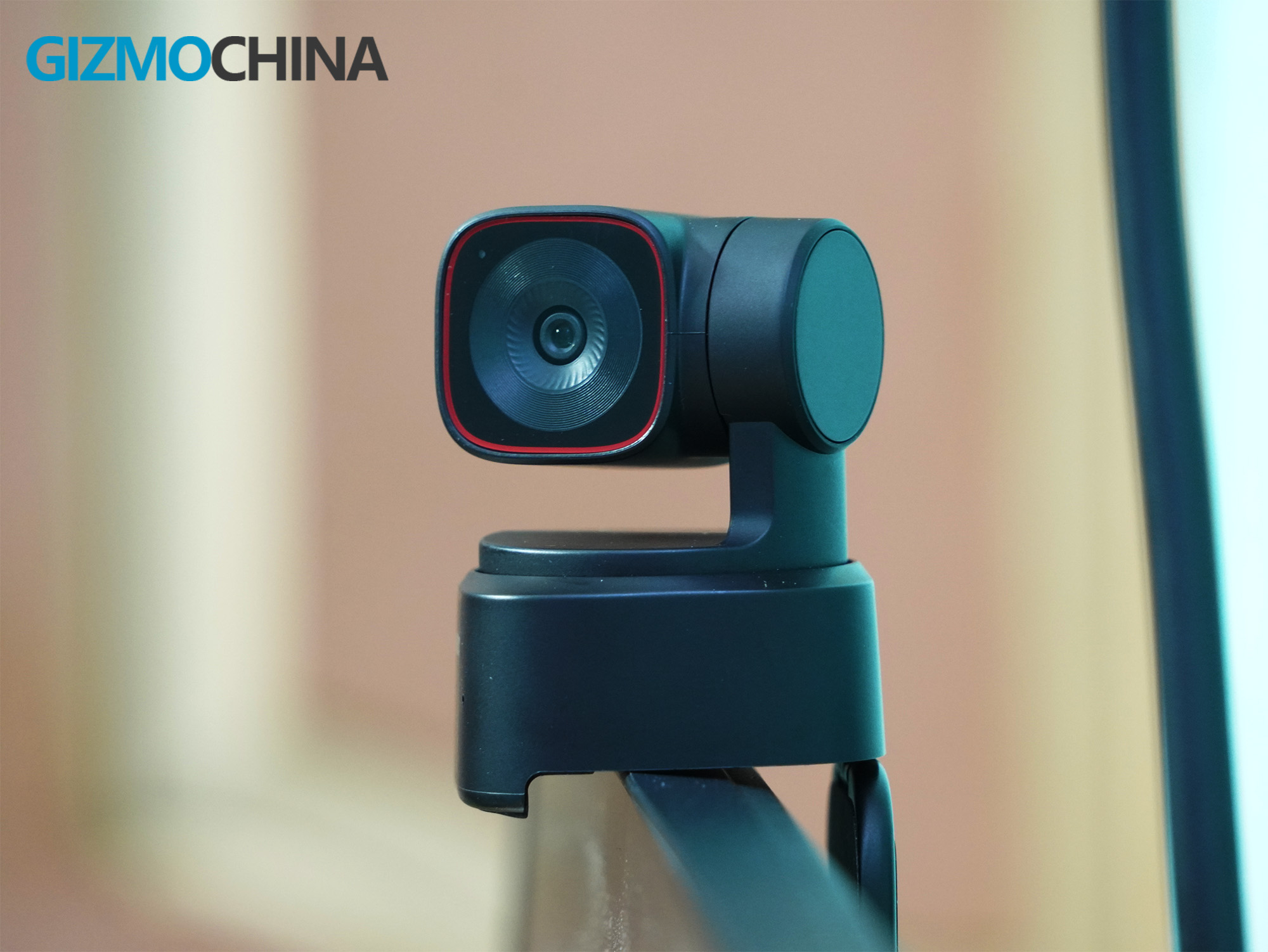
Following the minimalist design of its predecessor, the Tiny 2 Lite is impressively small and lightweight at only 48.37 x 46.46 x 64.2mm and weighs just 91.4g. This makes it highly portable and ideal for users who travel frequently or have limited desk space. The camera itself is constructed from a seemingly durable plastic material, and while it might not feel as premium as some metal-bodied options, it feels sturdy enough for everyday use.
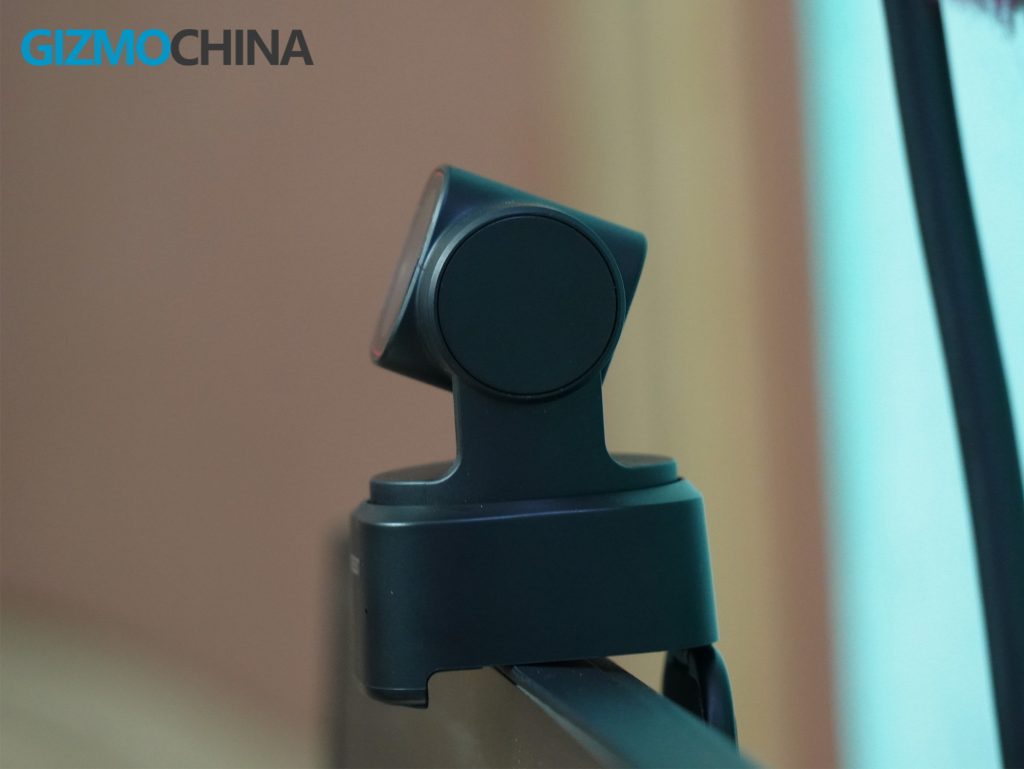
The Tiny 2 Lite features a built-in stand with a 2-axis gimbal for smooth panning and tilting. The gimbal offers a controllable range of ±140° pan and 30° to -70° tilt, allowing you to stay centered in the frame during video calls or presentations. The stand provides a good level of stability, but if you require more adjustability, the camera also includes a standard 1/4-inch screw mount for tripods or other mounting solutions.
3. Setup
Setting up the Tiny 2 Lite is remarkably simple. It’s a plug-and-play device that connects to your computer (Windows 10 or later, macOS 11 or later) via USB-C, requiring no additional drivers or software for basic functionality. However, to unlock the full potential of its AI-powered features and customize settings, the Obsbot Center software is recommended. The software is intuitive and user-friendly, making it easy to adjust video parameters, control PTZ movements, and configure AI tracking.
4. Performance

The Tiny 2 Lite boasts a 1/2-inch CMOS sensor capable of capturing 4K resolution at 30 fps and 1080p at 60 fps. In well-lit environments, the video quality is excellent, with sharp details and accurate colors. The HDR mode helps balance highlights and shadows, making it suitable for situations with contrasting lighting. However, low-light performance is decent but not outstanding. While the sensor and noise reduction algorithms improve low-light performance compared to some webcams, there can be some visible noise in dimly lit rooms.



The Tiny 2 Lite utilizes PDAF (Phase Detection Auto Focus) for fast and accurate focusing. In our testing, autofocus worked well under most lighting conditions, keeping the subject sharp and in focus during video calls and presentations. Although the autofocus isn’t very sharp, it’s sufficient for a webcam. You can also adjust the focus manually using the settings in the app.
The built-in dual omnidirectional microphones with noise cancellation offer decent audio quality. Your voice will be clear and audible during video calls, even in moderately noisy environments. However, if you require crystal-clear audio for professional recordings, an external microphone might be a better option.
5. Software and AI Features
The Obsbot Center software offers additional control over the Tiny 2 Lite’s functionalities. You can adjust settings like exposure, white balance, and even create presets with specific camera positions, tracking modes, and image settings. This can be particularly helpful for streamers and content creators who frequently switch between different shooting scenarios.
The Tiny 2 Lite also comes with built-in AI capabilities that power several impressive features:
AI Auto Tracking with Auto Zoom: This is a game-changer for video calls and presentations. The camera intelligently tracks your movements and adjusts the zoom automatically to keep you in frame. It eliminates the need to constantly adjust your position or manually zoom, making your experience more hands-free and professional.
Body Part Tracking: The AI has been refined to focus primarily on upper body and close-up tracking, offering improved accuracy and smoothness compared to previous versions. This ensures the camera stays focused on your face during calls.
Gesture Control 2.0: This allows you to control the Tiny 2 Lite with simple hand gestures, like raising your palm to activate tracking or swiping left/right to zoom in/out. While a fun feature, its usefulness might depend on your personal preference and setup.
6. Comparison with Tiny 2
The Tiny 2 Lite positions itself as a more affordable alternative to the flagship Tiny 2. The key differences lie in the sensor (1/1.5” on Tiny 2 vs 1/2″ on Lite) and zoom (4x optical and digital on Tiny 2 vs digital only on Lite). The Tiny 2 also records up to 60fps in 4K, while the Tiny 2 Lite offers up to 30fps. The Tiny 2 offers additional streaming features like zone tracking, a higher maximum controllable speed for the gimbal, and USB 3.0 connectivity.
While the Tiny 2 boasts superior low-light performance and zoom range, it comes at a higher price point. If you prioritize affordability and value AI auto-tracking and good video quality, the Tiny 2 Lite is a compelling option.
7. Tiny Smart Remote 2
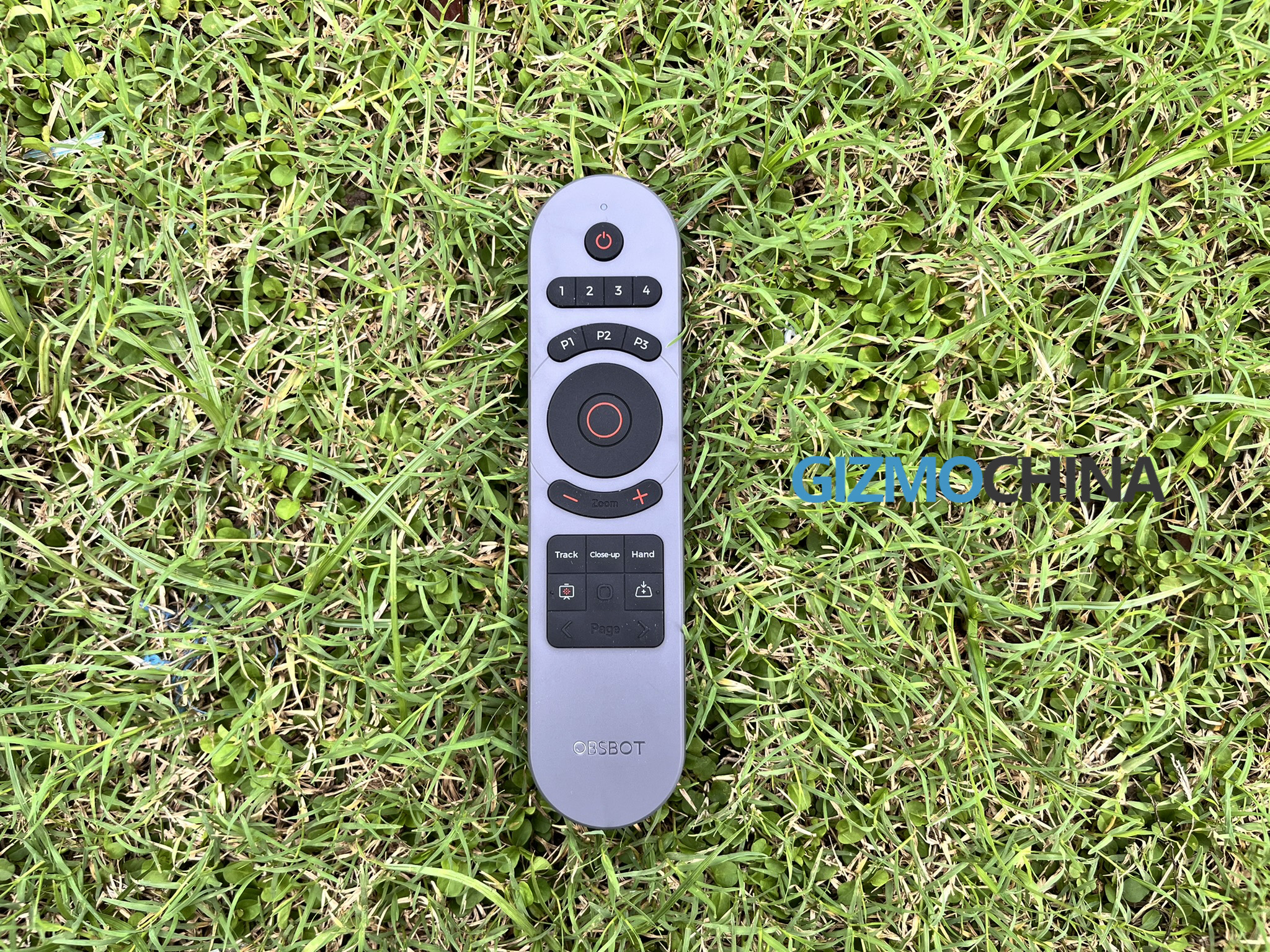
The Obsbot Tiny 2 Lite’s functionality can be further enhanced with the optional Smart Remote 2. Designed specifically for the Obsbot Tiny series, the remote boasts an elegant design and intuitive button layout, allowing for effortless camera control. It seamlessly integrates with the Tiny 2 Lite, enabling users to activate AI features like Close-up and Desk Mode with a single press. The remote also doubles as a presentation clicker, offering added convenience for users who frequently give presentations or lectures.
8. Pricing
The Obsbot Tiny 2 Lite is priced at a competitive $179, making it a great option for budget-conscious users who want a feature-rich PTZ webcam. This is a significant price difference compared to the Tiny 2, which costs around $329.
9. Verdict
The Obsbot Tiny 2 Lite 4K PTZ Webcam is a remarkable device that delivers exceptional performance, intelligent features, and professional-grade video quality at a budget-friendly price. Its compact and sleek design, simple setup, and powerful software make it an ideal choice for various applications, from video conferencing and online education to live streaming and content creation.
While it lacks some of the advanced features of the Tiny 2, the Lite version maintains the core functionalities that matter most, making it an excellent value proposition for most users. If you’re seeking a high-quality webcam with intelligent features without breaking the bank, the Obsbot Tiny 2 Lite is undoubtedly worth considering.