
Add GIZMOCHINA on Google:
The Android 15 beta development timeline is nearing its end, but there are still some bugs that Google wants to fix before the OS public release. Following that, the company has rolled out a new Beta 4.1 update today. It’s a rather small build with minimal changelog, leading us to believe that it could be the final pre-release build before Google rolls out the stable version.
Google announced the Beta 4.1 update on Reddit. It carries build number AP31.240617.010 for most devices and includes the July 2024 security patches. As usual, Pixel phone owners enrolled in the Android Beta Program (Pixel 6 and above) will be eligible for this update.
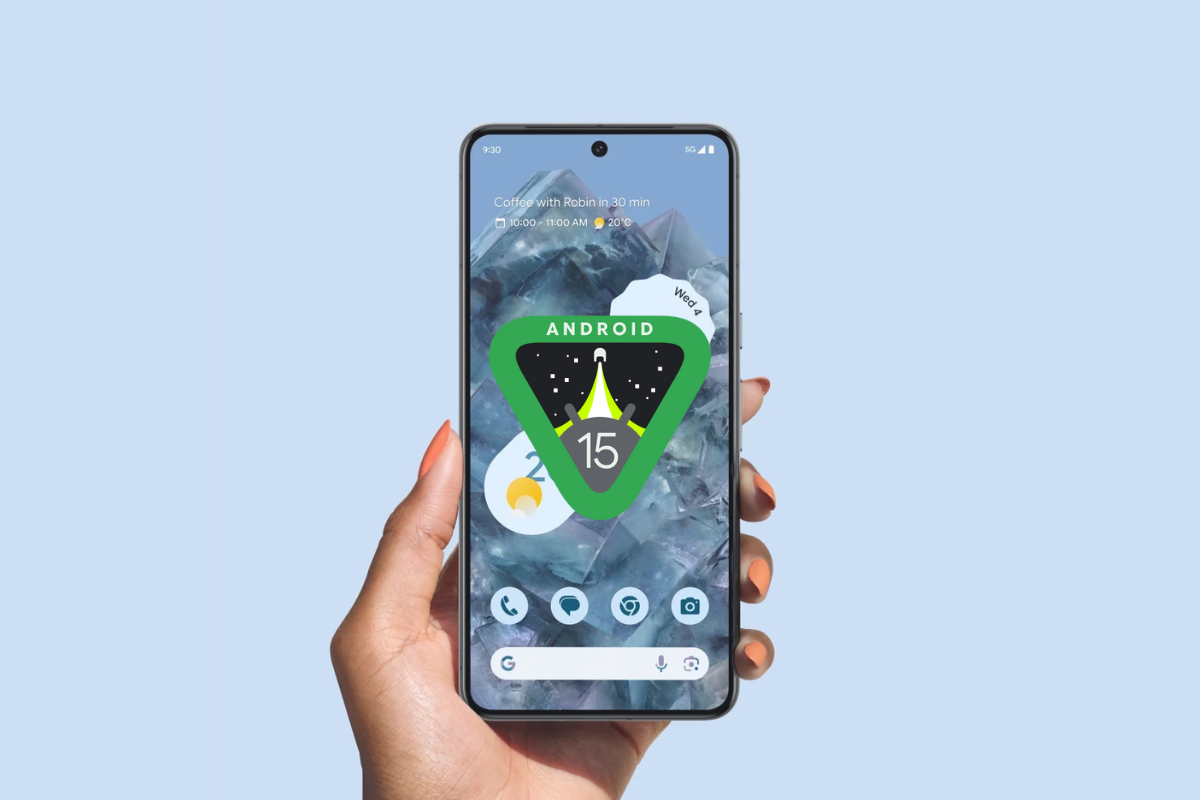
As we mentioned earlier, it’s a quite small update, so those expecting new features may find it underwhelming. The changelog for Beta 4.1 lists only one fix: resolving call audio crashes.
This minor update to Android 15 Beta 4 includes the following fixes:

Fixed various issues that sometimes caused device audio to crash while making or receiving calls. (Issue #354086106, Issue #354582492, Issue #354788692, Issue #355129314, Issue #355024157)
Google assures users that those already running earlier Android 15 beta builds on their Pixel devices will automatically receive Beta 4.1 within five days. The update is expected to reach all users within 24 hours and has a download size of less than 4MB, according to AndroidPolice.
This minor bug fix update aligns with the nearing end of Google’s development timeline for Android 15. August is the final month for testing before releasing the final builds. And we’re expecting that Google’s next hardware event, scheduled for August 13th, could be the platform for the official public release of Android 15.
If you’re in the beta program and have yet to receive the update, you can manually check for it by going to Settings > System > Software updates > System update > Check for update. Alternatively, for those with unlocked bootloaders, you will need to go through the manual installation, which requires downloading the OTA file or factory images beforehand.
(Source)



Comments