
Add GIZMOCHINA on Google:
Google rolled out the Circle to Search feature to select premium Android devices starting in January this year. Now the news is that the feature is now available for desktop users as well. The feature is now available in both ChromeOS and the Chrome browser. For those unfamiliar, the feature allows users to easily search for information based on visual content.
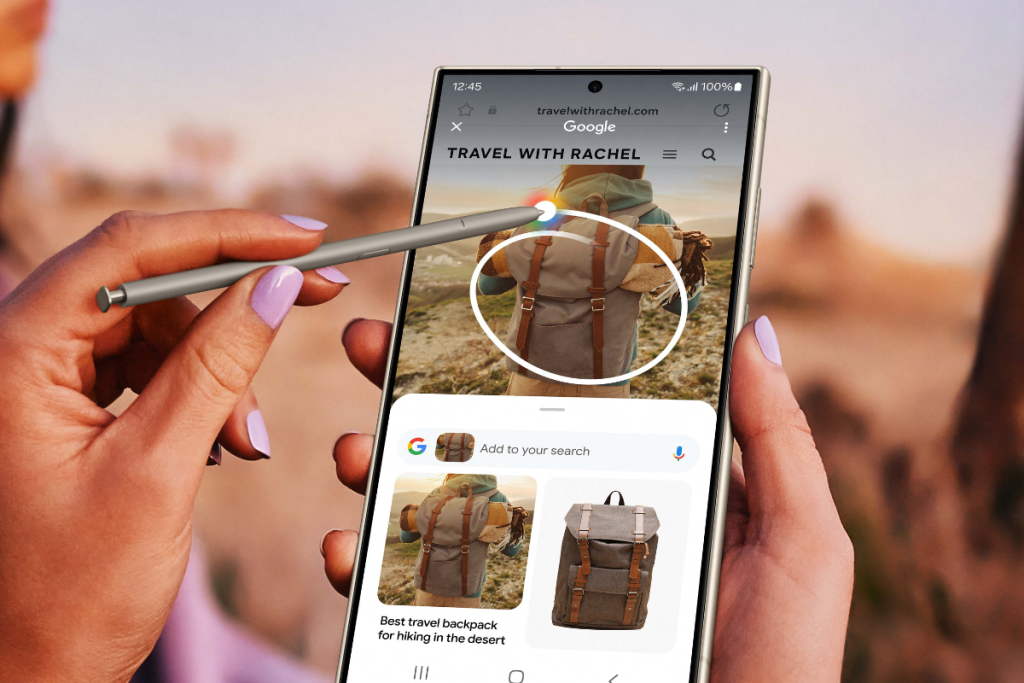
Circle to Search is currently available in beta channel for Windows and macOS
However, the Circle to Search is currently limited to ChromeOS 127 beta and Chrome 128 beta (for both Windows and macOS) and is expected to become available for the regular versions soon. In addition to that, the feature is currently labeled as “Search with Google Lens” for Windows and macOS, while it’s called “Drag to Search” on ChromeOS.
On macOS or Windows with Chrome 128 beta, users can access this new feature by selecting “Search with Google Lens” from the overflow menu. This option can also pinned to the side panel for easy access. Speaking of ChromeOS, its users can trigger the feature by clicking the new Google Lens icon in the address bar.
With this feature, desktop users can now search for anything on the computer screen by simply dragging a box around that element. The company’s release note for Chrome 128 beta describes the feature as follows:
“Google Lens in Chrome makes it easy to search anything you see on your screen. Search within a video you’re watching, a slide in a livestream, or an image on a webpage. Google Lens will give you answers right there, in your tab, and you can continue browsing with the new information you’ve found.”
The feature is expected to enter the stable channel of Chrome for both macOS and Windows within the next couple of weeks. After that, every user will be able to access the feature as described above.
(Via)




Comments