
Add GIZMOCHINA as Preferred Source on Google
Motorola has finally released the Android 13 update for its Edge 20 Fusion smartphone, a move that arrives significantly later than many competitors. The update, weighing in at 1.64GB, brings features like app customization, a revamped media player, and granular notification controls.
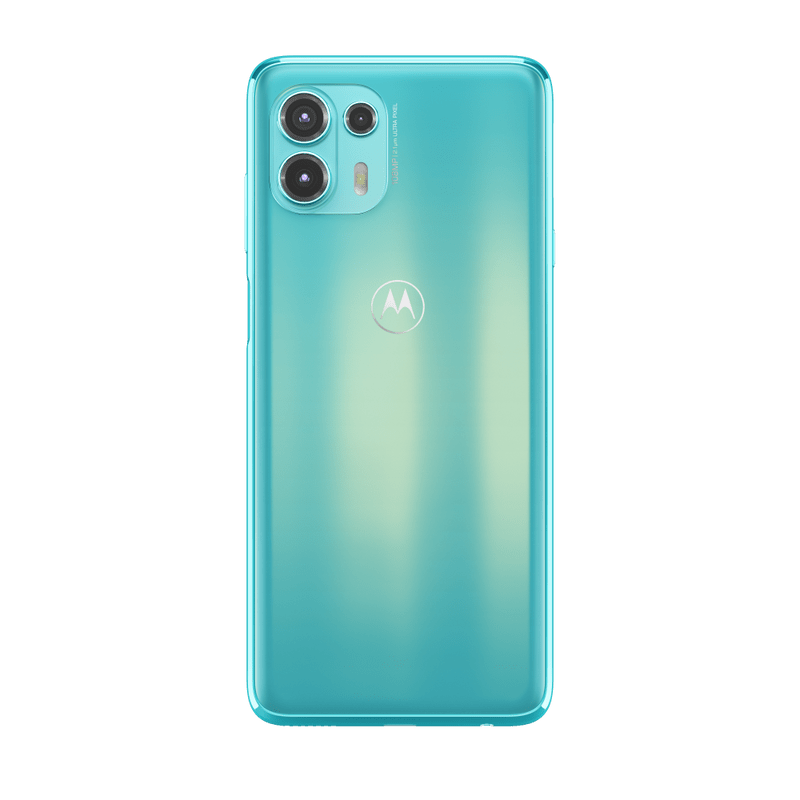
Motorola Android 13 update: What’s new
After upgrading, you’ll notice several improvements to the Android operating system and apps. Personalization options have expanded, allowing you to customize your phone further. You can now style app icons to match your wallpaper, accessible by touching and holding a blank space on your home screen and selecting “Personalize.”
The Moto Widget on your home screen has been updated, with the new expandable Adapt version allowing you to add and view more information. To revert to the old version or choose a different one, drag the current widget to the top of the screen and drop it on “Remove.” Then, touch and hold the home screen, go to “Widgets,” select “Moto Widget,” and drag the version you want to your home screen.
Settings changes include the ability to set supported apps to use a language different from your phone’s default. You also have more control over notifications and privacy, with options to adjust notification permissions and limit photo and video sharing on a per-app basis.
The Gestures menu has moved to Settings > Gestures, from its previous location under Settings > System > Gestures, allowing you to turn gestures on or off easily. These updates provide enhanced control and customization options.
While this update is welcome news for Edge 20 Fusion users, it highlights Motorola’s slow pace of software updates. Other manufacturers are already testing Android 15 betas, making Motorola’s approach appear sluggish. All that said, this update is likely the last the Edge 20 Fusion will receive since it launched back in 2021 with Android 11 onboard.
(via)



Comments