
Add GIZMOCHINA as Preferred Source on Google
A Pixel 9 Pro XL user reported issues with auto-brightness, stating that he often has to manually increase the brightness to match his comfort level. He mentioned that he upgraded from the Pixel 7 Pro, where he never encountered this problem.”
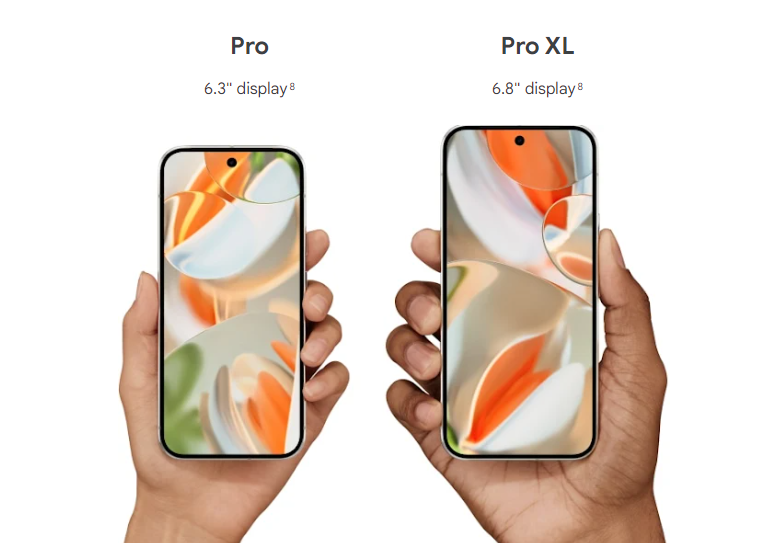
Reddit user matteventu shared a possible reason behind the issue. He speculates that restoring an existing backup from the user’s previous device (Pixel 7 Pro) could have resulted in its adaptive brightness model migrating to the Pixel 9 Pro XL. Since the display panels between the two devices have different brightness levels and curves, it could be causing the inaccurate prediction of brightness levels in auto mode.
In terms of hardware, the Pixel 9 Pro XL’s display panel reaches 2000 nits in HBM, while the Pixel 7 Pro gets only up to 1000 nits for the same.
Here’s how you can reset the adaptive brightness:
If you are also facing a similar issue, you can try the steps noted below.
- You will need to go to Settings > Apps > See all apps
- Inside ‘See all apps’ you can search for “Device Health Services” and tap on it.
- Go to Storage and cache
- Tap on Clear storage and you will find the ‘Reset adaptive brightness’ option, which resets the adaptive brightness.
However, Aamir Siddiqui from AndroidAuthority notes that it may not completely reset the model the phone has fine-tuned over a period of time, and users will have to adjust the brightness manually for some time to let the adaptive brightness model adapt to the user preferences. In certain scenarios where the lighting condition changes frequently, users can also turn off the brightness to avoid frustration.
We are not sure how widespread this issue is and whether it has caught Google’s attention.
(Source)



Comments