
Add GIZMOCHINA as Preferred Source on Google
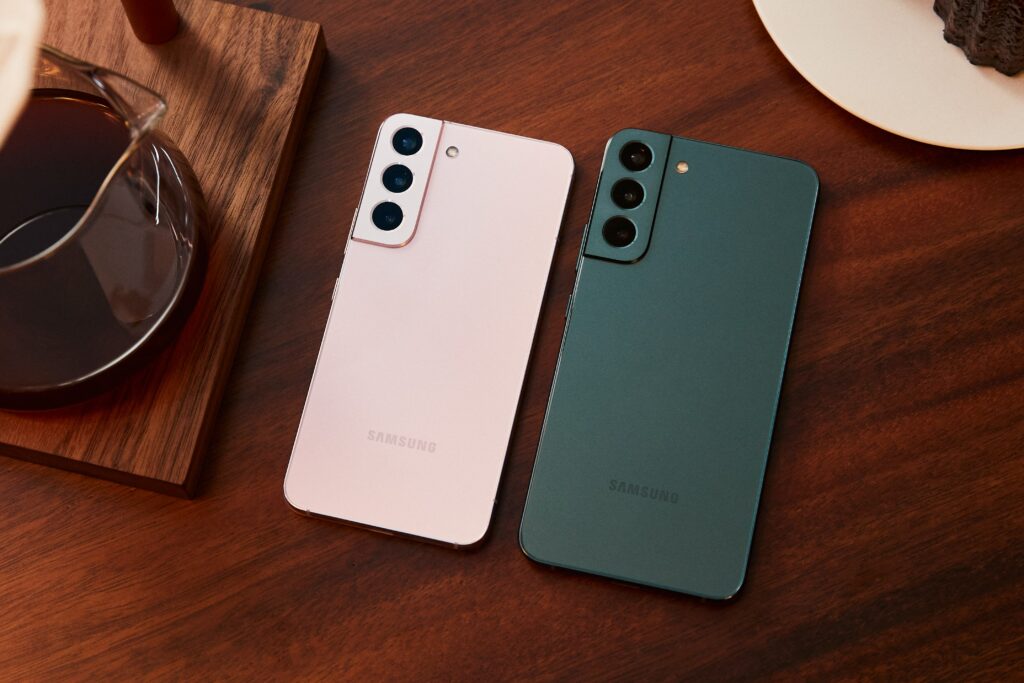
Samsung‘s One UI 6.1.1 update is now rolling out to Galaxy S22 series devices in India. The 2.8GB update introduces a significant number of new features and enhancements to the Galaxy S22, Galaxy S22+, and Galaxy S22 Ultra, particularly in the areas of artificial intelligence and language translation.
What’s New in One UI 6.1.1?
- Sketch to Image: AI and machine learning transform simple sketches into impressive artwork. This feature integrates with Samsung Notes, Photo Editor, Air command, Smart Select, and Edge panels.
- Portrait Studio: Generate AI-enhanced portraits from photos with various styles like sketch, 3D cartoon, watercolor, and comic.
- Composer: A new Samsung Keyboard feature that drafts texts, emails, or social media posts based on a few keywords, allowing users to select the tone of the message.
- Interpreter’s New Listening Mode: The real-time translation tool now includes a dual-screen mode for foldable phones and a new Listening Mode for one-way translations.
- Suggested Replies: Galaxy AI offers quick response suggestions on the cover screen of Galaxy Z Flip phones, tailored by analyzing previous chat conversations.
- Samsung Notes: The app now supports transcribing, translating, and summarizing voice notes.
- PDF Translation and Summarization: Note Assist can now translate and summarize PDF files directly without needing to convert them to notes.
- Instant Slow-Mo Clips: Users can save the slow-motion portion of a video as a separate clip instantly.
- Expanded Live Translation: Live Translate now works in more apps, including Google Meet and WhatsApp, in addition to the Samsung Phone app.
- Samsung Health Update: The app now provides an energy score, reflecting physical and mental conditions based on sleep and activity. Users can also share their health data with others.
In addition to these features, the update also introduces the September 2024 security patch, getting rid of 67 security vulnerabilities. The update is being pushed in batches, however, you can manually check for its availability on your device by heading to Settings > Software update > Download and install
(Source)



Comments