
Add GIZMOCHINA on Google:
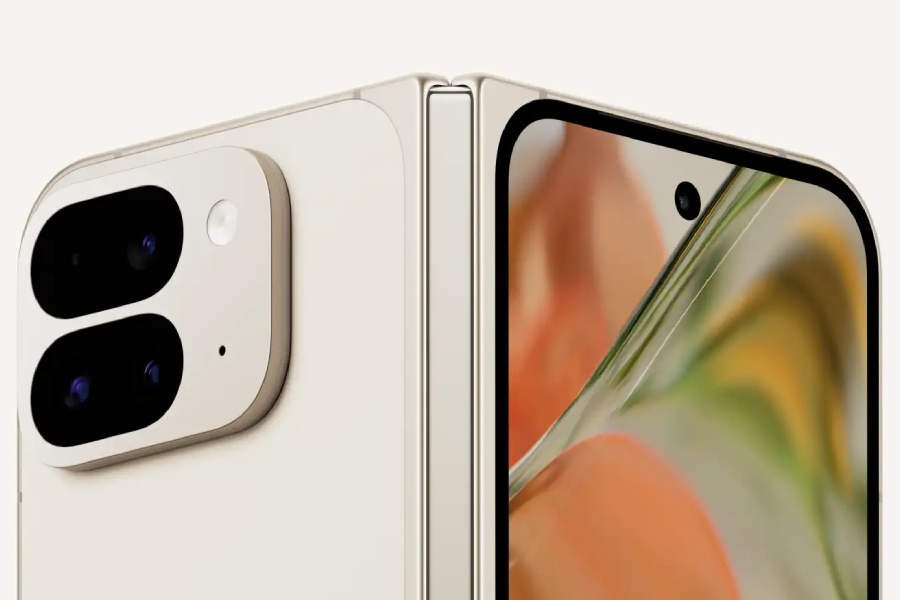
Following the AOSP release, the stable version of Android 15 is now rolling out to Pixel 6 series devices and newer, including both Pixel foldables and the Pixel tablet. The update introduces features like Theft Detection Lock, Private Space, and App Archiving. Users with compatible devices can check for the update by going to Settings > About phone > System updates.
New features:
Ever heard about Samsung’s Secure Folder feature? Google is offering a similar implementation with Android 15. It allows users to create a separate space on their device and store sensitive apps under an additional layer of authentication.
Android 15 also brings App Archiving, a feature inspired by iOS. It lets you remove and restore the app’s installation and cached files, right from the Settings app. It can help easily free up storage space when needed.
Another important addition is the Theft Detection Lock feature, which locks the phone automatically when it’s stolen. But how does it detect if the phone is stolen?
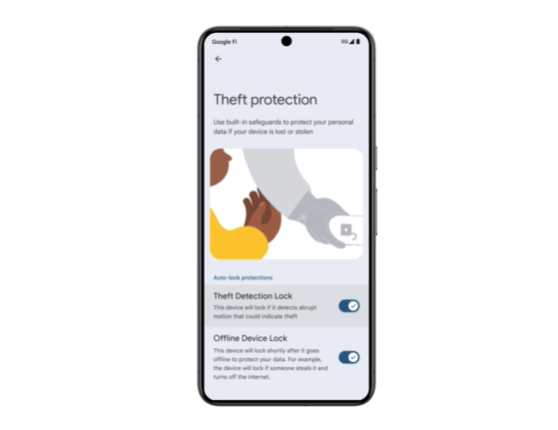
“By using on-device machine learning, Theft Detection Lock is able to analyse various device signals to detect potential theft attempts. If the algorithm detects a potential theft attempt on your unlocked device, it locks your screen to keep thieves out,” Google explained.
With Android 15, users can also share their screens without worrying about accidentally revealing information like notifications, OTPs, and login screens containing passwords. Now when you do the back swipe gesture, you’ll see a preview of the page you’ll be taken to. This lets you quickly decide if you want to move to that screen or not.
There’s also a feature for the large screen devices, where users will be able to pair two apps they frequently use together in split screen mode. Notably, this is also a feature borrowed from Samsung’s OneUI.
However, Pixel devices aren’t the first to get these features. Vivo has already rolled out the Android 15-based Funtouch OS 15 skin for iQOO 12.



Comments