
Add GIZMOCHINA as Preferred Source on Google
As an Amazon Associate, Gizmochina earns from qualifying purchases. Links on this page may earn us a commission at no extra cost to you.
The EMEET SmartCam S800 is one of the most popular office tools in the Gizmochina’s Review team, Especially when we’re ready to have a big ‘fight’ online. This is EMEET’s newest and probably the most powerful SmartCam. The editors are very happy with the product, so I hope this post will help those who are considering buying a webcam.
Unboxing

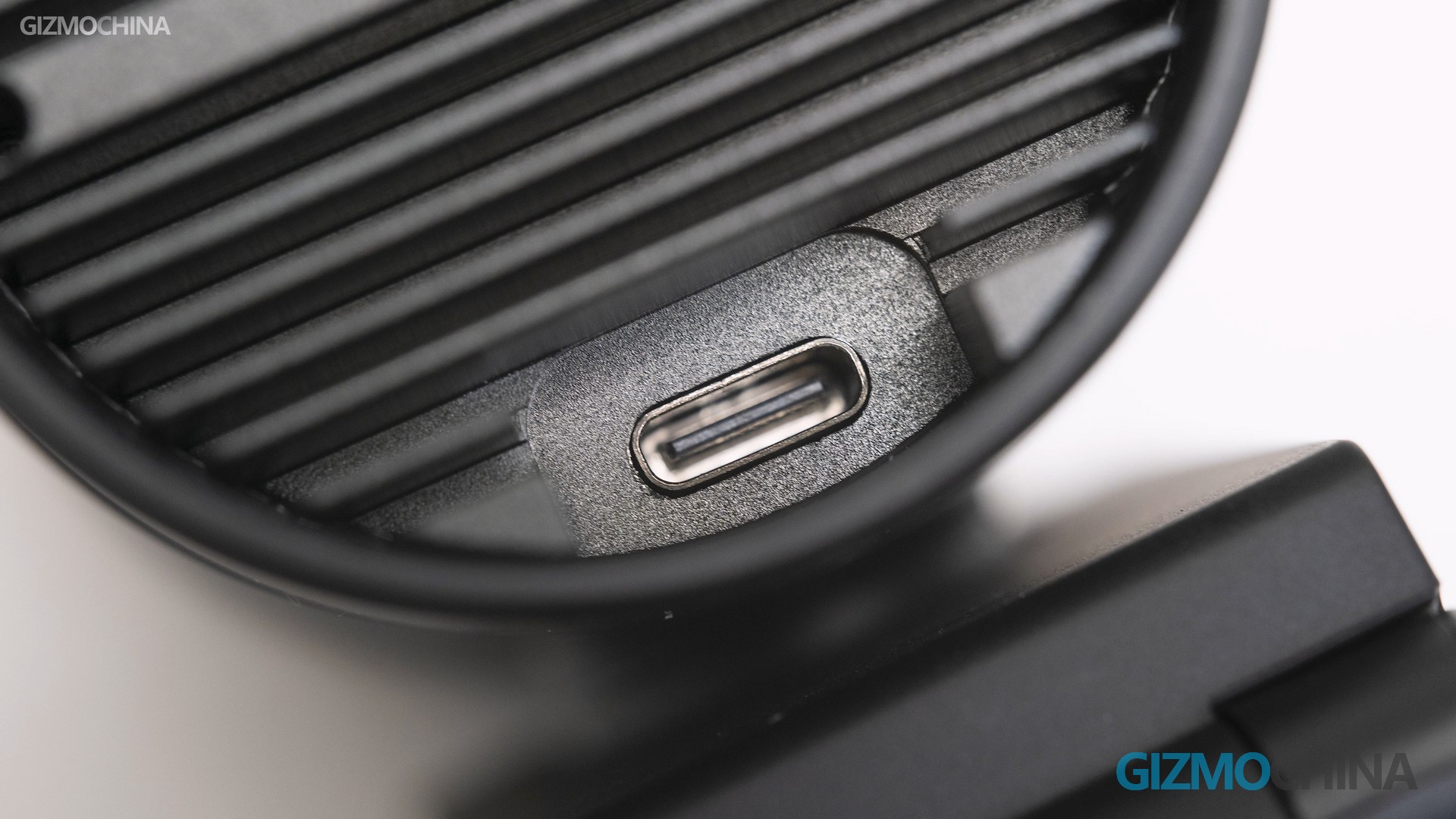
I’m glad to see that they use USB-C ports instead of the old micro USB ports and that the USB type is 3.0. Of course, the cable is also USB 3.0. The reason for using 3.0, besides being able to provide more current to the S800, the faster transfer rate also gives it the ability to record 4K video. If you use your own USB 2.0 cable, then the recording resolution will only be 1080p.
Design
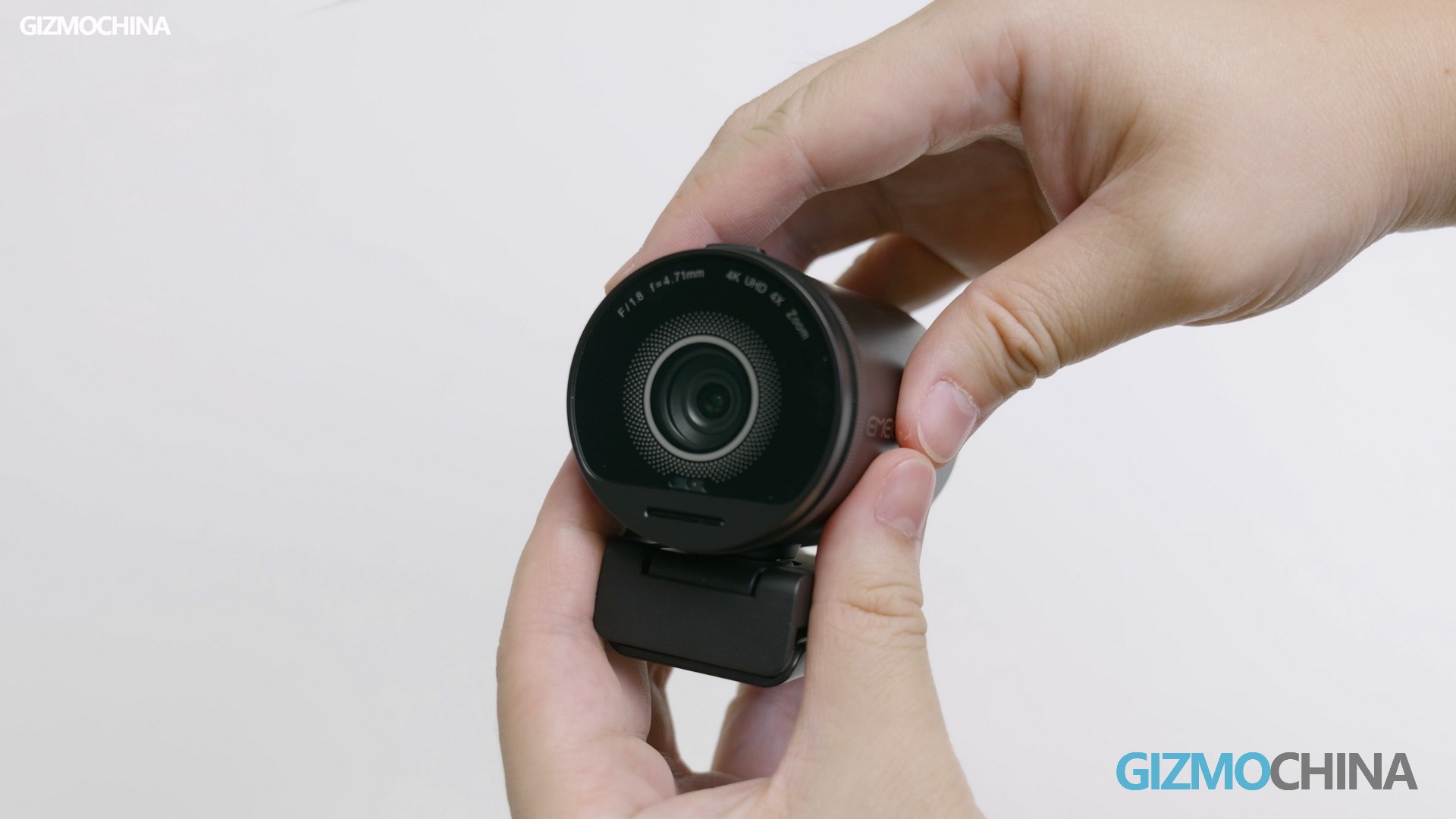
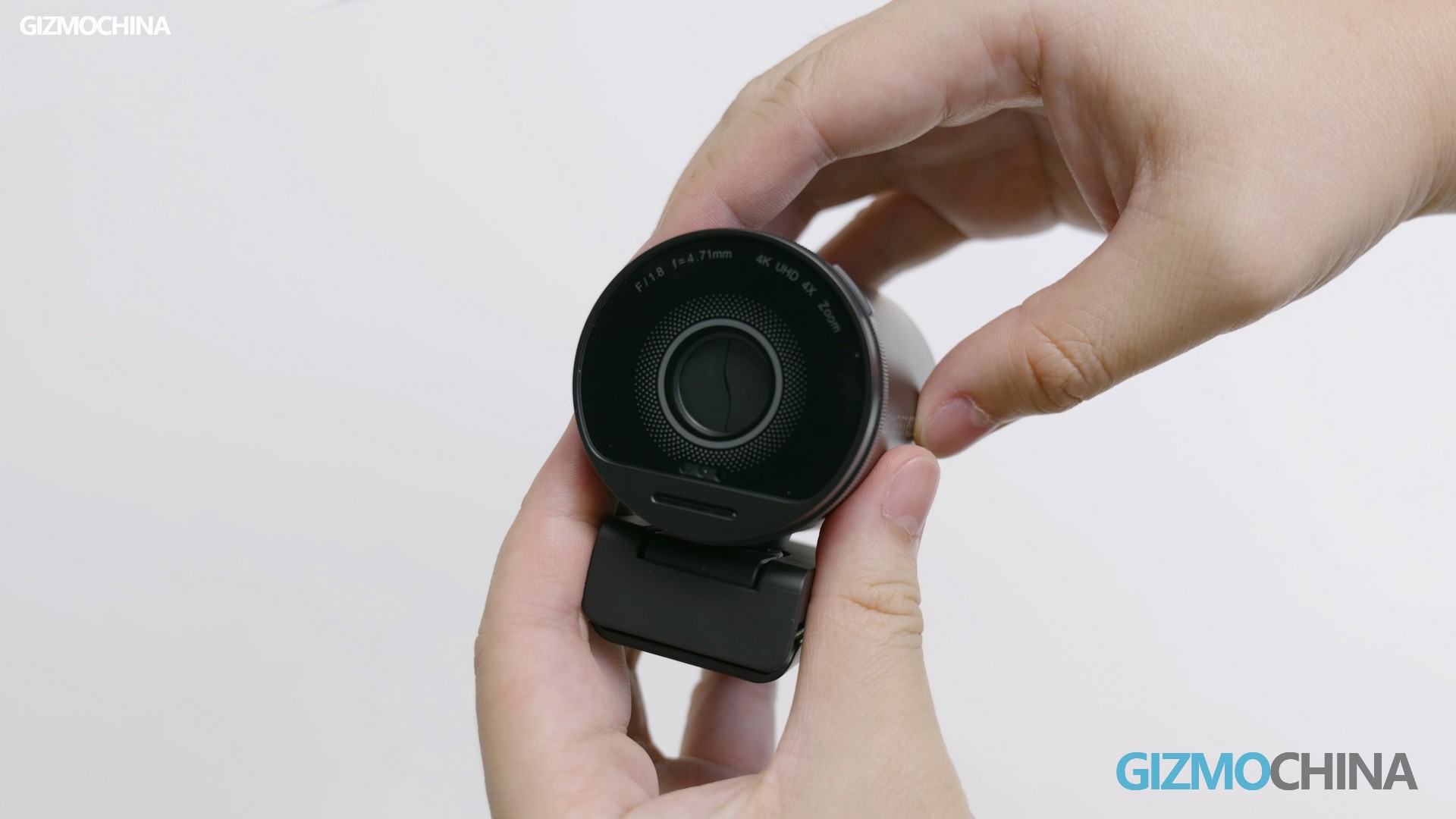
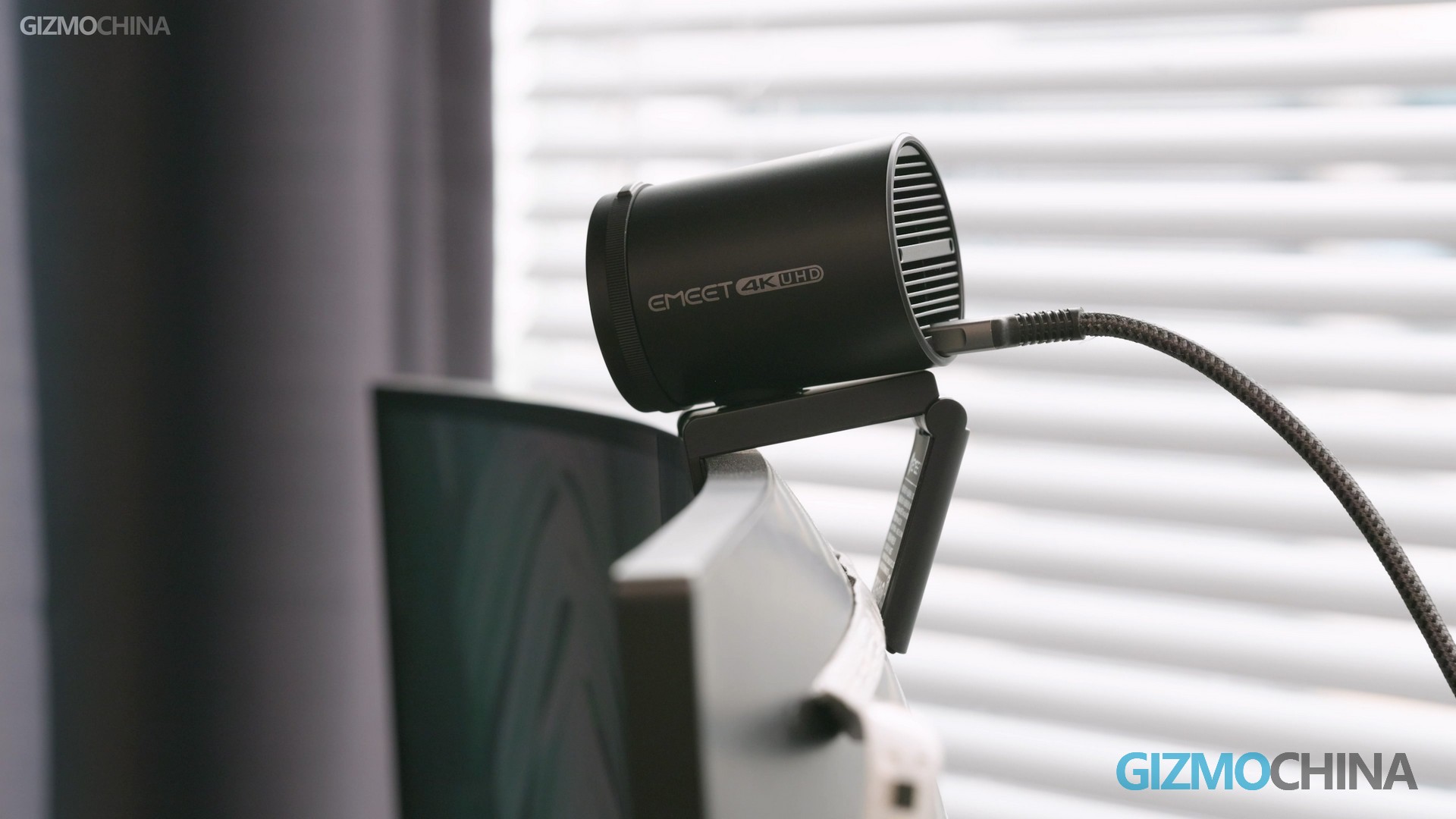
Let’s take a closer look at what makes this smart cam so special in its design. To protect your privacy, the camera lights up to alert you when it’s working. Plus there’s a physical cover here, and you can turn the camera off by toggling the slider.
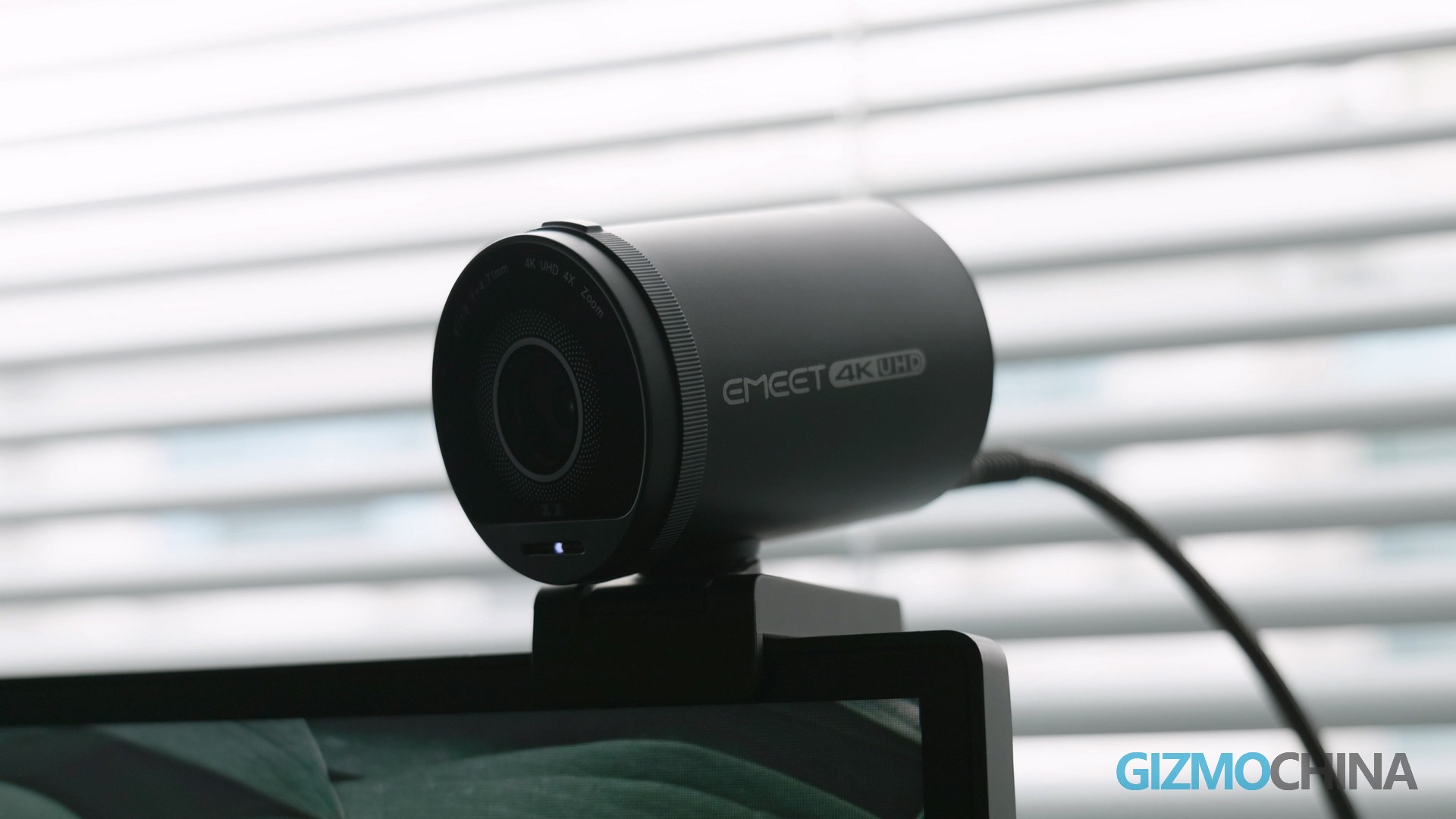
Below the Smart cam is a pivot that provides a certain range of rotation. At the bottom is its mounting structure that hooks onto the top of the monitor, just like the monitor light bar. Thick monitors like ours can be mounted easily as well.
It also has 1/4 screw holes on the bottom if you want to secure it with a tripod. As a webcam, the S800 has everything it should have, which is pretty good.
Specs
If you want to get clear footage on your PC. And unlike us, have a professional camera and video capture device like this one. Then getting a webcam is one of the wisest choices. This S800 uses a 1/2-inch Sony sensor and can record up to 4K 30fps, or 1080P 60fps video. Obviously, both of these specs are perfect for live streaming. So, let’s talk about its image quality now.
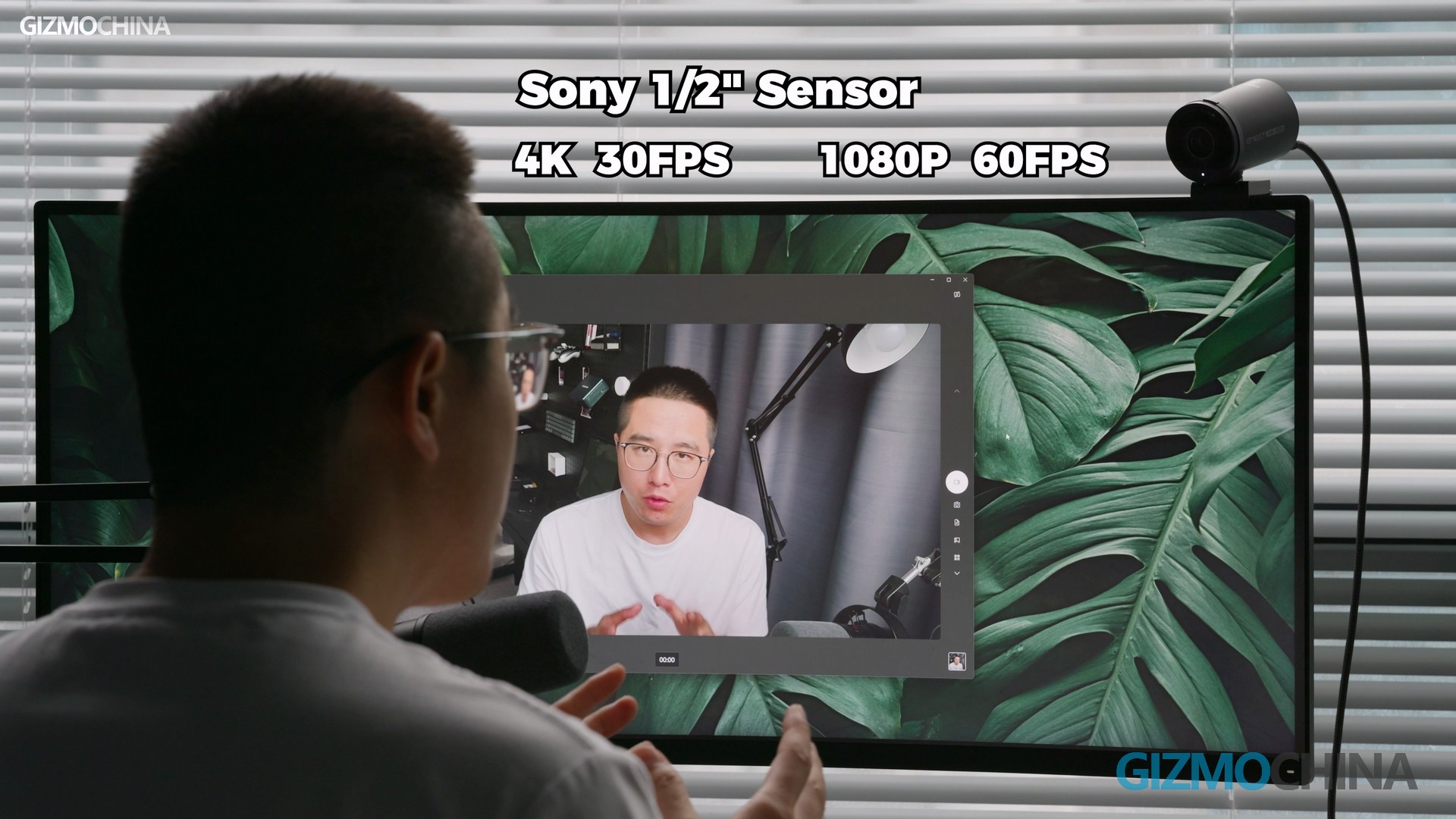
Image Quality
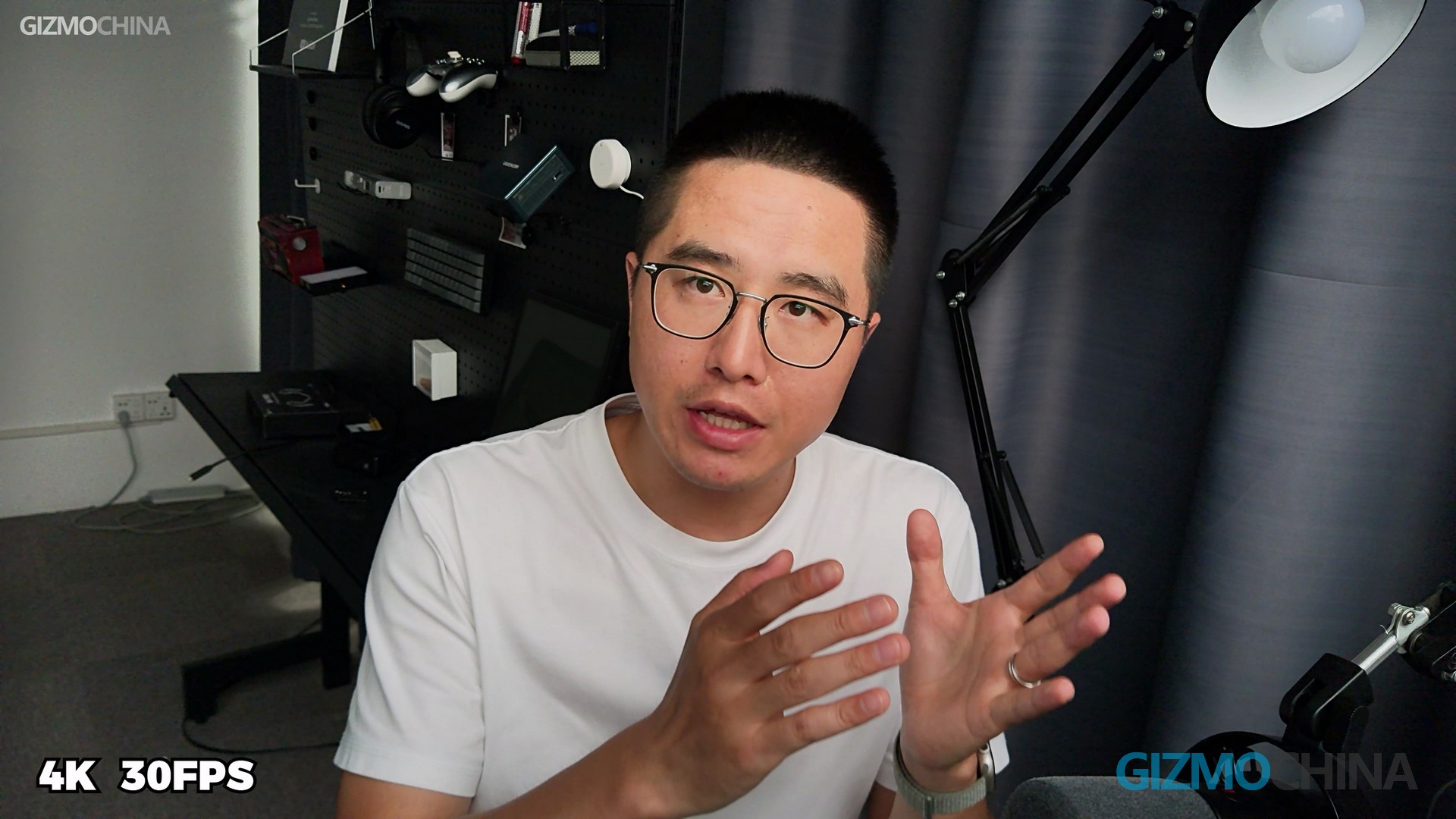
The image you see now was recorded by the S800. The recording software used is a built-in Windows camera. I don’t know if you are satisfied with the quality, but at least I am. To show just how awesome this 1/2-inch Sony sensor is, we got a laptop’s built-in camera, a phone’s front-facing camera, and a DSLR to do a little comparison.
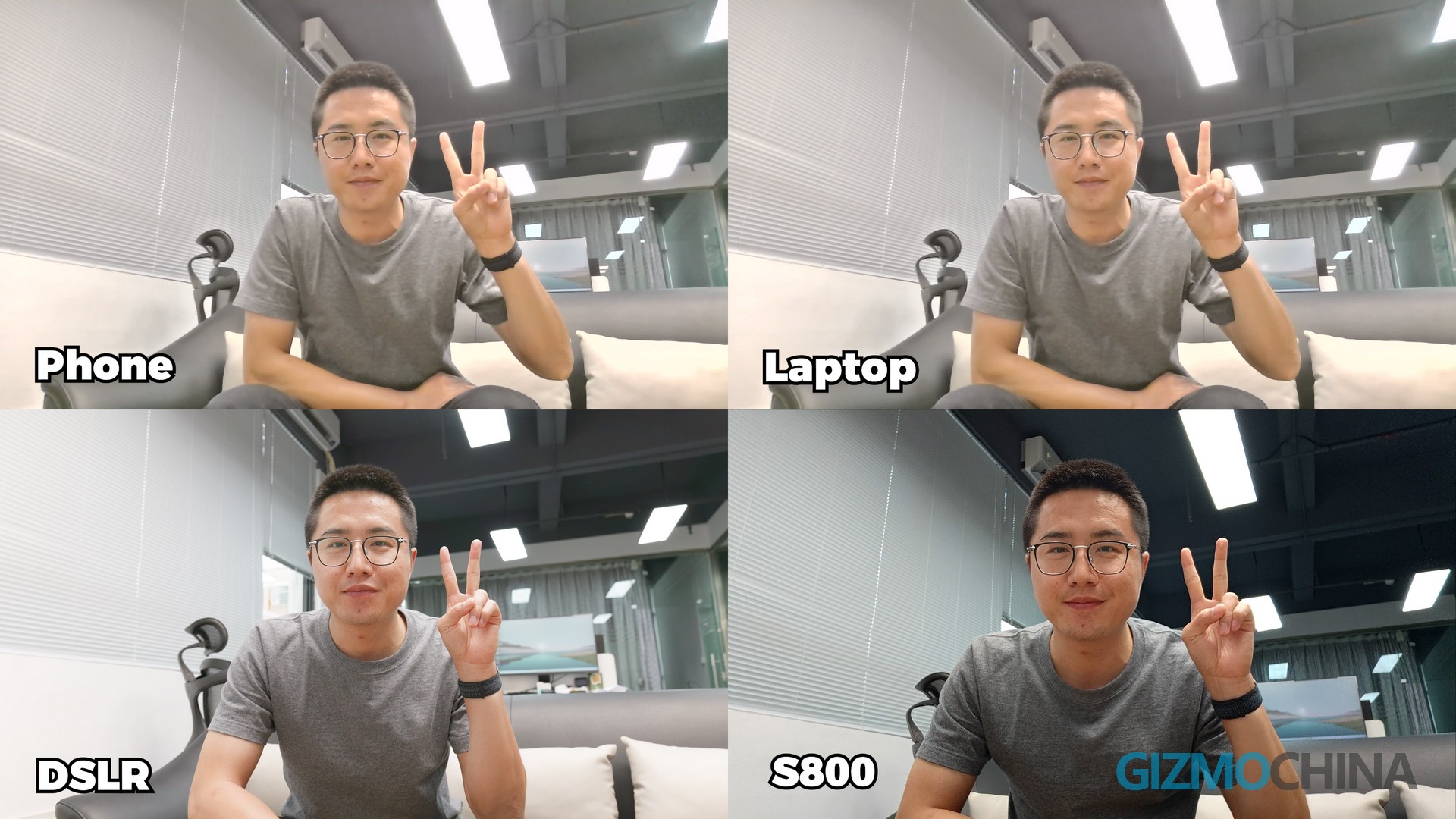
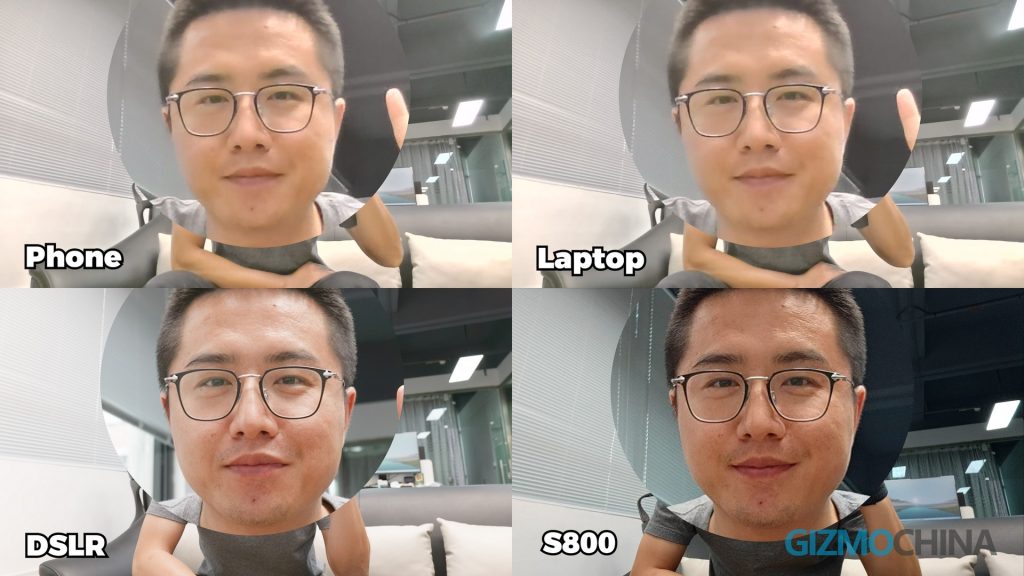
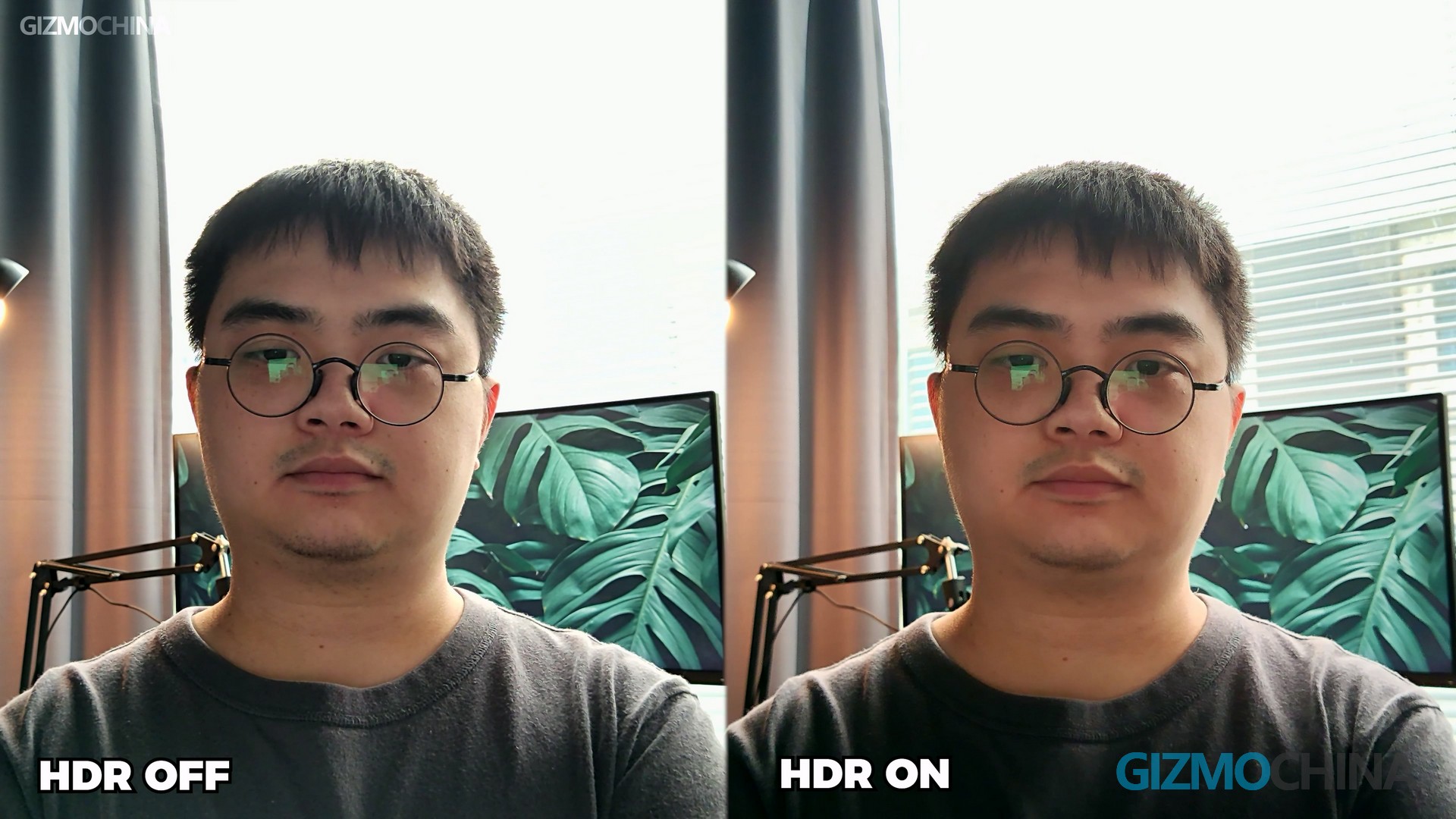
You can clearly see how big the difference is. Whether it’s for online meetings or live streaming, the S800 will always be one of the best options. It even has an HDR feature, which when turned on, you get images with greater dynamic range, a very attractive feature for those in poor lighting conditions.
The S800 is better than professional cameras in one thing: the focusing distance can be very close. This, along with the focusing system consisting of PDAF and TOF, makes it perfect for showing close-ups of items. This feature will be very helpful to salesmen who do Shopping Livestream, as they often have to show different items in front of the camera, a very quick focusing system is very important for them.
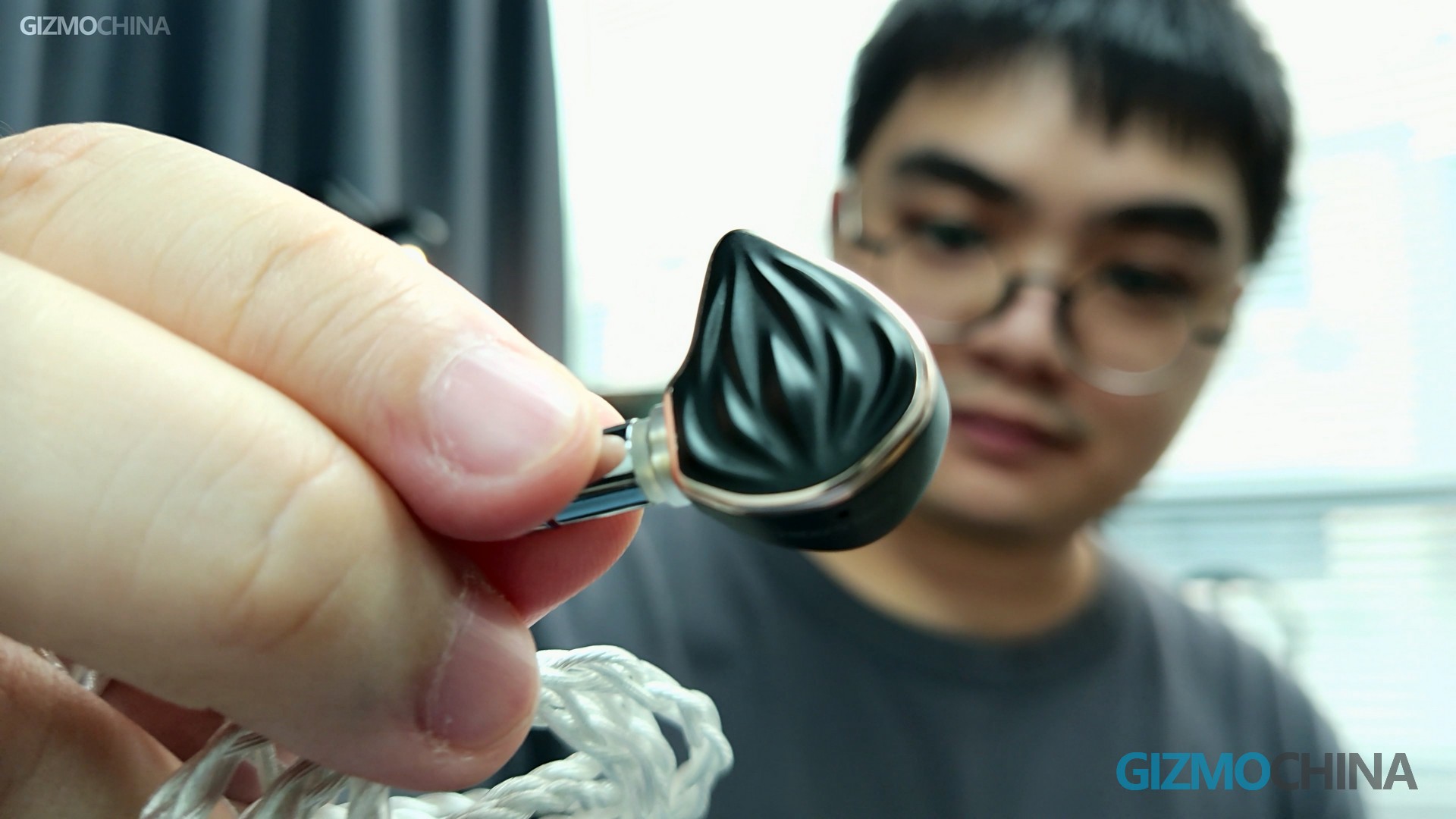
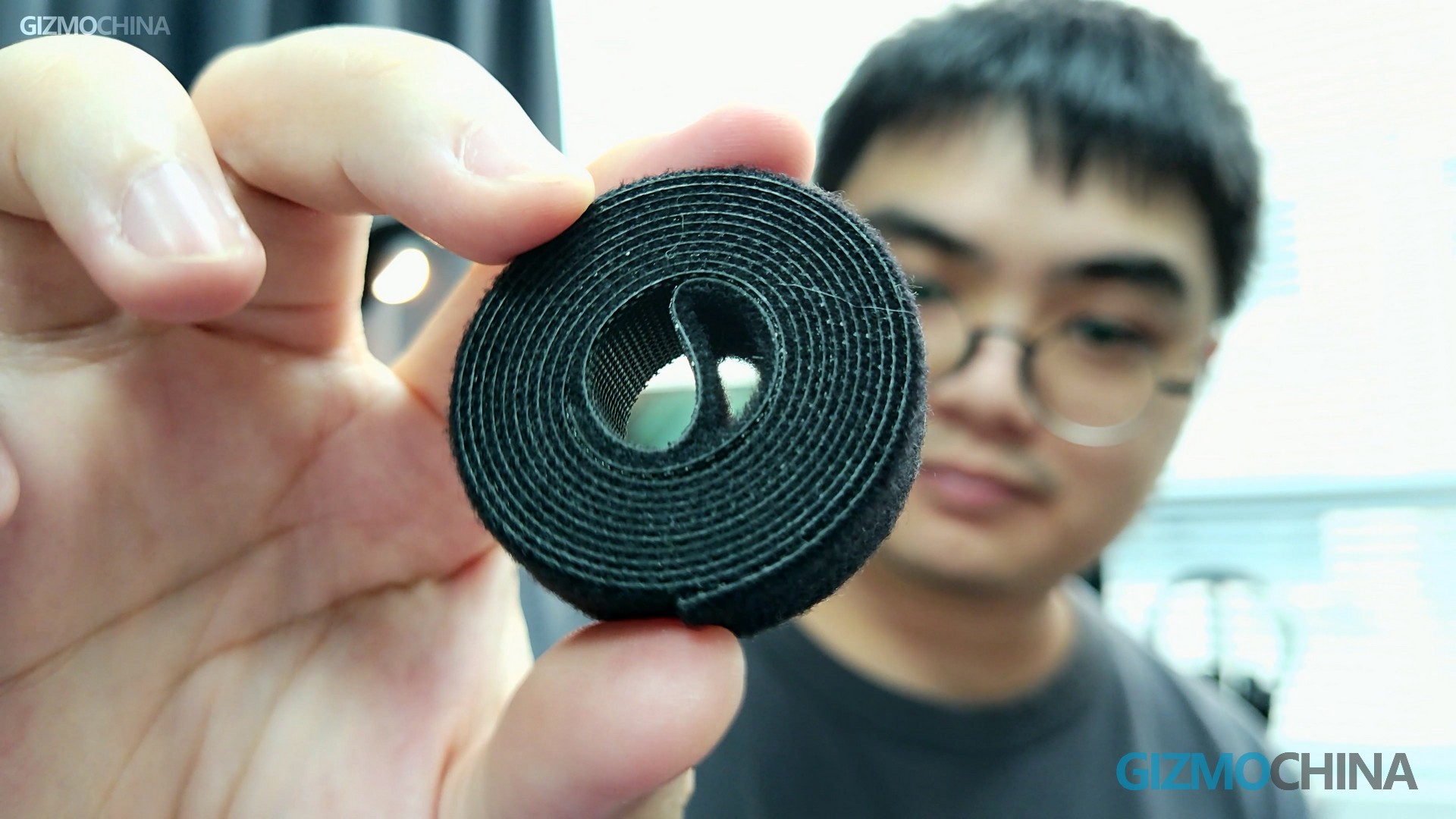
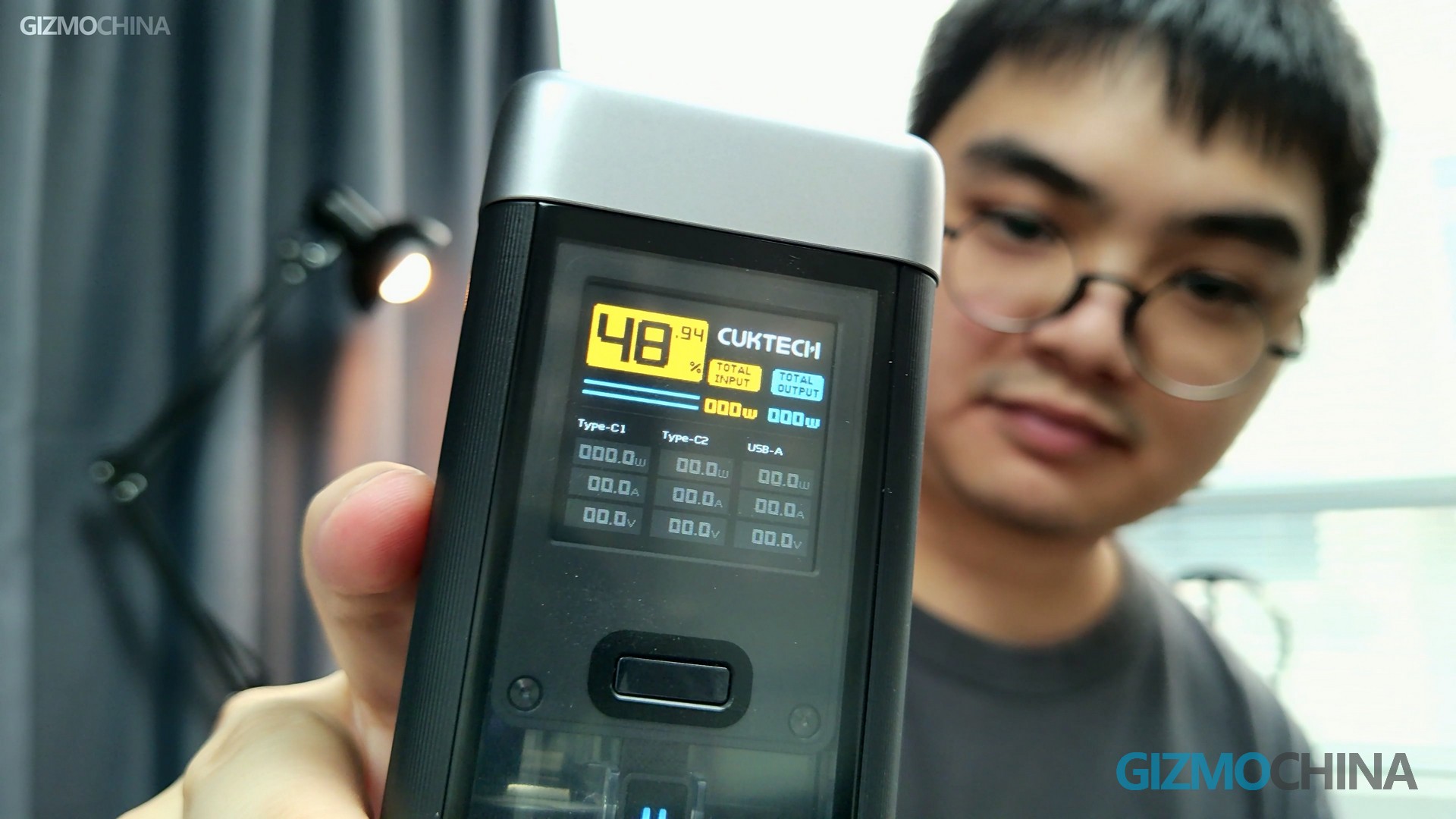
Also, the two built-in microphones are nice. If you haven’t chosen your favorite microphone yet, it would not be a bad idea to use it for live streaming first.
Software
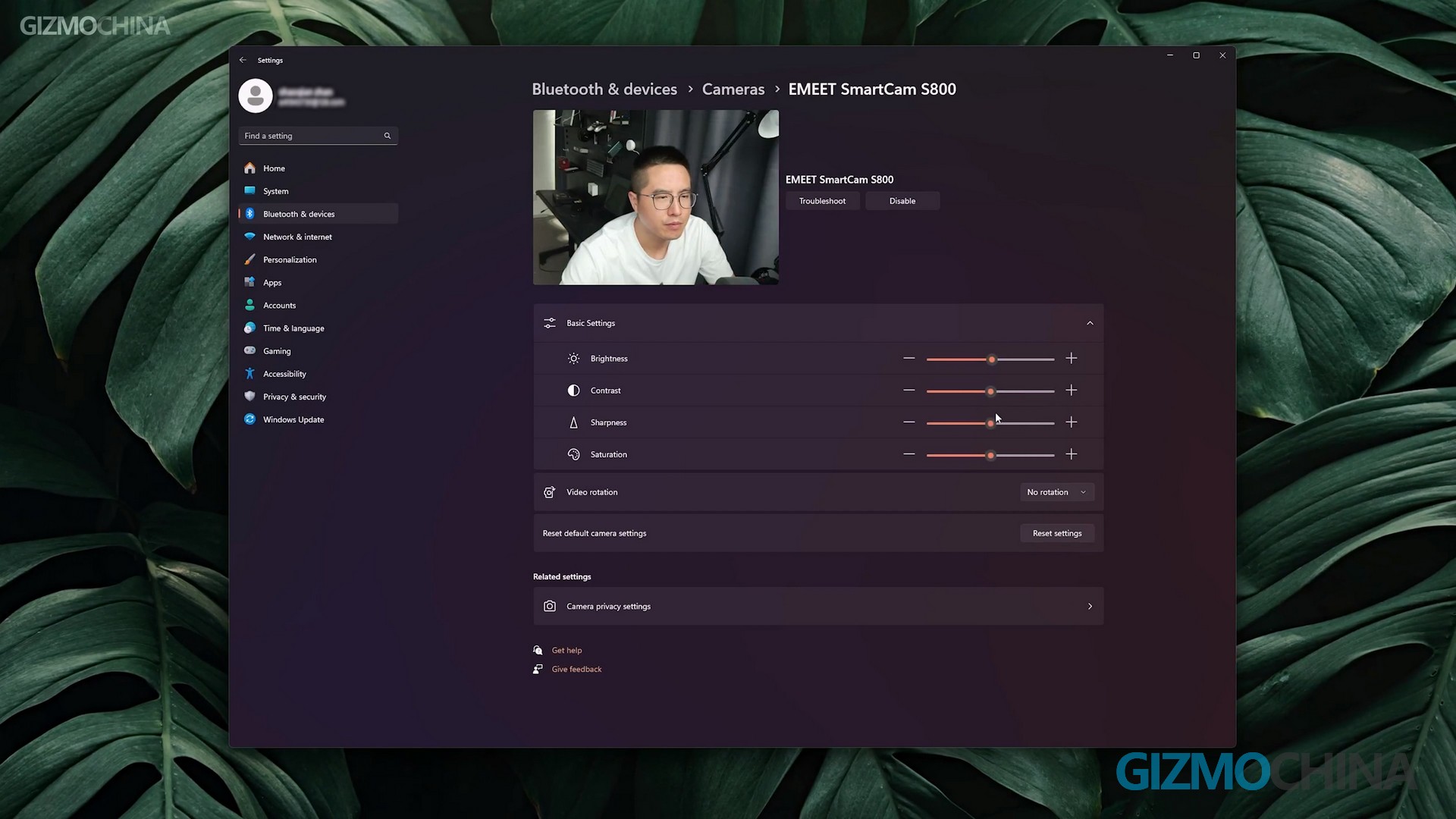
The S800 doesn’t need any other software to adjust the basic video settings, such as sharpness effect, saturation, and exposure, in the Windows settings. Resolution and frame rate can also be adjusted but in a different menu.
If you want to adjust the image quality more finely, then you’ll need to download EMEETLINK, which controls the S800’s various detailed parameters, just like a professional camera. Things like face detection and HDR are very useful features.
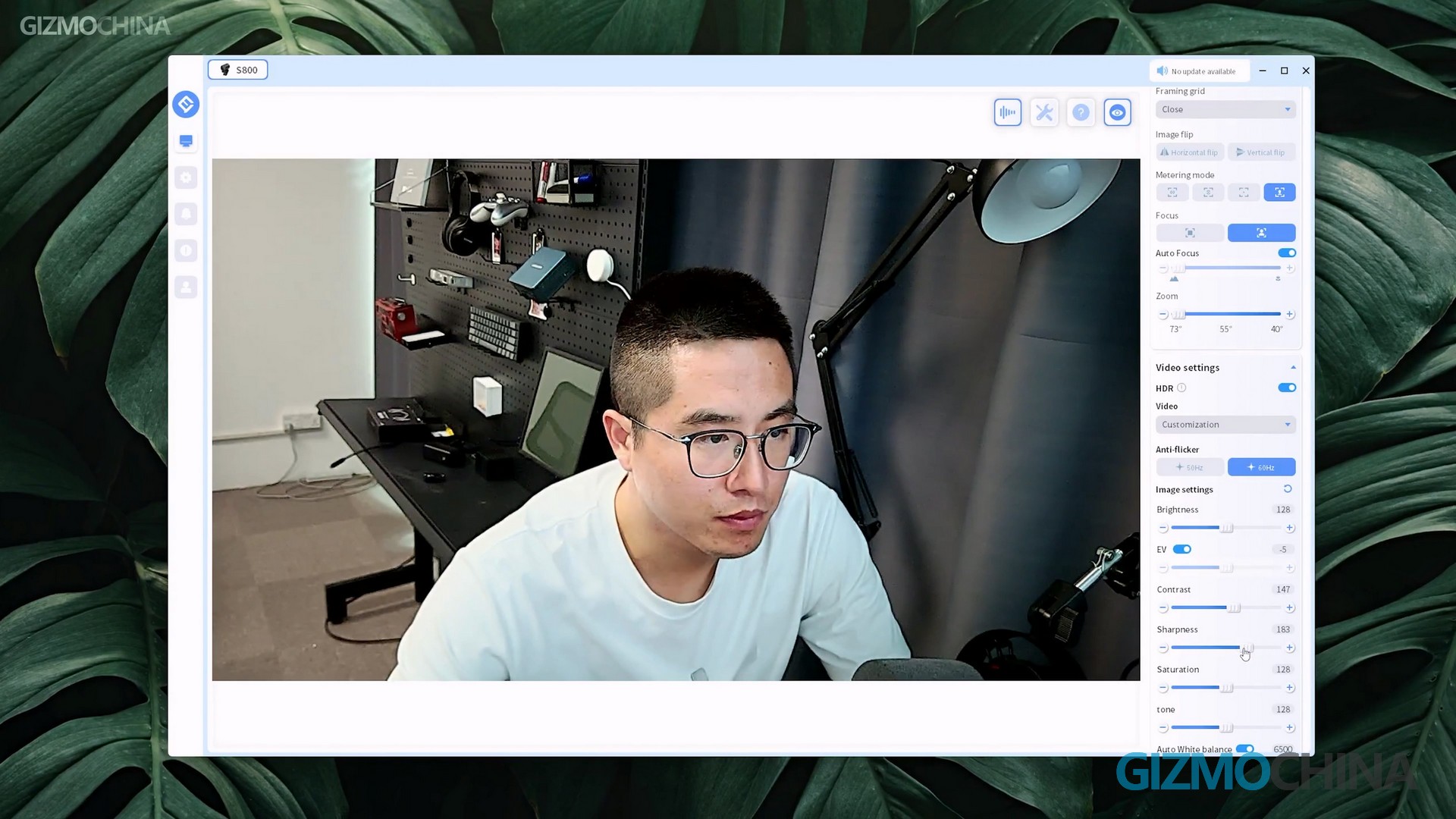
Also, I wish EMEETLINK would have a built-in chroma key function, it would make it easier for newbies to start live streaming. Oh, and for the cable, I also wish they would give a USB A to C adapter. After all, some laptops don’t have USB A ports anymore.
The EMEET SmartCam S800 is a great webcam. it pretty much does the best it can in terms of image quality and functionality. I once used the S800 for a live stream. Even though we only used the 1080p 30fps specs, I was still happy with the image quality of the live stream. Although we will still use Mirrorless Camera for live streaming in the future, I will also keep it because we need a second camera for our live streaming. It’s highly recommended for personal and online meeting uses. Check it out on Amazon here if you are interested in the S800. We also recommend another popular EMEET 4K Webcam in the studio – EMEET NOVA 4K, although the NOVA was not showcased in the review. You can also check on Amazon here for the Nova 4K model, as it’s more like a budget model for the S800.

Comments