
Add GIZMOCHINA as Preferred Source on Google
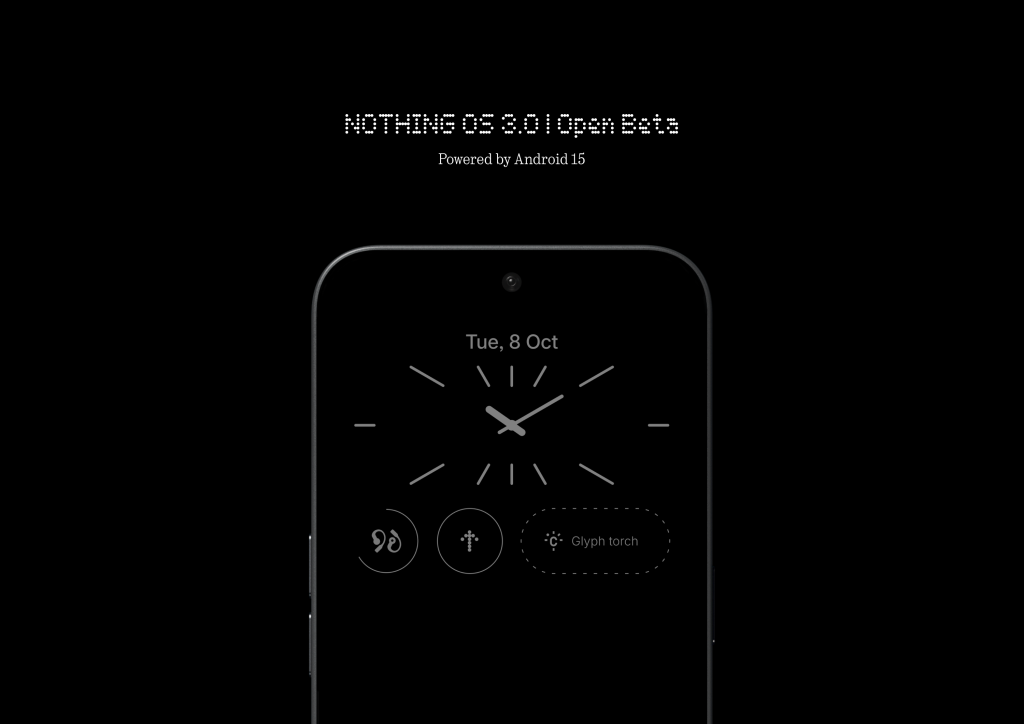
Nothing has released the second Nothing OS 3.0 open beta update for its Nothing Phone (2a). This update brings a host of new features and improvements, including shared widgets, enhanced quick settings, and optimized camera performance.
Shared Widgets: A New Way to Connect
One of the most significant additions in this update is the shared widgets feature. This innovative feature allows users to share widgets with friends and family. Currently, only photo widgets can be shared, but Nothing is working on expanding this functionality to other widgets in the future. Here’s the complete changelog:
Nothing OS 3.0 Open Beta 2 Changelog
Shared Widgets
Use widgets to link up with friends and family. See another person’s widgets displayed on your home screen and interact with each other through reactions. A new way to stay connected.
Quick Settings improvements
Refined the animations in Quick Settings, including swipe animations, Bluetooth tile transitions, and tile resizing. Improved the user experience when interacting with the ring tile within the Quick Settings Widget.
Smart Drawer enhancements
Enhanced app categorization accuracy. New apps may take a short while to be properly categorized. Introduced auto-sort, allowing your apps and folders to organize themselves based on your usage habits.
Camera enhancements
Improved stability when switching camera modes. Upgraded HDR algorithm for better stability and enhanced photo quality. Optimized Portrait Mode. Enhanced brightness when using Ultra HDR Mode.
Visual and performance updates
AI-powered selection and prioritization of your frequently used apps, keeping them at your fingertips for a smoother and more efficient experience. PUBG now supports a high refresh rate of 90 fps for smoother gameplay. Added an onboarding guide for first-time Pop-up view users. Other general bug fixes and performance improvements.
How to Install the Update
To install the Nothing OS 3.0 Open Beta 2 update, make sure your Phone (2a) is running Nothing OS 3.0. If not, you can download and install the update manually. Once installed, navigate to Settings > System > System updates to check for the latest update.
(Source)



Comments