
Add GIZMOCHINA as Preferred Source on Google
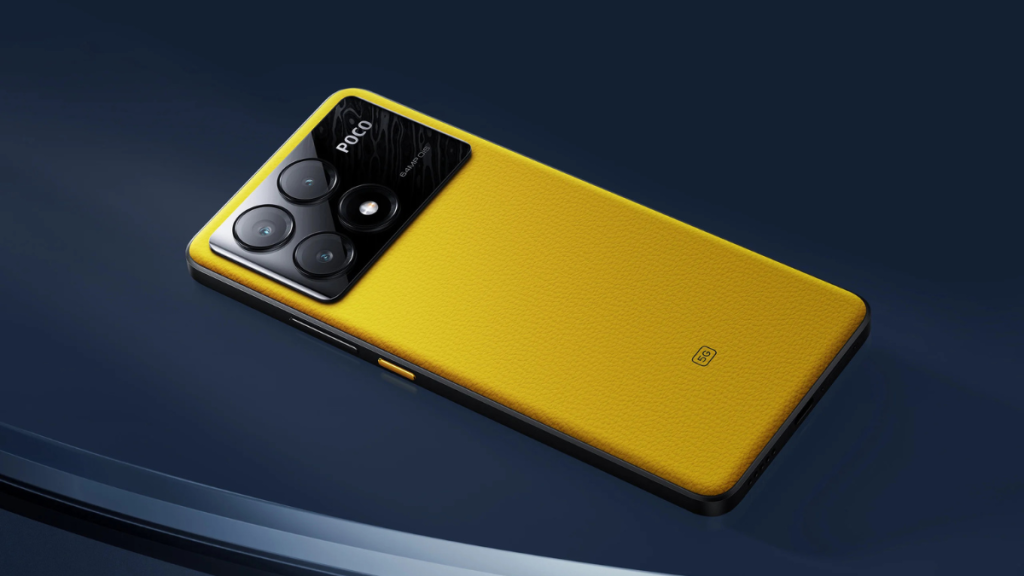
HyperOS 2 is not a minor upgrade; it’s actually a major one with plenty of improvements and new features. Xiaomi did a great job by significantly reducing the app delays and improving multitasking capabilities. There are also an AI-powered lock screen, a revamped desktop layout, AI magic painting, and 3D real-time weather system, to name a few.
Xiaomi has already released the stable HyperOS 2 update to over a dozen smartphones, and the list keeps getting bigger and bigger as the days go by. The latest one to get the HyperOS 2 treat is none other than the Poco X6 Pro. The global rollout starts with the EEA region, but it won’t be long before it reaches different parts of the world.
The HyperOS 2 update for the Poco X6 Pro is tagged with firmware version 2.0.2.0.VNLEUXM. It’s based on Android 15. Hence, in addition to HyperOS 2 features, you’ll get more new features directly from the development team at Google.
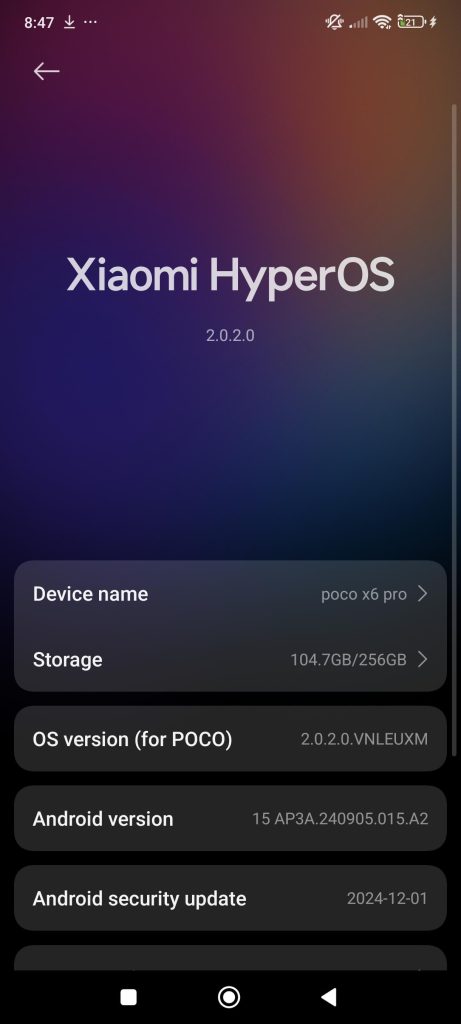
It’s a major update that weighs around 5.7GB in size. Hence, it’s recommended that you download it over a stable Wi-Fi connection. And before you hit the install button, ensure that the battery is at least 40% charged to avoid update failure.
To upgrade your Poco X6 Pro to the latest software, open the Settings app and go to the software update section. From there, you can check for a new update and download it. If you don’t see an update there, manually download the update package using third-party websites/apps such as Hyperosupdates.com or the MemeOS Enhancer app and flash the package manually.
Check out the HyperOS 2 global roadmap to find out when the update will be available for your other Xiaomi, Redmi, or Poco devices.
Tech enthusiast? Get the latest news first! Follow our Telegram channel and subscribe to our free newsletter for your daily tech fix! ⚡




Comments