
Add GIZMOCHINA as Preferred Source on Google
Windows 11 24H2 update is here and it’s coming to your machine whether you like it or not, well, almost. Microsoft has shifted gears on its update policy for Windows 11 24H2, the latest iteration of its desktop operating system.
Since October 2024, it’s been available as an optional upgrade, but starting January 16, 2025, things are changing. Microsoft has begun automatically downloading and installing Windows 11 24H2 on compatible Windows 11 PCs.
This forceful update is limited to consumer PCs running Windows 11 Home and Pro versions. So if you’re on an enterprise edition, you can breathe a sigh of relief for now.
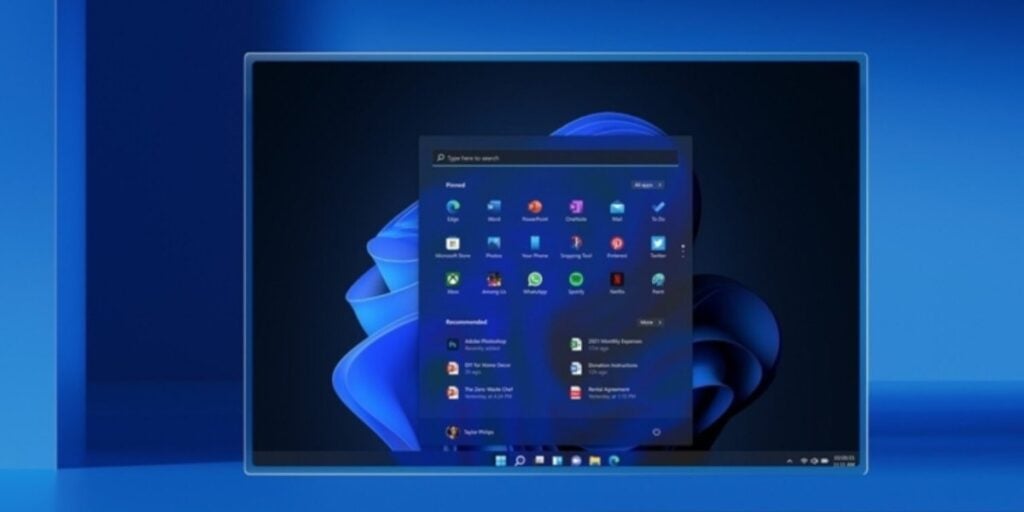
Microsoft is also taking a staged approach, so not everyone will see the update notification right away. They’ll gradually push the update to a subset of users, monitor for bugs and issues, and then expand the rollout further.
The reasoning behind this seems to be to ensure a smoother update experience. By taking a measured approach, Microsoft can identify and squash any major problems that might arise before a wider release. This staged rollout also gives them a chance to gather feedback from early adopters and address any compatibility concerns.
If you’re not one for waiting, you can always check for updates manually. Just head over to Settings > Windows Update and select “Check for updates”. If your device is compatible and Microsoft has flipped the switch for your account, you’ll see the option to download and install version 24H2.
There have been some reports of glitches with Windows 11 24H2, particularly related to games, but Microsoft assures us that most of these have been resolved with recent patches.
That said, the potential for new, unforeseen issues always exists with major updates. If you’re particularly risk-averse, you can use the “Pause Updates” feature in Windows Update to defer the update for up to five weeks. This will buy you some time to do your own research and make sure critical software is compatible with the latest Windows version.
Don’t miss a thing! Join our Telegram community for instant updates and grab our free daily newsletter for the best tech stories!




Comments