
Add GIZMOCHINA as Preferred Source on Google
With the rollout of iOS 18.3, iPadOS 18.3, and macOS 15.3, Apple’s latest AI-powered feature, Apple Intelligence, is now enabled by default on compatible devices. While this set of AI tools brings features like message summaries, image generation, and enhanced Siri interactions, it also comes with a significant storage requirement. Apple’s official documentation confirms that Apple Intelligence consumes up to 7GB of storage across iPhones, iPads, and Macs.
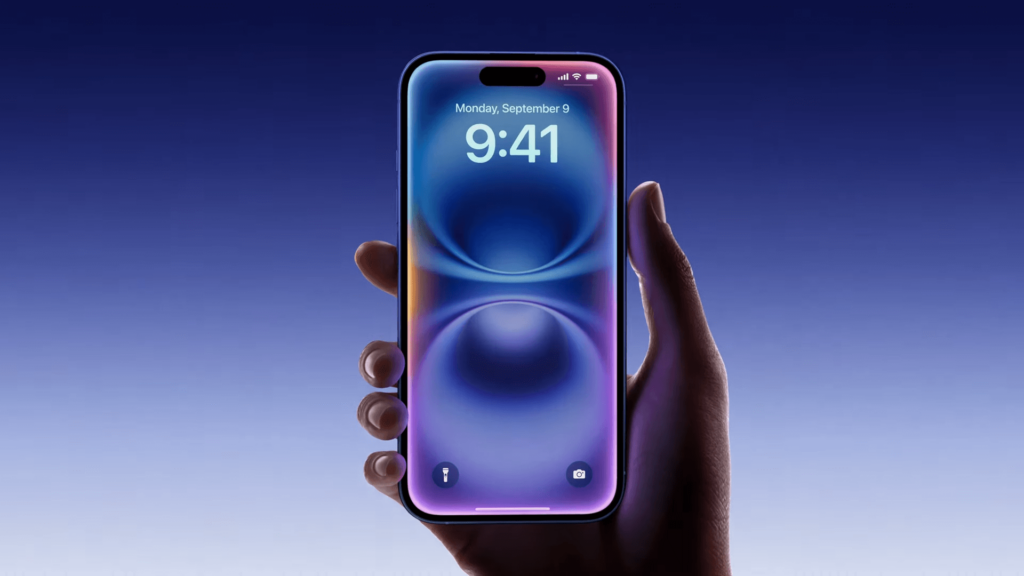
You can also disable specific features instead of turning it off completely
For users struggling with limited storage or those who simply do not find the AI features useful, there is an option to disable Apple Intelligence entirely. Once turned off, the local AI models are removed from the device, reclaiming the occupied space. This can be especially beneficial for iPhone users dealing with constrained storage, particularly those who do not actively use AI-generated content or enhancements.
To disable Apple Intelligence, users can navigate to Settings on an iPhone or iPad, or System Settings on a Mac, and access the “Apple Intelligence & Siri” section. From there, toggling off Apple Intelligence will prompt a confirmation, after which the system will remove AI-related resources. Some AI features, such as Writing Tools, Genmoji, and Image Playground, will no longer be accessible. However, certain tools like the Clean Up feature in the Photos app may remain available.
Apple Intelligence is currently not available in mainland China, and Apple has not provided a timeline for its release in that region. Additionally, only devices equipped with Apple’s latest hardware, such as the iPhone 15 Pro, iPhone 16 series, and M-series iPads and Macs support Apple Intelligence. Users who have updated to iOS 18.2 must also opt in to gain access to the AI features.
For those unsure about completely turning off Apple Intelligence, Apple provides options to selectively disable individual features through app settings. Features like message summaries in notifications and writing assistance tools can be switched off without disabling the AI suite entirely. By managing these settings, users can tailor their experience while keeping control over their device’s storage and functionality.
If you’re unsure which flagship to choose, our latest article compares the Galaxy S25 Ultra and iPhone 16 Pro Max to help you decide which one suits you best.
For more daily updates, please visit our News Section.
Stay ahead in tech! Join our Telegram community and sign up for our daily newsletter of top stories! 💡



Comments