
Add GIZMOCHINA as Preferred Source on Google
Microsoft has expanded its Phone Link feature to include iPhone users, bringing seamless integration to the Windows 11 Start menu. Previously limited to Android devices, this update allows iPhone owners to connect their devices to Windows PCs and access key features directly from the Start menu. Users can now view messages, check battery status, monitor connectivity, and track recent activities without opening the Phone Link app.
Simplified file sharing and connectivity for iPhone users
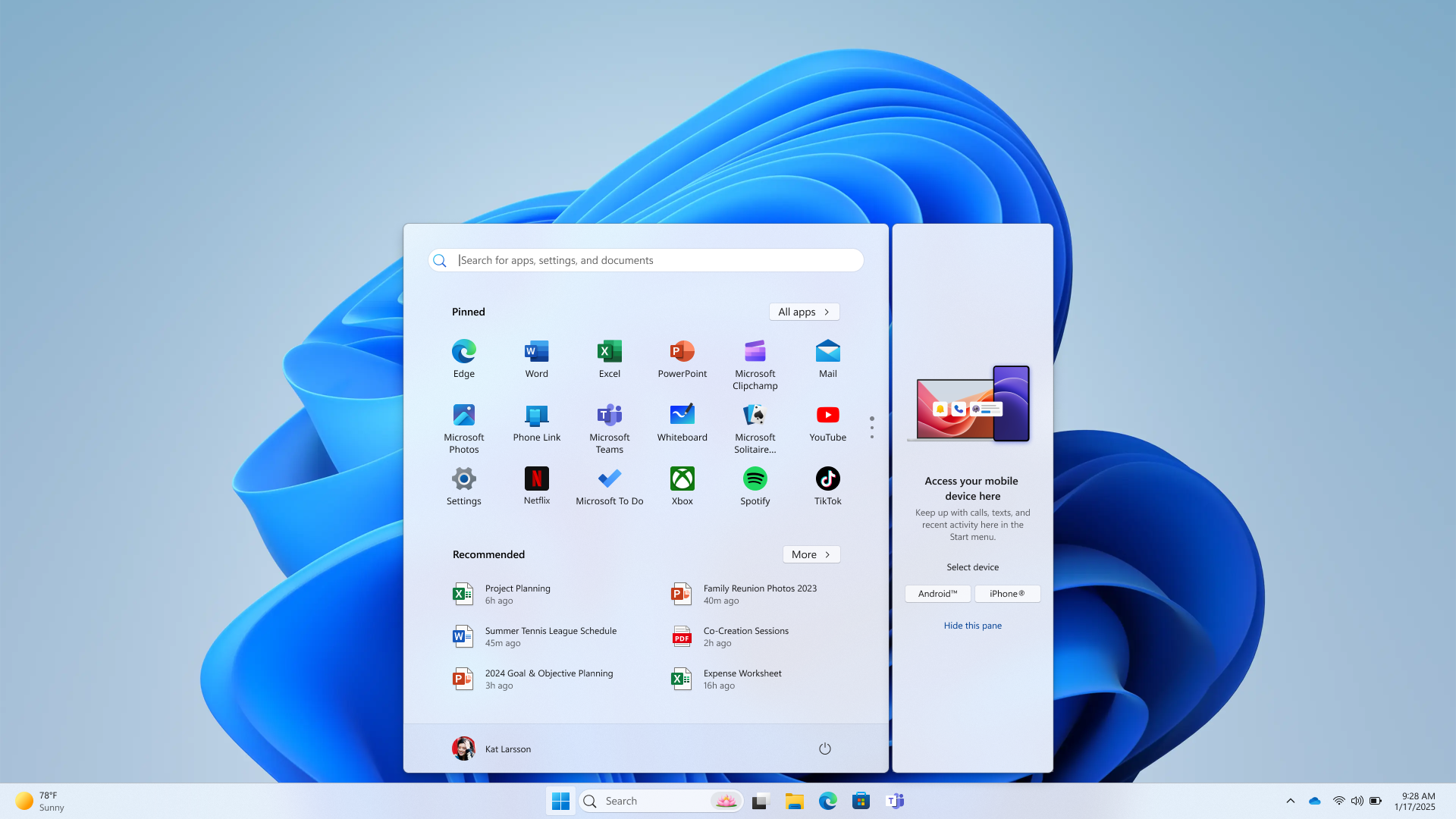
The update also simplifies file sharing between iPhones and PCs. By accessing the connected device in the Start menu, users can quickly send files with just a few clicks, similar to Apple’s AirDrop functionality. This enhancement builds on Microsoft’s earlier rollout of iPhone file sharing, making the process faster and more intuitive.
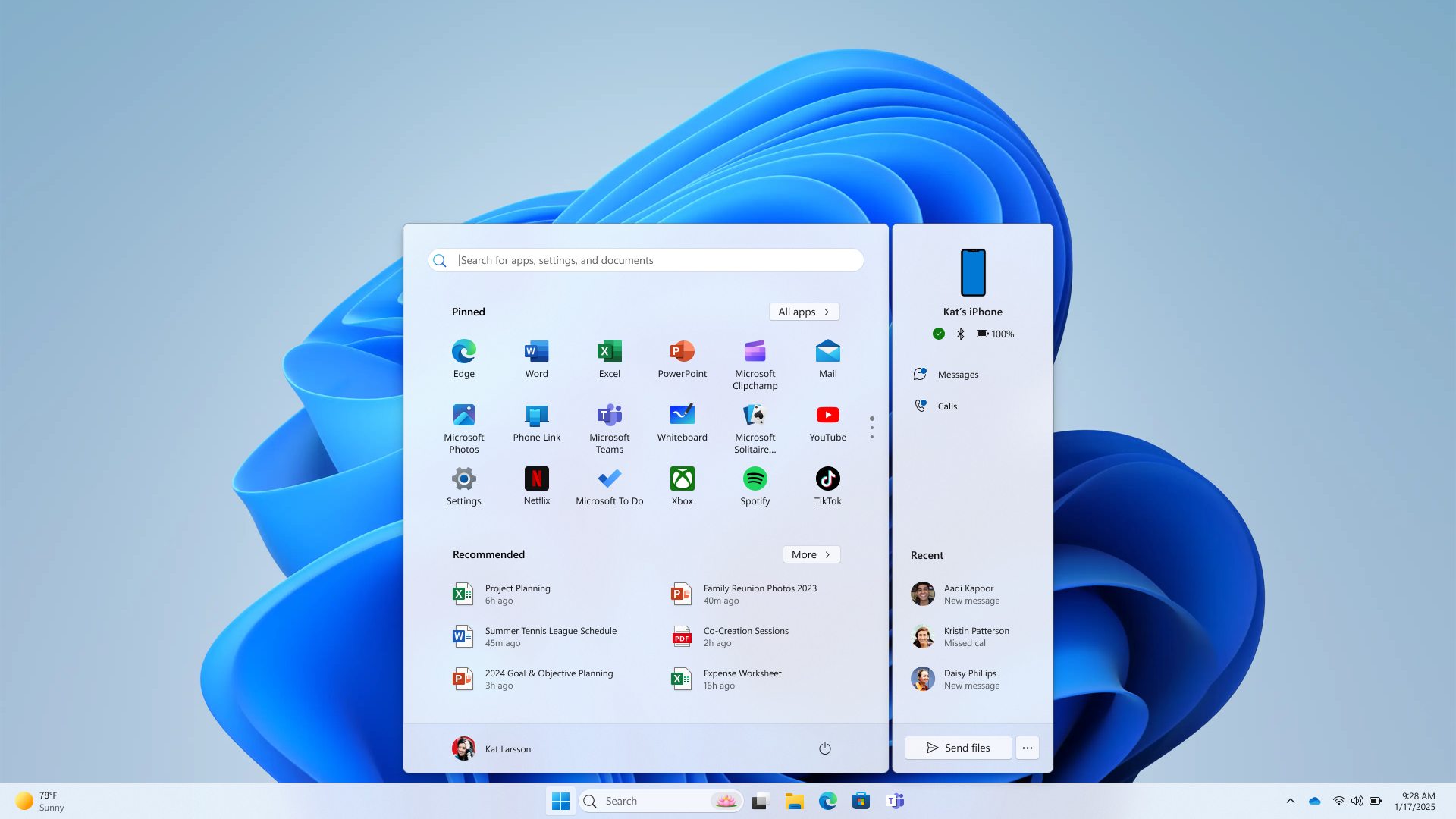
To use these features, Windows Insiders in the Dev and Beta Channels need Windows 11 Build 4805 or higher, Phone Link version 1.24121.30.0 or later, and a Microsoft account. Bluetooth LE support is also required. While the feature is currently available to testers, it is expected to roll out to all Windows 11 users in the coming months.
This update marks a significant step in bridging the gap between Windows PCs and iPhones, offering a more unified experience for users who rely on both ecosystems.
For more daily updates, please visit our News Section.
Stay ahead in tech! Join our Telegram community and sign up for our daily newsletter of top stories! 💡
(source)


Comments