
Add GIZMOCHINA as Preferred Source on Google
Circle to Search has been one of Google’s biggest successes in recent years. Initially exclusive to Google and Samsung phones, the feature rolled out to more Android devices in late 2024. Now, Google is extending the functionality to Apple devices—but with some notable limitations.
On Android, Circle to Search works across virtually any app or screen. Users can simply long-press the navigation bar to activate it, then circle, scribble, or tap anything on the display to search for more details.
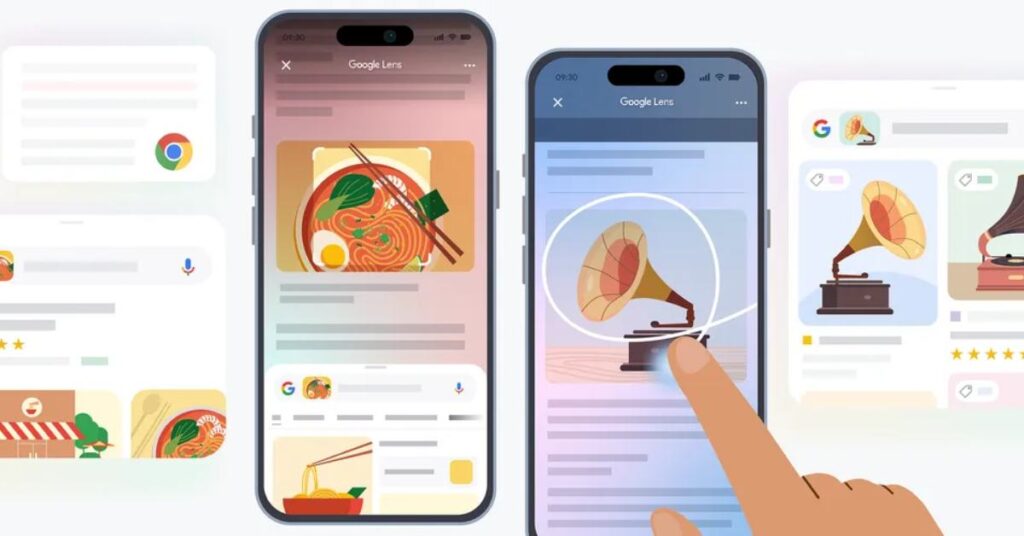
On iPhones, though, the experience is far more restricted. The feature is only available within the Google app and Chrome, and instead of a seamless long-press gesture, users have to tap the three-dot menu and select “Search this Screen” to begin a search.
Rather than fully porting Circle to Search, Google is essentially integrating its functionality into Google Lens as an add-on for Chrome and the Google app on iOS.
It makes sense as Lens has long offered similar capabilities, but users typically have to open the app and upload a screenshot to identify what’s on their screen. The new update makes the process a little more seamless, though it is still not as smooth as on Android.
Google says a new Lens icon will roll out in the coming months to make accessing the feature even easier. But deep system-wide integration, like on Android, still isn’t on the table.
Google Lens is getting AI overviews
While Lens will now help iPhone users search what’s on their screen, the standalone Google Lens app for both Android and iOS is also getting an upgrade with AI overviews.

So for instance, if you search for a flower or a vehicle with Google Lens, you will now see an AI overview (basically an AI-generated description) of the object in your Lens result, along with links to resources on the web.
The update is rolling out to English-language users in countries where AI overviews are available.
For more daily updates, please visit our News Section.
Stay ahead in tech! Join our Telegram community and sign up for our daily newsletter of top stories!




Comments