
Add GIZMOCHINA as Preferred Source on Google
Huawei has introduced the Qingyun L420x, an updated version of its 2021 Qingyun L420 (also known as the Dyna Cloud L420). The new model brings a high-resolution OLED display, an all-metal body, and an expanded battery, while also running on Chinese-developed software and hardware. Let’s walk through its specs and features here.
Huawei Qingyun L420x Specifications
The Qingyun L420x features a 14.2-inch OLED screen with a resolution of 2880 x 1920 pixels. It supports a 120Hz refresh rate, sRGB, P3, and Adobe color gamuts, and offers a peak brightness of 450 nits. Huawei has also secured TÜV Rheinland Eye Comfort certification for the panel, which includes 1920Hz PWM dimming to reduce eye strain.
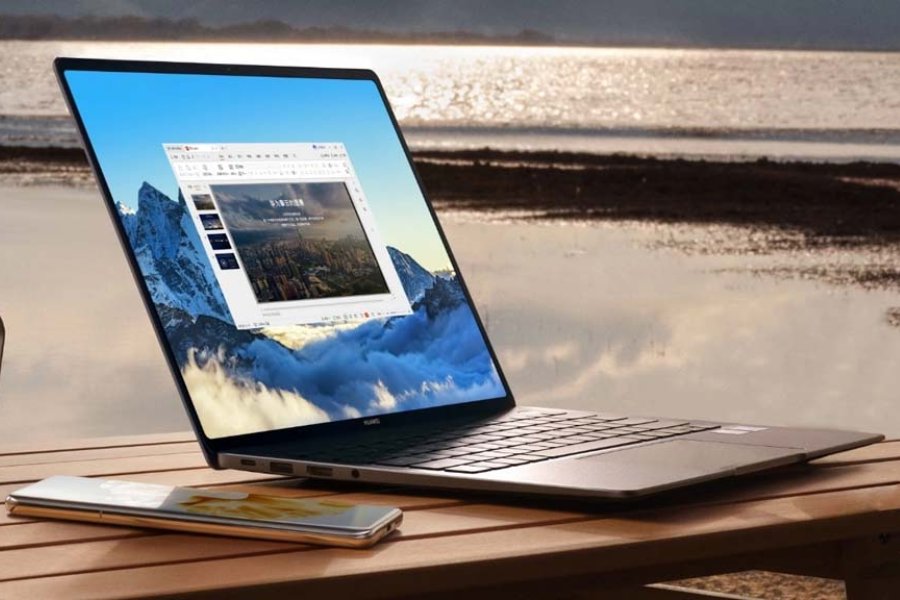
The laptop has an all-metal chassis and weighs 1.32kg. It measures 312.6 x 226.8 x 14.5mm and features a sandblasted finish for a more refined look.
The Qingyun L420x runs on two Linux-based operating systems: Kylin Desktop OS V10 and Tongxin Desktop OS V20. While Huawei hasn’t detailed the exact processor, it’s likely powered by the in-house Kirin chip like its predecessor. Memory options include either 256GB, 512GB, or 1TB of UFS-based storage. And it is paired with 8GB or 16GB of LPDDR5 RAM.
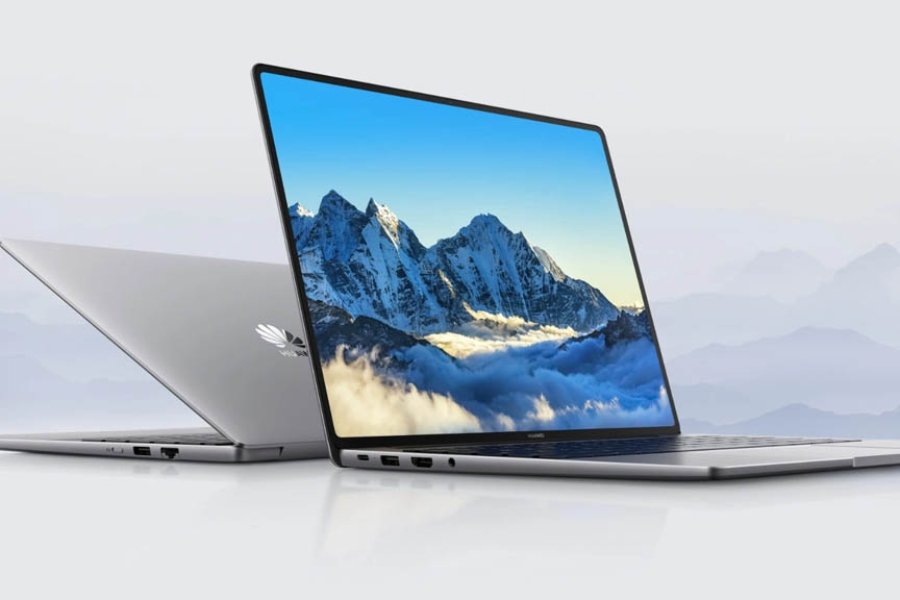
The laptop is equipped with a 70Wh battery, which Huawei claims can provide over 14 hours of video playback on a full charge. It supports 65W fast charging, with a 15-minute charge restoring 25% of battery life.
The Qingyun L420x includes the necessary I/O options including a USB-C, two USB-A 3.2 Gen 1, an HDMI, a 3.5mm headphone/mic combo, and an RJ45 Ethernet port.
The device comes with a 1080p HD webcam with a physical switch for privacy, along with software optimizations that claim to improve boot speed by 28.6%, app launch times by 15%, and file processing by 20%.
Huawei hasn’t shared pricing or availability details yet, but we’ll keep you posted as soon as it does.
For more daily updates, please visit our News Section.
Tech enthusiast? Get the latest news first! Follow our Telegram channel and subscribe to our free newsletter for your daily tech fix! ⚡
(Via)




Comments