
Add GIZMOCHINA as Preferred Source on Google
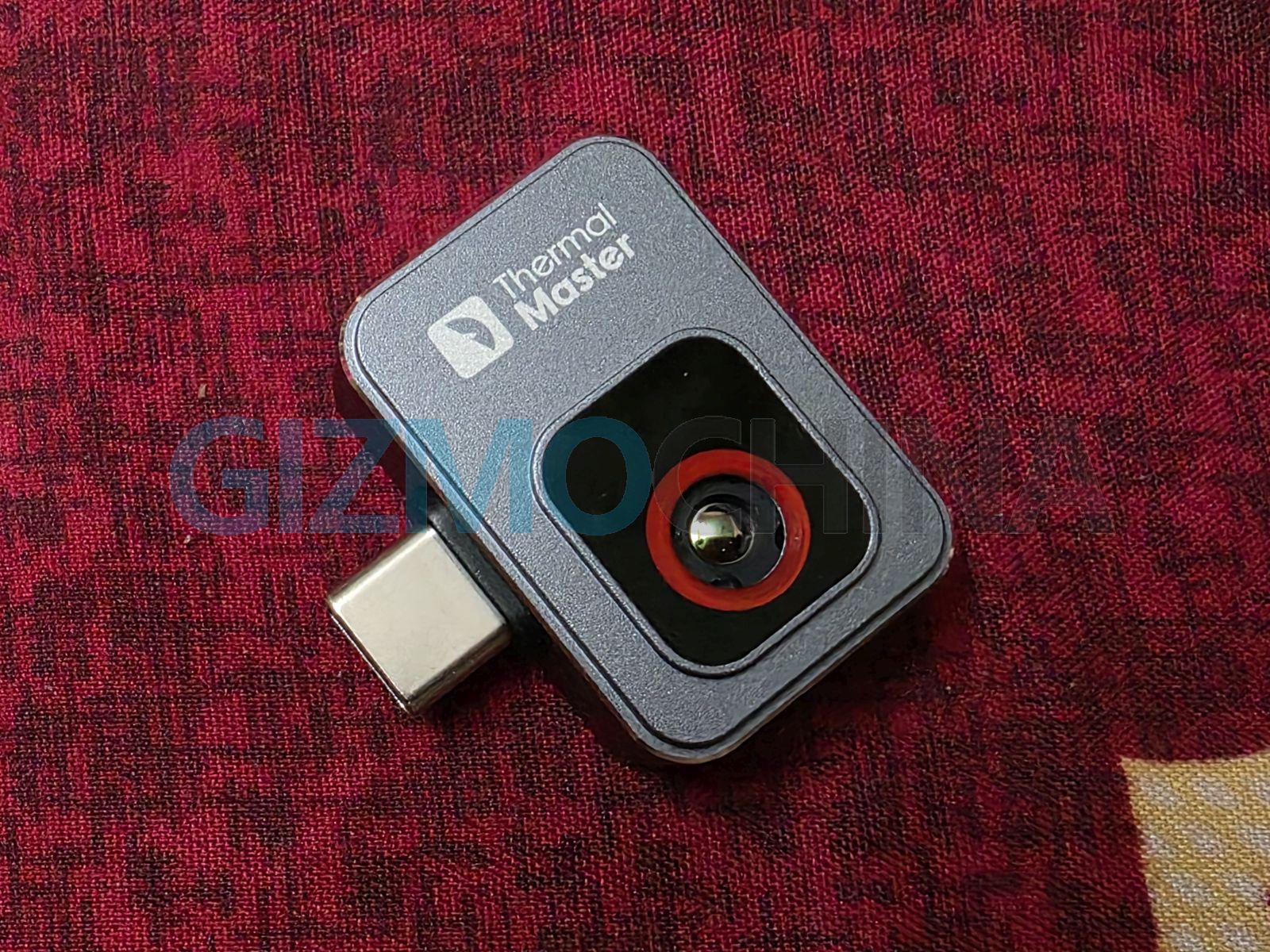
The Thermal Master P2 is a tiny yet powerful thermal imaging camera designed exclusively for Android devices. Weighing just 10g, it packs a 256×192 IR resolution, 15X zoom, and a temperature range of -4°F to 1112°F (-20°C to 600°C). After spending some time with it, here’s my experience with its design, performance, and usability.
1. Design and build
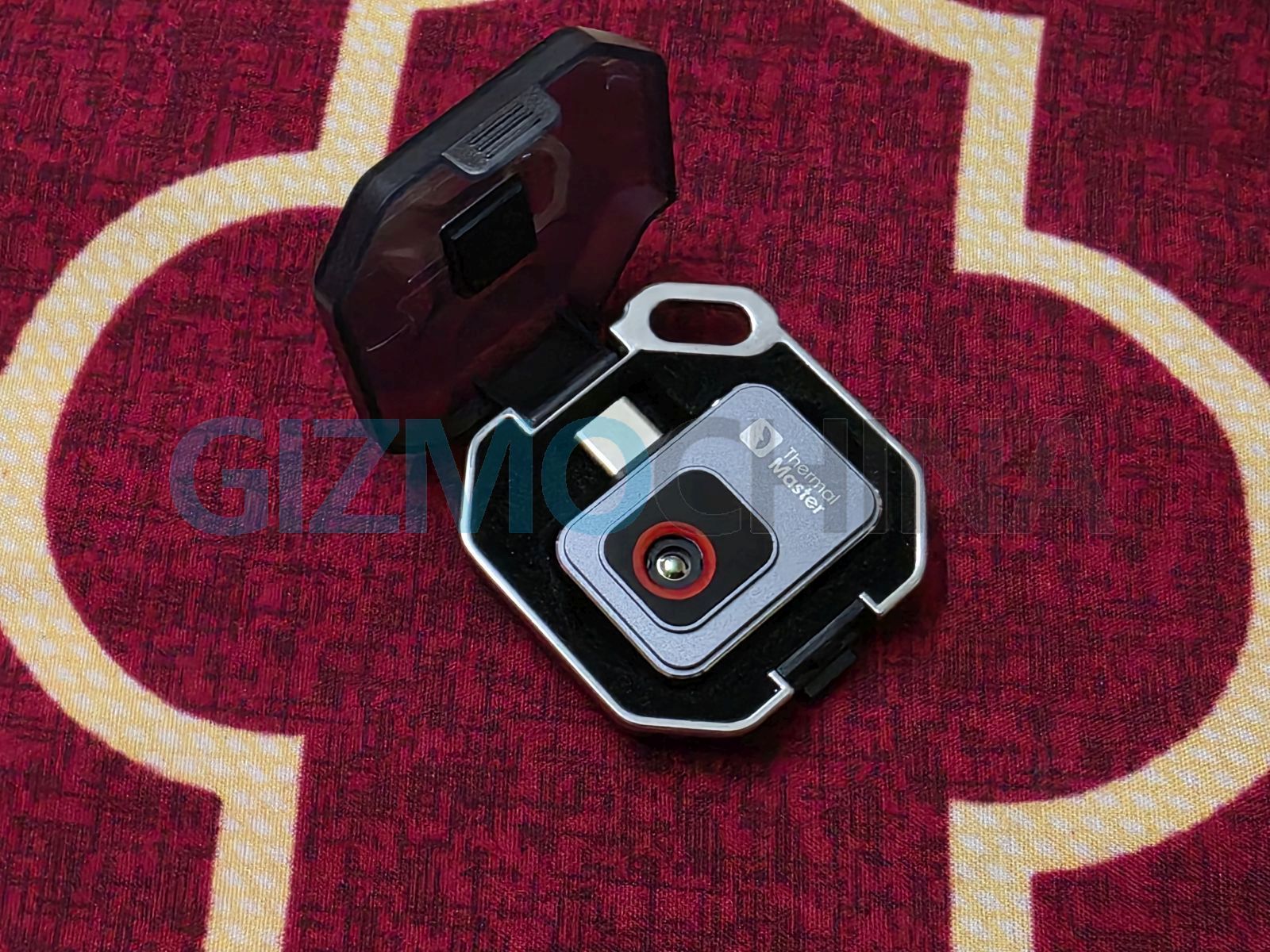
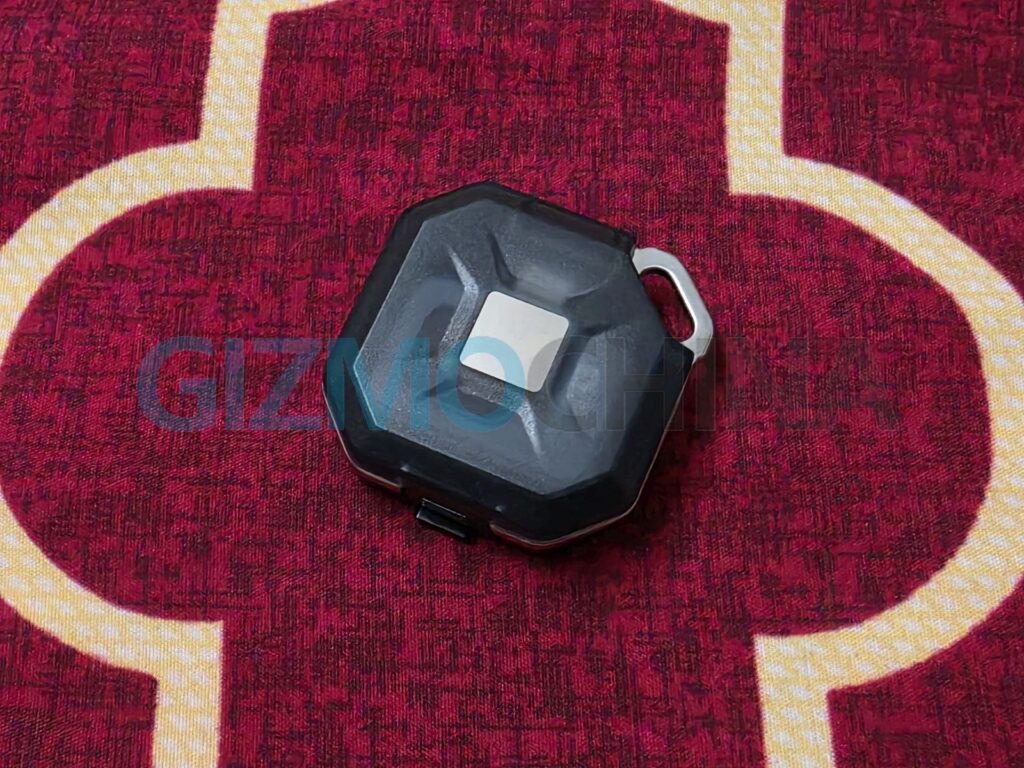
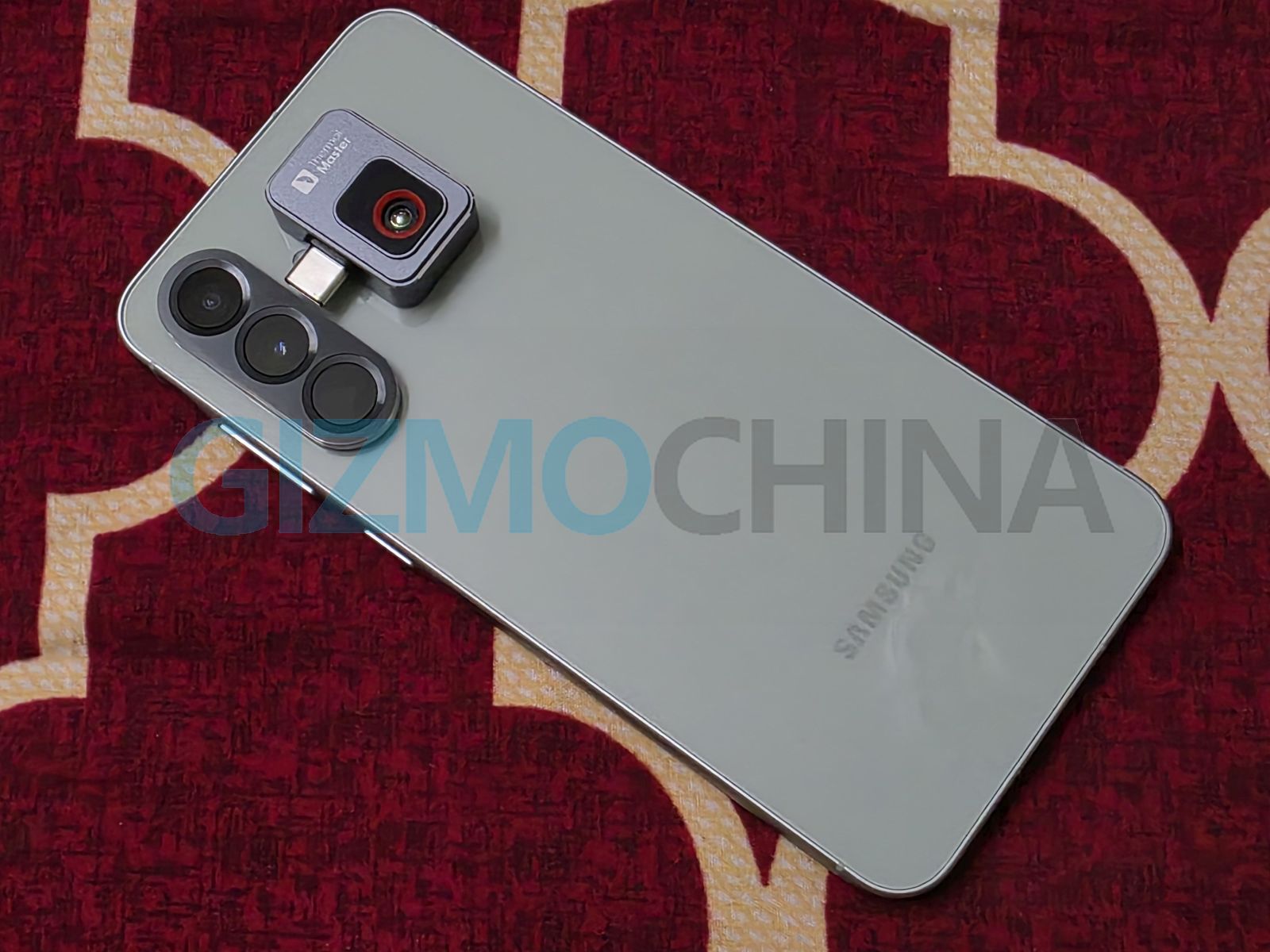
The P2 is incredibly compact—smaller than a keychain—and feels well-built. It connects directly to an Android phone via USB-C, making it an ultra-portable solution for thermal imaging. The packaging is premium, and it even comes with a key case, which is a nice touch for easy storage.
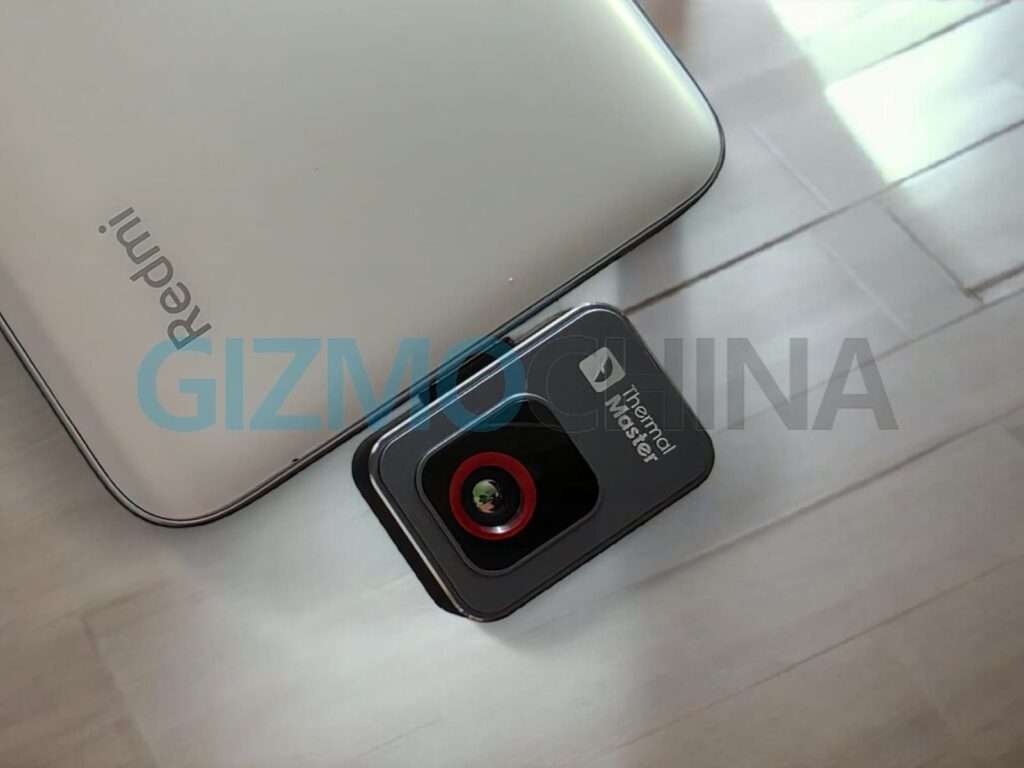
2. Performance and usability (Part 1)
Setting up the P2 is simple:
- Download the Temp Master app,
- Plug it into the phone, and
- Start capturing thermal images instantly.
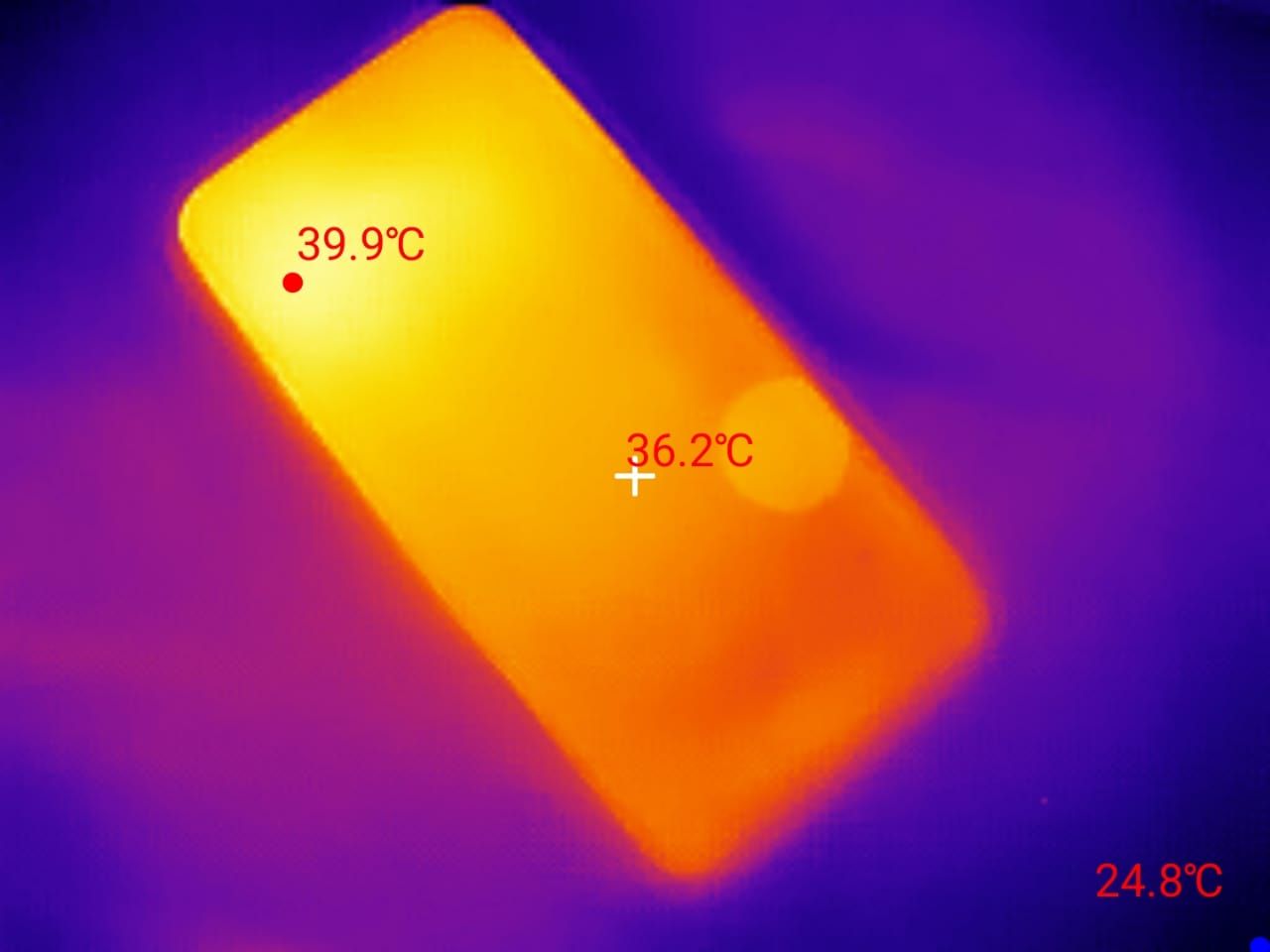
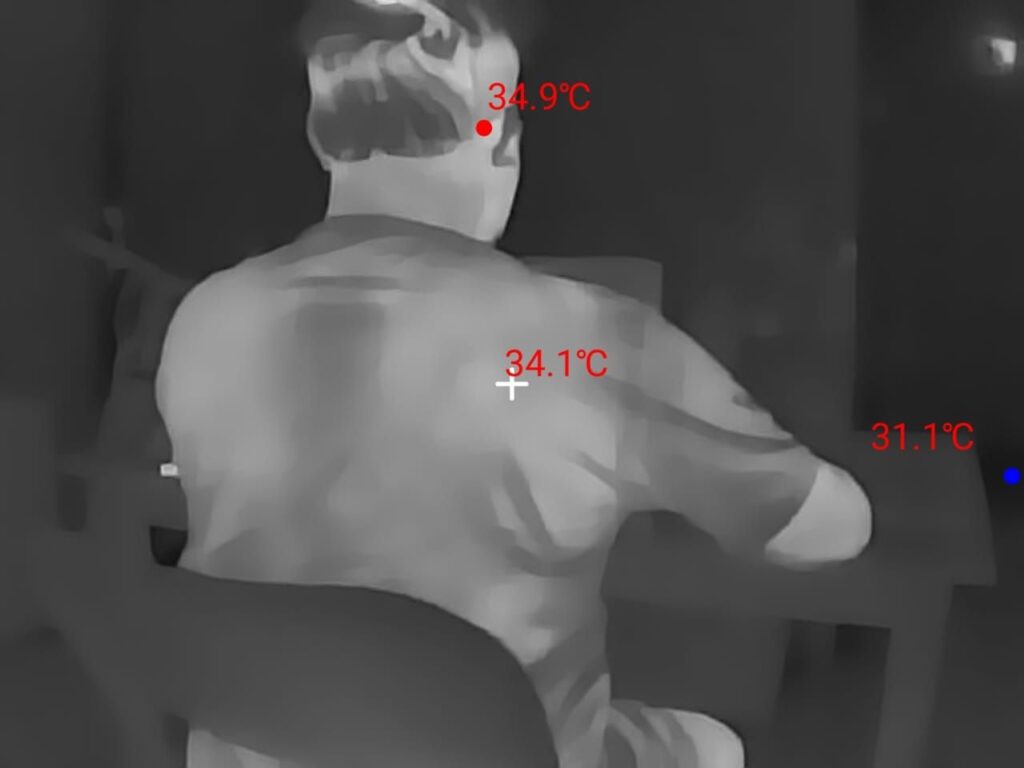
I think I will often use it since I constantly test and review phones and consumer tech gadgets. As can be seen in one of the above images, I found out that one of the phones I am testing was heating—I don’t know why, probably because its display was on. I was curious to check the temperature. So I used this thermal camera, and it not only showed the temperature but also clearly revealed that the top portion was heating more.
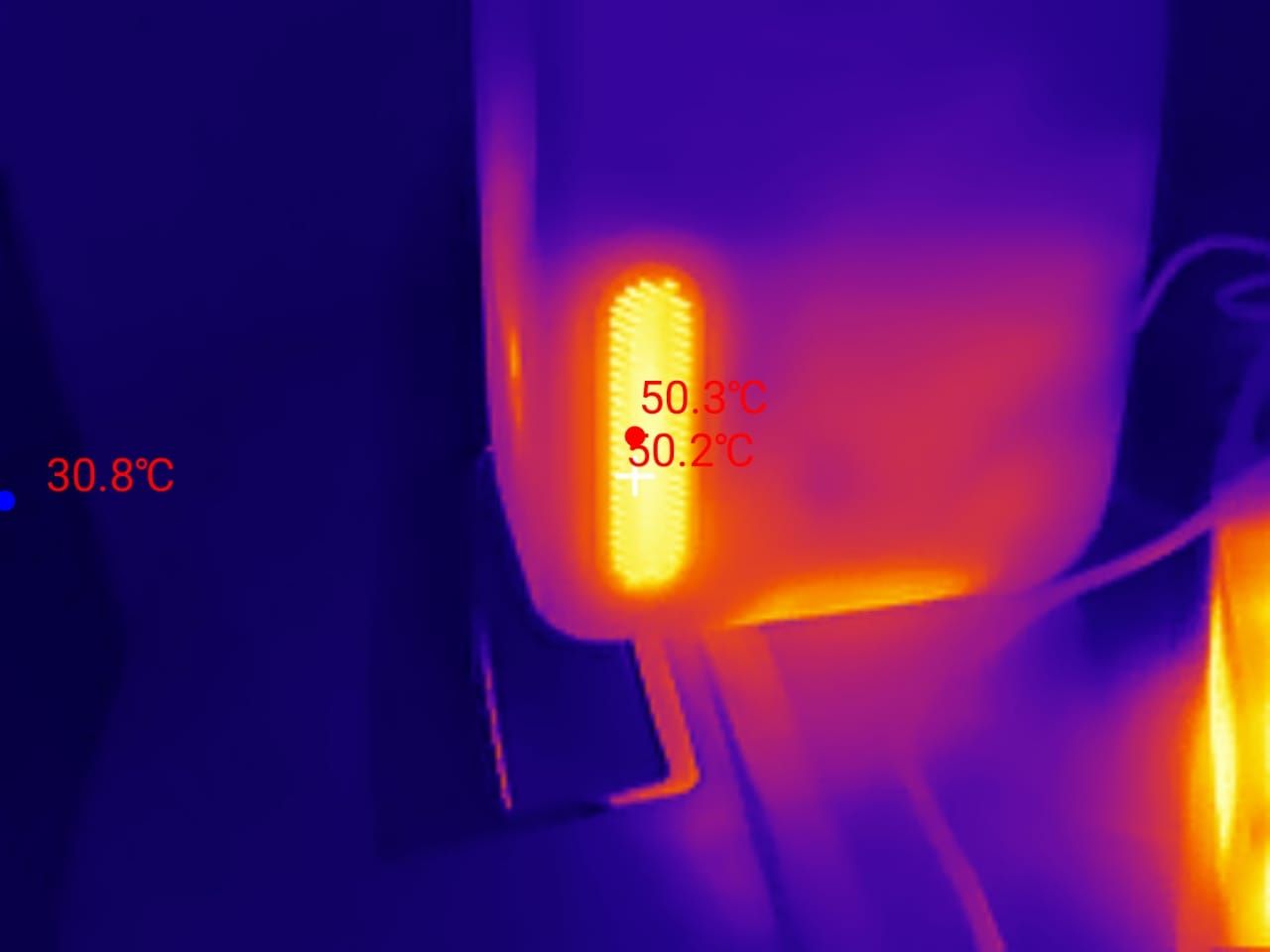
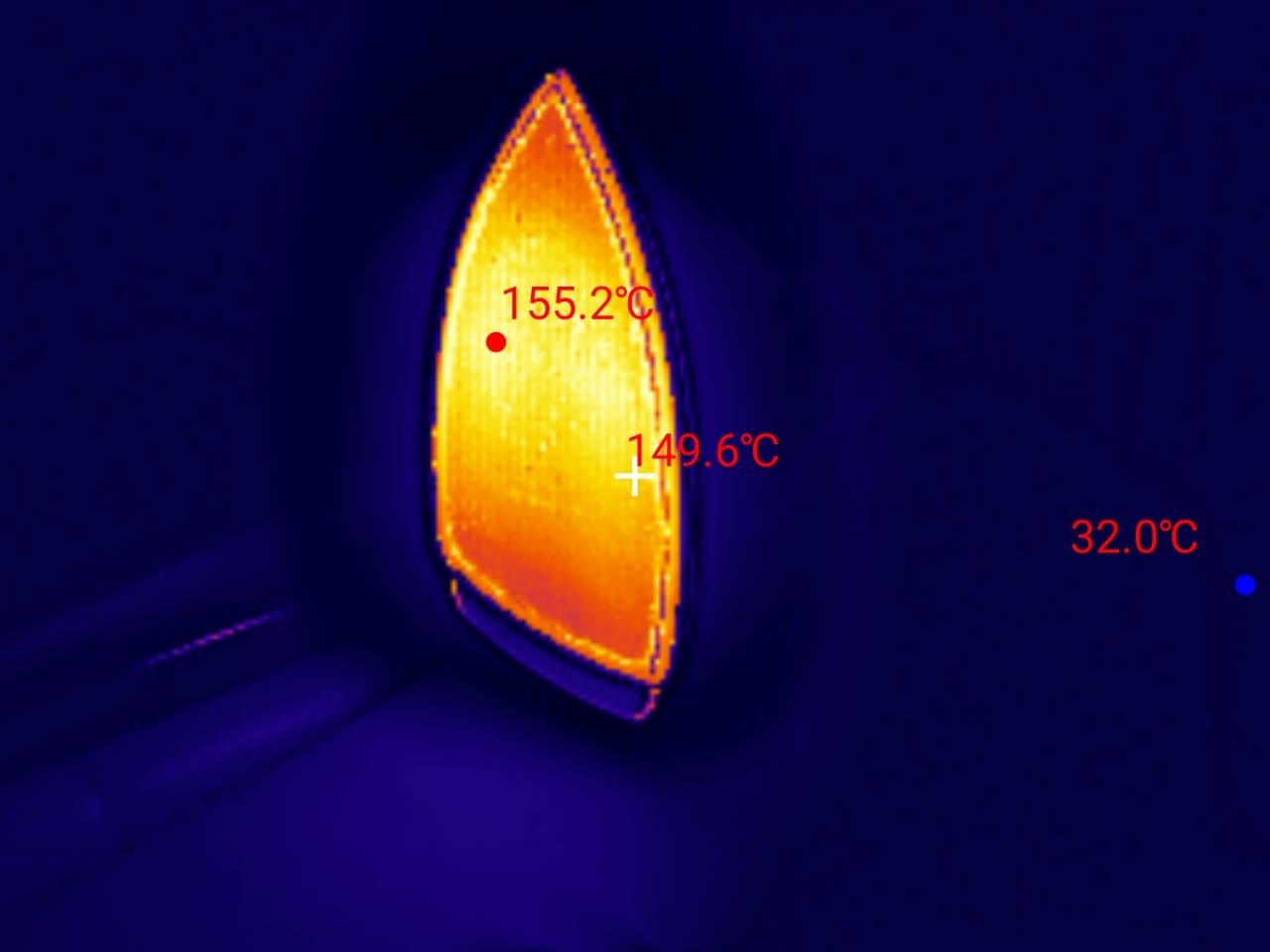
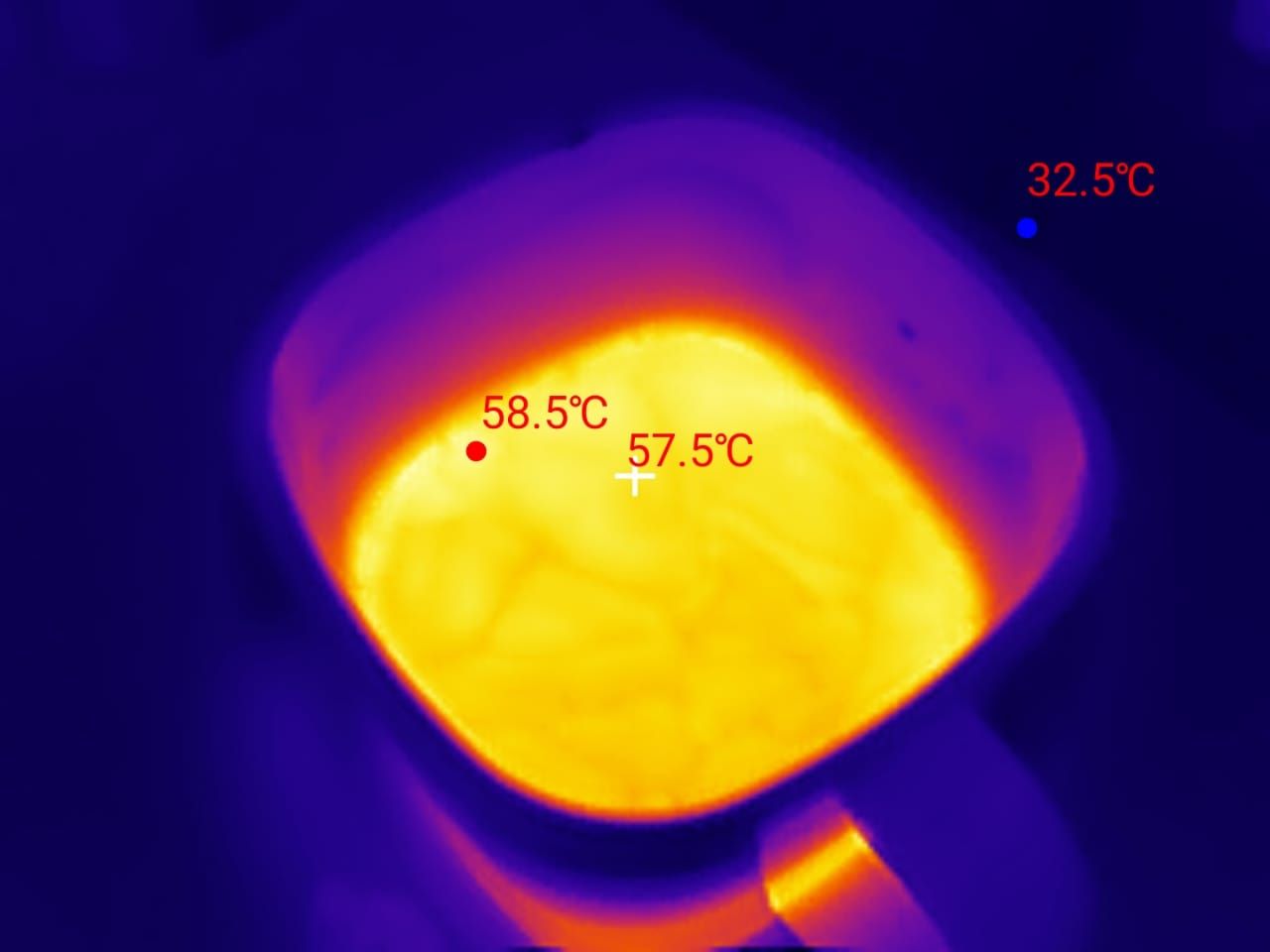
Another thing is the mini projector I am testing—it’s usually not that hot, but the vents on either side release heat. I was curious to check the temperature, and the thermal camera showed that the heat surpassed 50°C. Interestingly, I also checked the temperature of my iron, which exceeded 155°C.
Readers should note that the P2 draws power from the phone, but the power consumption on the Galaxy S25 Ultra—and any other phone, for that matter—would be negligible.
3. Performance and usability (Part 2)
One downside is that the settings reset each time you close the app, which can be annoying if you prefer custom configurations.
If you use a thick phone case, the camera’s USB-C connector might not fit properly, requiring you to either remove the case or use the included extension cable, which can be awkward to handle. The camera’s close-up focus distance is relatively long (around 10 cm), making it less ideal for detailed work on small electronic components, though the P2 Pro model with a macro lens addresses this.
It’s also sensitive to shocks, moisture, and magnetic fields, and users are warned against pointing it at high-temperature sources like the sun or open flames, as these can damage the sensor.
Who is it for?
This camera is great for HVAC professionals, electricians, automotive technicians, and DIY enthusiasts. It makes detecting heat leaks, circuit issues, and mechanical overheating much easier without the bulk of a full-size thermal camera.
4. Final thoughts
The Thermal Master P2 delivers impressive thermal imaging in a tiny form factor. It offers clear imaging, easy usability, and a powerful zoom, making it a great budget-friendly alternative to high-end thermal cameras. However, app setting resets, case compatibility, and close-up limitations are minor drawbacks.
Available for $249 on stores like Amazon, the P2 is a solid investment for professionals and hobbyists needing a portable and efficient thermal imaging solution.

Comments