
Add GIZMOCHINA on Google:
OpenAI’s GPT-4o, launched about a year ago, just got a major upgrade: image generation with stunningly accurate text rendering. This latest feature lets users create detailed, high-quality images from language prompts and tweak them conversationally until they match the vision in their head—no more gibberish signs or squiggly non-letters that plagued older AI models.

The text in the images shared by OpenAI is perfectly legible
Unlike traditional image generation, where you refine a single prompt, GPT-4o takes a dynamic approach. You start with a basic request—say, a cat—then chat with it to match your vision: a detective hat, a monocle, or whatever you want.
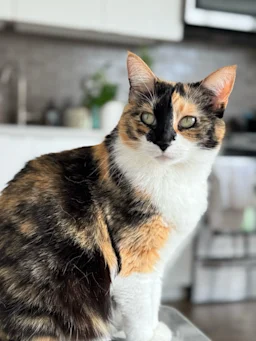
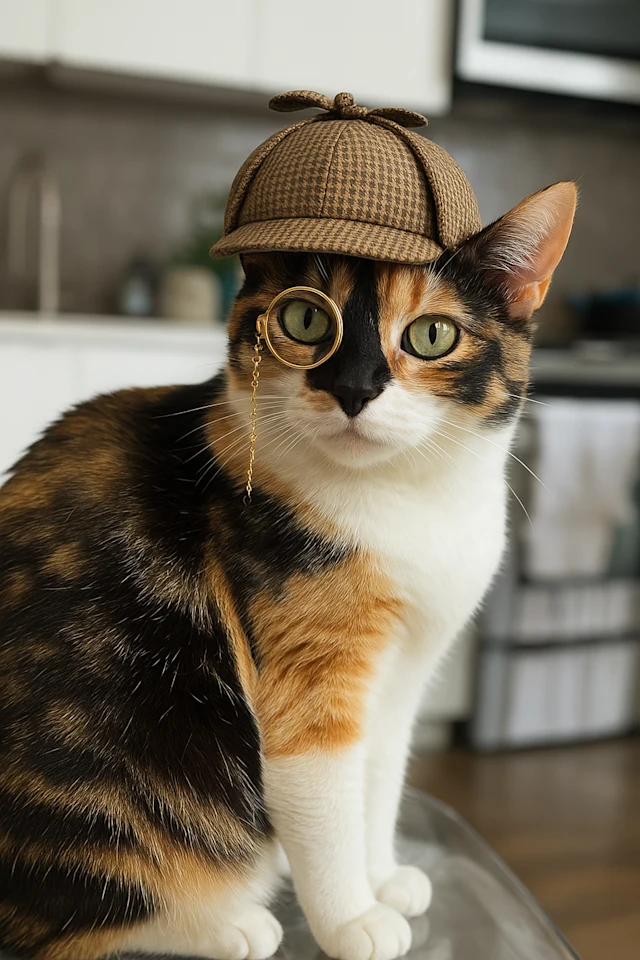
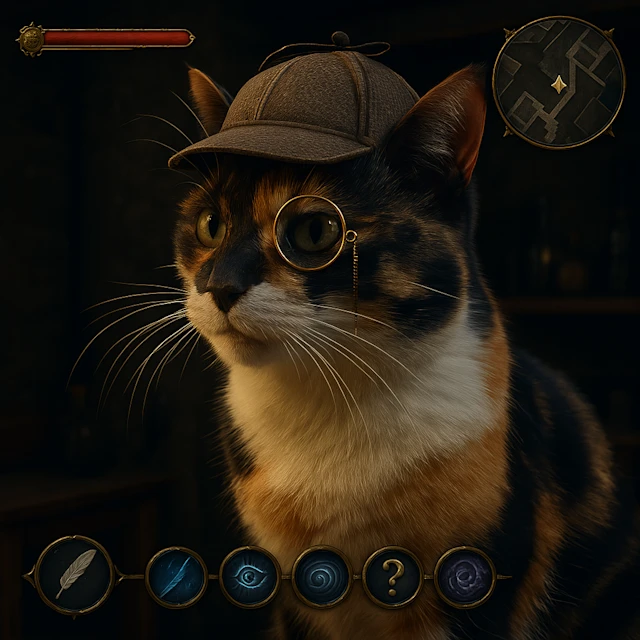
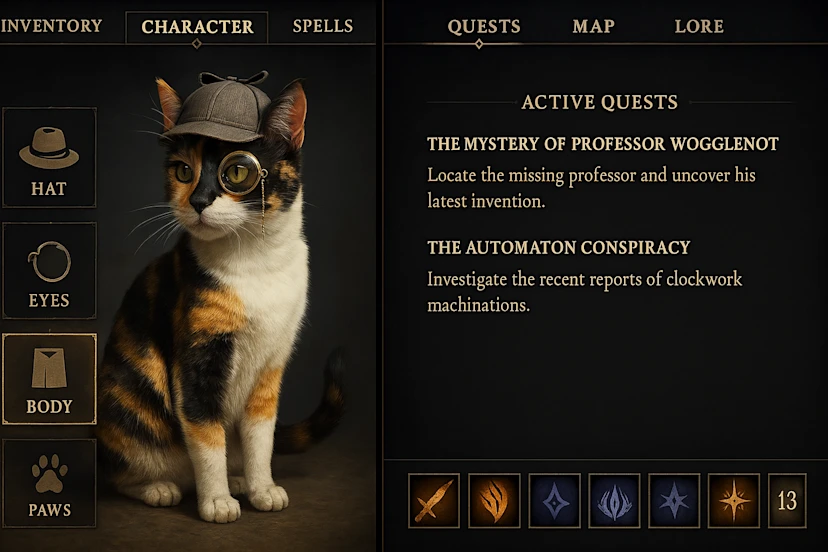
Examples from OpenAI show this in action: users build and modify scenes step-by-step, like stacking elements from multiple images into one cohesive result. The model shines at rendering legible text on signs or objects, a leap from the garbled output of previous AI image generation models.
Notably, OpenAI also admits some cherry-picking—many images are “best of 2” or “best of 8”—but the results still impress, especially with a dead-simple interface. GPT-4o can even start with your photo and layer on changes, handling 10-20 objects in a scene where rivals falter at 5-8. Last week, I was trying to breathe life into the end scene from the novel The Count of Monte Cristo, and it was fairly difficult to get it right. Now, with GPT-4o image generation, not only will the generated images have readable text, but it will also be much easier to bring your imagination to reality.
It’s not flawless, though. OpenAI notes quirks like bottom cropping, lingering hallucinations, struggles with non-Latin text, and hiccups beyond 20 objects. But the ability to craft complex, text-rich images through plain English sets GPT-4o apart. If you’re designing a poster, this tool delivers precision and flexibility that older models could only dream of.
Tech enthusiast? Get the latest news first! Follow our Telegram channel and subscribe to our free newsletter for your daily tech fix!
For more daily updates, please visit our News Section.


Comments