
Add GIZMOCHINA as Preferred Source on Google
Samsung DeX has long been one of the standout features of Samsung phones. It lets you turn your handheld into something that resembles a desktop computing experience. Now, Google appears to be taking a page from that playbook. Since Android 14, the company has been quietly working on its own desktop mode for Pixel devices.
Android 15 introduced a developer preview of a “desktop windowing” feature for the Pixel Tablet. With Android 16, the feature has evolved into something more polished, now labeled “Enable desktop experience features.” And thanks to Android Authority’s Mishaal Rahman, we’re getting an early look at how it works in practice.
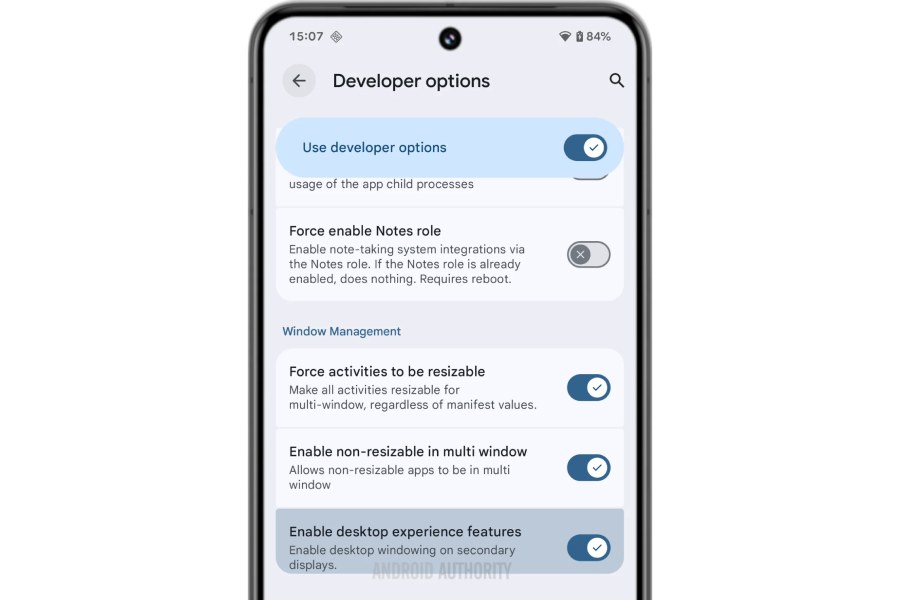
Android 16 Desktop Mode
Rahman managed to get the feature running on a Pixel 8 Pro connected to a laptop. The Android desktop interface has a taskbar at the bottom, complete with three-button navigation on the right.
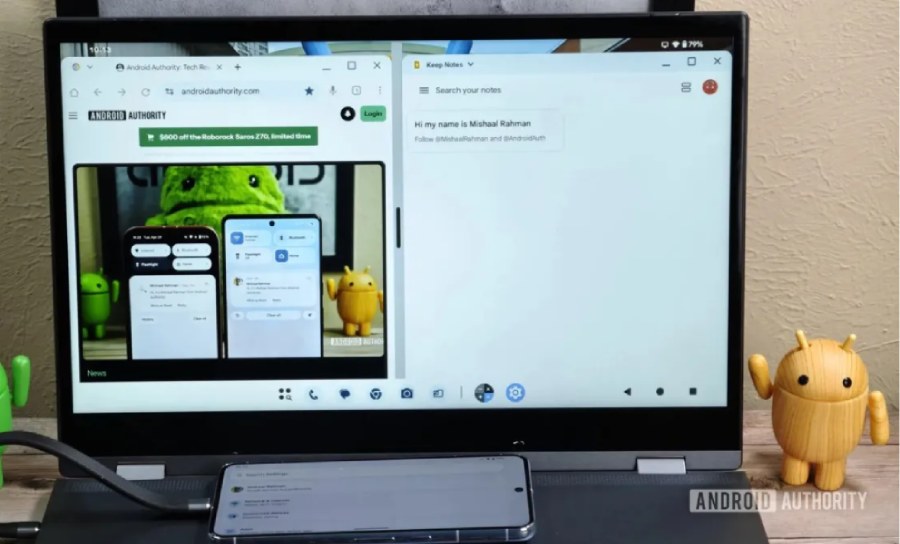
The taskbar also shows your most recent apps, and yes, you can launch multiple apps in split-screen view. Just like your regular PCs.
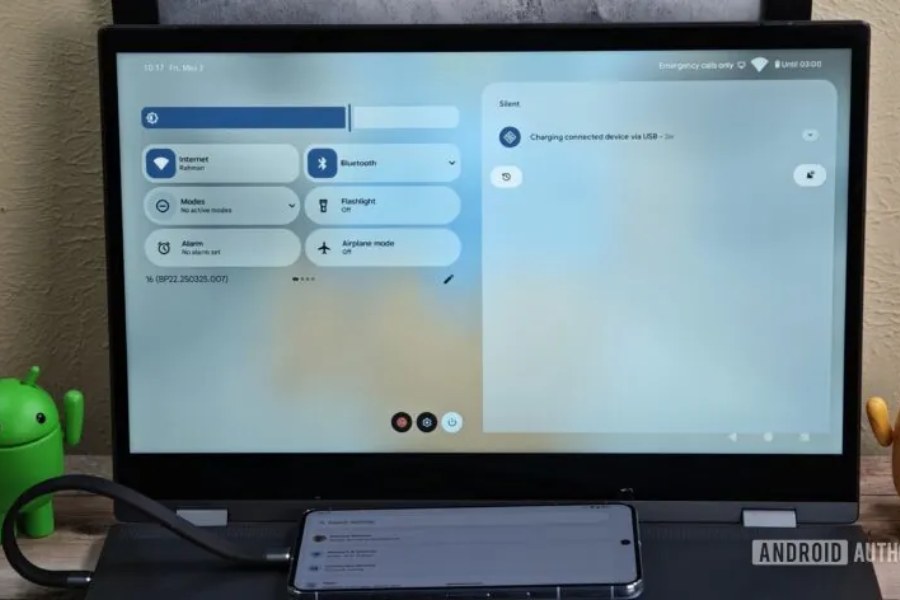
A swipe down from the top opens a quick access menu. This layout features the usual Wi-Fi and Bluetooth toggles with options to add more or remove them from the menu.
The battery indicator is at the top right of the home screen, while the time is displayed on the upper left. It’s all very much what you’d expect from a desktop-inspired UI, and that seems to be the point here. Not to forget, you can still use your phone when the desktop window is active.
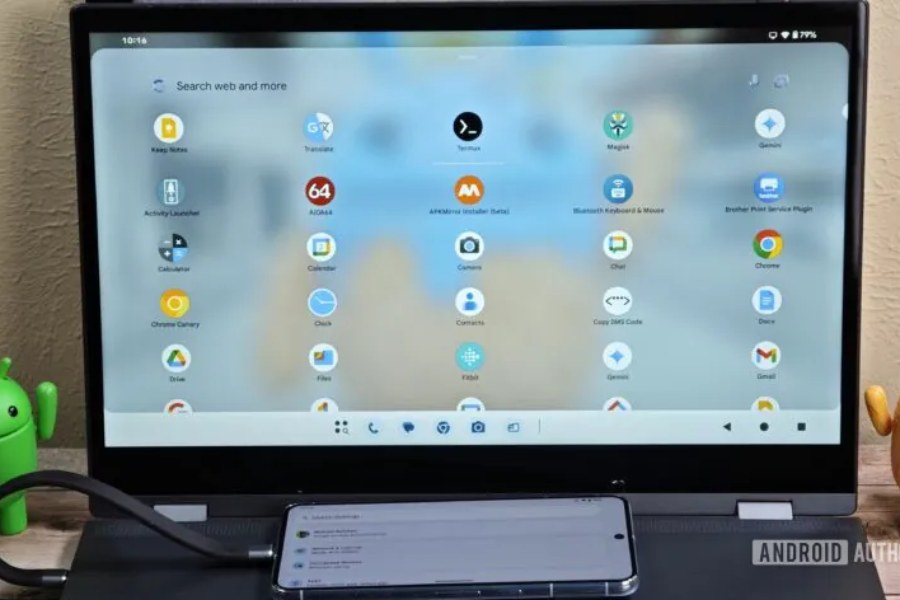
The feature might seem functional and all, but this isn’t a finished product. Rahman says that it is still a work in progress and “almost certainly won’t launch in the upcoming Android 16 stable release.” It might make its debut in one of the quarterly Android 16 updates, according to Rahman.
For more daily updates, please visit our News Section.
Tech enthusiast? Get the latest news first! Follow our Telegram channel and subscribe to our free newsletter for your daily tech fix! ⚡
(Source)



Comments