
Add GIZMOCHINA on Google:
The Thermal Master P3 is a pocket-sized thermal imager aimed at technicians, hobbyists and electronics professionals who need precise, close-up temperature diagnostics without carrying a bulky instrument. It blends a manual-focus macro lens with on-device image enhancement and a solid metal shell, delivering a surprisingly professional tool for inspecting PCBs, HVAC systems, automotive components and more.
2Software and Workflow
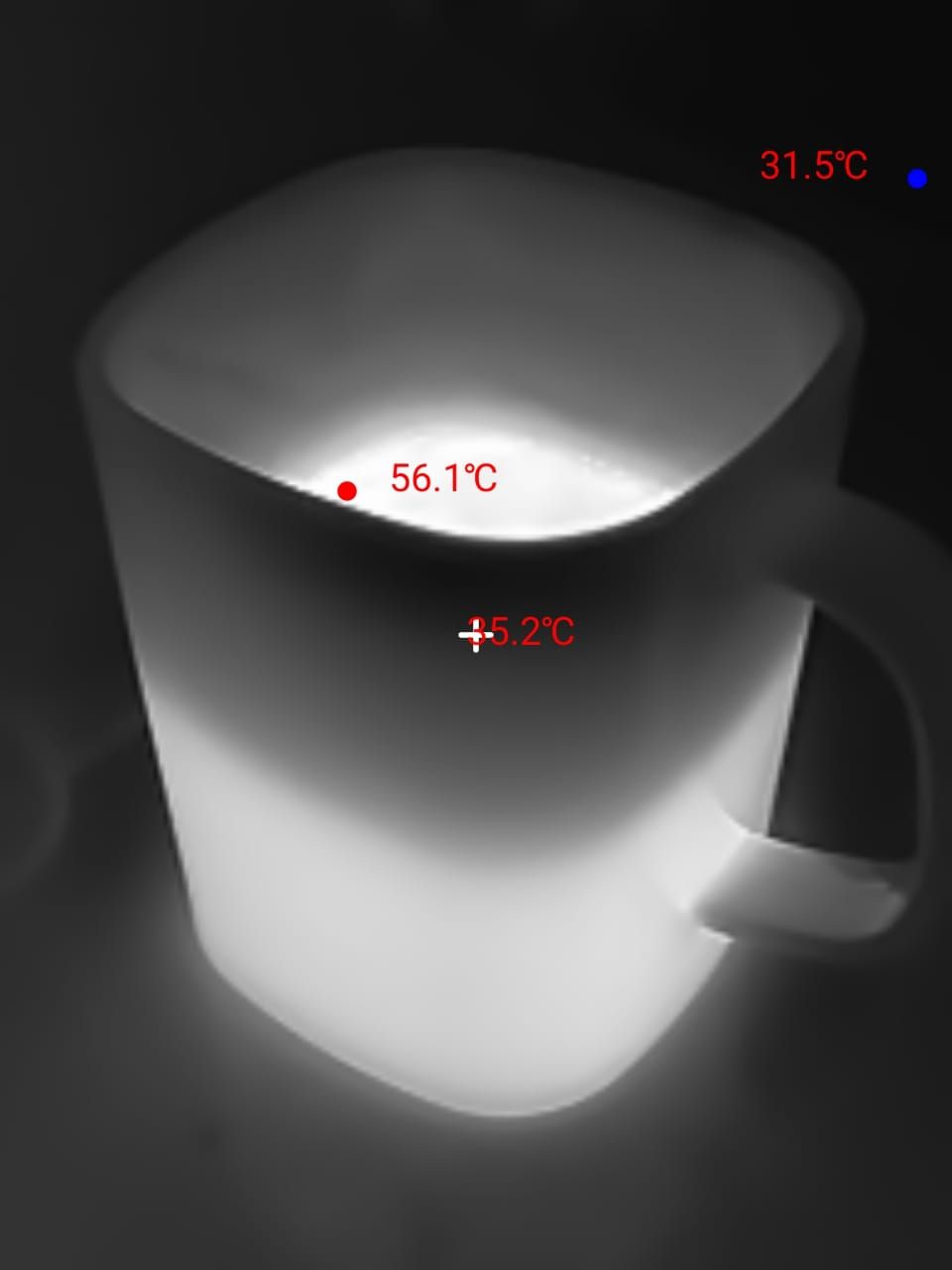
The companion app presents a clear interface with a range of palettes and measurement options, plus a picture-in-picture mode that overlays a conventional camera thumbnail above the thermal feed. That overlay can help orient shots, although parallax between the P3 sensor and the phone camera is noticeable on close targets.


One area of confusion for new users is the Android app itself. Many people search for a “Thermal Master” app to run the device, but the correct application is actually called Temp Master. Once installed, it works reliably and offers a wide range of settings. The app supports up to 4x digital zoom, multiple image options such as White Hot, Black Hot, Iron Red, Red Hot, Rainbow, Jungle, Aurora, City, Low Light, Gold, Lava, and Medical. Users can also fine-tune image parameters, including opacity, rotation, mirroring, scaling, contrast, brightness, and adjust temperature ranges manually between 20°C–150°C, 100°C–600°C, or choose Auto mode.


The AI-based upscaling noticeably sharpens certain scenes, but enabling it reduces frame rate and places heavier demands on the host device. Apps are available for iOS and Android, and a Windows client exists, though the PC software is simpler than the mobile app and may require a language setting change on first install.