
Add GIZMOCHINA as Preferred Source on Google
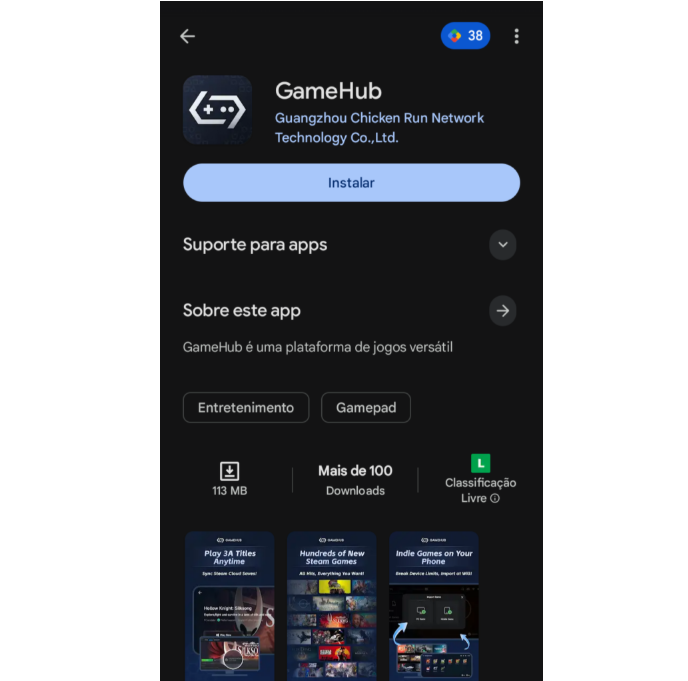
Playing your Steam library on an Android phone just got a bit simpler — and safer. GameHub, the Windows emulator made by GameSir, is now officially available on the Google Play Store. That means no more sideloading.
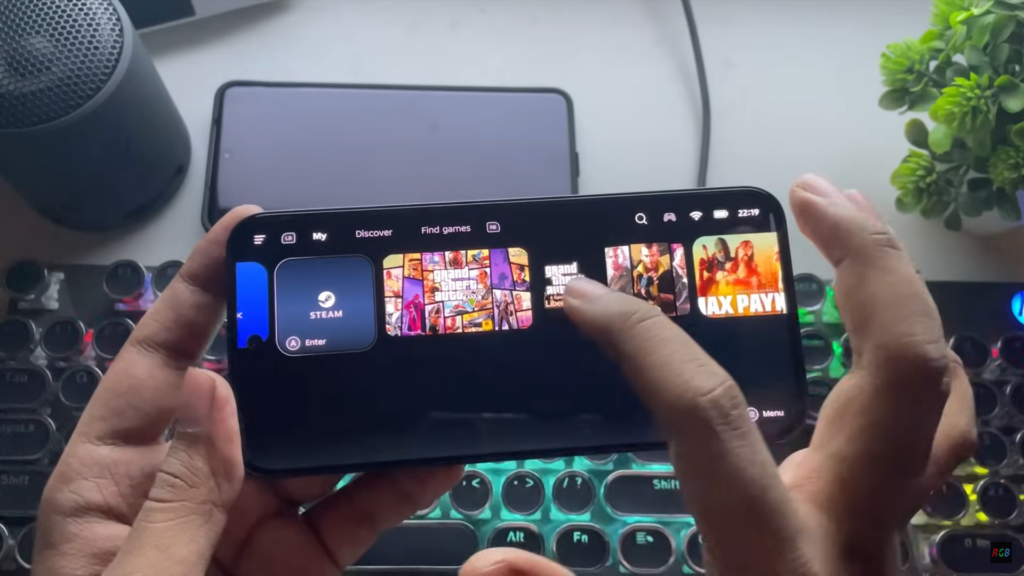
Until now, installing GameHub meant downloading the APK directly from GameSir’s website. Moving to Google Play makes things a lot cleaner, with automatic updates, verified installs, and Google’s permission handling built in.
GameHub originally launched under the name GameFusion, but GameSir later rebranded it to focus squarely on one thing: Windows PC emulation on Android. Over the past year, steady updates and community tweaks have turned it into a favorite for PC gaming fans looking to take their Steam library mobile.
The biggest draw remains native Steam support. Once logged in, you can:
- Download your Steam games directly inside the app
- Launch and play without extra setup
- Use cloud saves to pick up where you left off
Recent updates have tightened up performance, making some titles feel surprisingly close to native Android ports, given the phone runs a flagship chip — though don’t expect miracles just yet. Some titles may still need manual tweaks or compatibility workarounds — that’s just the nature of emulation.
There is one tradeoff:
The Play Store version is limited to Steam titles only. If you want to emulate non-Steam PC games, you’ll still need to grab the full version from GameHub’s website.
Overall, GameHub’s Play Store debut is a big step forward. It opens the door for more Android gamers to explore PC titles safely. And with most smartphone brands now chasing top-tier performance and battery life even in mid-range models, it’s a great way for gamers to make the most of their phones on the go.
Don’t miss a thing! Join our Telegram community for instant updates and grab our free daily newsletter for the best tech stories!
For more daily updates, please visit our News Section.
(Source)




Comments