
Add GIZMOCHINA as Preferred Source on Google
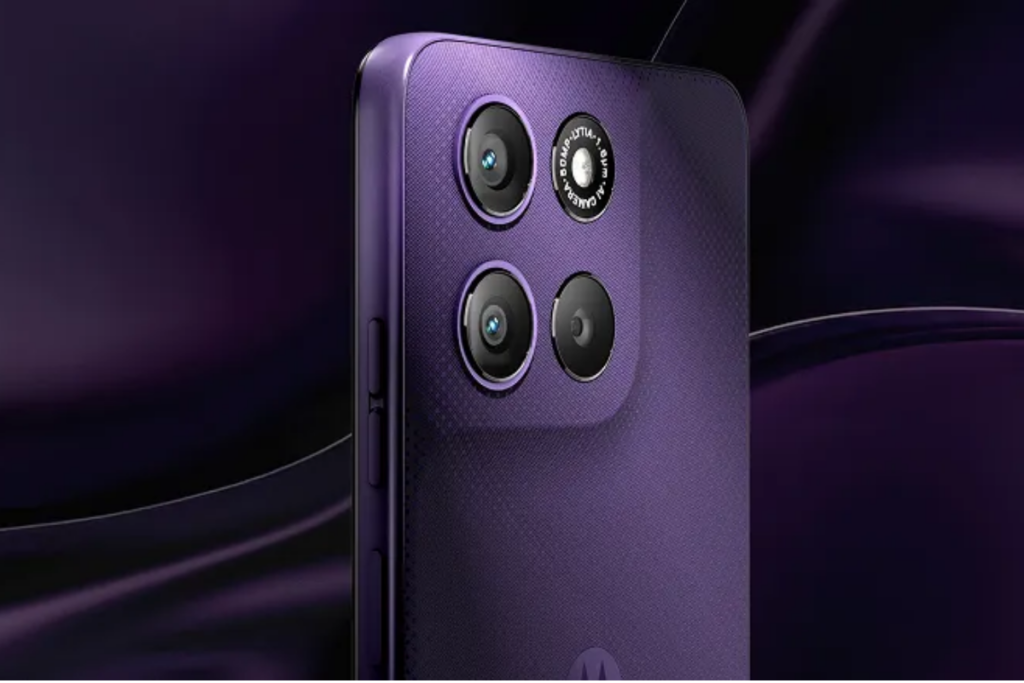
While Motorola has already begun rolling out the stable Android 16 update, it continues to expand the beta program to more devices. Last week, the beta program went live for the Motorola Edge (2025), and now the more budget-friendly Moto G67 Power has joined the party.
Motorola announced the Android 16 beta program for the Moto G67 Power via a post on the official community. Currently, it’s open for users in India. So, if you have the device and live in a supported region, you can sign up for the beta program (also known as Motorola Feedback Network Beta Testing) to get early access to the latest features and enhancements. Interested users can apply for the beta program by filling in the required details on this registration form. We also have a step-by-step below.
The Android 16 upgrade for Motorola devices brings many important upgrades, including a more expressive design, better compatibility with LE audio devices, and advanced protection against malicious apps and activities. It introduces the Flash notifications feature, which can flash the camera or the screen on receiving calls and notifications.
Furthermore, the Android 16 update offers Notification cooldown, which reduces notification volume when multiple notifications from the same app arrive in quick succession. It also introduces the Advanced protection feature, which provides maximum security for your device. Last but not least, there’s a new Modes feature that lets you create custom profiles for different activities.
Related: Stable Android 16 update now rolling out to these Motorola phones
How to register for Motorola’s Android 16 beta program?
- Create an account on Motorola’s community website (if you haven’t already).
- Visit the profile page and update your IMEI or serial number (SN) details.
- Opt in for MFN on your Motorola community profile.
- Always ensure that your phone is running the latest software.
- Go to the MFN Beta Testing Opportunities page to see a testing opportunity for your Motorola device.
- Tap on the registration link for your Motorola phone.
- Fill in the required details and submit your application.
Motorola may send more details about the beta program via email. So, don’t forget to check your emails regularly. Remember to check your spam or junk folder as well. You can also manually check for new updates regularly by navigating to Settings > System updates > Check for updates.
You can visit our Android 16 section regularly for the latest updates. If you prefer to receive real-time news, don’t forget to join our Telegram channel.
Also read:
1. Android 16 will be the last major upgrade for these Motorola devices
2. These Motorola devices won’t receive Android 16 update




Comments