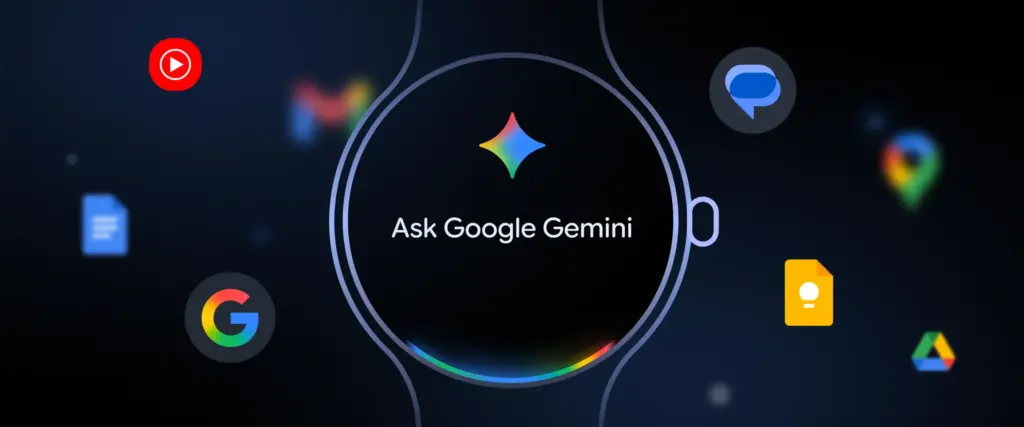
Google‘s Gemini is no longer just a phone-first AI assistant; it’s now on your wrist, fundamentally changing how you interact with your smartwatch. Since its rollout earlier this year, Gemini has begun replacing Google Assistant on smartwatches running Wear OS 4 and above.
Whether you own a Pixel Watch 4, Galaxy Watch 8, or OnePlus Watch 3, Gemini has arrived to turn your smartwatch into a more helpful, conversational, and context-aware tool.
Gemini for Wear OS isn’t just a name swap. Google rebuilt the assistant experience to be more intelligent, responsive, and useful across everyday scenarios. Instead of basic prompts like “set a timer” or “call Mom,” you can now ask Gemini to summarize your last email from Emily, create a running playlist, or remember that you parked on level 4, spot 27.
It uses the same foundational AI models as on phones and tablets, which allows for far more natural interactions. Gemini understands follow-up questions, interprets your intent with greater precision, and surfaces contextual results by tapping into your Gmail, Calendar, and other Google services. It’s the closest thing to having a lightweight AI companion right on your wrist, one that understands more than just commands.
2. Do more with fewer steps
Using Gemini on a smartwatch simplifies tasks that typically require multiple app hops. Mid-run, you can dictate a message to your manager without breaking stride. You can schedule a reminder for your kid’s next five cricket matches or ask for turn-by-turn directions to your dentist, all through voice.
It supports hotword detection “Hey Google”, app icon tapping, or pressing and holding the side button. Some watches even allow “Raise to Talk” gestures to wake Gemini when you lift your wrist.
All this means that the watch becomes a true productivity tool, not just a notification mirror. You don’t need to pull out your phone to check your schedule, respond to a quick email, or get updates. You just talk.
3. Deep integration with Google services
The biggest strength of Gemini lies in its ability to pull data from your Google account. It can read recent emails, look up locations mentioned in messages, check your calendar for conflicting events, or draft quick replies, all without requiring your phone to be unlocked.
And if your watch upgrades to Wear OS 6, Gemini’s utility jumps even higher. That’s because Wear OS 6 introduces a new App Functions API, letting Gemini control or extract data from brand-specific watch apps.
On Samsung watches, for example, this could mean better integration with Samsung Health or Calendar. On Pixel, it could pull from Recorder or Weather. It marks a step toward more personalized and brand-aware assistants.
4. Tiny but practical features
Beyond smart replies and deep app hooks, Gemini is useful for the small stuff too. You can tell it to remember your locker number, your preferred coffee order, or where you left your sunglasses.
Reminders can be location-aware. If you leave work, it can ping you to pick up groceries. If you ask for heart rate tracking or a workout summary, Gemini can trigger the supported app if it has those permissions.
It also works with Google Home devices, letting you broadcast messages, adjust lights, or check if the door’s locked, all from your wrist, even with hands full.
For more daily updates, please visit ourNews Section.
We use cookies on our website to give you the most relevant experience by remembering your preferences and repeat visits. By clicking “Accept”, you consent to the use of ALL the cookies.
This website uses cookies to improve your experience while you navigate through the website. Out of these, the cookies that are categorized as necessary are stored on your browser as they are essential for the working of basic functionalities of the website. We also use third-party cookies that help us analyze and understand how you use this website. These cookies will be stored in your browser only with your consent. You also have the option to opt-out of these cookies. But opting out of some of these cookies may affect your browsing experience.
Necessary cookies are absolutely essential for the website to function properly. This category only includes cookies that ensures basic functionalities and security features of the website. These cookies do not store any personal information.
Any cookies that may not be particularly necessary for the website to function and is used specifically to collect user personal data via analytics, ads, other embedded contents are termed as non-necessary cookies. It is mandatory to procure user consent prior to running these cookies on your website.