
As an Amazon Associate, Gizmochina earns from qualifying purchases. Links on this page may earn us a commission at no extra cost to you.
For more than a decade, Chromebooks were stuck in a narrative loop: good for the basics, terrible for the rest. They were budget devices for students, grandparents, and anyone who just wanted a cheap web browser in a clamshell. But in 2025, that story has a new chapter, and it’s way more complicated than a yes or no verdict.
Chromebooks today, especially under Google’s new Chromebook Plus standard, are no longer just stripped-down machines for casual use. They’re sleek, responsive, and in some cases, deliver performance that rivals mid-range Windows laptops costing nearly twice as much. But that doesn’t mean they’re for everyone.
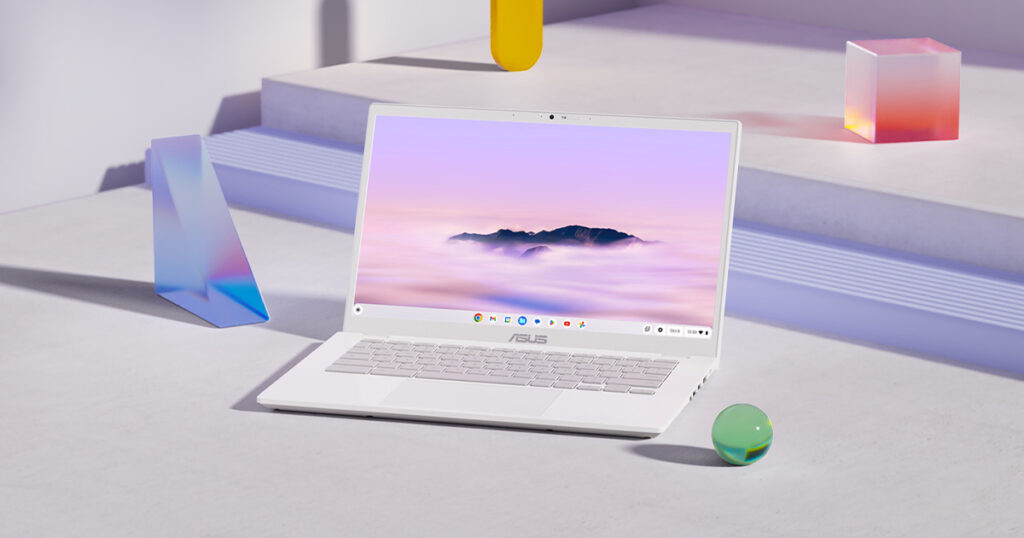
1. Chromebook Plus Era Is Here
If you’re shopping for a Chromebook in 2025, you’ll immediately run into Google’s Chromebook Plus label. This badge isn’t just marketing fluff. To earn it, a device must meet minimum hardware requirements: at least an Intel Core i3 12th Generation or AMD Ryzen 3 5000 series, 8GB of RAM, and 128GB of storage. It also mandates a 1080p webcam and a decent display, at least Full HD IPS.
These Plus models now ship with built-in Google Gemini features such as smart writing assistance and dynamic wallpaper creation. The real leap, though, is speed. Even a $400 Chromebook Plus feels surprisingly quick, opening apps almost the moment you tap them. Wake times are nearly instant, and the lightweight nature of ChromeOS means it stays responsive even when you push it. For many users, it simply works day after day without slowing down.
2. Windows vs Chromebook
The most brutal showdown in 2025 happens at the $400 to $600 price point. On one side, you’ve got Chromebook Plus models with great screens, good keyboards, and 10-plus hours of real-world battery life. On the other? Budget Windows laptops that often feel sluggish out of the box, with dim TN panels, plastic builds, and mediocre battery endurance.
Yes, Windows gives you the flexibility to install any software you want. But what’s the point if the system crawls under the weight of those apps? ChromeOS can’t run full Adobe Creative Cloud or AutoCAD, but if your life lives in the browser, Docs, Netflix, Gmail, Spotify, Zoom, it feels like you’re getting a luxury experience at a budget price.
3. Gaming? Tread Carefully
If you’re thinking about buying a Chromebook for gaming, stop. Seriously. In a major shift, Google has announced that Steam support on ChromeOS will officially end in January 2026. That means you can’t rely on native PC gaming anymore.
However, cloud gaming is where Chromebooks thrive. Services like GeForce Now and Xbox Cloud Gaming run beautifully as long as you have solid internet. You can play high-end games like Cyberpunk 2077 or Halo Infinite at ultra settings because the hardware load is handled by the servers, not your Chromebook.
For casual mobile titles, the Play Store still offers access to games like Minecraft (Android edition), Roblox, and Stardew Valley. But don’t expect to install and run AAA Windows games. That door is closing fast.
4. Who Should Buy One?
Students: Absolutely yes, unless your major requires specialized software. Chromebooks are light, fast, last all day on a single charge, and integrate perfectly with Google Classroom and Canvas.
Home Users: Another easy yes. For web browsing, streaming, shopping, and casual work, Chromebook Plus offers a crash-free, virus-free, update-in-the-background experience that’s honestly better than most cheap Windows laptops.
Writers: Yes. If your work lives in Google Docs or Word Online, a Chromebook Plus is a reliable, distraction-free writing machine with great battery life and solid keyboards. Plus, Gemini AI can help with brainstorming, built right into the system.
Power Users & Creators: Hard no. If you need Adobe Premiere, DaVinci Resolve, AutoCAD, or heavy Excel macros, ChromeOS will make you miserable. Save up for a MacBook Air M2/M3 or a Windows laptop with at least a Core i5 and 16GB of RAM.


Please Note: When you buy something using the links in our articles, we may earn a small commission at no cost to you.
For more daily updates, please visit our News Section.
Stay ahead in tech! Join our Telegram community and sign up for our daily newsletter of top stories! 💡