
Add GIZMOCHINA as Preferred Source on Google
AI is reshaping the world of video creation, turning what once took hours of manual editing into a seamless, intelligent workflow. Wondershare Filmora V15 sits at the center of this evolution, offering creators an editing experience where automation and creativity work side by side. Backed by Wondershare’s global legacy, over 2 billion users, presence in 200+ countries, and a mission rooted in “Creativity Simplified,” Filmora empowers everyone from beginners to professionals to craft polished, story-driven videos with remarkable ease. With powerful AI tools enhancing every step of production, creators can now focus less on technical challenges and more on transforming great ideas into compelling visual stories.
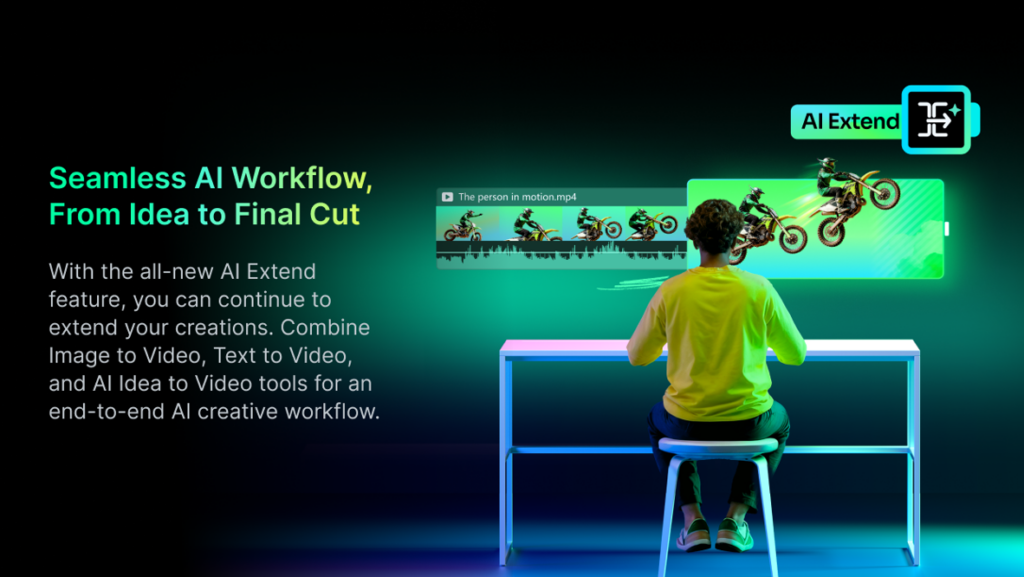
Why a Unified, AI-Driven Workflow Matters
Video creators often prefer using a single tool instead of switching between multiple apps for different tasks. Filmora V15 solves this by offering a complete editing environment that is intuitive enough for beginners yet powerful enough for professionals. With features like multi-track editing, AI automation, and a variety of smart enhancements, the software streamlines the entire workflow into six clear phases. Each stage is designed to boost productivity, reduce complexity, and ensure consistent quality throughout the editing process.
6 Phases of AI Video Creation in Filmora V15
Stage 1: Bringing Your Idea to Life
Every compelling video begins with a strong idea that sets the direction and purpose of the final project. Filmora V15 enhances this early stage with AI tools that instantly turn concepts into visual drafts. Text-to-Video and Image-to-Video features allow creators to generate scenes from simple descriptions or pictures. The standout AI Idea-to-Video tool takes this even further by producing shot lists, reference images, and fully synchronized video drafts. This preparation helps creators maintain consistency and clarity throughout the entire editing journey.
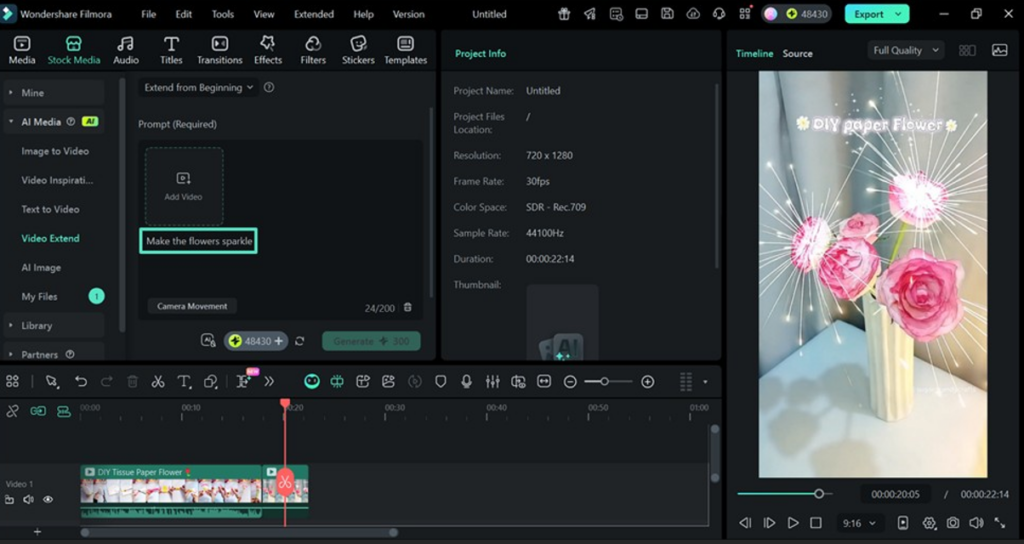
Stage 2: Extending Video Clips With AI
Maintaining a smooth flow between scenes is crucial for professional storytelling. Filmora’s AI Extend feature makes this easier by generating up to eight additional seconds for any clip based on the user’s prompt. Editors can define the preferred duration and resolution before generating the extended footage. The output fits seamlessly into the timeline and behaves like any regular clip. The extension also supports audio, ensuring natural sound continuity without the need for manual blending, saving creators hours of detailed work.
Stage 3: Cleaning Up Video and Audio With Smart Tools
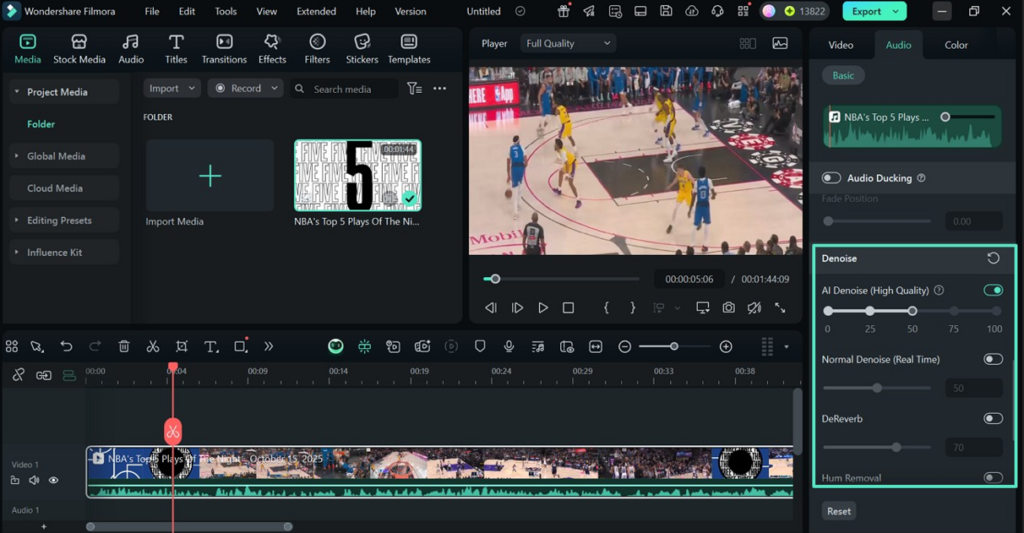
Achieving high-quality visuals and audio is essential for viewer engagement. Filmora’s enhancement tools help eliminate imperfections effortlessly. The Video Denoiser reduces grain and digital noise, especially in low-light footage, creating cleaner and more professional-looking scenes. Meanwhile, AI Audio Denoise removes disruptive sounds such as wind, hums, and echoes. Both tools preserve important details while significantly improving clarity, ensuring that your final video looks and sounds refined.
Stage 4: Removing Unwanted Elements With Smart Cutouts
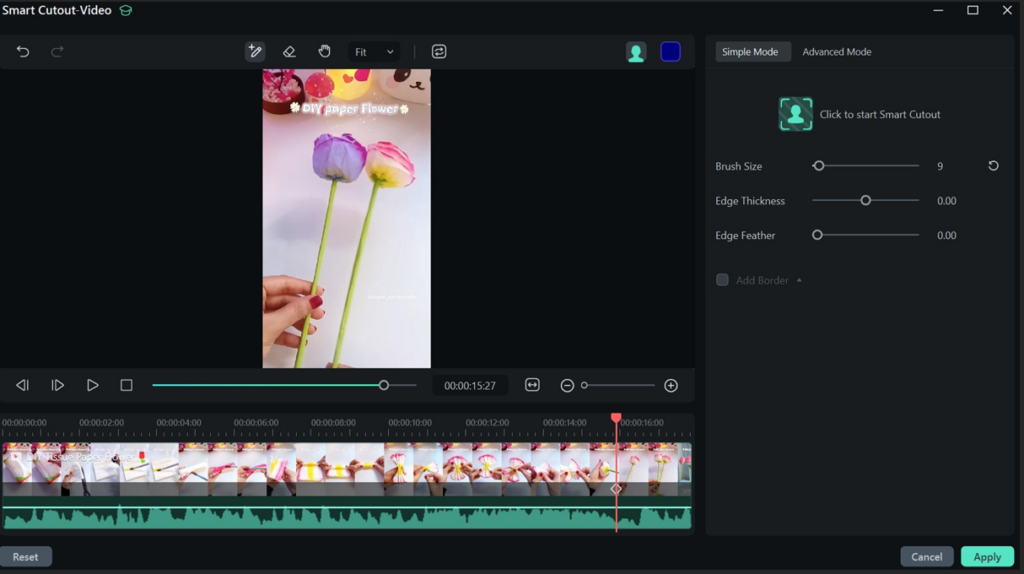
Sometimes a perfect shot is ruined by unwanted objects or backgrounds. Filmora’s Smart Cutout system solves this by allowing creators to precisely isolate subjects using AI-based object detection. Users can refine the selection with a brush tool and switch between isolating the subject or background using mask inversion. This level of control, rarely found in beginner-friendly editors, makes Filmora an exceptional tool for creative scene modifications, compositing, and content repurposing.
Stage 5: Managing Voice and Audio for Clear Storytelling
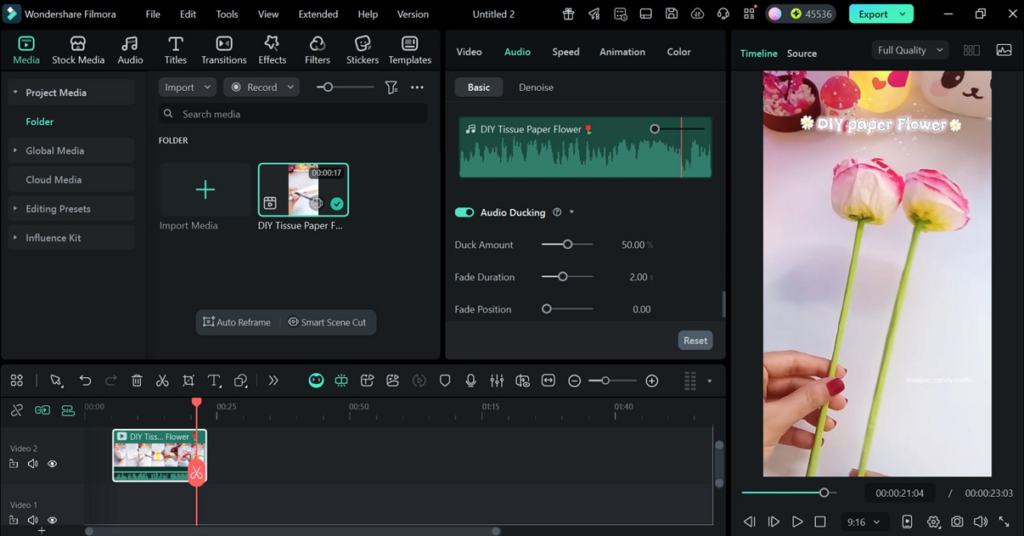
Audio plays a crucial role in enhancing the emotional and narrative impact of a video. Filmora provides several easy-to-use tools that ensure balanced, professional-quality sound. Audio Ducking automatically reduces background music when speech is detected, maintaining clarity for dialogue. The Voice Changer adds fun or stylistic audio effects that elevate creative storytelling. Additionally, the Audio Mixer allows users to fine-tune volume levels and apply smooth fade transitions. These features eliminate the need for complicated sound editing and deliver polished results effortlessly.
Stage 6: Enhancing Videos With Filters, Effects, and Color Grading
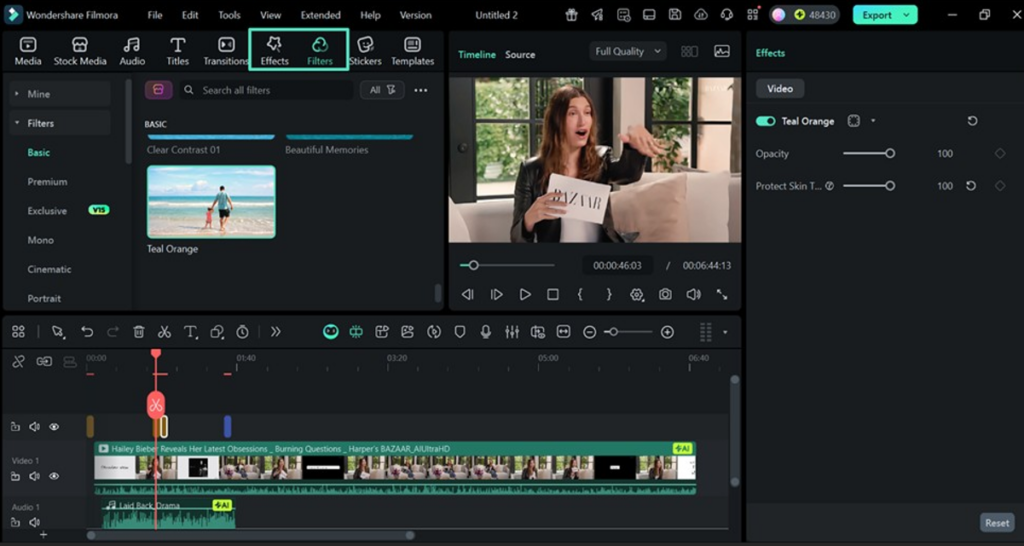
The final stage of editing focuses on giving your video its signature style. Filmora V15 offers one-click filters, AI-based visual effects, and advanced color grading tools to refine tone, brightness, and contrast. These enhancements enable creators to elevate the emotional impact of their videos and achieve cinematic quality. Even beginners can produce visually striking content thanks to Filmora’s simple and intuitive interface, while experienced editors benefit from deeper customization options.
A New Era of Intelligent, Accessible Video Editing
Wondershare Filmora V15 represents a powerful blend of automation and creative freedom. By integrating AI throughout each stage of production, the software speeds up workflows, simplifies technical tasks, and empowers creators to focus on storytelling. Whether you’re a seasoned editor or a beginner crafting your first video, Filmora makes it easier than ever to transform ideas into polished, professional content with remarkable efficiency.

Comments