
Add GIZMOCHINA as Preferred Source on Google
Lenovo has launched the Legion Pro 27Q-10 monitor in China, following the debut of the base model yesterday. The display is now listed on JD.com for 2,699 yuan ($387).
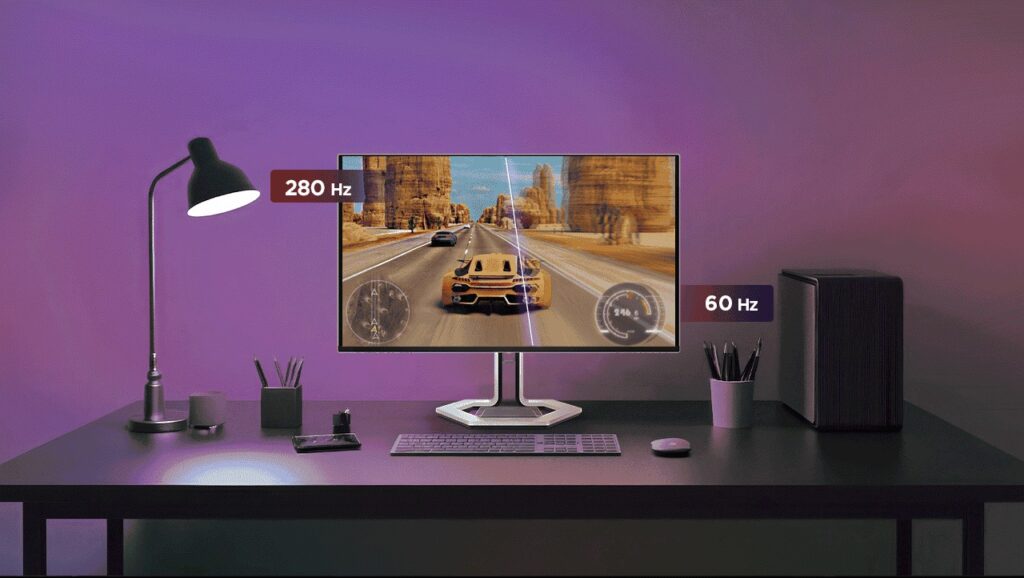
Lenovo Legion Pro 27Q Pro Specifications
The Legion Pro 27Q-10 features a 26.5-inch QD-OLED panel with QHD 2560 x 1440 resolution in a 16:9 aspect ratio and a pixel density of 109 PPI, making it a gaming monitor aimed at competitive esports and high-end visual performance.
The display relies on a QD-OLED panel with self-emissive pixels and quantum dot color enhancement. It offers native 10-bit color, 99% coverage of sRGB and DCI-P3, a 1,500,000:1 contrast ratio, 250 nits SDR brightness, and peak brightness of up to 1000 nits.
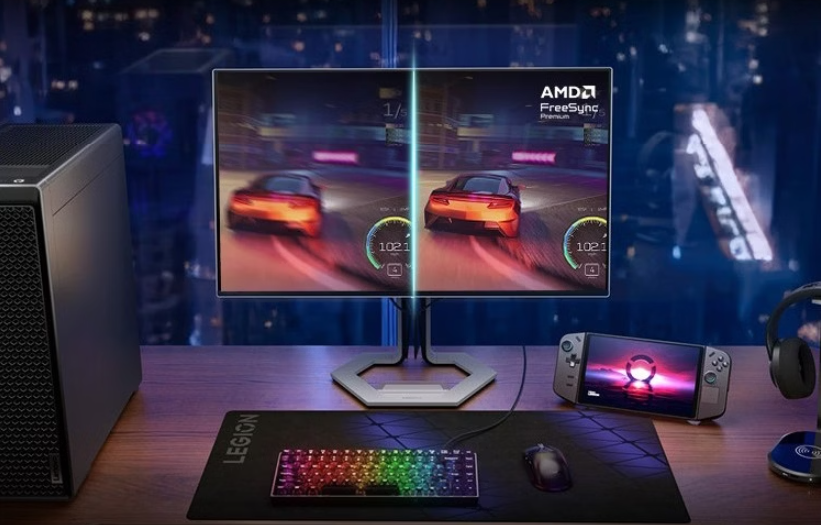
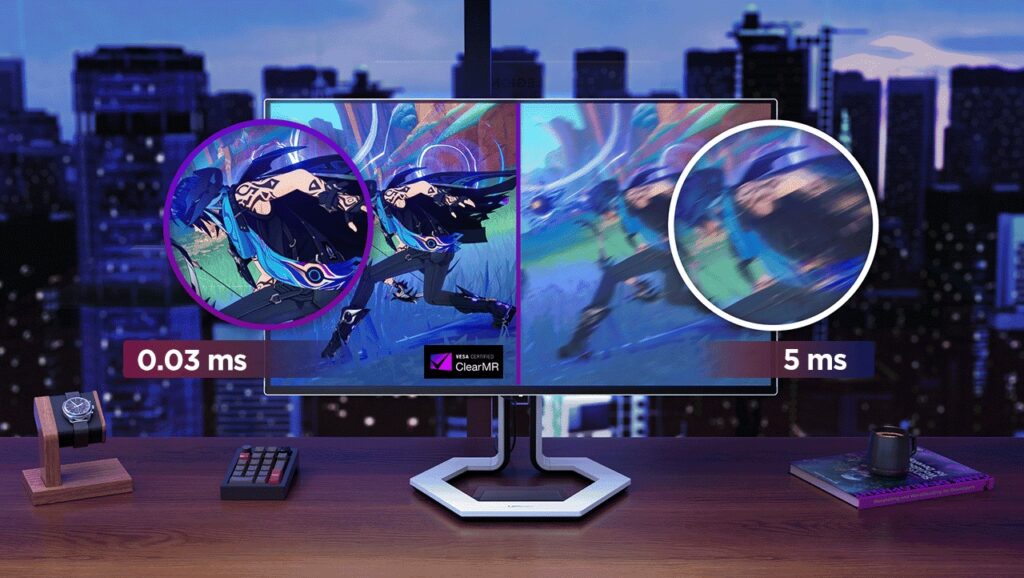
Lenovo backs the panel with DisplayHDR True Black 400 and Dolby Vision support. It delivers a 0.03ms GtG response time and a native 280Hz refresh rate, with AMD FreeSync Premium Pro, VESA Adaptive Sync, and ClearMR 15000 certification for smooth, low-latency motion.
The company has added OLED burn-in protection features, including pixel shifting, static image detection, boundary detection, and thermal modulation. These systems reduce the risk of image retention and extend panel longevity.
For connectivity, the Pro 27Q-10 includes two HDMI 2.1 ports and one DisplayPort 1.4, all capable of running the display at 2K 280Hz. Lenovo has added a USB hub with one USB-B upstream port and three USB-A 3.2 Gen 1 downstream ports, with KVM switch support.
The included stand supports height adjustment up to 135mm, tilt from −5° to 22°, swivel up to ±45°, and pivot up to ±90°. The display supports 100 x 100mm VESA mounting.
Lenovo has also included TÜV Rheinland Low Blue Light and Eyesafe Display 2.0 certifications, along with hardware-level DC dimming to reduce eye fatigue during long use sessions.
In related news, MSI has recently launched the MAG 345CQRF E20 gaming monitor with a 34-inch near-4K 240Hz Rapid VA panel, while Lenovo has introduced the Yoga Pro 27UD-10 OLED monitor featuring a 4K 120Hz display with Dolby Vision and Dolby Atmos support.
For more daily updates, please visit our News Section.
Stay ahead in tech! Join our Telegram community and sign up for our daily newsletter of top stories! 💡



Comments