
Add GIZMOCHINA as Preferred Source on Google
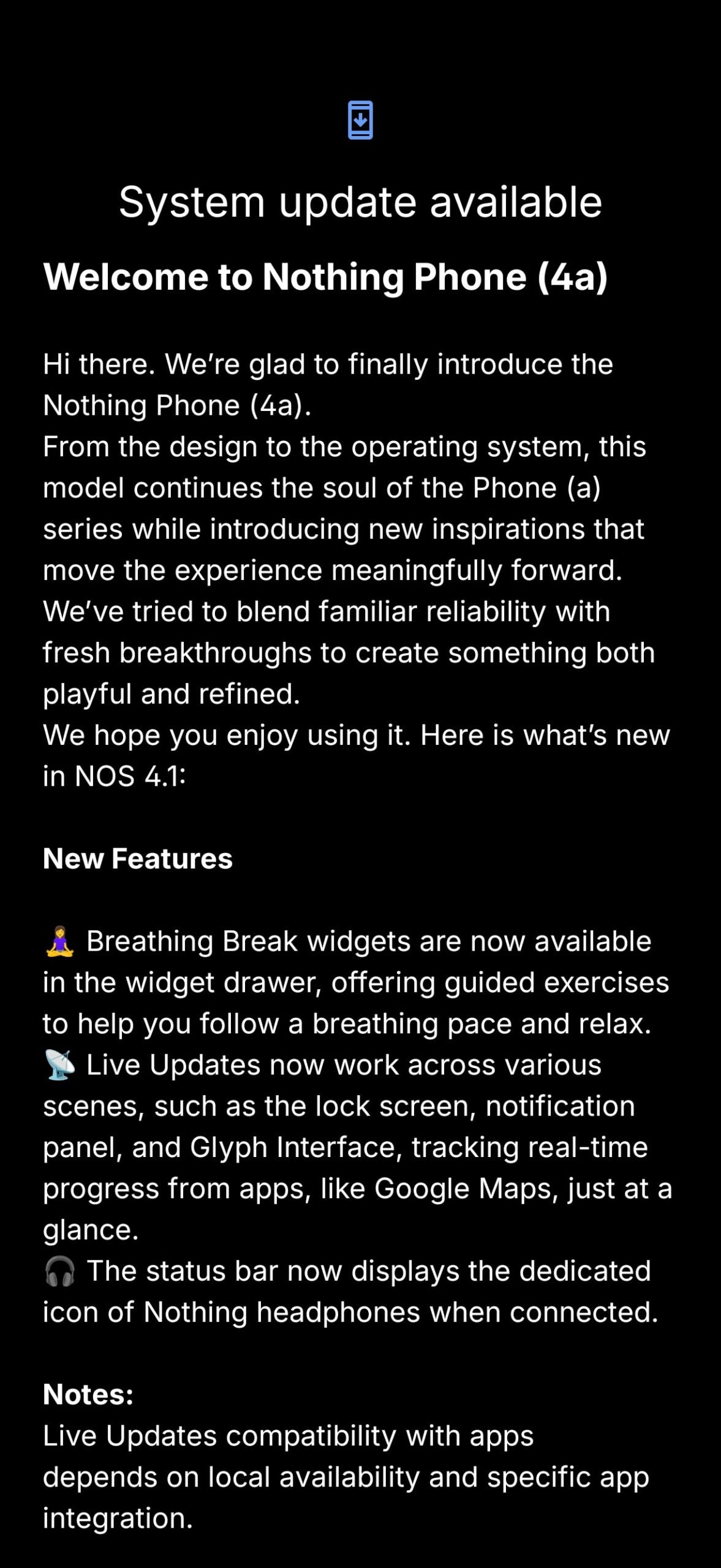
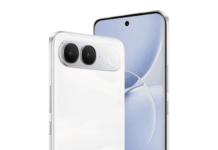
Nothing has started rolling out the first software update for the Phone (4a), just days after the device went on sale. The update is based on Nothing OS 4.1 and carries the build number B4.1-260309-1830, with a download size of 257MB. This update brings the March 2026 Android security patch along with several new features across the system, camera, and UI.
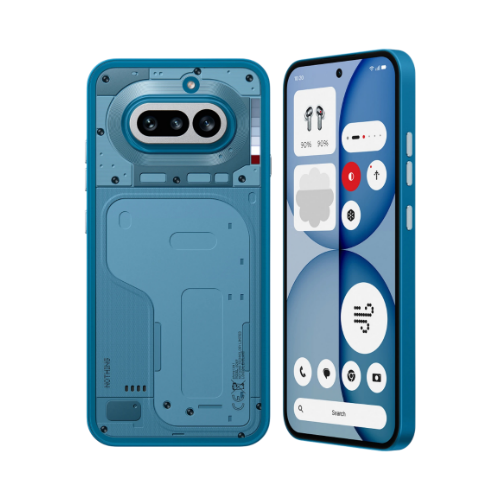
The update introduces Breathing Break widgets in the widget drawer, offering guided exercises for relaxation. Live Updates now extend across the lock screen, notification panel, and Glyph Interface, allowing users to track real-time activity from supported apps like Google Maps. The status bar also shows a dedicated icon when Nothing headphones are connected. Compatibility for Live Updates depends on app support and region.
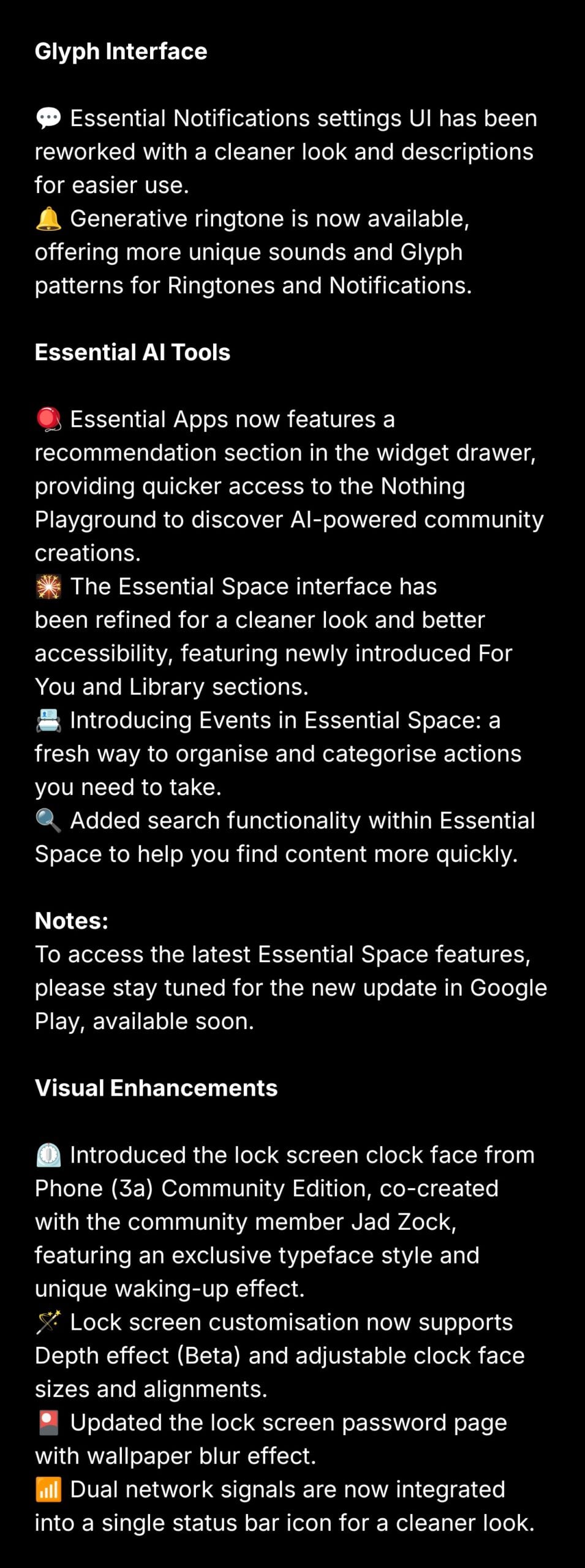
In the Glyph Interface, the Essential Notifications settings UI has been redesigned for better clarity. A new generative ringtone feature has been added, enabling custom sounds paired with unique Glyph lighting patterns for calls and notifications.
Nothing has also expanded its Essential AI tools. The widget drawer now includes a recommendation section for quicker access to Nothing Playground and AI-driven community content. The Essential Space interface has been updated with a cleaner layout, along with new “For You” and “Library” sections. A new Events feature helps organise tasks, and a search function has been added for faster navigation. Some of these features will require a separate update via Google Play.
Visual changes include a new lock screen clock face inspired by the Phone (3a) Community Edition, co-created with community member Jad Zock. Lock screen customisation now supports Depth effect in beta, along with adjustable clock sizes and alignment. The password screen now includes a wallpaper blur effect, and dual network signals are merged into a single status bar icon.
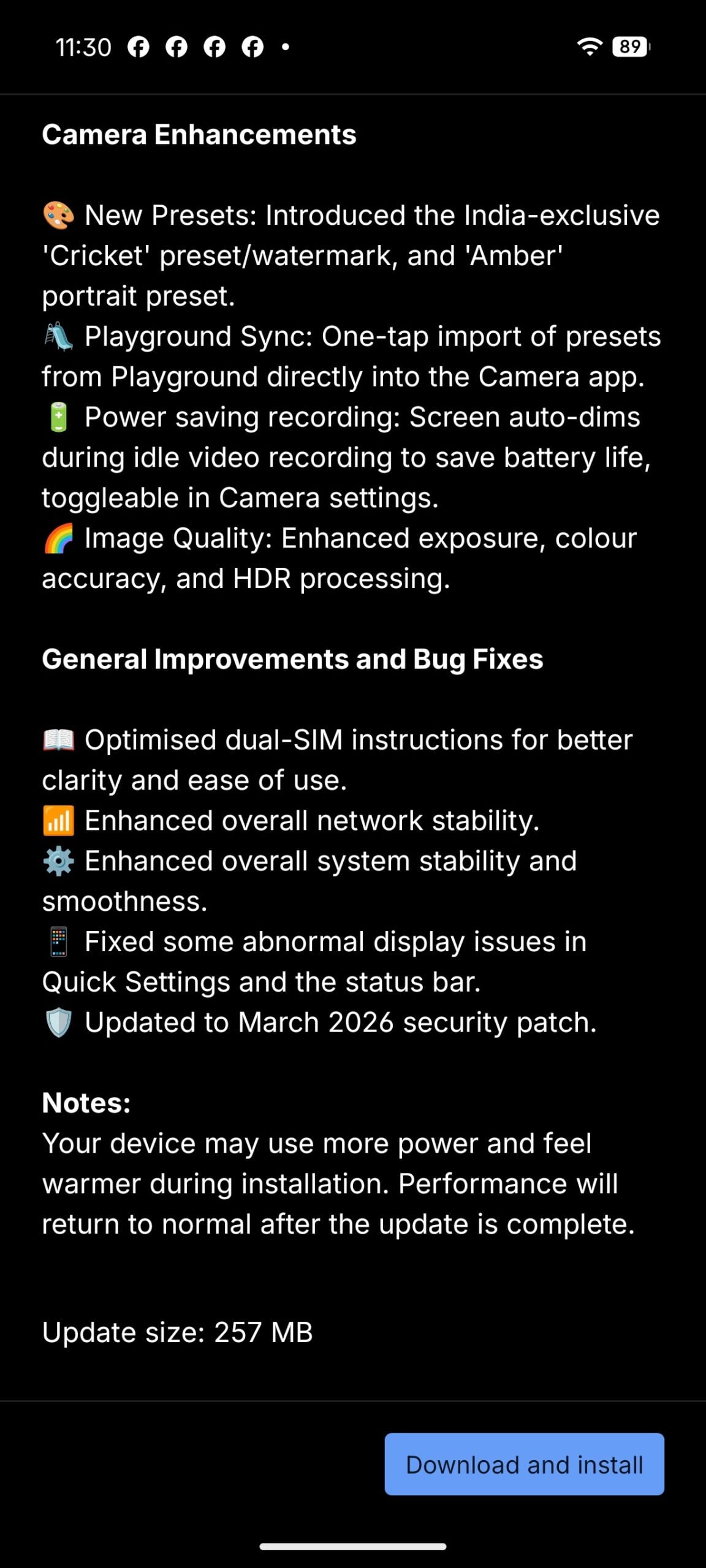
Camera improvements include new presets such as an India-exclusive “Cricket” watermark and an “Amber” portrait mode. Playground Sync allows one-tap preset imports, while power-saving recording dims the screen during idle video capture. Image processing has also been improved with better exposure, colour accuracy, and HDR.
The update also improves system stability, network performance, and fixes display issues. The device may heat up during installation, but it will return to normal after completion.
Don’t miss a thing! Join our Telegram community for instant updates and grab our free daily newsletter for the best tech stories!
For more daily updates, please visit our News Section.
(via)


Comments