
Add GIZMOCHINA as Preferred Source on Google
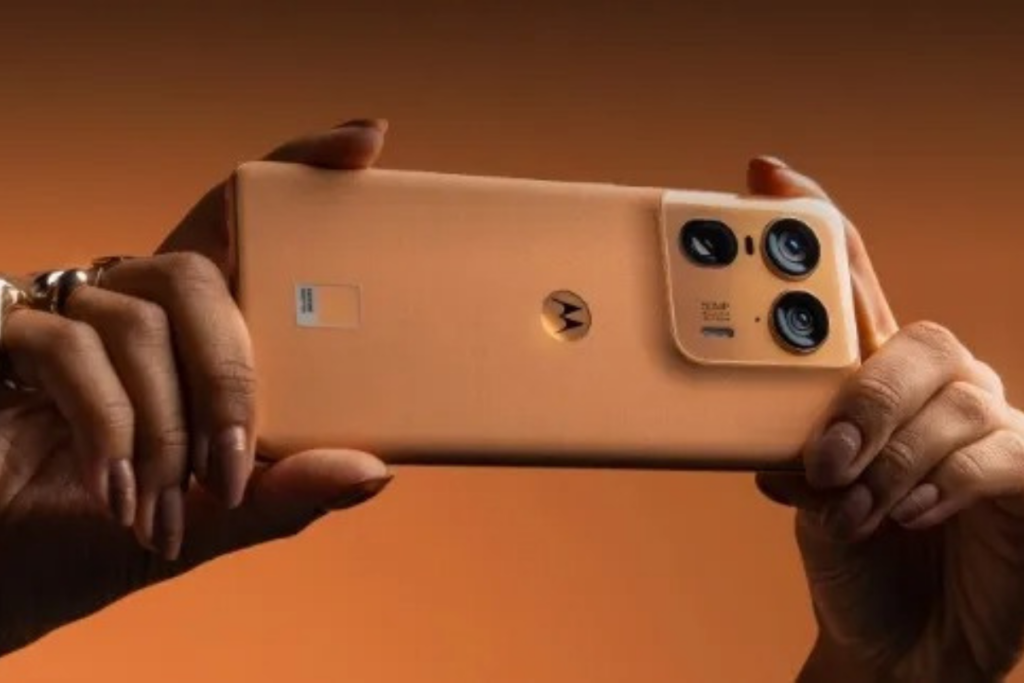
Motorola appears to be a little more promising this year in terms of software updates. The company began its Android 17 beta program shortly after Google released the first beta in February 2026, and later expanded it to cover over a dozen devices. The list has just got a little longer as Motorola adds three new high-end phones to its Android 17 beta program.
The Motorola Razr+ 2025, Razr+ 2024 (also known as Razr 50 Ultra in several markets), and the Edge 50 Ultra are the three latest Motorola devices participating in the Android 17 beta program, as announced on the official forum. As always, the beta application is open to a limited number of users in select regions.
- Motorola Razr+ (2025) [USA] – post link
- Motorola Razr+ (2024) [USA] – post link
- Motorola Razr 50 Ultra [India] – post link
- Motorola Razr 50 Ultra [EMEA] – post link
- Motorola Razr 50 Ultra [LATAM] – post link
- Motorola Razr 50 Ultra [Brazil] – post link
- Motorola Edge 50 Ultra [India] – post link
- Motorola Edge 50 Ultra [EMEA] – post link
- Motorola Edge 50 Ultra [LATAM] – post link
- Motorola Edge 50 Ultra [Brazil] – post link
If you have an eligible Motorola and you live in a supported region, use the correct post link to open the official Android 17 beta post directly. Or, you can visit the official website to find all the current testing opportunities.
How to sign up for Motorola’s Android 17 beta program
Keep in mind that beta builds may have bugs or broken features. It’s best to avoid such builds and wait for a stable release, or at least not install them on a primary device.
Also, ensure that there are no pending updates for your Motorola phone. Go to Settings > System updates > Check for updates to manually check for updates.
Now, follow these steps to sign up for the beta program:
- Create an account on Motorola’s community website (if you haven’t already).
- Visit the profile page and update your IMEI or serial number (SN) details.
- Opt in for MFN on your Motorola community profile.
- Open the MFN Beta Testing Opportunities page to see a testing opportunity for your Motorola device.
- Tap on the registration link for your Motorola phone.
- Fill in the required details and submit your application.
Motorola may send emails containing more details about your beta application. Therefore, remember to check your inbox regularly, including the spam folder.
If your application is approved, Motorola will send you an Android 17 beta update soon. You should receive a notification for this, but it’s better to check for updates manually every few days.
We’ll keep posting the latest developments in the Motorola section. Remember to visit that regularly to stay updated. Alternatively, you can join our Telegram channel to get instant notifications when we publish new stories.



Comments