
Add GIZMOCHINA on Google:
OPPO has recently shared a detailed explanation of the Private Safe feature in ColorOS, showing users how they can hide, lock, and protect private files on their phones. The feature works as a built-in vault for photos, videos, audio, notes, and documents, keeping selected files away from the regular gallery, file manager, and casual phone browsing.
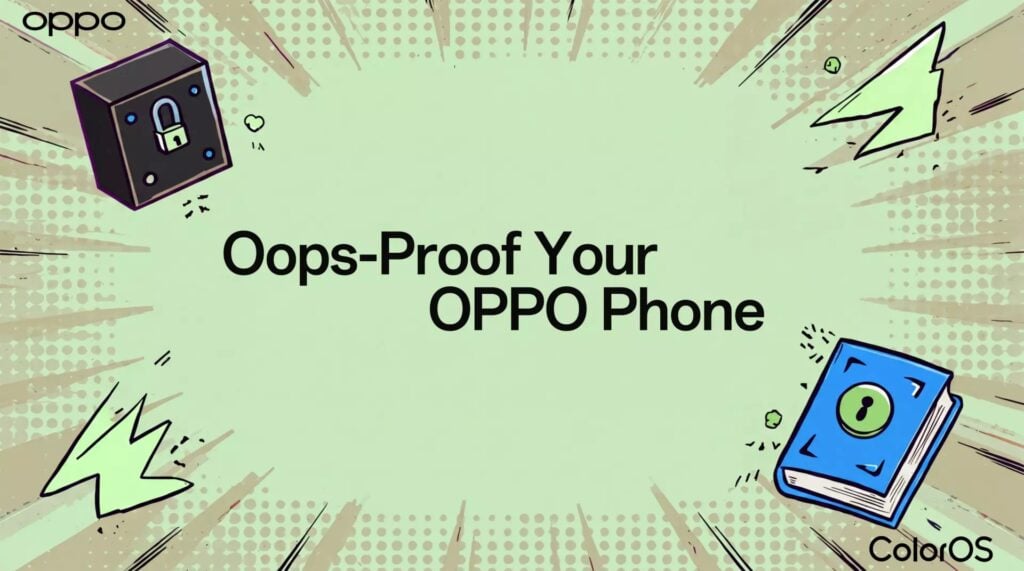
Private Safe can be accessed through Settings > Security and privacy > Private Safe. Users need to enter their privacy password before setting it up or opening stored files. Once enabled, selected file types such as images and videos can be protected. Users can tap Add, choose the files they want to hide, and select Set as private.
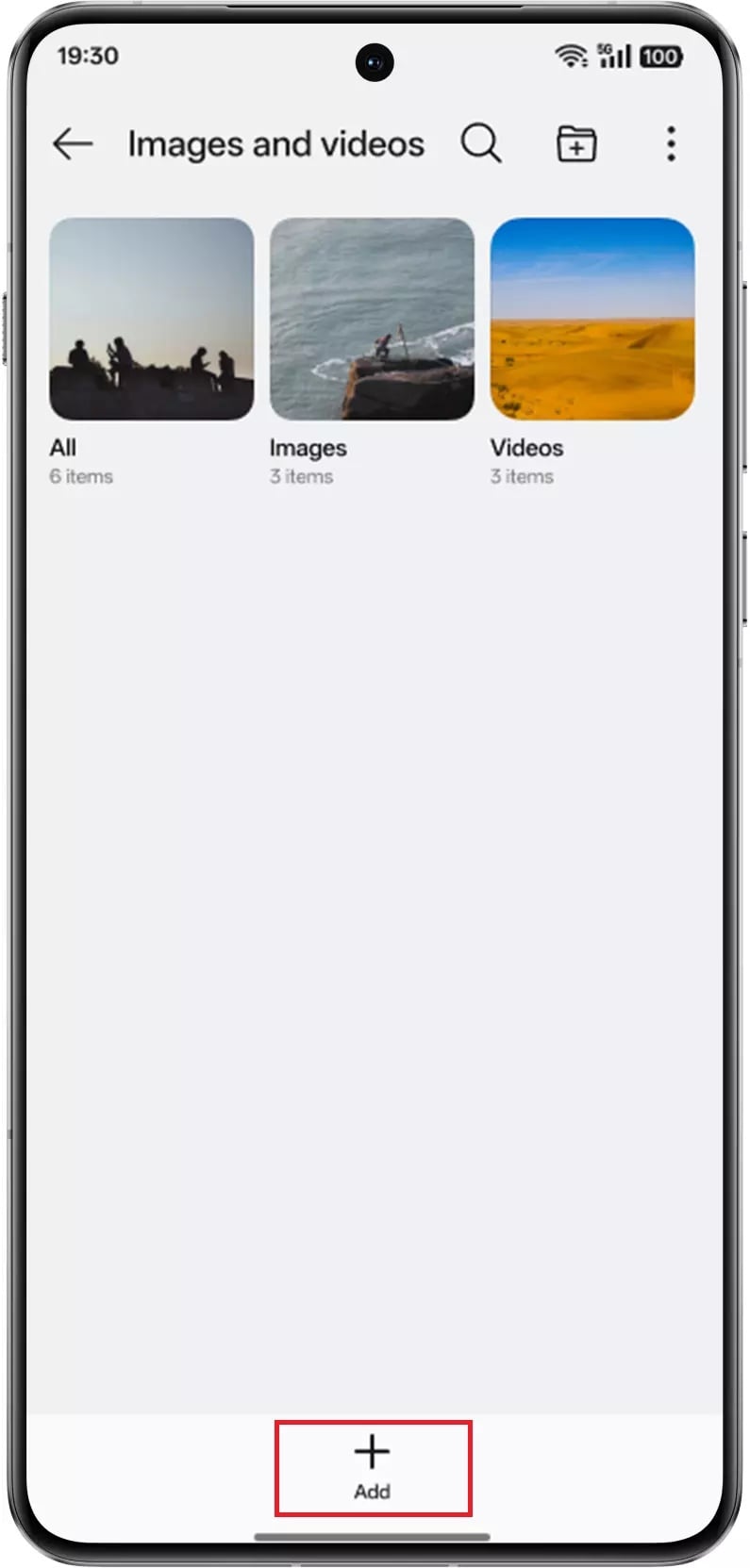
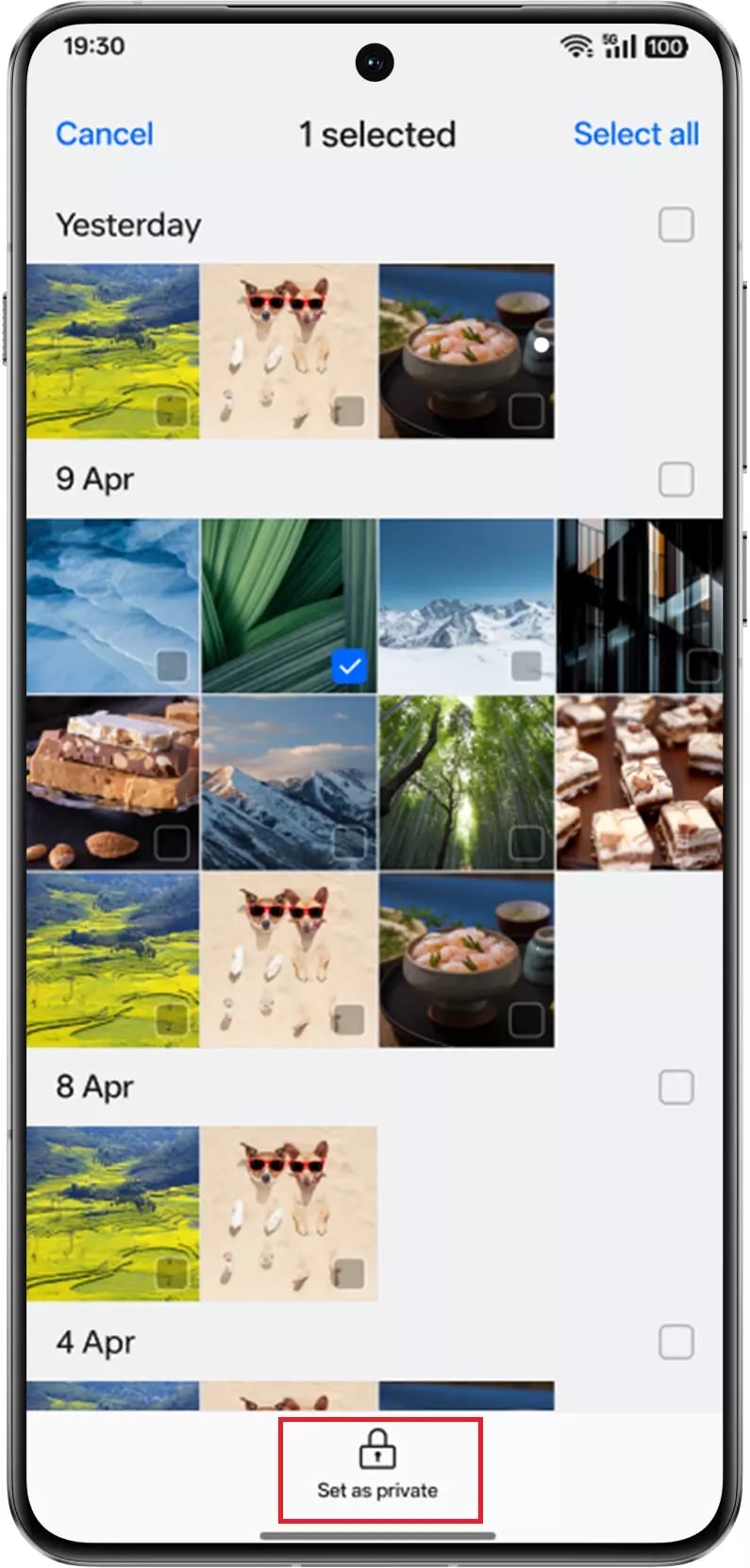
OPPO also allows users to move files into Private Safe from supported apps. In the Photos app, for example, users can long-press a photo, select it, tap the three-dot menu in the bottom-right corner, and choose Set as private. After this, the file will no longer appear in the regular Photos view.
The feature is useful for users who share their phones with others or want to keep personal files out of casual view. This could include personal photos, private videos, voice notes, sensitive documents, or notes stored on the device.
Accessing hidden files follows the same route. Users can go to Settings > Security and privacy > Private Safe and unlock the space using the privacy password. For faster access, ColorOS also supports fingerprint and face unlock.
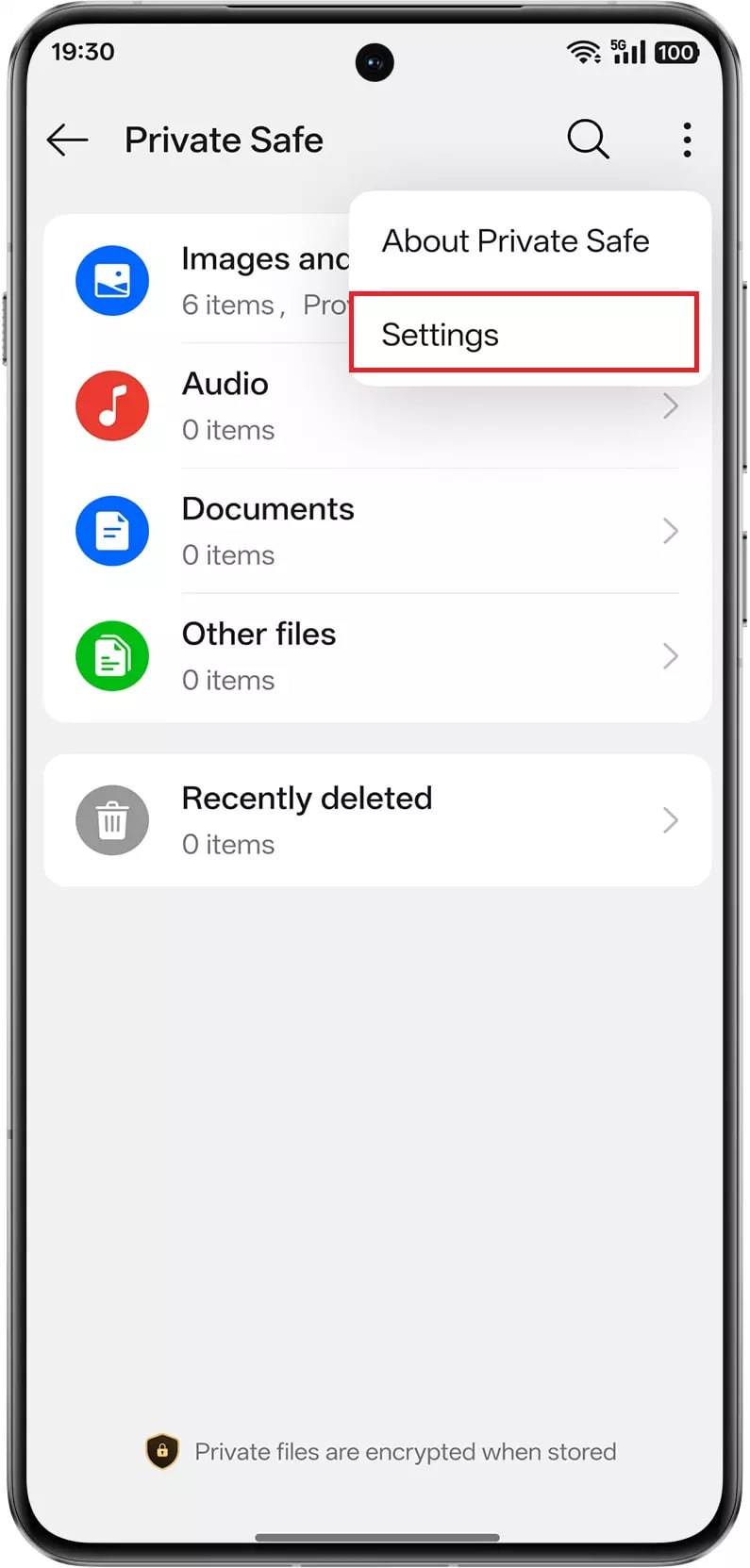
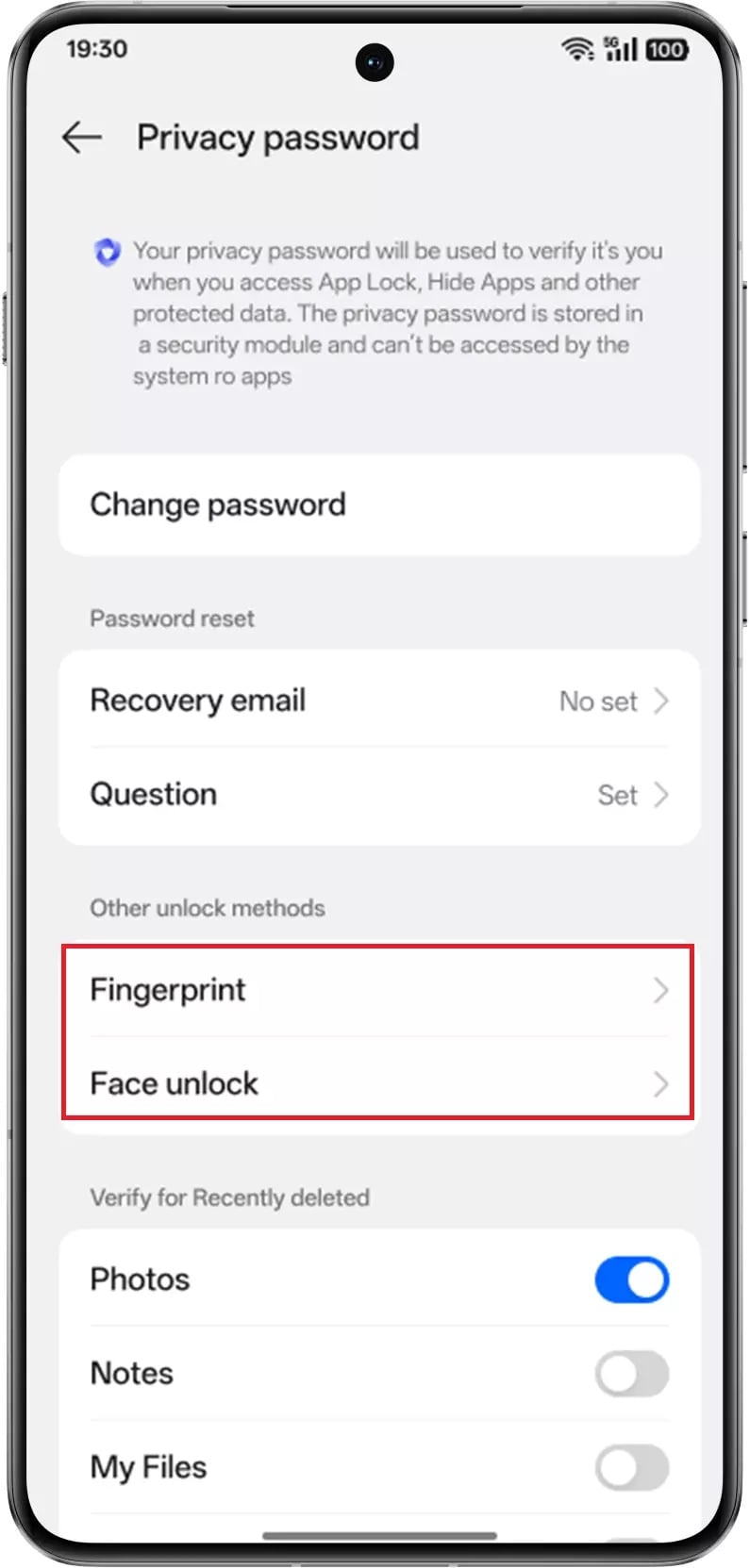
To enable biometric access, users need to open Private Safe, tap the three-dot menu in the top-right corner, go to Settings > Privacy password > Other unlock methods, and turn on fingerprint or face unlock, depending on the option they prefer.
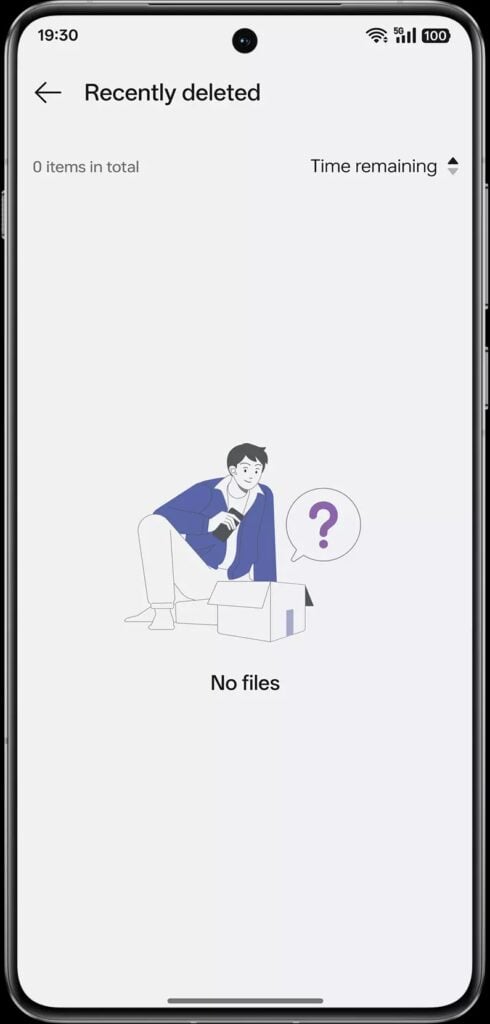
Private Safe also includes a recovery option for deleted files. Files removed from the vault can be restored within 30 days through the Recently deleted section. Users need to open Private Safe, enter the privacy password, tap Recently deleted, long-press the files they want to recover, and select Restore.
The feature gives OPPO users a simple way to control what stays visible on their phones and what remains private. It is meant for files users want to keep on the device, without leaving them open in the regular gallery or file manager.
Don’t miss a thing! Join our Telegram community for instant updates and grab our free daily newsletter for the best tech stories!
For more daily updates, please visit our News Section.
(Source)




Comments