
Add GIZMOCHINA as Preferred Source on Google
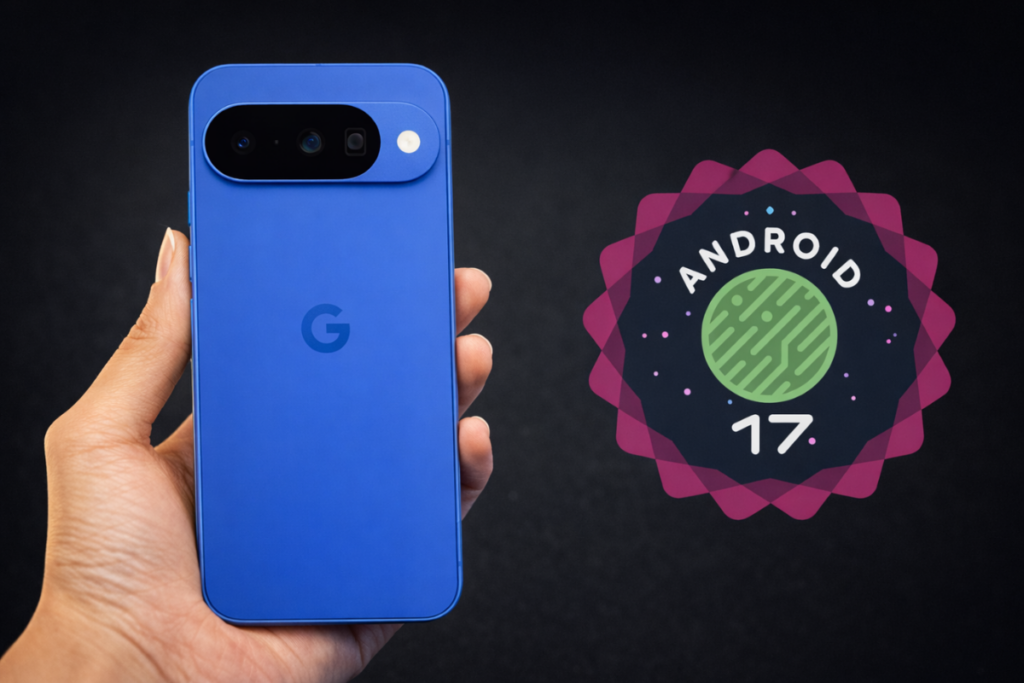
After releasing four major beta builds over the past four months, Google has finally pushed the stable Android 17, which is now rolling out to eligible Google Pixel devices. The update package also includes the June 2026 Pixel Feature Drop.
Here’s how the Android 17 development progressed:
- Android 17 Beta 1: Feb 13, 2026
- Android 17 Beta 2: Feb 26, 2026
- Android 17 Beta 3: Mar 26, 2026
- Android 17 Beta 4: Apr 16, 2026
- Android 17 Beta 4.1: Jun 1, 2026
- Stable Android 17: Jun 16, 2026
The Android 17 update is available for a wide range of Pixel devices, all the way back to Pixel 6. Review the list below to see if yours is included.
Google Pixels eligible for Android 17 update: Full list
- Pixel 10
- Pixel 10 Pro
- Pixel 10 Pro XL
- Pixel 10 Pro Fold
- Pixel 10a
- Pixel 9
- Pixel 9 Pro
- Pixel 9 Pro XL
- Pixel 9 Pro Fold
- Pixel 9a
- Pixel 8
- Pixel 8 Pro
- Pixel 8a
- Pixel Tablet
- Pixel Fold
- Pixel 7
- Pixel 7 Pro
- Pixel 7a
- Pixel 6
- Pixel 6 Pro
- Pixel 6a
Unlike other brands, Google rolls out the update to all eligible devices at the same time. However, availability may vary depending on your region. You can manually check for available software updates by navigating to Settings > System > System Update.
For non-beta users, the update package is a few gigabytes. Beta users are receiving a much smaller package, as most of the changes have already been rolled out to devices via early builds.
Android 17: New features and major upgrades
1. New AI features
With Android 17, Pixel phones receive a bundle of AI features to help them make the most out of their devices. It introduces Lyria 3 for generating original music from a text/image prompt, and Gemini Omni allows users to turn a text prompt into a custom video clip (requires a Gemini Pro subscription).
The Voice Translate feature is now available on the Pixel 10a, while the Manual Call Screen feature is expanding to India. The update also extends Quick Share — AirDrop compatibility to Pixel 9a and Pixel 8a, while the Pixel 10 series gets access to Magic Cue.
2. Bubbles receives its biggest upgrade yet
The Bubbles feature, which has been limited to messaging apps for years, now works with all apps. That means you can now turn any app into a floating bubble and use it alongside other applications. To use this feature, long-press an app icon and choose the Bubble option.
On tablets and foldable devices, there’s a new Bubble Bar in the bottom-right corner that organizes and holds app bubbles.
3. Screen Reactions
With this feature, you can record yourself using the selfie camera while capturing your screen, eliminating the need for a green screen. This feature can be pretty helpful for folks creating tutorials, reaction videos, or gameplay recordings.
4. Foldable gaming mode
This feature splits a fold into a 50/50 layout with the game on top and a dynamic gamepad below. The Foldable gaming mode is enabled in Android 17 and will be available in the coming months.
To further level up your gaming experience, Android 17 supports native controller remapping for external controllers.
5. Continue app state on another device
The Continue On feature has made it to the final release. It allows users to seamlessly transition a task between Android devices. That means you can now open an app on your mobile device and continue working on it on your tablet without losing state.
As Google mentioned, “the user sees a suggestion for the most recently opened app from their mobile in their tablet taskbar.” When tapped, the app launches without losing its state.
6. Security and privacy
Android 17 allows the user to grant an app temporary access to their precise location. There’s also a new “Mark as lost” feature in Find Hub that lets you lock a missing phone behind your biometrics. So, even if a thief knows your passcode, he won’t be able to unlock it.
You can now give apps temporary access to your specific contacts. Those apps won’t be able to track any changes you make to a contact’s information.
Android 17 brings many more useful features and upgrades. You can read about those on this page.
Remember to visit the news section regularly for the latest information. Or, you can join our Telegram channel for quick updates.


Comments