
Add GIZMOCHINA on Google:
Overlook
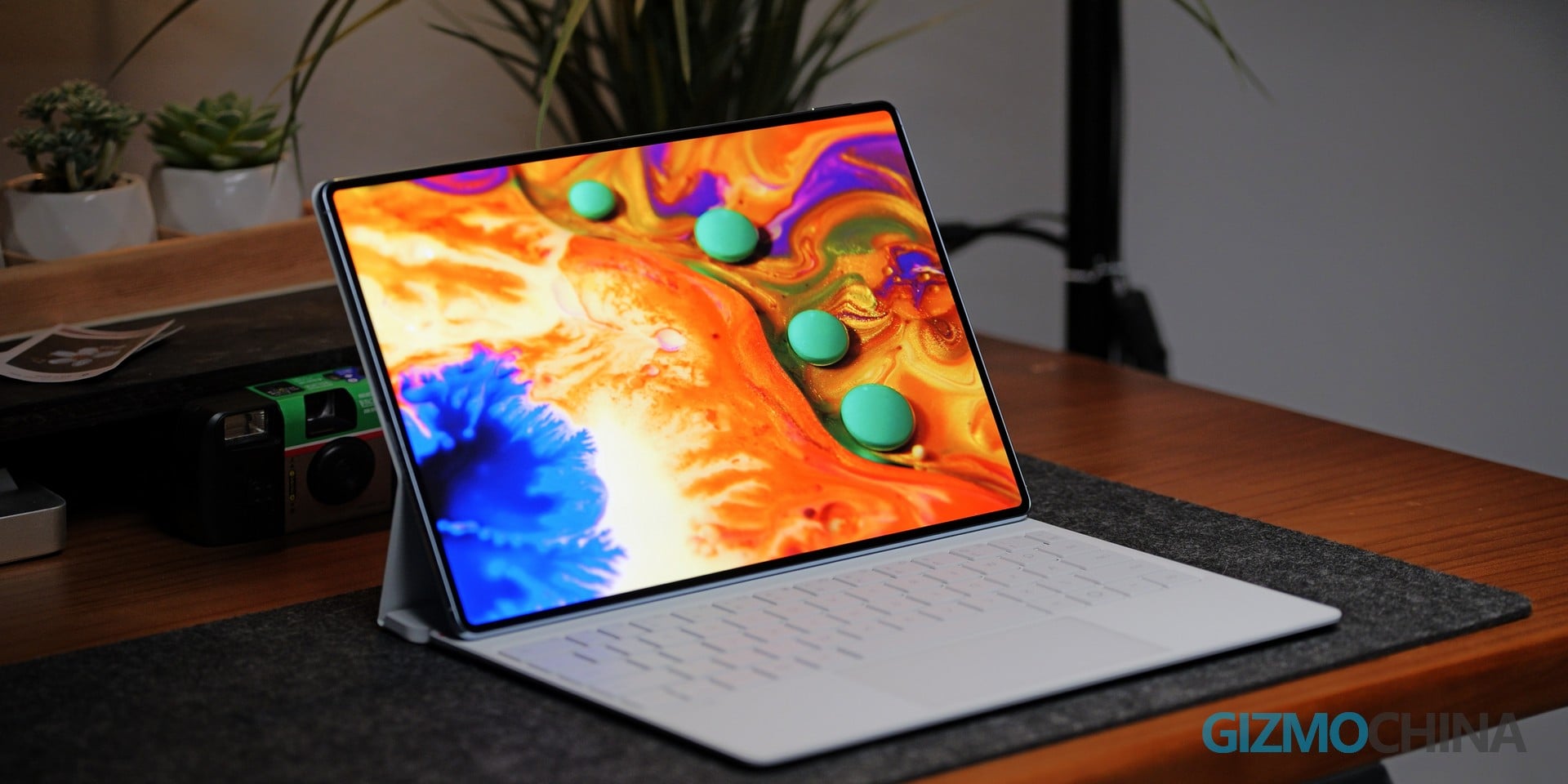
At 4.7 millimeters thick and under 450 grams, the Huawei MatePad Pro (2026) is one of the most physically impressive pieces of technology currently available. The PaperMatte OLED display is visually striking, the CNC aluminum chassis feels decidedly premium, and the overall hardware design conveys a genuine sense of forward thinking. In a market where tablets often feel like oversized smartphones, Huawei has crafted something that feels truly engineered.
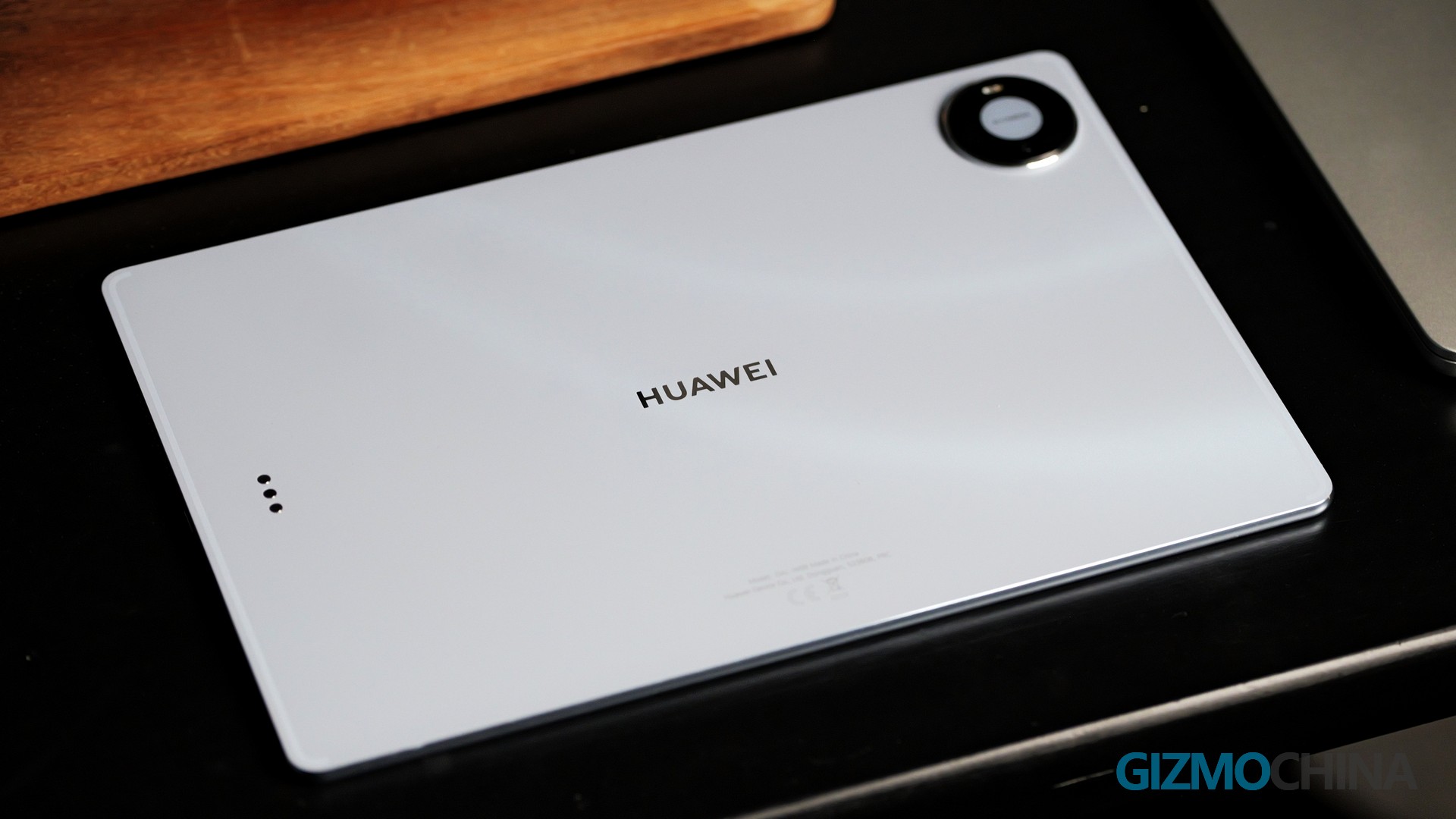
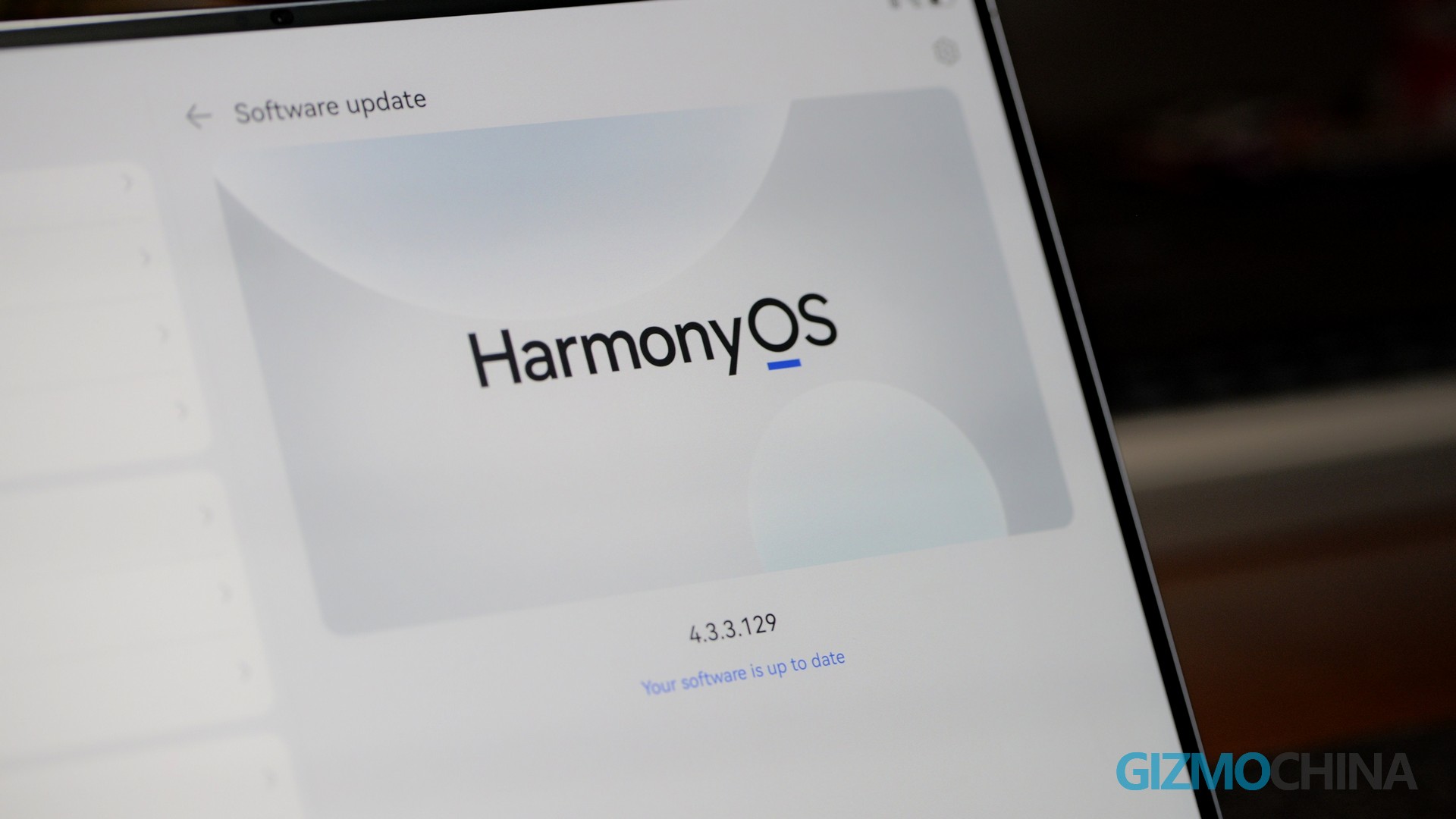
However, there is a critical caveat for prospective buyers, and it is one that cannot be ignored. The tablet runs HarmonyOS 4.3, which is built on an Android foundation but lacks native Google Services—including the Google Play Store. For users accustomed to a seamless app experience, this omission changes the way the device must be used. The central question, therefore, is whether this is a remarkable piece of hardware that simply requires some patience during setup, or whether the software gap is too substantial to overlook. Having used it as a primary work device for the past week, alongside the Glide Keyboard and the third-generation M-Pencil Pro, here is the full assessment.
Design and Display
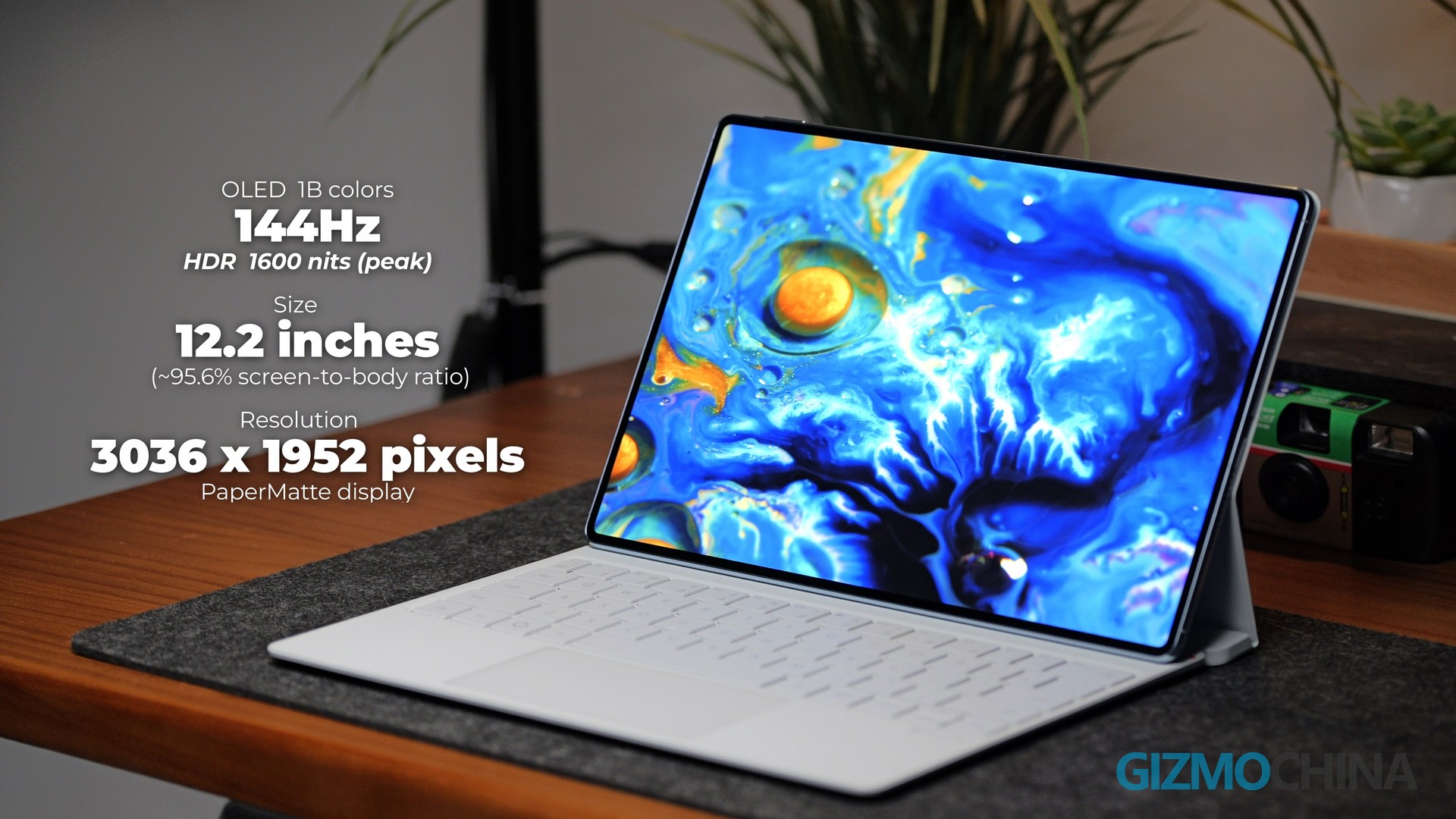
The hardware is where Huawei has clearly excelled, and it sets a high bar for the rest of the industry. The 12-inch OLED panel offers a 3K resolution, a 144Hz refresh rate, and a peak brightness of 1600 nits, resulting in a bright, colorful, and exceptionally sharp image. Whether you are watching HDR content, editing photos, or simply reading text, the display remains a pleasure to use in almost any lighting condition. The standout feature, however, is the PaperMatte finish. This anti-glare coating reduces reflections by approximately 30%, making the screen genuinely readable in direct sunlight—a claim that cannot be made for many glossy tablets on the market. It is a practical innovation that solves a real-world problem, rather than a marketing bullet point.
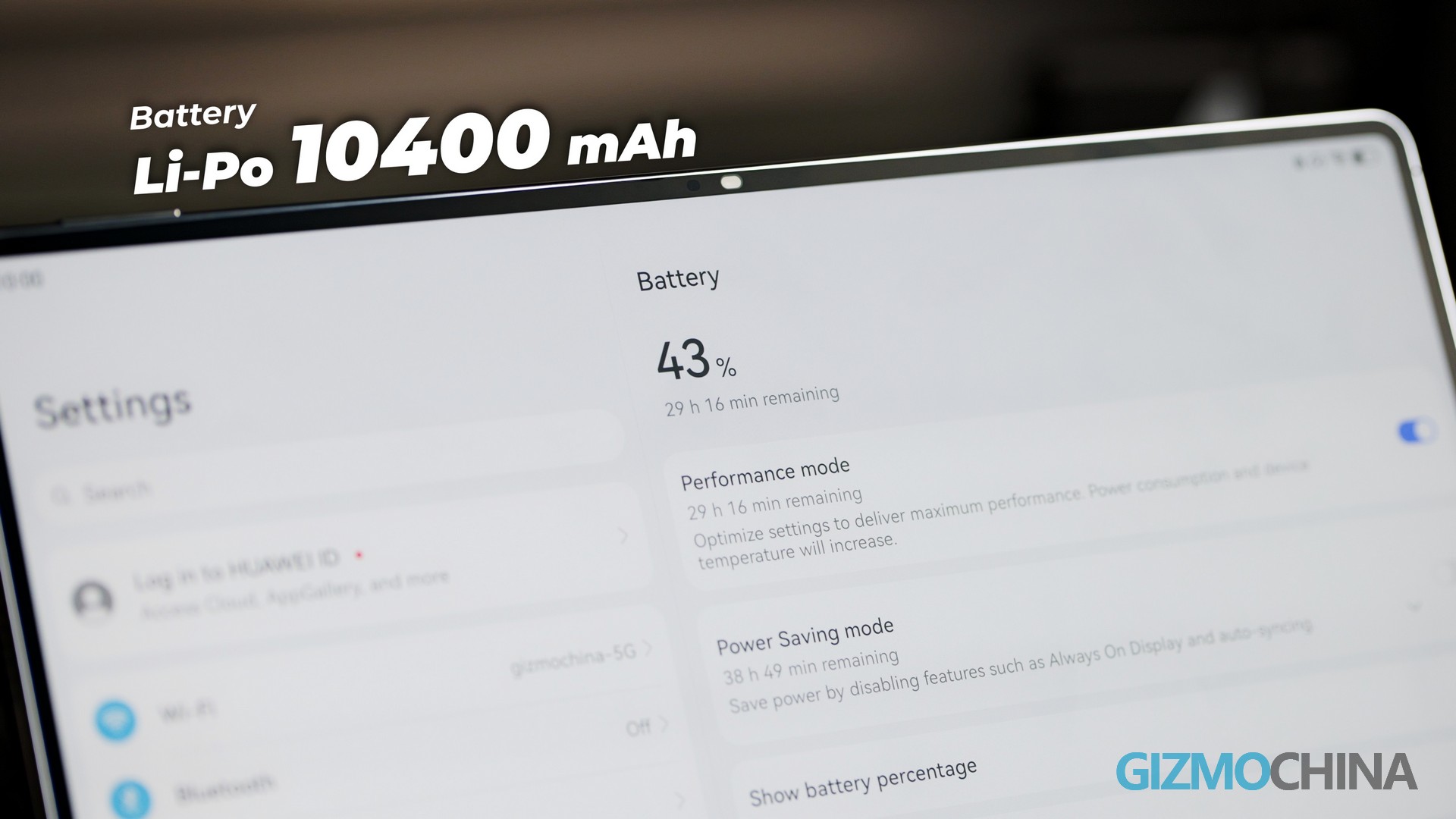
The 4.7mm profile is equally remarkable. The CNC aluminum build feels rigid, with no discernible flex or creaking, giving the device the solidity of a single slab of metal and glass. Despite its slim profile, it never feels fragile, and the weight distribution is well balanced for handheld use. This thinness does come with a trade-off. To achieve such a compact form factor, Huawei had to compromise on battery capacity. The unit packs a 10,400 mAh cell, which drains relatively quickly under heavy use, especially when the screen is set to its maximum refresh rate. It supports 66W fast charging, reaching full capacity in roughly 53 minutes, but it is not the endurance leader among tablets. Users who demand long battery life may find themselves reaching for the charger more often than they would like.
Software and Performance: The Ecosystem Divide
The software experience requires some adjustment, particularly for users outside China. The tablet is powered by the Kirin T93 chipset and runs HarmonyOS 4.3. For basic daily tasks—web browsing, email, and media consumption—performance is smooth and reliable. The interface feels responsive, and the system handles multitasking without noticeable stutter. The ecosystem, however, presents a different challenge. Without native Google Services, users must rely on Huawei’s AppGallery or alternative methods to install everyday applications. The setup is workable, but getting services like Gmail or YouTube to run perfectly requires more time and effort than on an iPad or a standard Android tablet. For some users, this will be a minor inconvenience; for others, it will be a daily frustration. After all, the tablet supporting APK installation has already offered wide possibilities for users, which is definitely better news for overseas users than pre-running the self-built HarmonyOS.
In terms of raw performance, the Kirin chipset is more than capable for everyday work and creative tasks. It handles document editing, note-taking, and drawing applications with ease. Heavy gaming or intensive 4K video editing, however, will not match the top-tier Snapdragon or Apple M-series chips found in competing devices. This is a chip built for productivity, not for pushing the limits of mobile entertainment.
Accessories: A Premium Ecosystem at a Premium Price
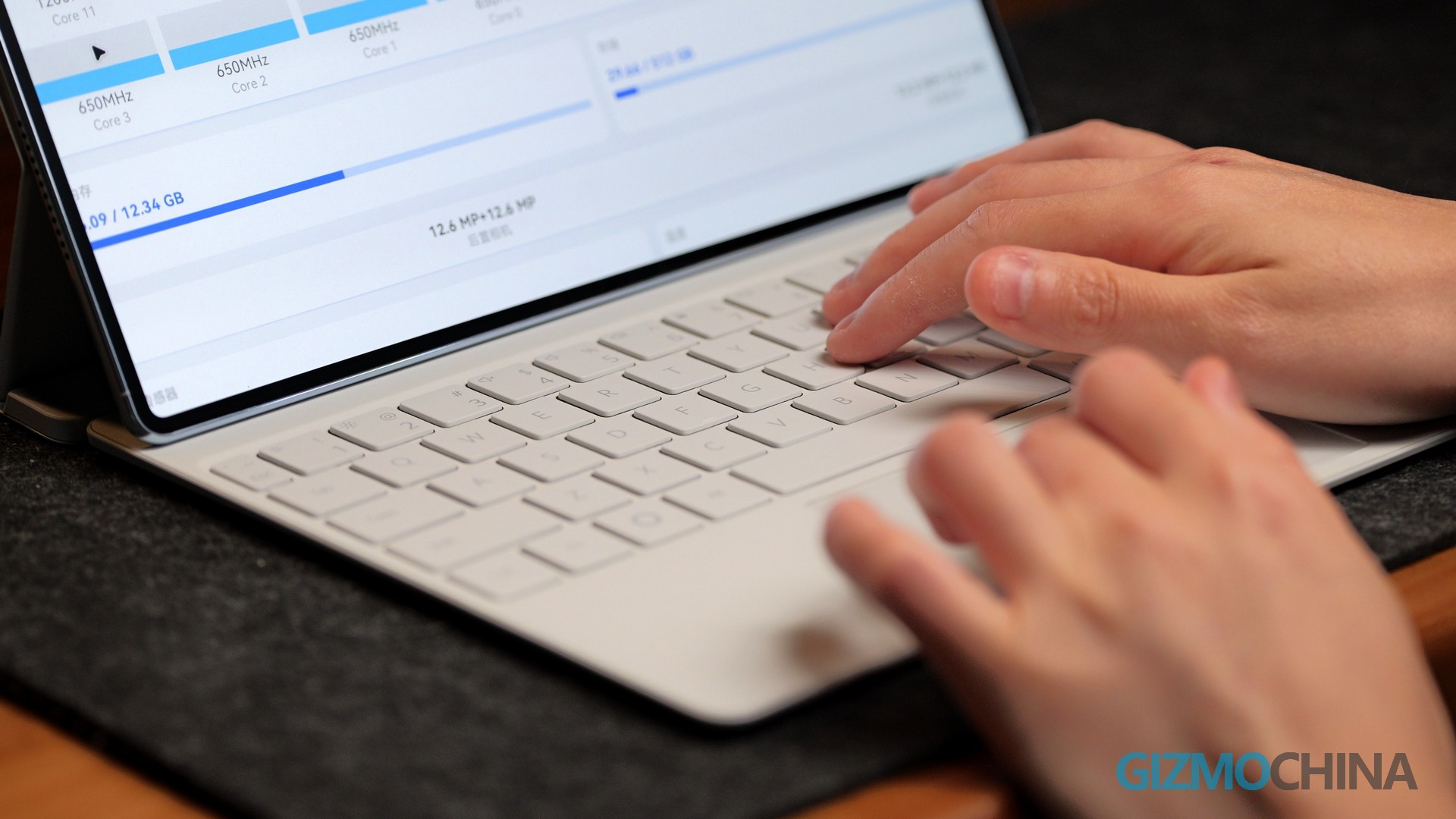
The accessories play a significant role in the overall experience, and they are essential to unlocking the tablet’s full potential. The HUAWEI Glide Keyboard features a unique dual-hinge design. Unlike Apple’s Magic Keyboard, which tends to make the iPad top-heavy, this keyboard can be folded into a laptop mode or flipped around for a “studio mode” suited to drawing. The keys offer decent travel, and the trackpad is surprisingly responsive, effectively transforming the tablet into a mini laptop. Typing long documents feels comfortable, and the magnetic attachment is secure.
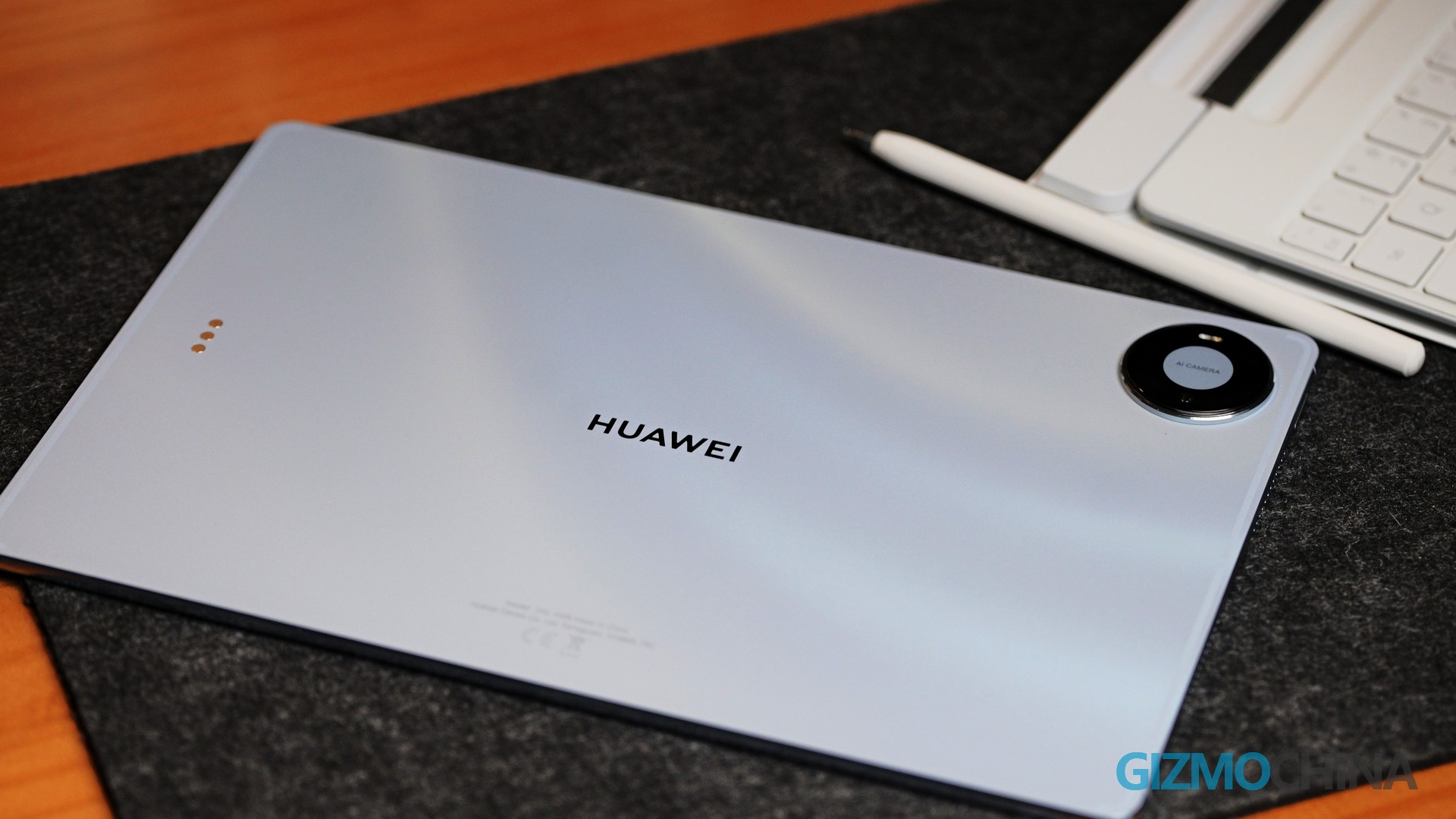
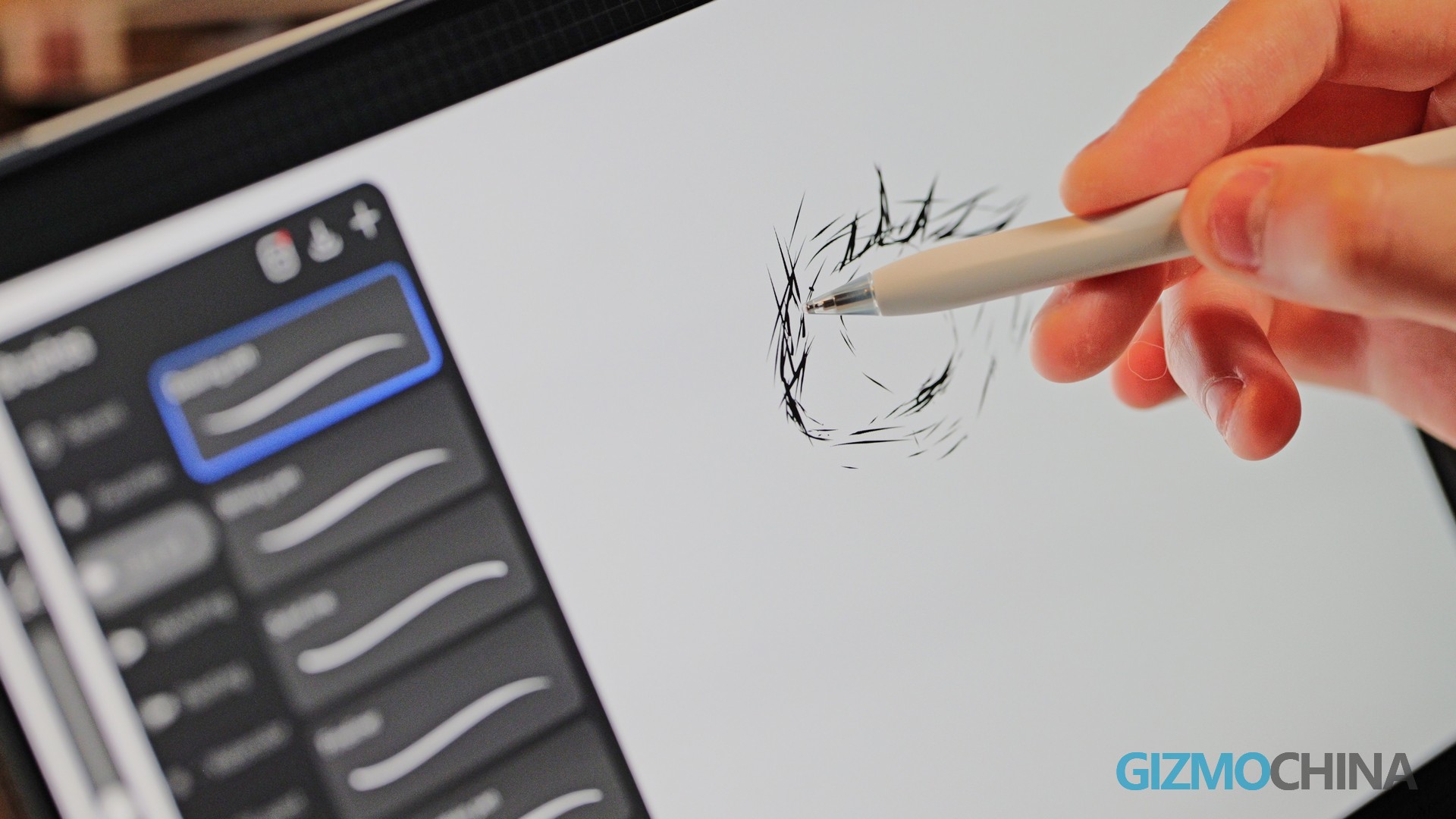
The third-generation HUAWEI M-Pencil Pro was tested in Huawei’s native GoPaint app, where the hardware and software finally come together. Thanks to the PaperMatte screen, drawing feels remarkably natural, with a slight texture that avoids the slippery sensation of glass. Pressure sensitivity is excellent, and the new squeeze gesture brings up the radial menu instantly, allowing brushes to be switched without breaking focus. For digital artists, this is a genuinely compelling experience that rivals dedicated drawing tablets.
The premium experience does, however, come at a premium price. The keyboard and pencil are sold separately, adding significantly to the overall cost. When you factor in the price of the tablet, the keyboard, and the stylus, the total investment easily surpasses that of a comparable laptop, which makes the software compromises harder to swallow.
Verdict
The Huawei MatePad Pro (2026) is, first and foremost, a spectacular piece of hardware. It is arguably one of the most beautiful tablets on the market, with a screen, build quality, and accessory set that are genuinely top-tier. The PaperMatte display is a joy to use, and the overall design is a testament to Huawei’s engineering prowess. The deciding factor ultimately comes down to region and app usage. For those already comfortable within the Huawei ecosystem, or for users who specifically need a premium drawing tablet and are willing to find alternative ways to install apps, the hardware is highly rewarding.
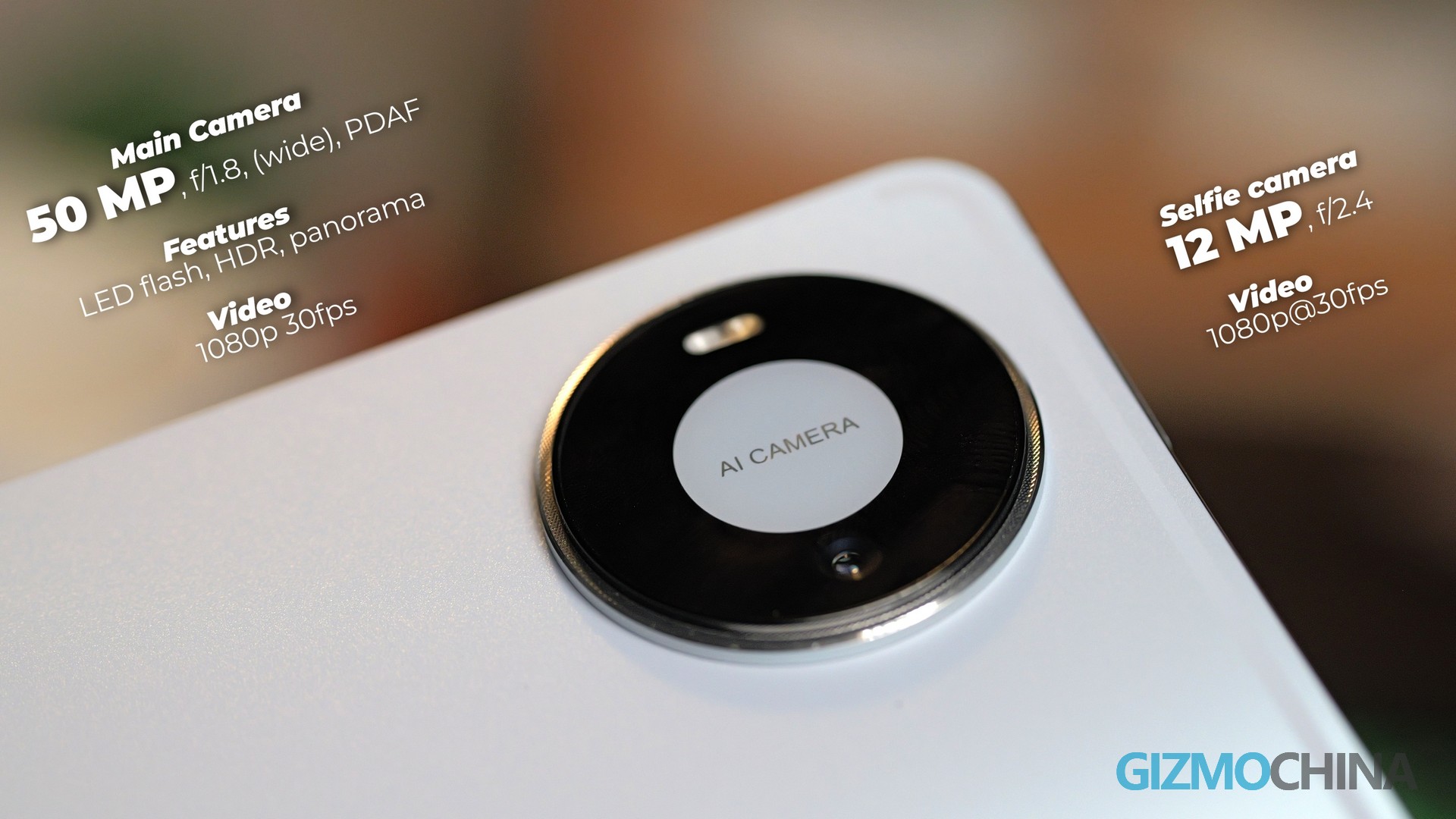
For most global users, however, it is a difficult recommendation. At around €1,099 in Europe—before adding the keyboard and pencil—the tablet requires users to adapt their software habits, particularly without native Google support. It is a beautiful device, but it asks for more compromise than most users are accustomed to. If you are willing to navigate the ecosystem, you will be rewarded with one of the best-designed tablets on the market. But for the average consumer, the software gap remains a formidable barrier.

Comments