
Add GIZMOCHINA on Google:
HUAWEI MatePad Air
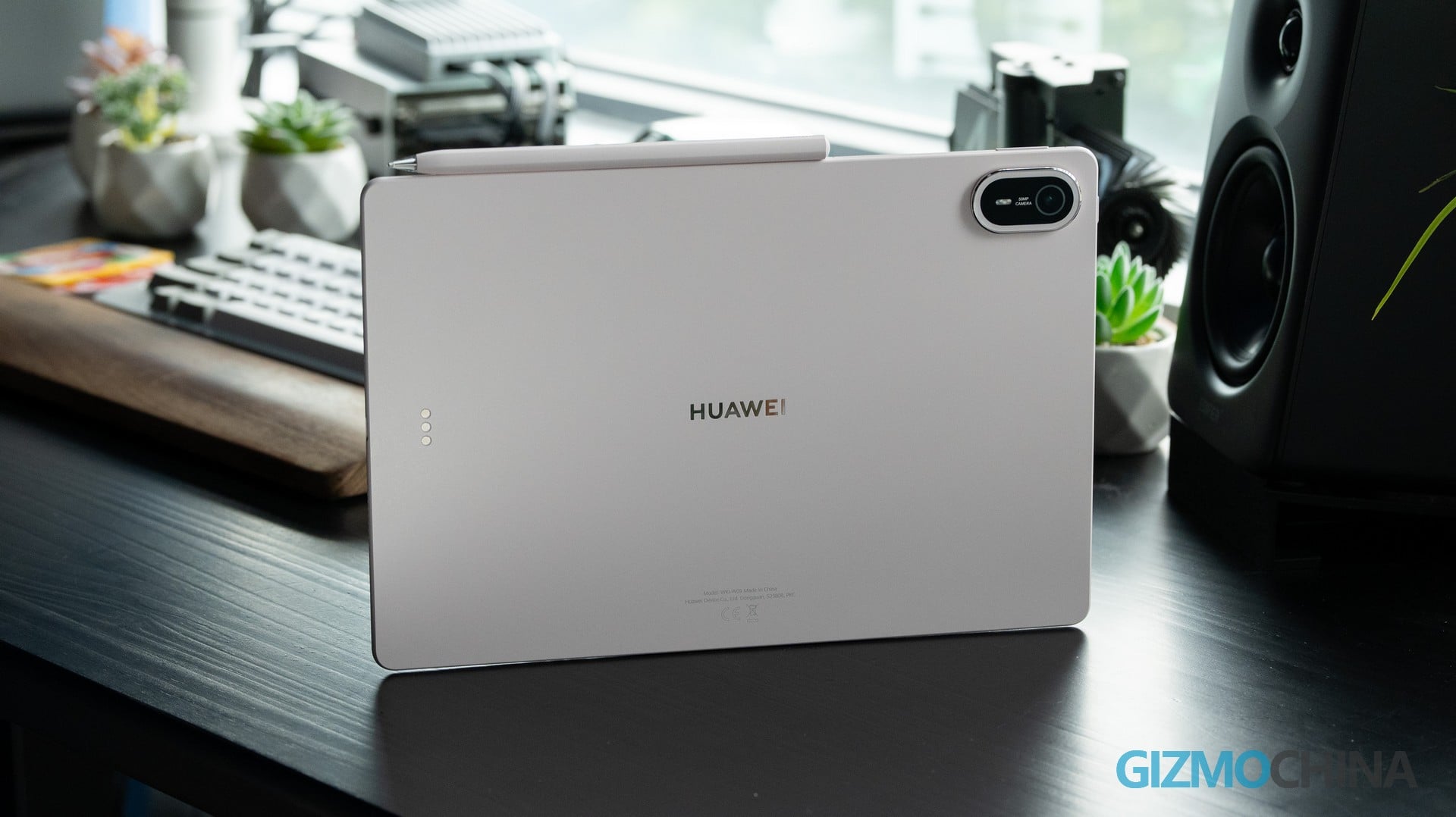
Huawei has always played a smart game in the tablet market. Fully aware that it a bit lags behind in raw peak performance, the MatePad series chooses to double down on form factor innovation and software optimization instead, offering more than enough performance, and its software optimization ensures smoother operation than most competing products. The latest addition to that strategy — the MatePad Air — is yet another purpose-built device. With a 12‑inch PaperMatte OLED display, a 5.3mm ultra‑slim profile, and a weight of just 509g, the MatePad Air is essentially the perfect electronic sketchpad.
Unboxing & Design
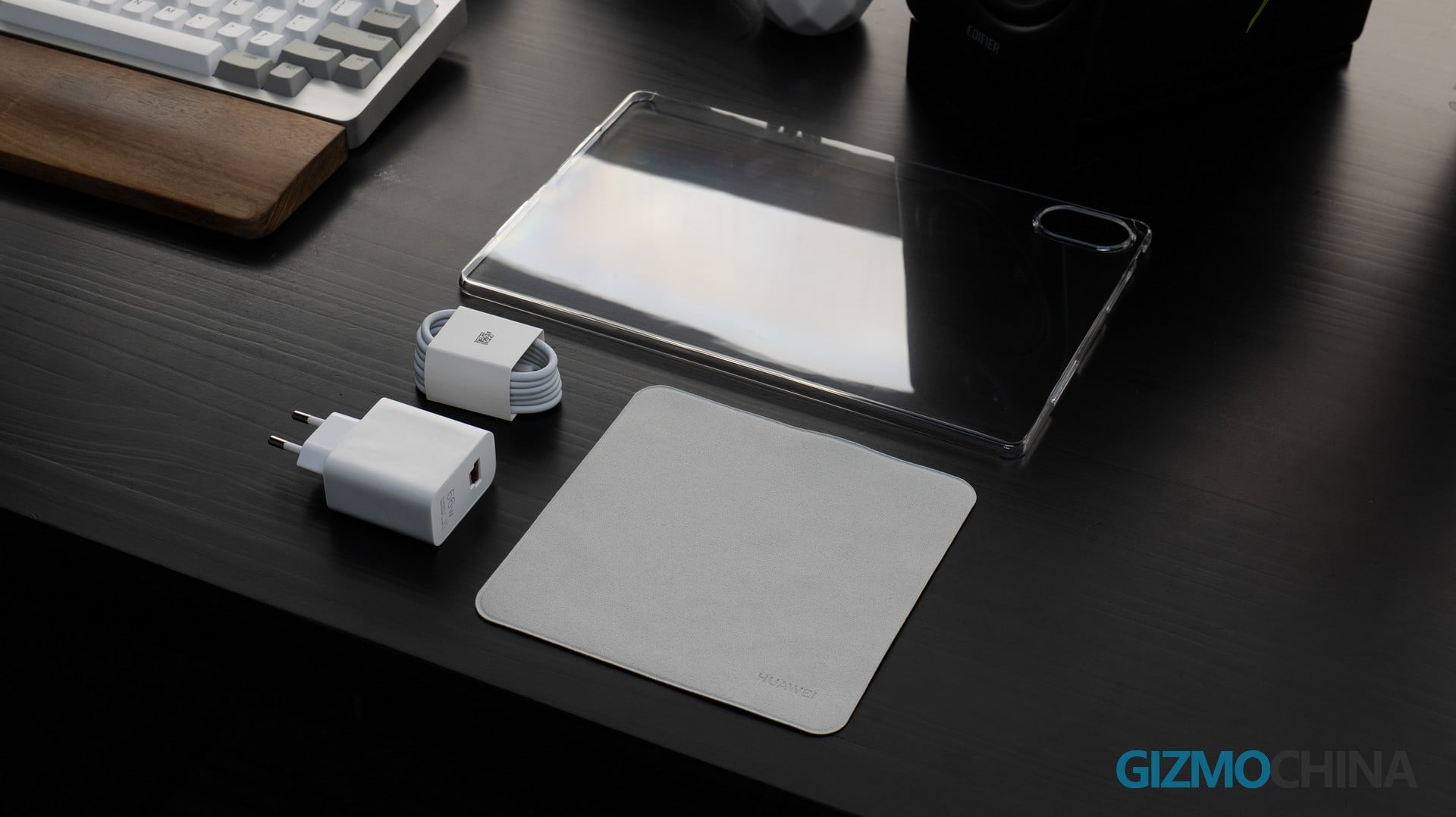
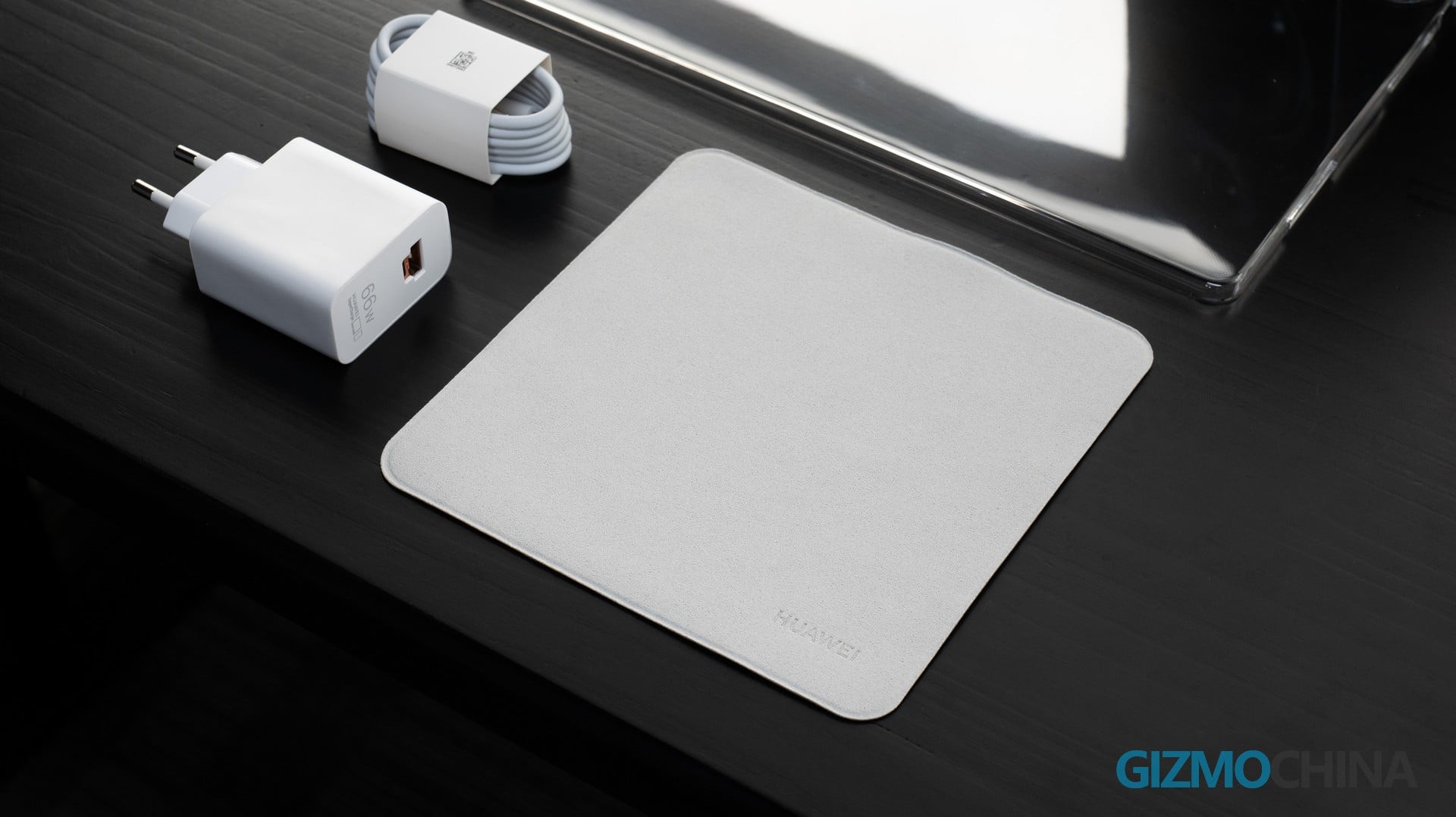
Unlike most tablets, the MatePad Air doesn’t cut corners on accessories. In the box, you get a charger, a USB cable, and even a clear protective case to hold you over until your premium cover arrives. The HUAWEI Smart Magnetic Keyboard and M‑Pencil Pro are optional add‑ons—and yes, the polishing cloth is sold separately too.
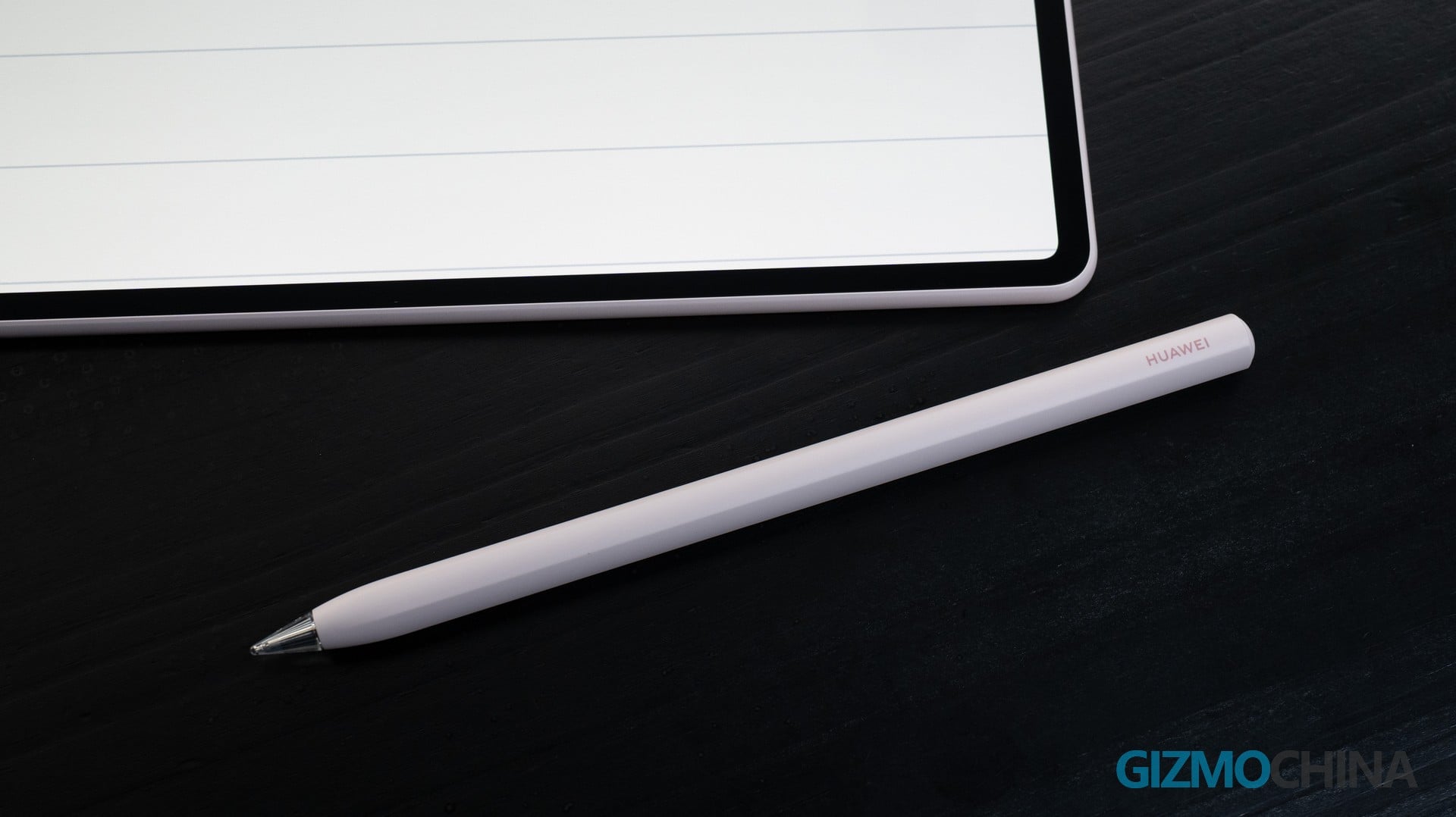
Speaking of the M‑Pencil Pro, what I love most is that the only button sits right at the tip of the pen. It feels just like clicking a ballpoint pen—and honestly, pressing it is surprisingly satisfying.
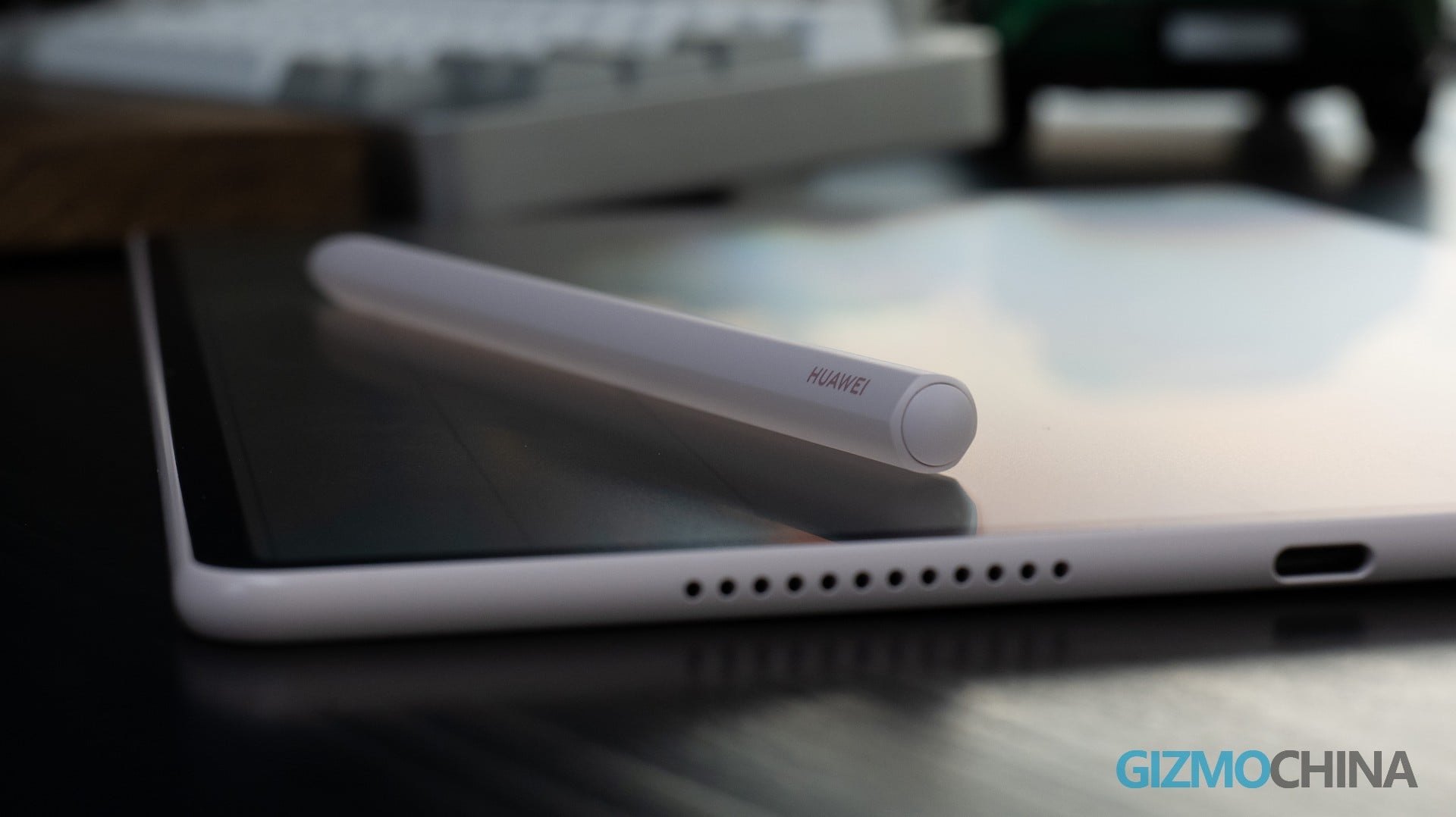
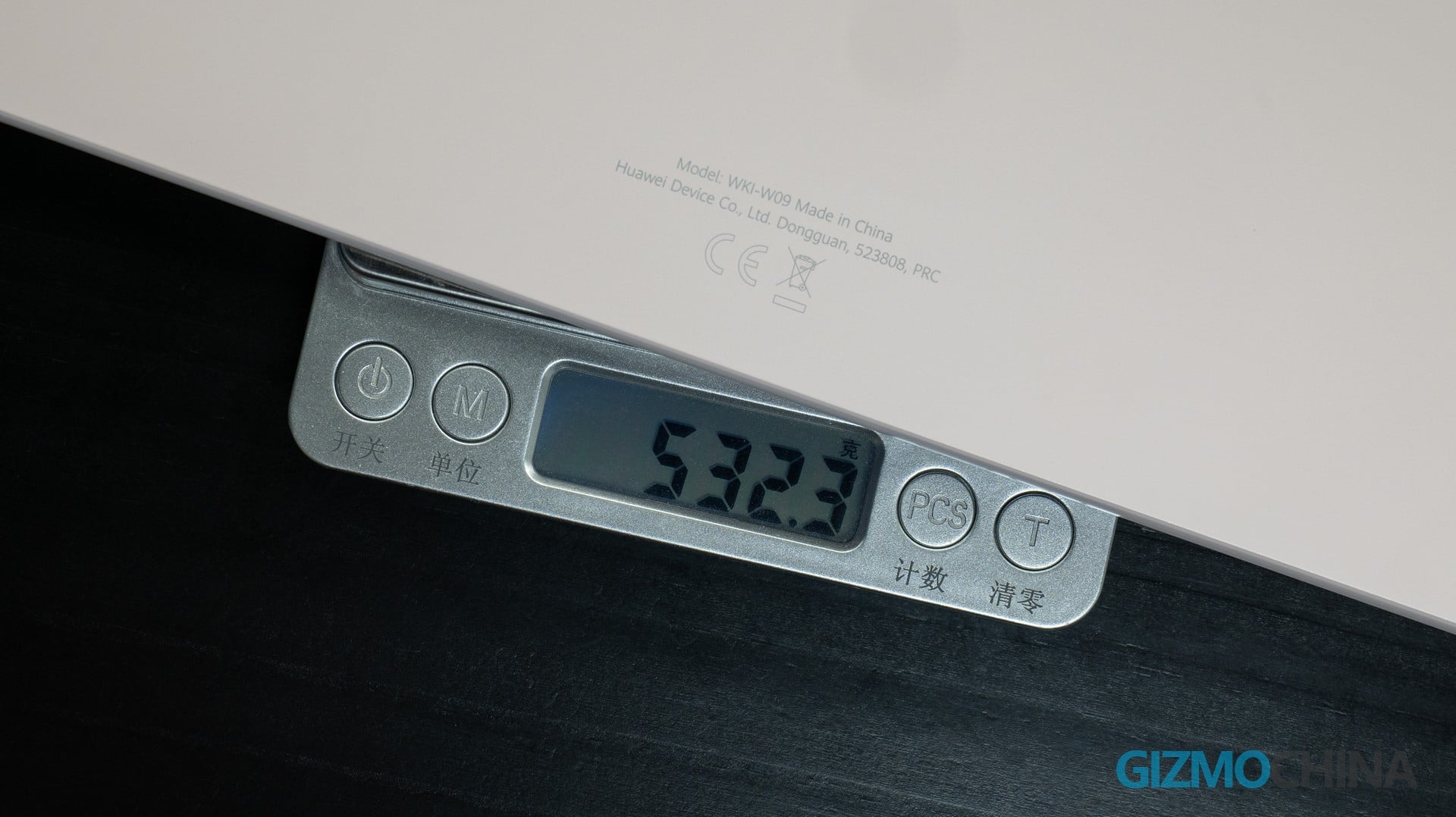
Let’s start with the most obvious impression — it’s light. At 532g, that’s a solid weight for a 12‑inch tablet. The benefit of being this light is that holding it with both hands for extended periods doesn’t get tiresome. The 5.3mm thickness is equally impressive. Of course, there will be those who worry that such a slim profile might make it prone to bending. HUAWEI has reinforced the internal structure of the MatePad Air, and its bend resistance has improved by 17% compared to the MatePad 12X. I gave it a try myself, and with my bare hands, I simply couldn’t bend it, no matter how hard I tried.
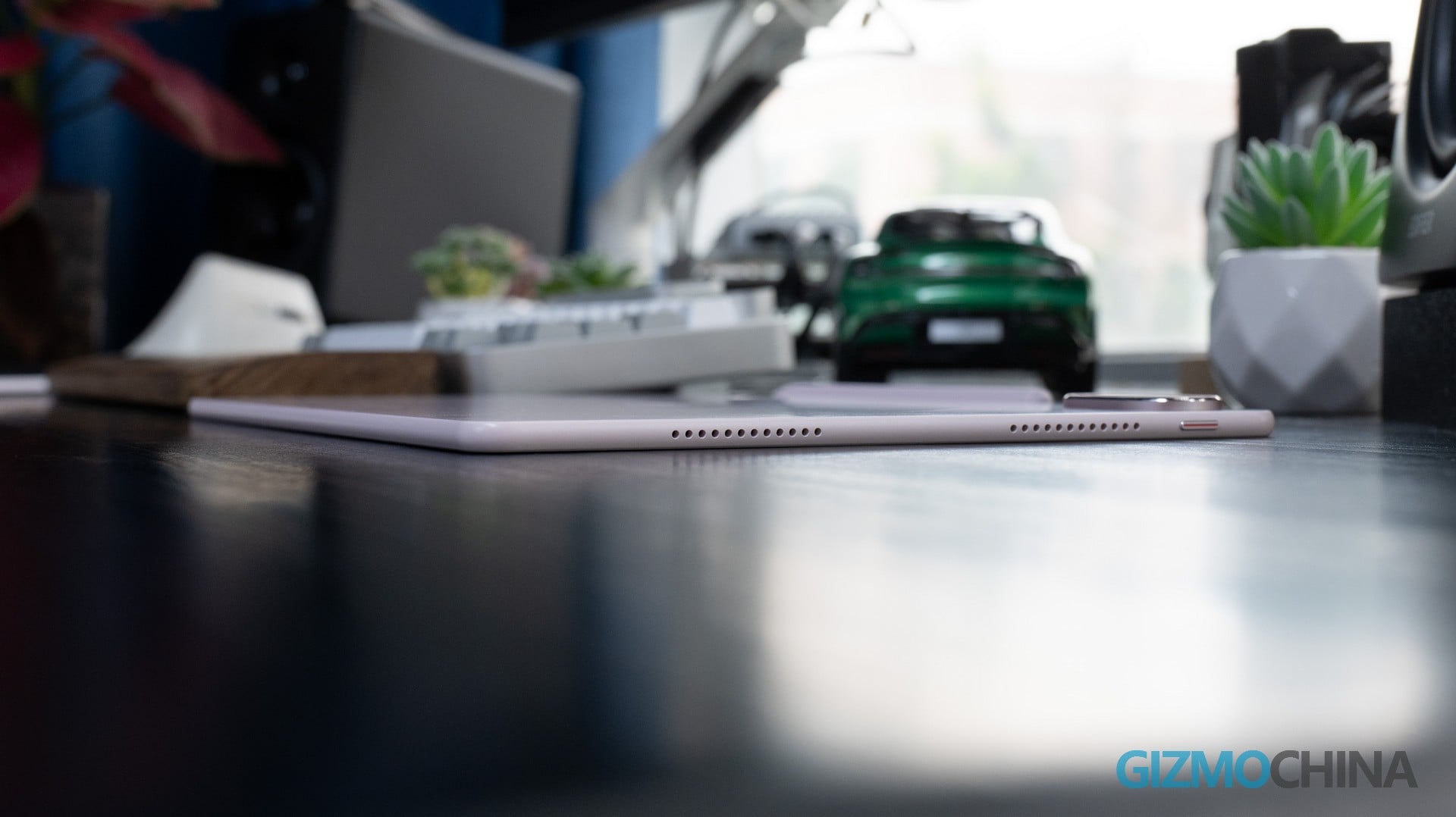
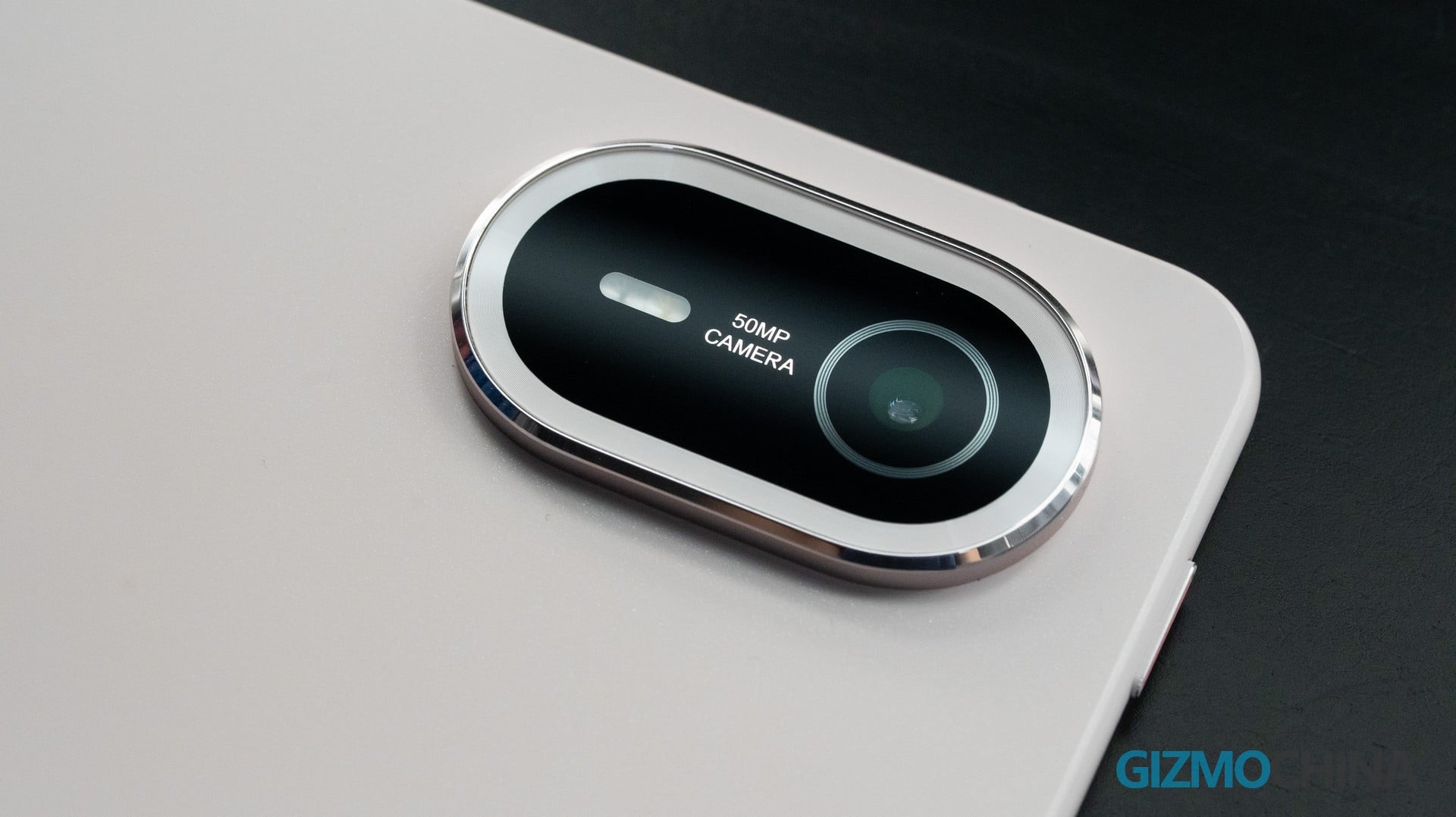
The MatePad Air is available in three finishes: Sakura Pink, Airy Blue, and White. My unit is the Sakura Pink variant—a shade that’s likely to resonate with users who prefer softer, more vibrant tones. The unibody aluminum alloy construction eliminates any visible seams between the back panel and the frame, giving it a premium, seamless feel. Rest assured, the moment you hold it, your palm will confirm that this is a well-built tablet.
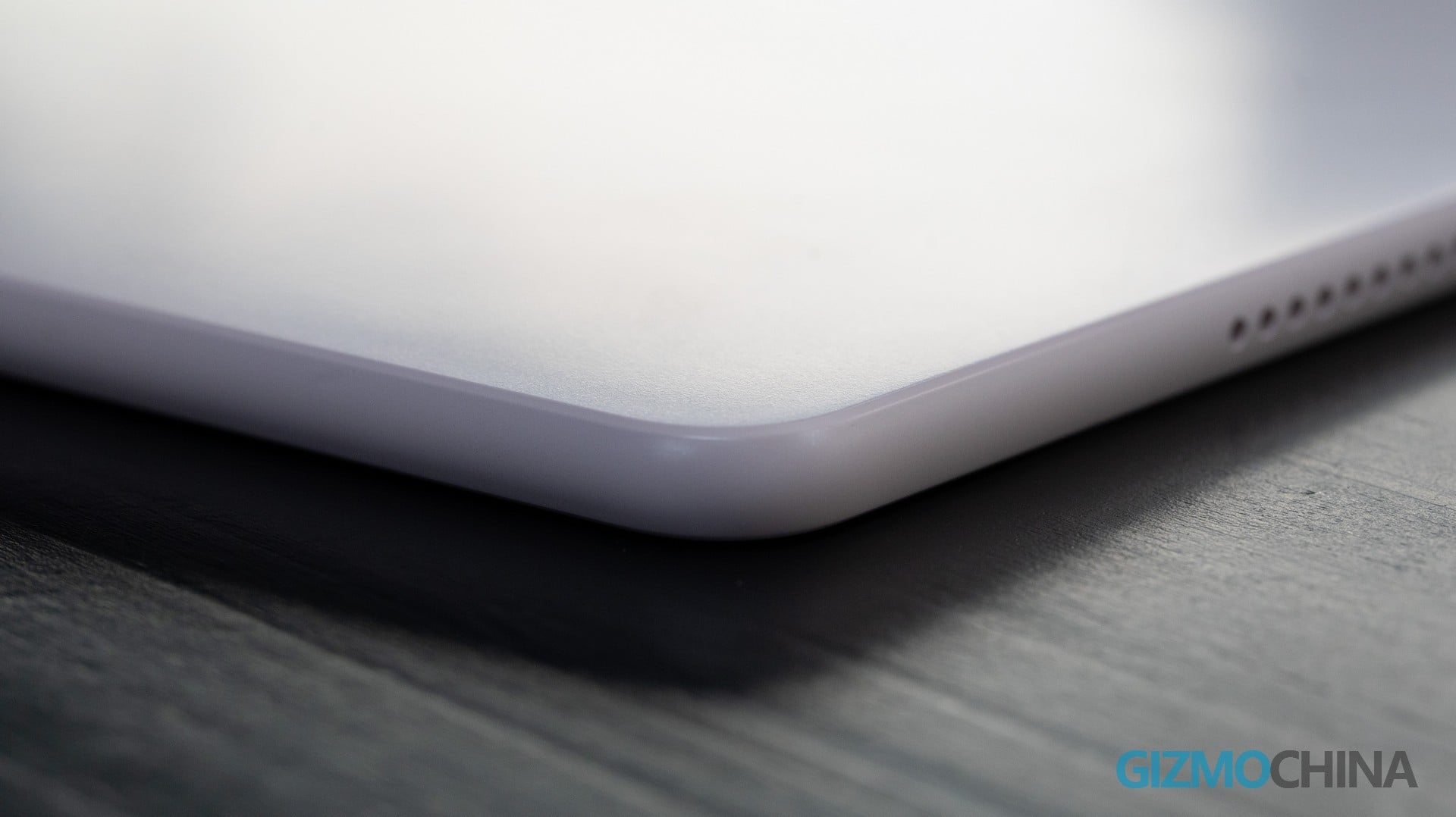
In terms of connectivity, the MatePad Air features a USB 3.1 Gen 1 Type‑C port with video output support. Hook it up to an external monitor, and it transforms into a dedicated drawing tablet — giving you a larger canvas while still leveraging the MatePad Air’s excellent touch responsiveness.
Display
This is arguably the MatePad Air’s biggest selling point. It packs a 12‑inch OLED PaperMatte display with a resolution of 2800 × 1840, 275 PPI, support for 1.07 billion colors, P3 wide color gamut, and a peak brightness of 1,200 nits.
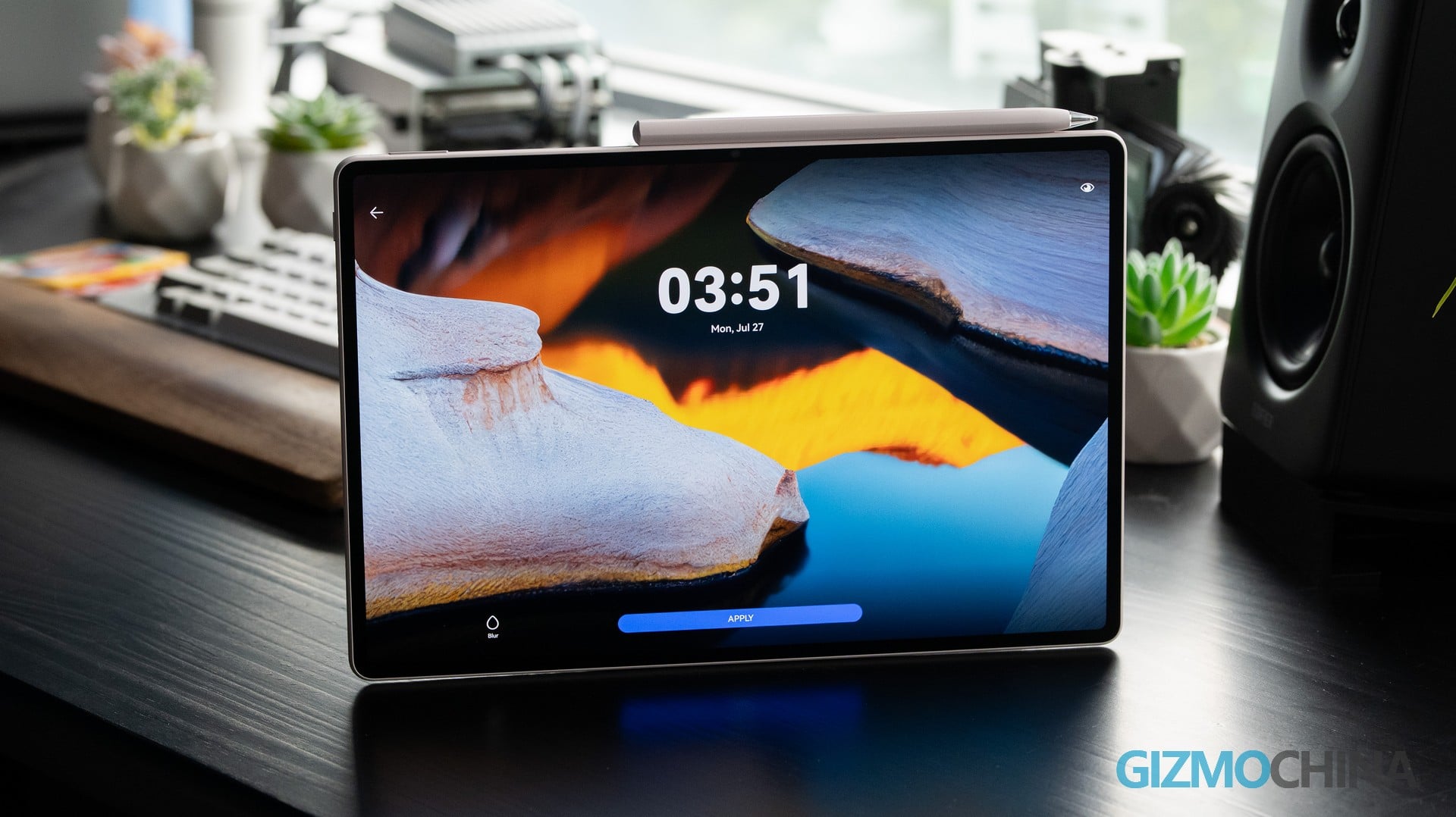
The viewing experience is genuinely impressive. OLED’s strengths are on full display — deep blacks, vivid colors, and excellent contrast. Videos, in particular, reveal a striking sense of depth, while the 92% screen-to-body ratio further pulls you into the action.
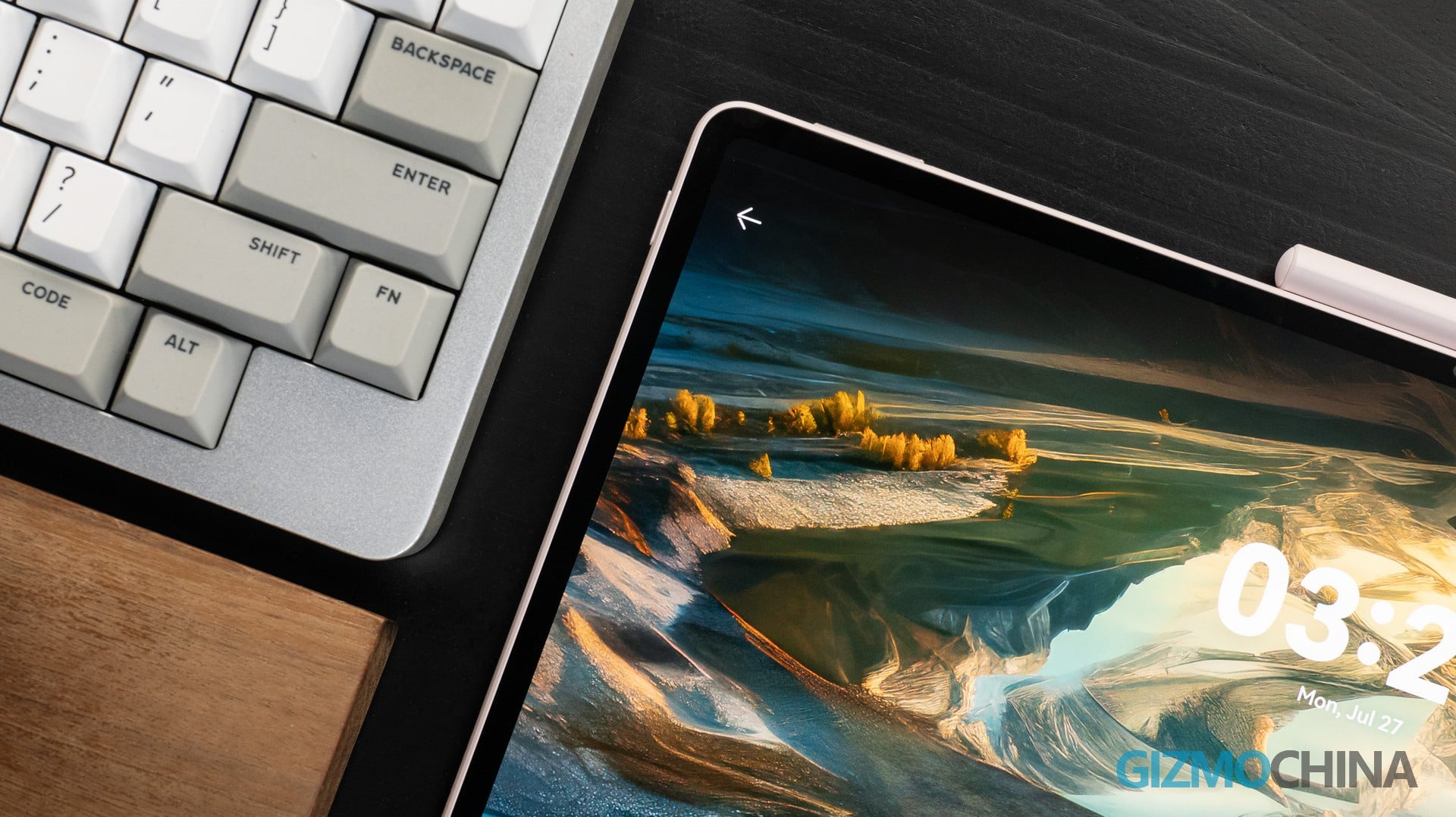
HUAWEI’s signature PaperMatte technology has also carried over to the MatePad Air. In essence, it’s an anti‑glare coating that effectively cuts down screen reflections while simulating the tactile feel of writing on paper. Paired with the M‑Pencil, the experience comes remarkably close to pen on paper.
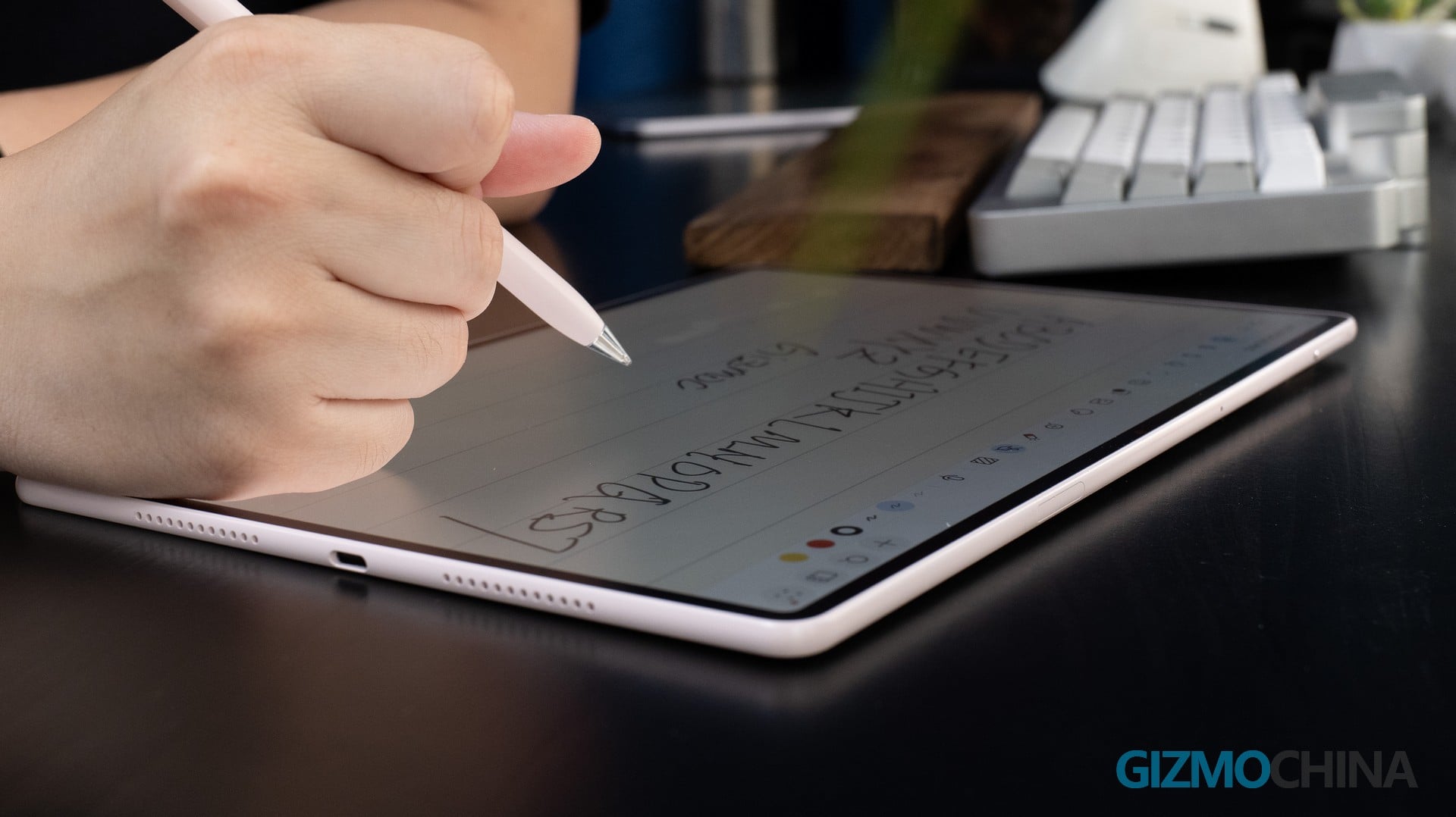
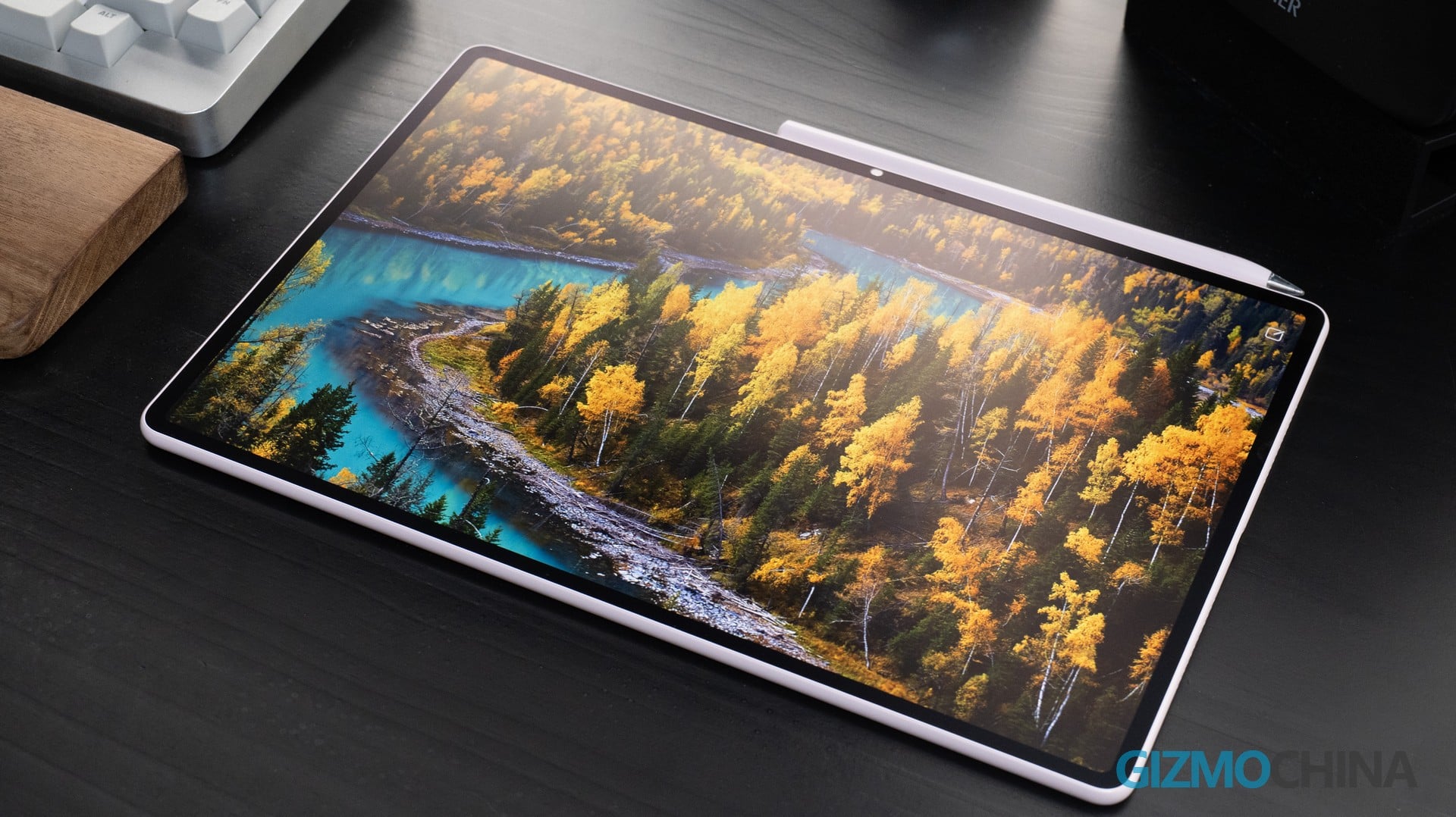
If someone asks why not just slap on a matte screen protector instead of going for this coating, I’d bet they’ve never actually created anything on a display with a nano‑texture finish. The writing experience on this type of glass simply cannot be replicated by any film. It’s smoother, gentler on the pen tip, more durable, far more resistant to fingerprints and smudges, and has noticeably less impact on clarity. Aside from the fact that you can’t apply an extra screen protector on top, I honestly struggle to find any real downsides.
Performance & Battery
The MatePad Air runs on an unnamed Kirin chip — HUAWEI hasn’t officially confirmed the exact model. In daily use, HarmonyOS 4.3 feels snappy and well‑tuned. App launches, task switching, and multi‑window operations are all fluid. You get 8GB or 12GB of RAM, but storage is capped at 256GB with no other options. That means heavy users will have to make some tough compromises.
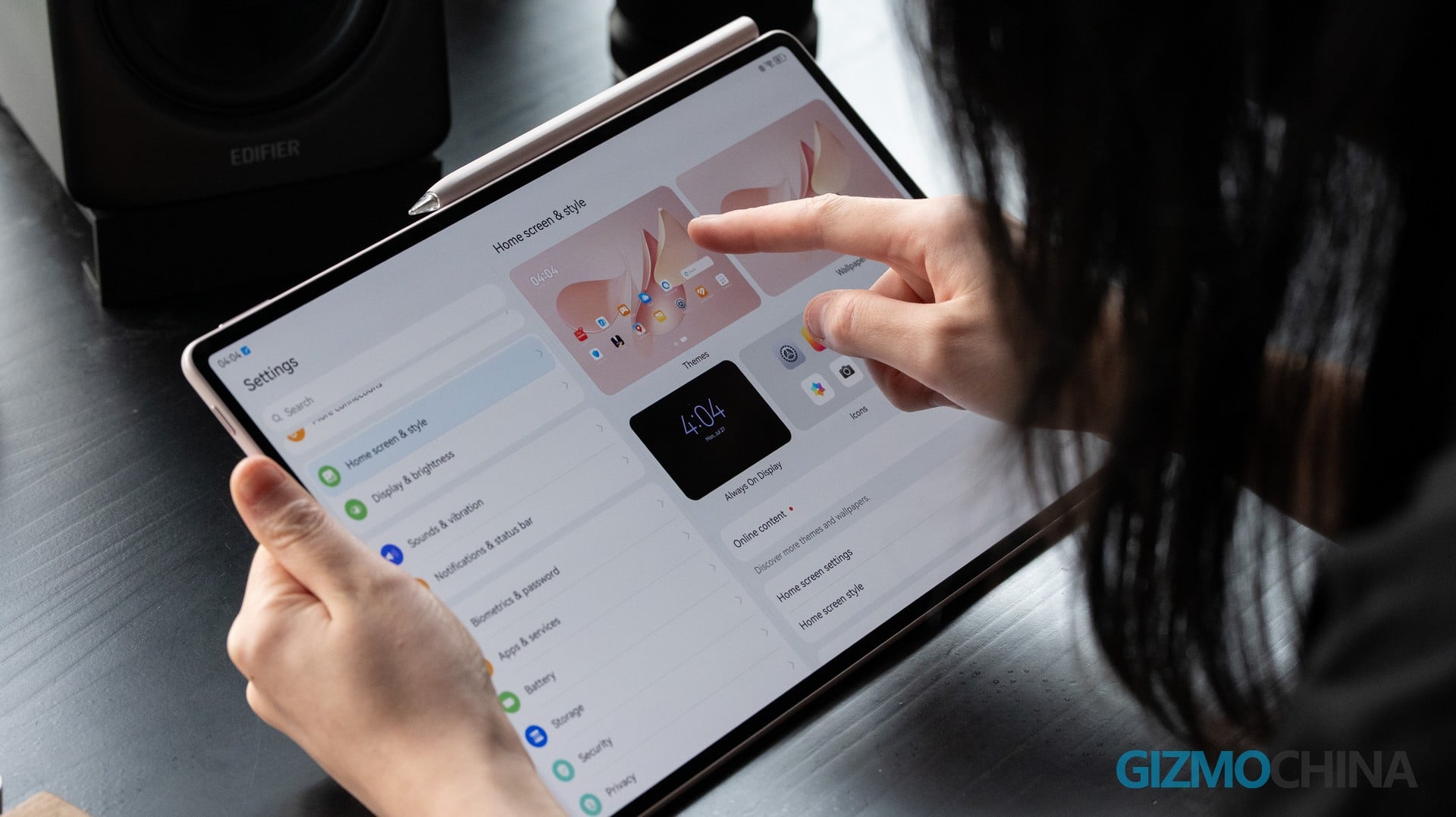
The 10,100mAh battery is another strong suit, and when paired with 66W fast charging, it makes the MatePad Air a reliable companion for long days. Under moderate use — streaming, browsing, and light productivity — it easily gets you through a full day without breaking a sweat.
Conclusion
The MatePad Air is a tablet with a clear focus — it’s built for on‑the‑go creation, while also covering light office work and entertainment. If you’re after a great display, a featherlight build, solid performance, and dependable battery life, this is definitely a tablet worth putting on your shortlist.
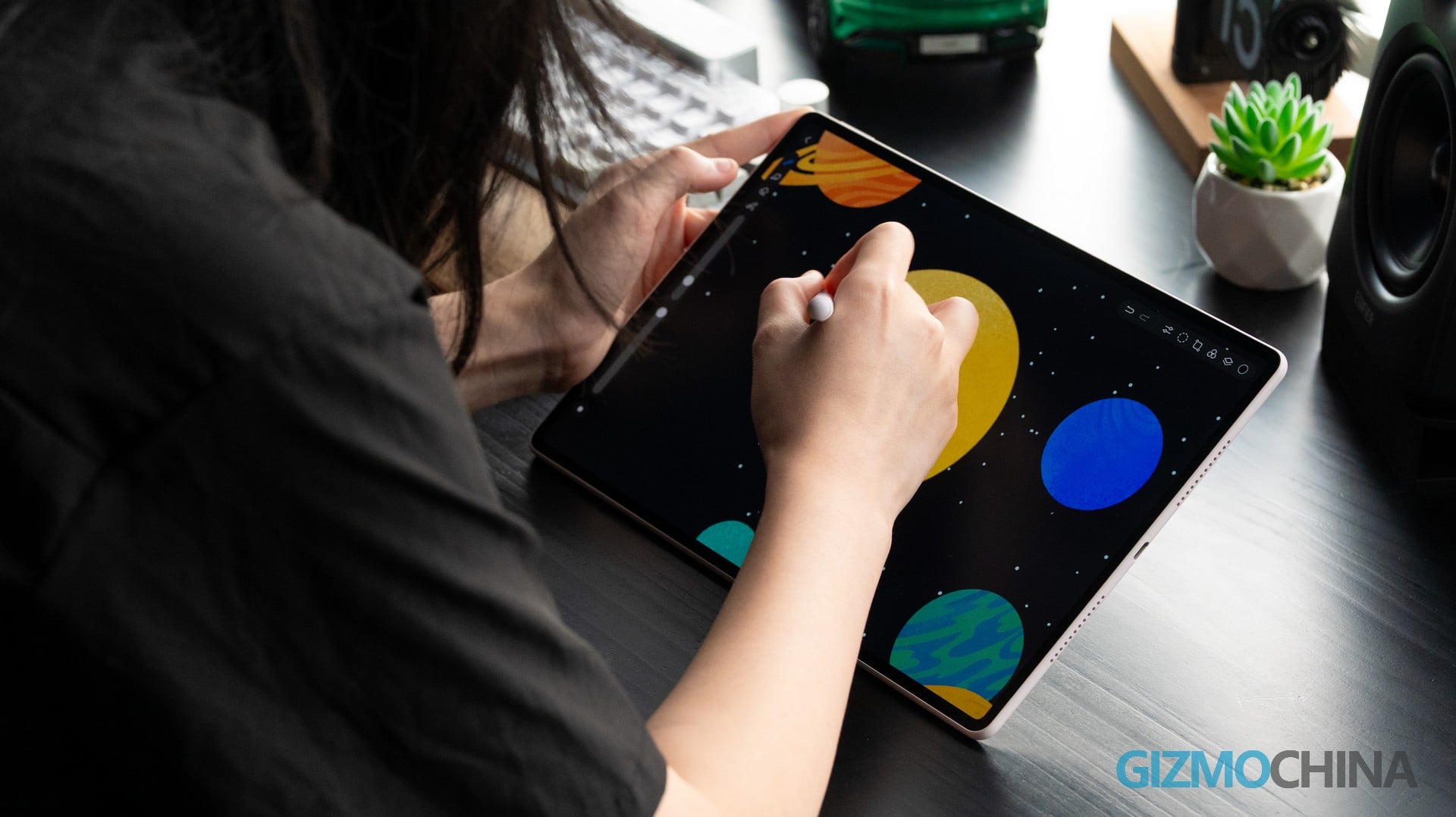
It’s not exactly a budget pick, but considering the nano‑texture PaperMatte display comes as standard and a protective case is included in the box, for users who are buying a tablet specifically for drawing, it’s actually a pretty solid value.



Comments