
Add GIZMOCHINA on Google:
Samsung is quietly rolling out a popular cross-platform file-sharing feature to more affordable phones, making it easier for Galaxy users to swap files with Apple devices.
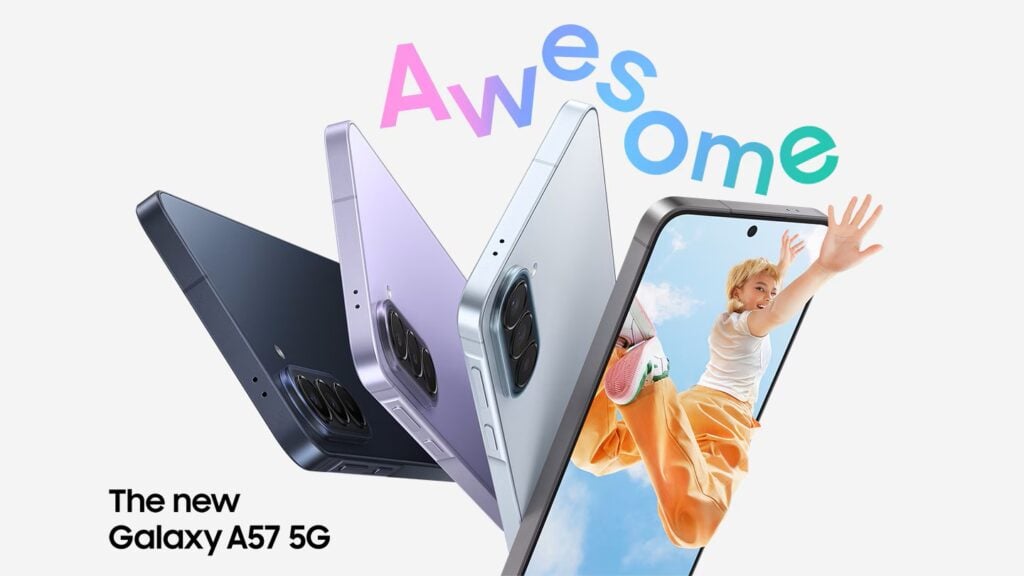
The Quick Share “Share with Apple devices” option used to be limited to flagship Galaxy models. With the One UI 9.0 update starting to roll out this October, Samsung is bringing AirDrop-compatible sharing to some Galaxy A series phones.
This feature started with Google’s cross-platform sharing efforts on Pixel devices, then moved to Samsung’s premium Galaxy S26 series and later models like the Galaxy S25 FE and S24 FE. No third-party app is needed, the native Quick Share app simply has a toggle called “Share with Apple devices” that lets you send and receive files between Android and iOS.
Recent reports confirm the expansion. A Galaxy A57 owner spotted the option after installing One UI 9.0, and people with last year’s Galaxy A56 are also seeing AirDrop support after the same update.
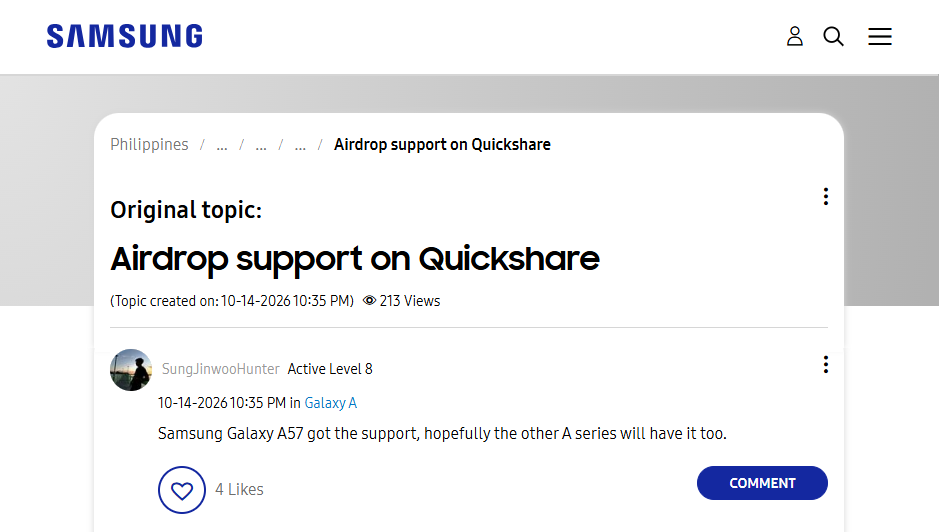
Just open Quick Share Settings and flip on the “Share with Apple devices” switch. Once it’s on, you can share with iPhones, iPads, and Macs, as long as the Apple device is set to allow AirDrop from everyone. Interestingly, the official One UI 9.0 changelogs don’t mention this expansion, but confirmed reports on the A56 and A57 show it’s already live.
Wider availability like this could push other Android makers to follow, potentially making file sharing between iOS and Android a lot less painful for millions of people. As the One UI 9.0 rollout continues, more Galaxy A models may pick up the same feature. If you spot it on your Galaxy phone, sharing a screenshot and model details with the community helps track how far it’s spreading.
By bringing Quick Share AirDrop support beyond just the flagships, Samsung is making cross-platform sharing more practical for everyday mid-range users.
Don’t miss a thing! Join our Telegram community for instant updates and grab our free daily newsletter for the best tech stories!
For more daily updates, please visit our News Section.
(Sources: Samsung Community | Reddit)



Comments