
As an Amazon Associate, Gizmochina earns from qualifying purchases. Links on this page may earn us a commission at no extra cost to you.
When I first got the Magic Pro 13, I did not start by checking the specifications. My first impression was simple: the build felt solid, and the screen looked comfortable to use. What really made me pay attention was drawing a few lines with the pen.
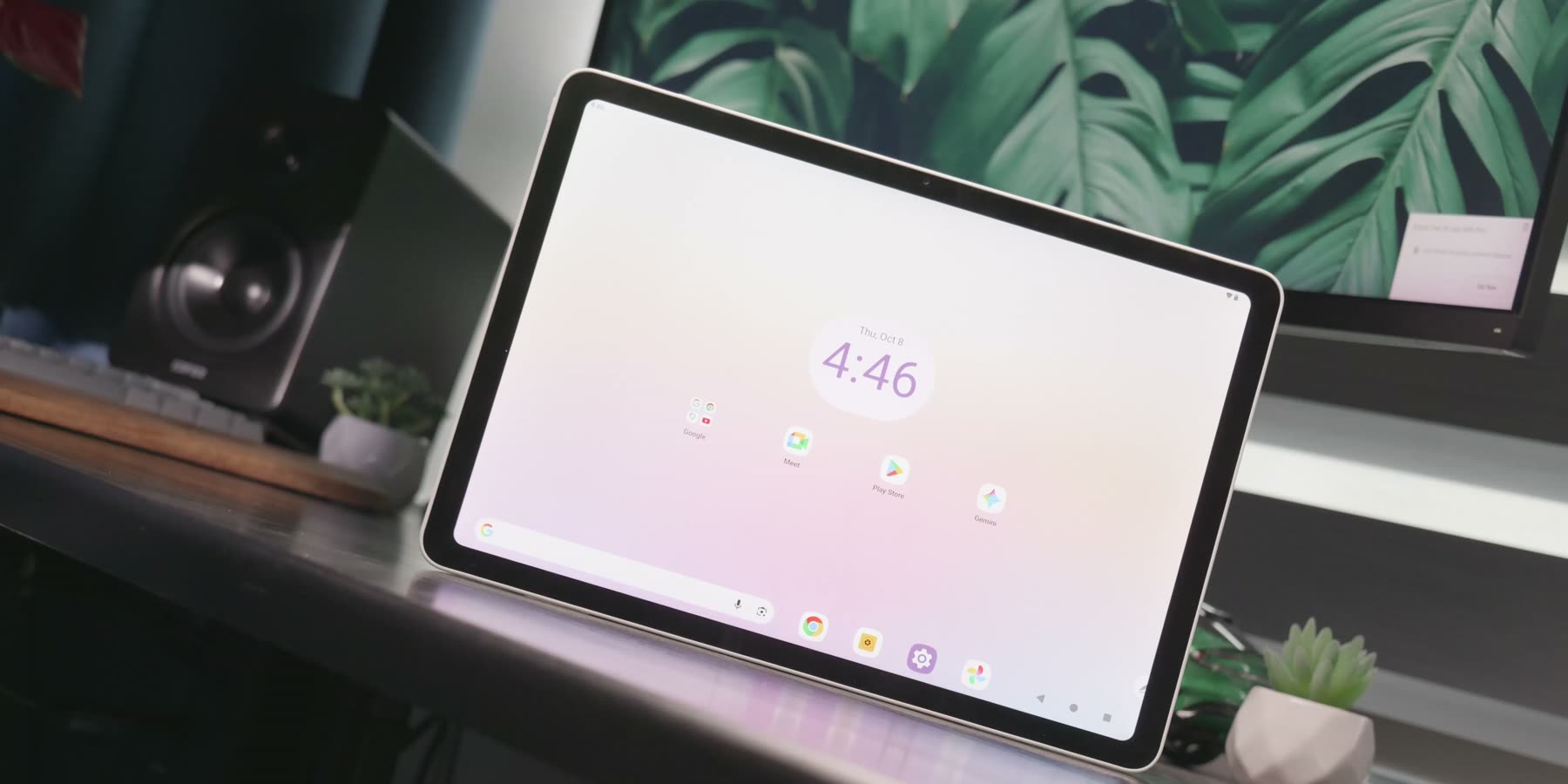
This does not feel like a regular Android tablet with a stylus added to it. The screen ratio, the surface texture and the feedback from the pen all make it clear that drawing is the main focus here. XPPen has already released products such as the Magic Drawing Pad and the Magic Note Pad, so the Magic Pro 13 is not the company’s first attempt at a creative tablet. The more interesting question is whether this larger format can make mobile drawing feel more comfortable and more complete.
Design and portability
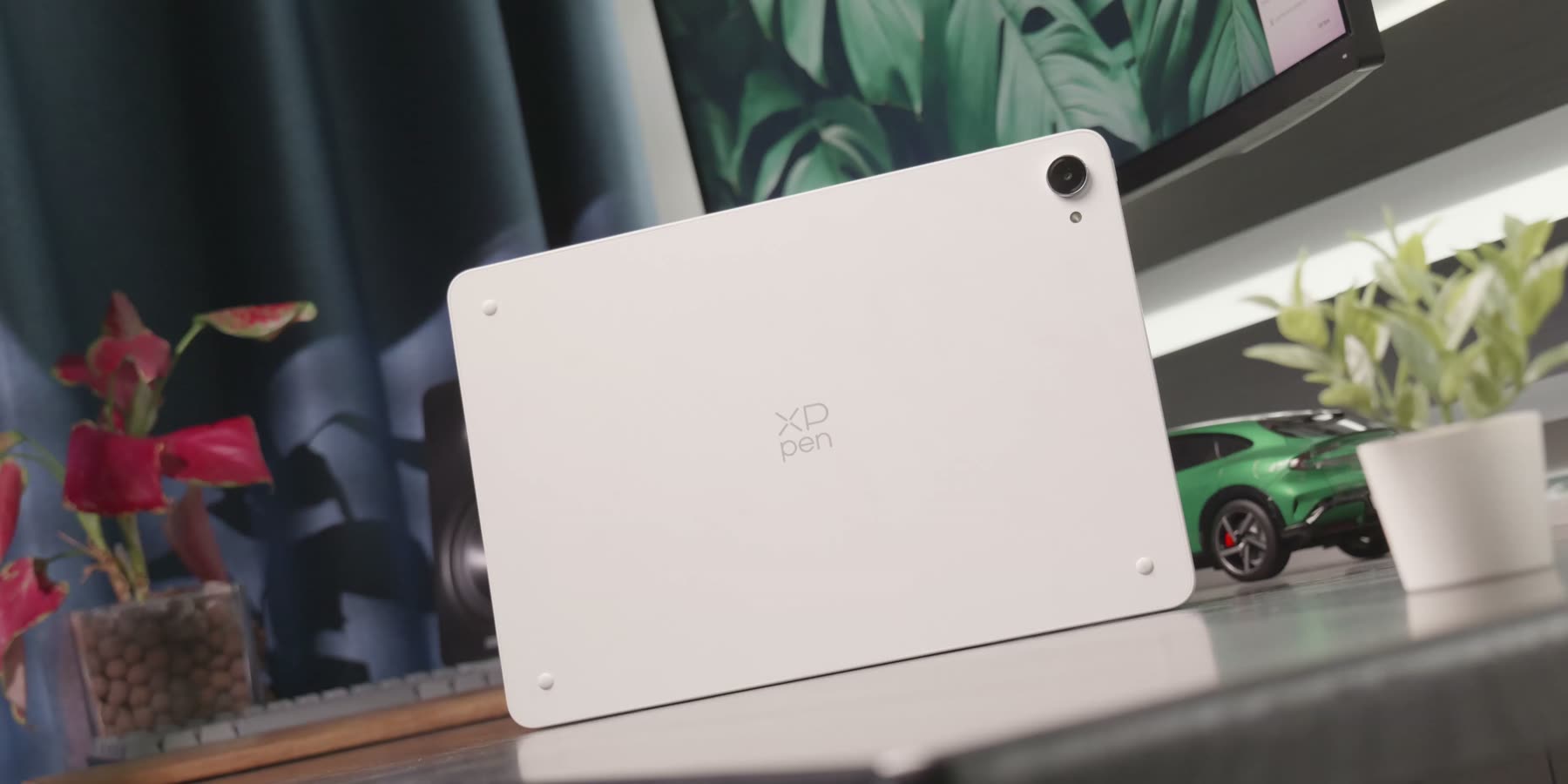
The design itself feels more refined than I expected. The body feels solid, the edges are carefully finished, and the whole device looks more like a mature premium tablet than a traditional pen display running Android. Once the screen is on, the overall presentation is just as convincing: the image looks clear and detailed, and the front has a clean, unified appearance.
The tablet is 6.65 millimeters thick and weighs 655 grams. For a device with a screen close to 13 inches and a battery of about 39.3 watt-hours, that is not especially heavy. Holding it for a short sketching session or while checking reference images is comfortable. For longer drawing sessions, though, I still prefer putting it on a desk or a stand.
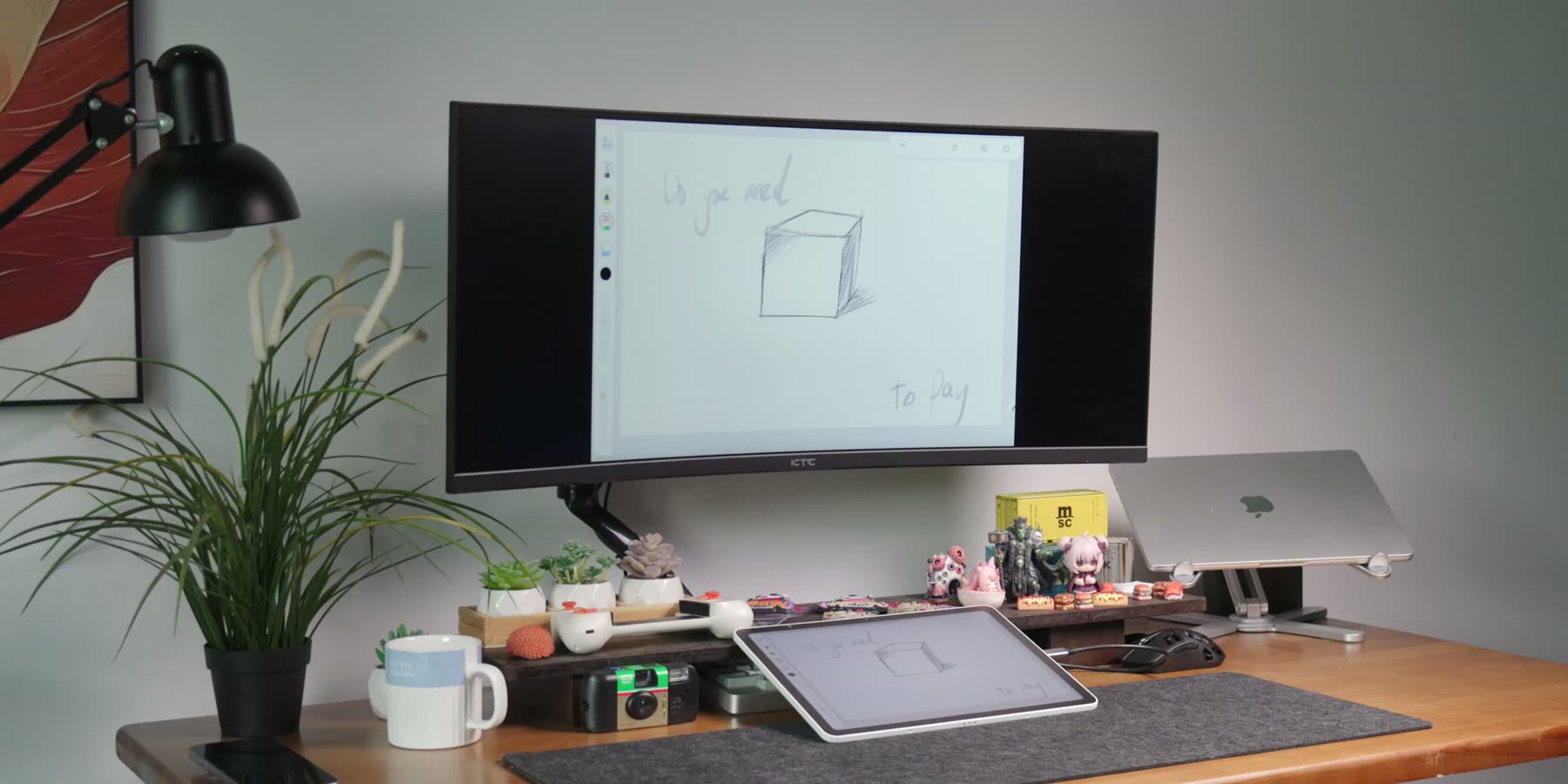
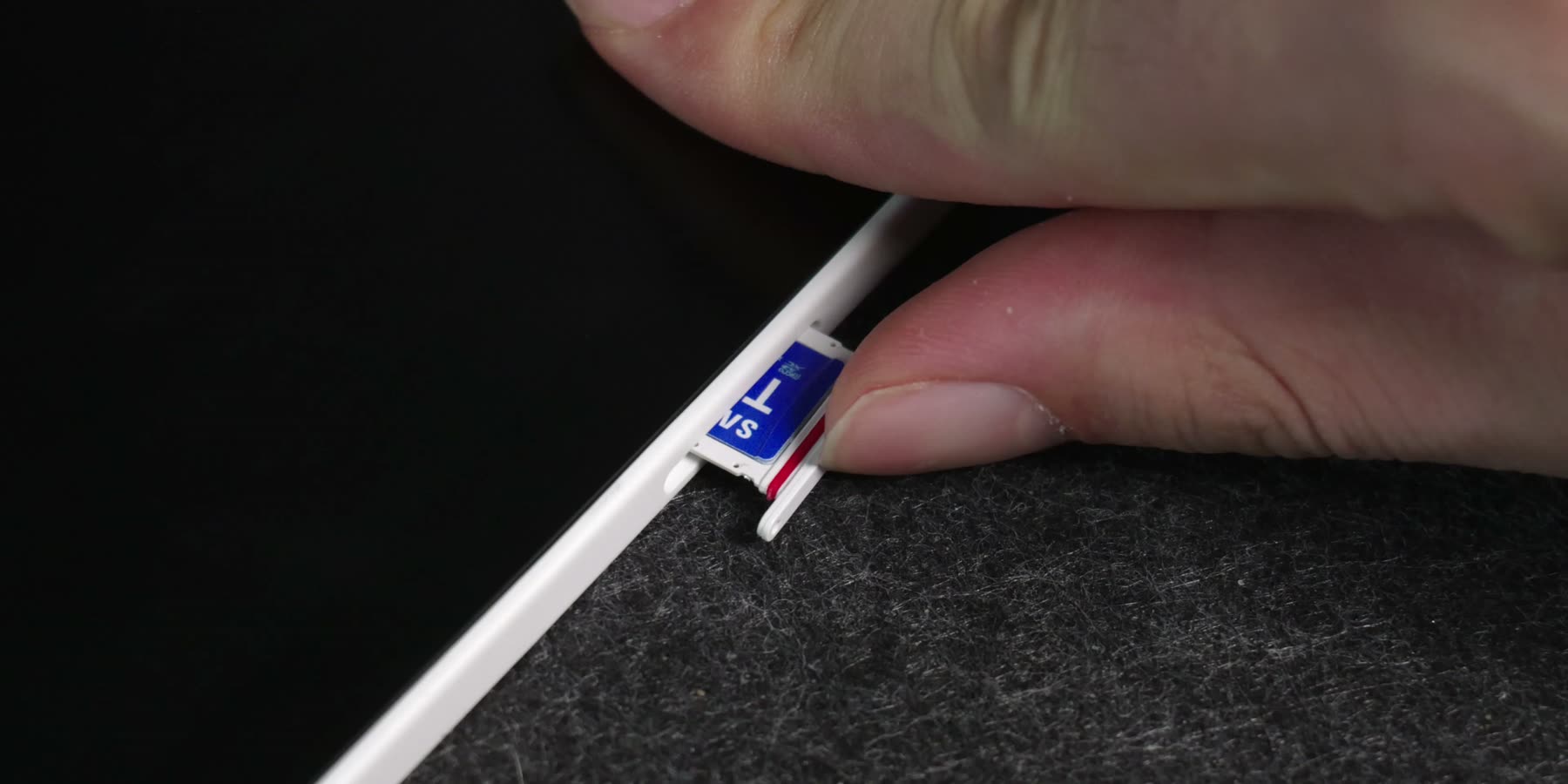
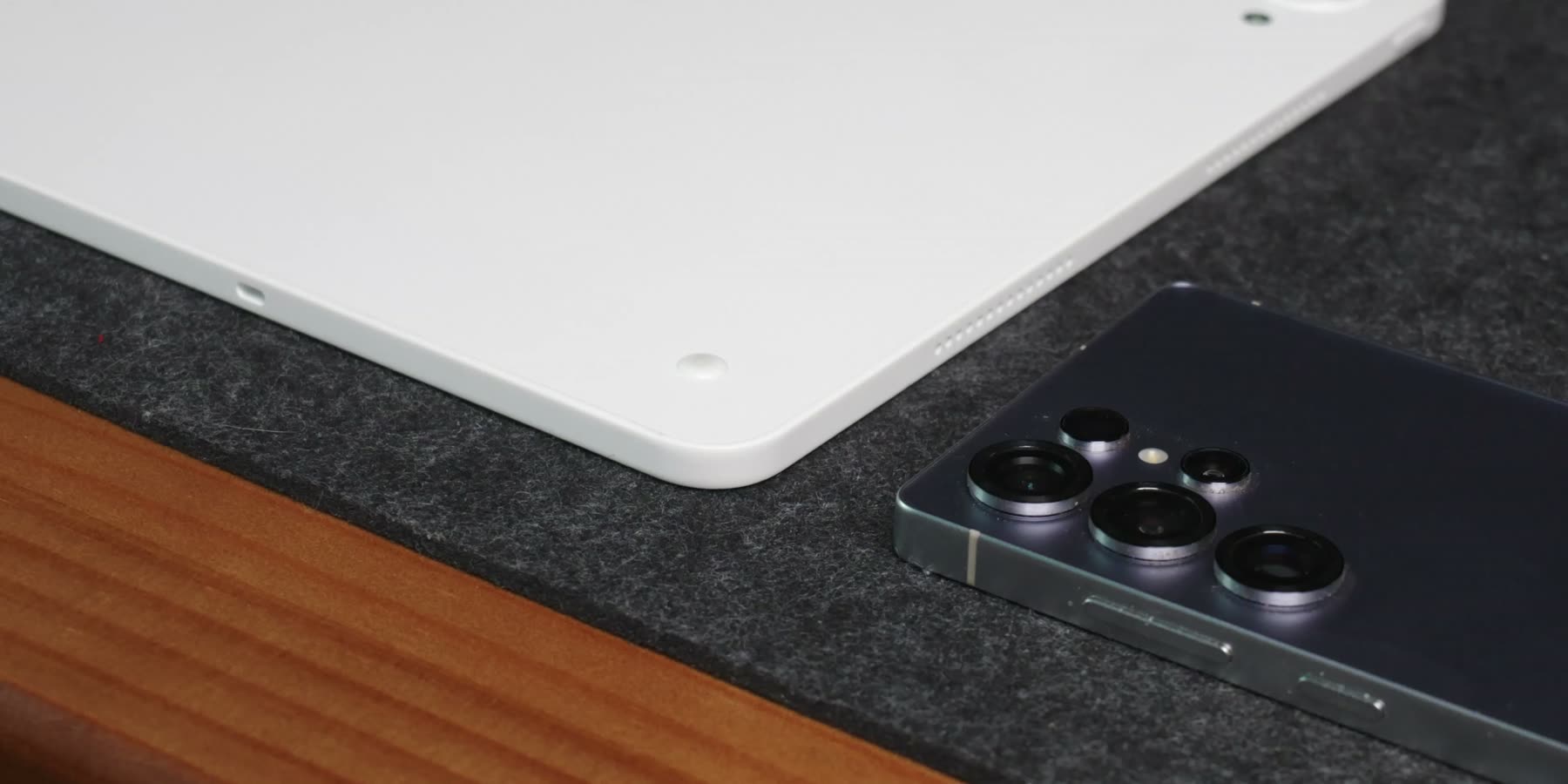
There are two USB-C ports. One can connect to a computer for Drawing Display Mode, while the other can handle charging, storage or an external monitor. There is also a microSD card slot with support for up to 2TB. If you regularly work with large canvases and reference files, those ports and the extra storage are genuinely useful.
The display
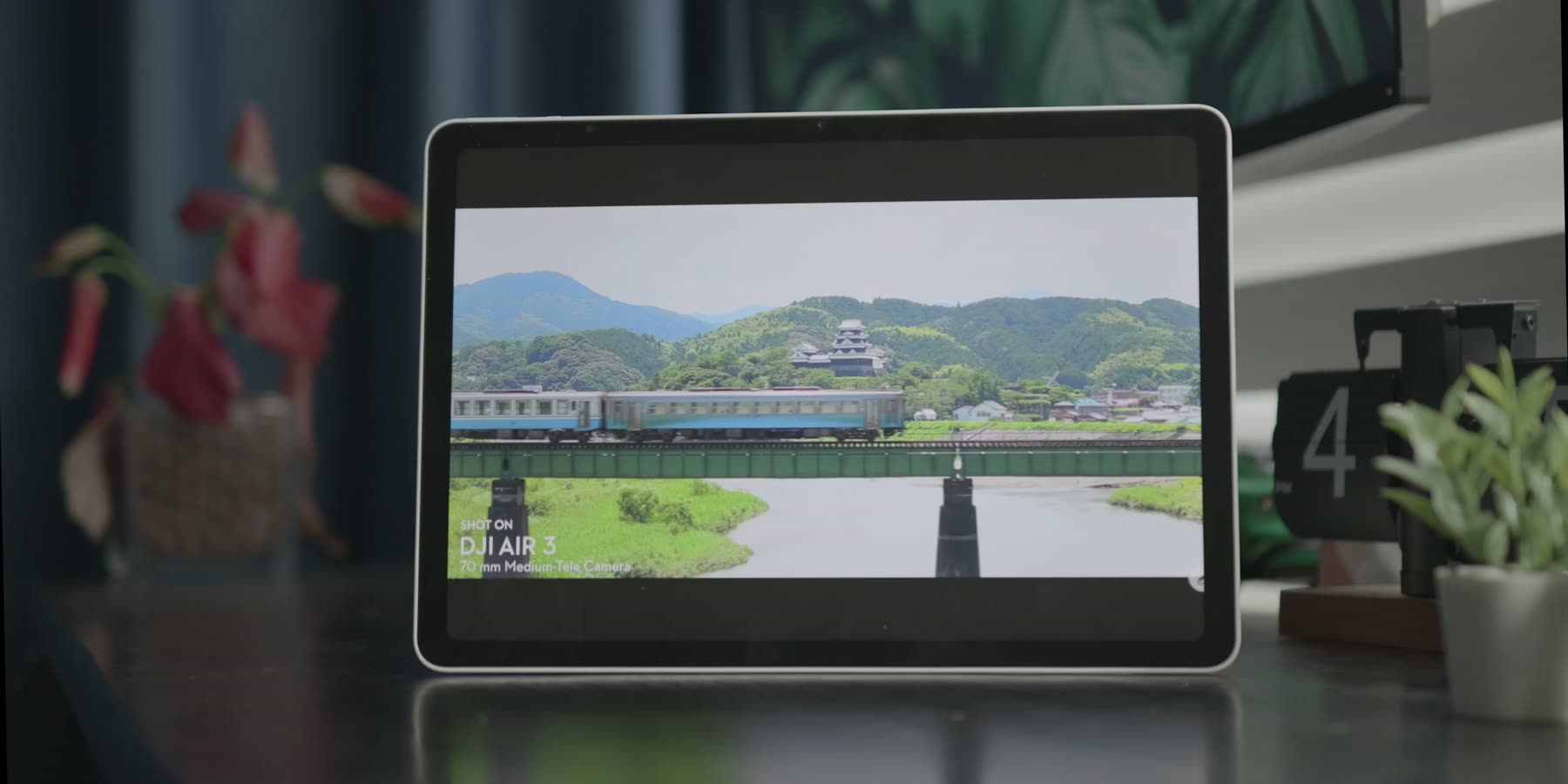
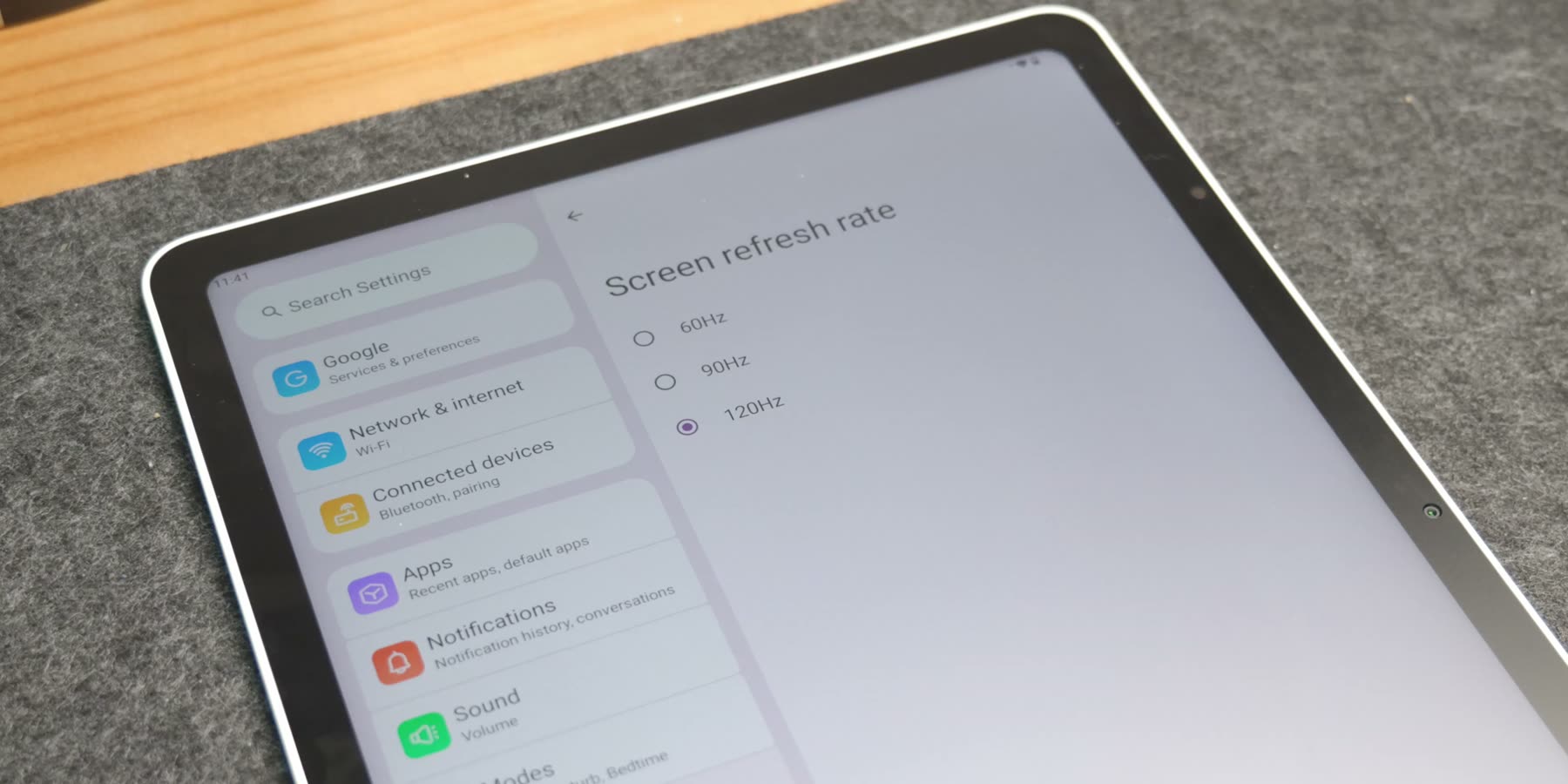
The display is probably the most important part of this tablet. It is a 12.95-inch 3:2 LCD panel with a resolution of 3096 by 2064. It supports 120Hz, 90Hz and 60Hz refresh rates. The 3:2 ratio works well for drawing. In landscape mode, there is still enough room for toolbars without making the canvas feel cramped. In portrait mode, it feels quite natural for character sketches, comic layouts and reference images.
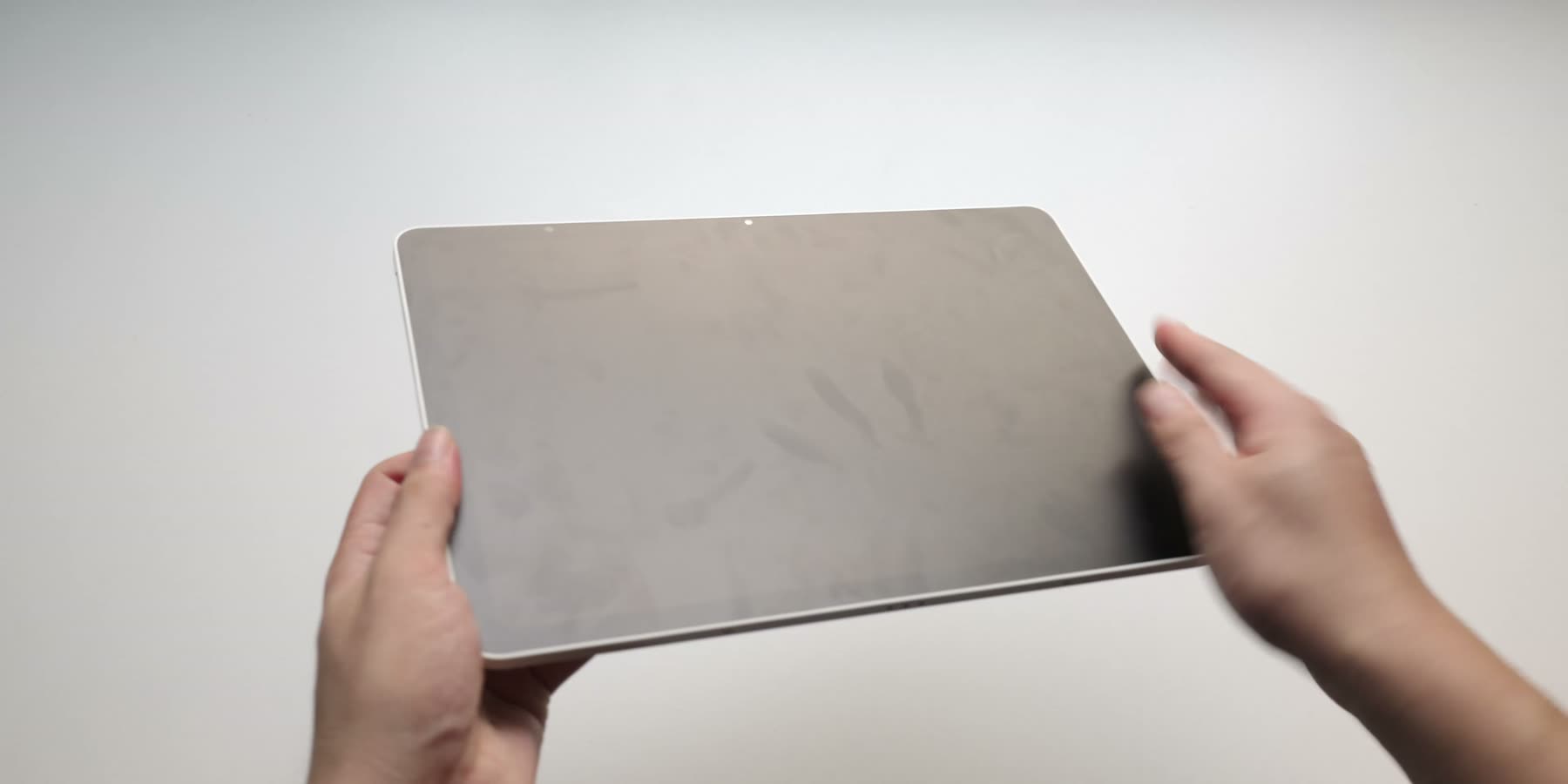
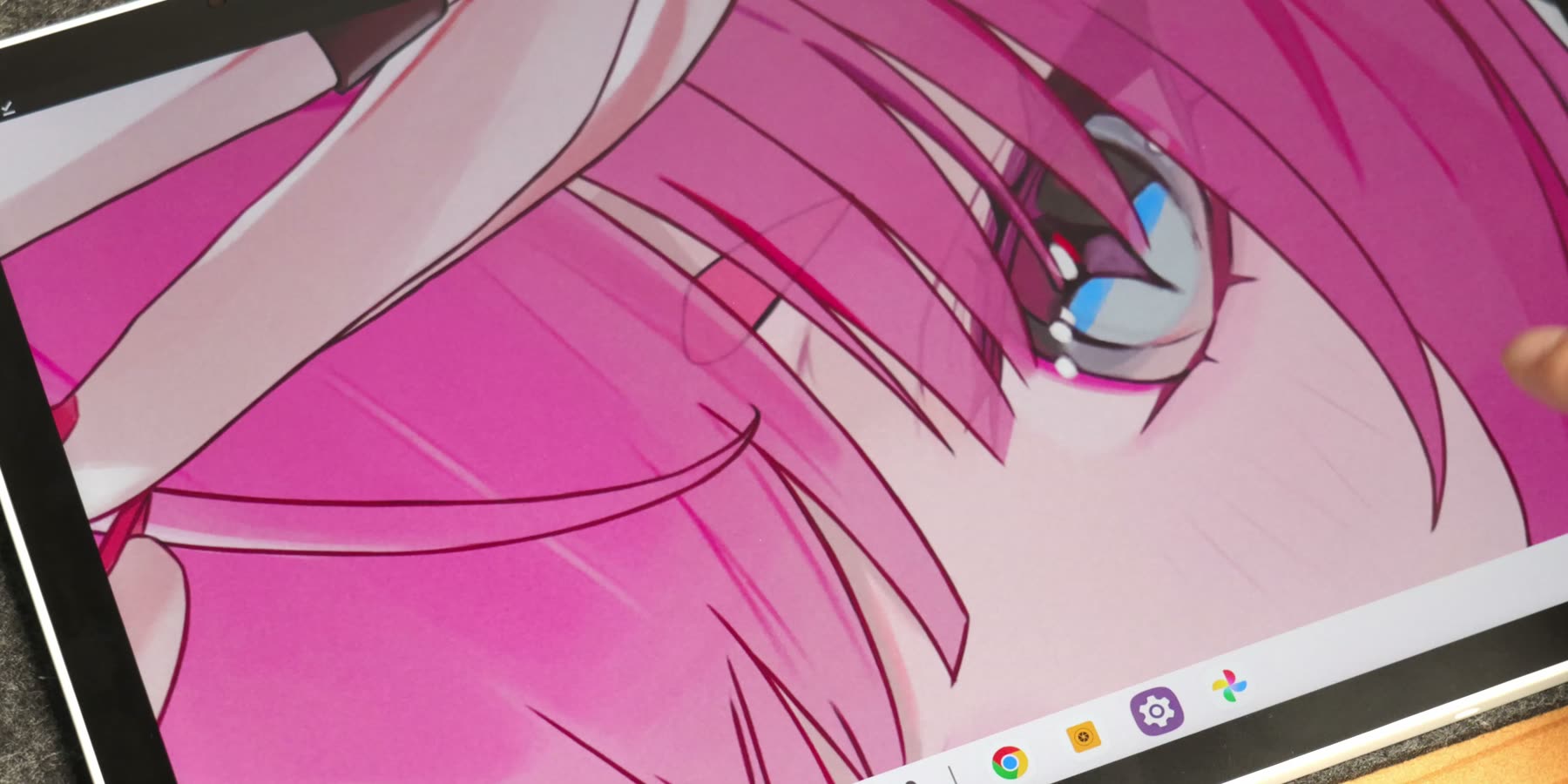
The panel is rated for 100 percent sRGB and 96 percent DCI-P3 coverage, with a peak brightness of 650 nits. In daily use, I care more about how it feels than the numbers alone. The AG anti-glare and AF anti-fingerprint coating give the surface a little more resistance than a normal glossy tablet. The pen does not simply slide across the glass, and reflections are reduced under indoor lighting. The image still looks clear, and small text and thin lines do not look noticeably soft.
The X4 smart chip stylus
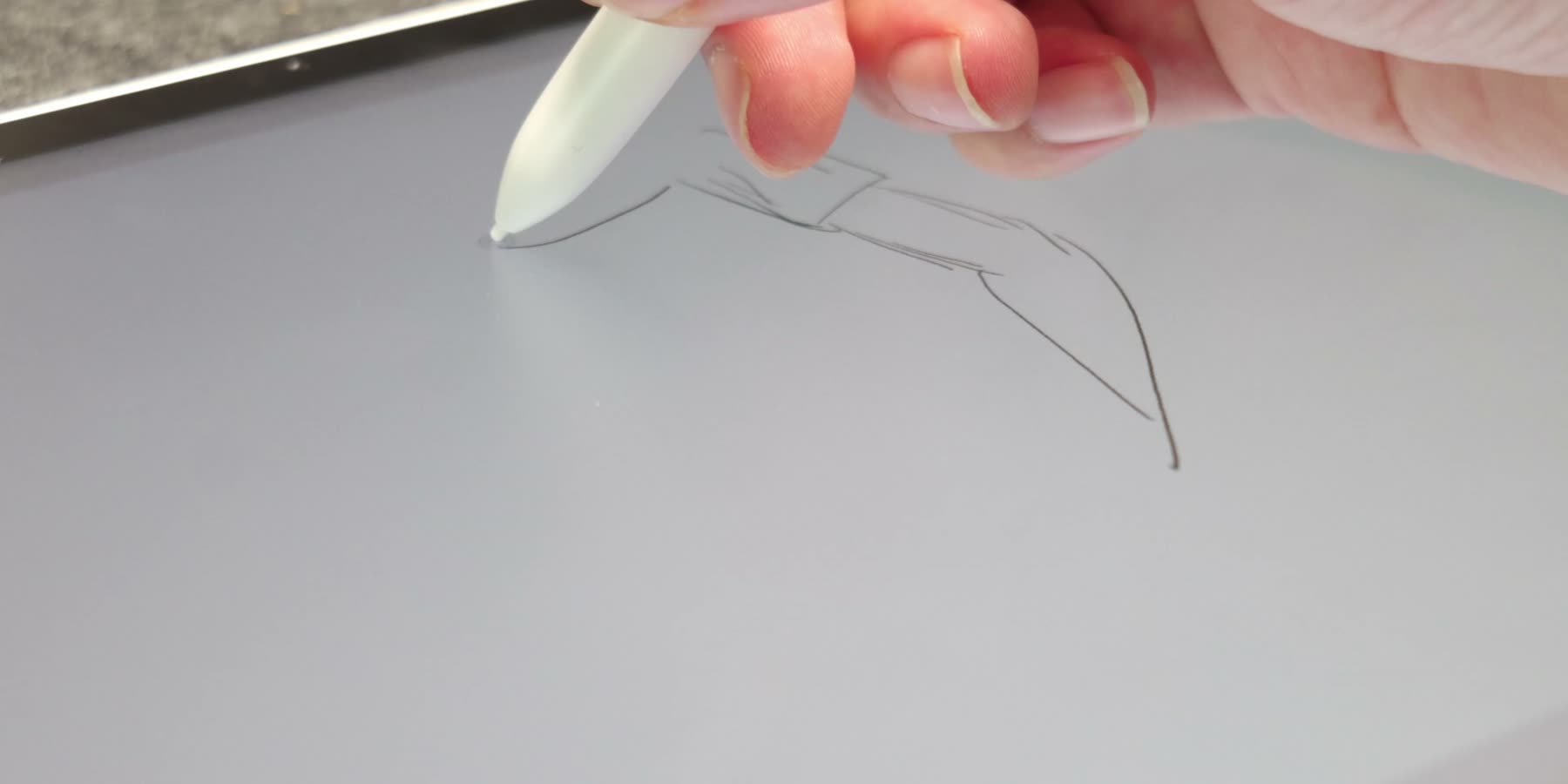
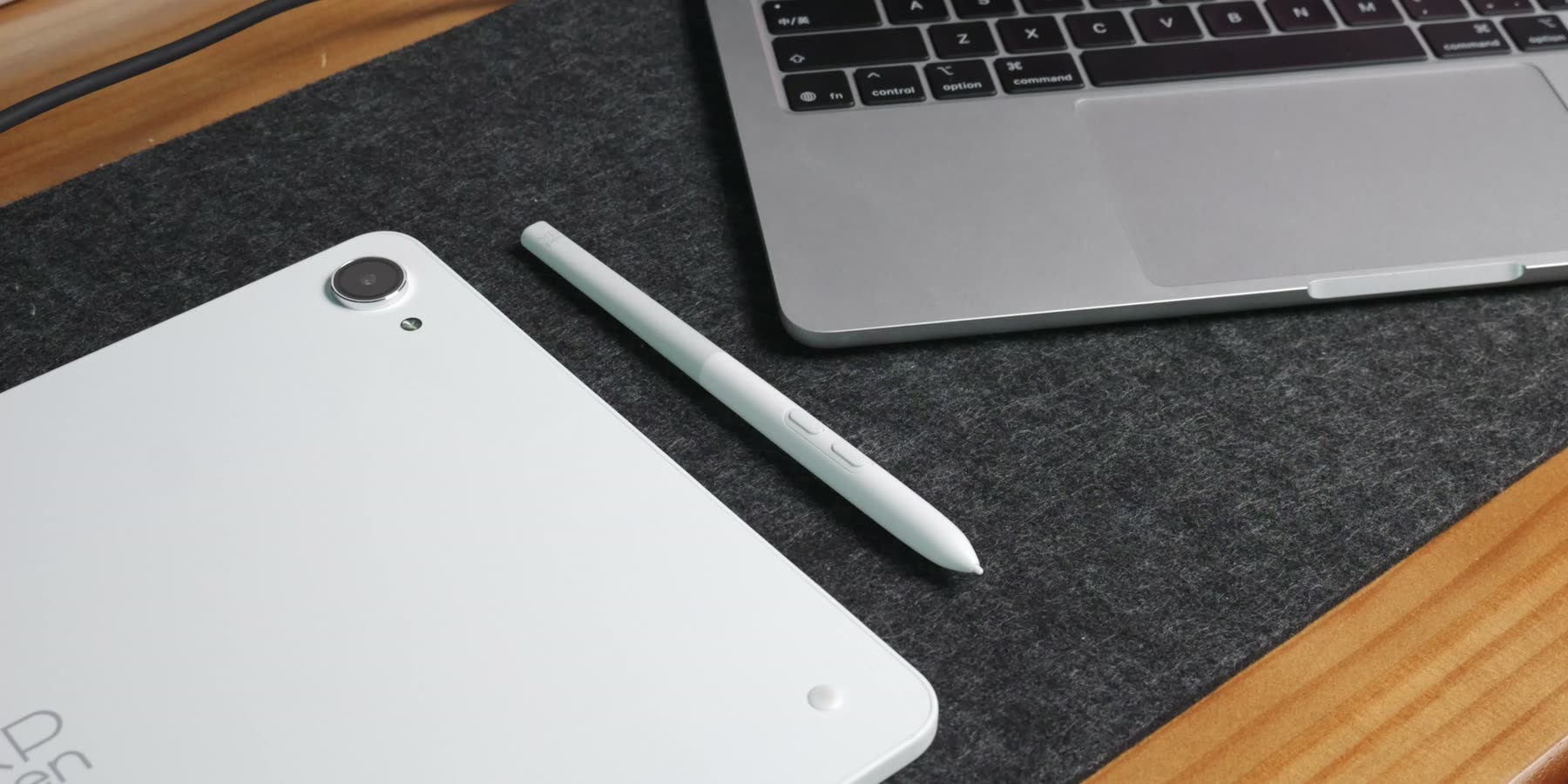
The included X4 smart chip stylus supports 16,384 levels of pressure, 60-degree tilt detection, a 2-gram initial activation force, 0.2-millimeter center accuracy and 5080 LPI resolution. Those specifications provide a strong hardware foundation, but they do not automatically tell you how the pen feels.
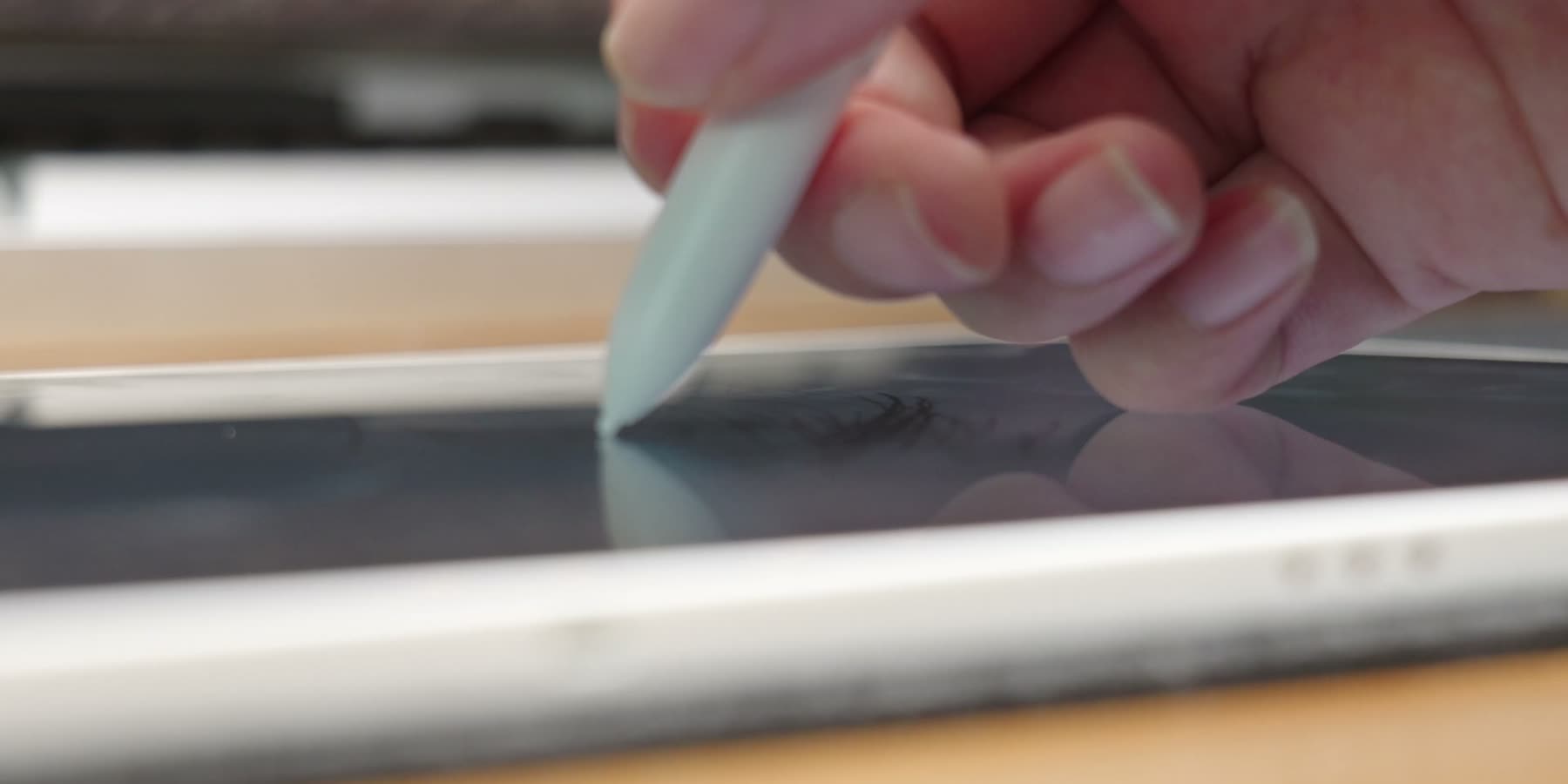
In practice, the pen starts lightly. I can draw a thin line or a rough sketch without pressing hard. As I increase the pressure, the line becomes thicker in a fairly smooth way. When drawing a quick, long stroke, what matters more than the pressure-level number is whether the line keeps up with the pen and whether the cursor remains accurate near the edges of the display. For everyday illustration, those details are much easier to notice.
The 16,384 pressure levels themselves are not the main story. Most people will not be able to distinguish 8,192 from 16,384 levels in a quick test. The pressure curve, pen travel, latency, palm rejection and software support matter more. When you are drawing close to the edge of the screen, keeping the pen tip and cursor aligned is especially important.
Two ways to create
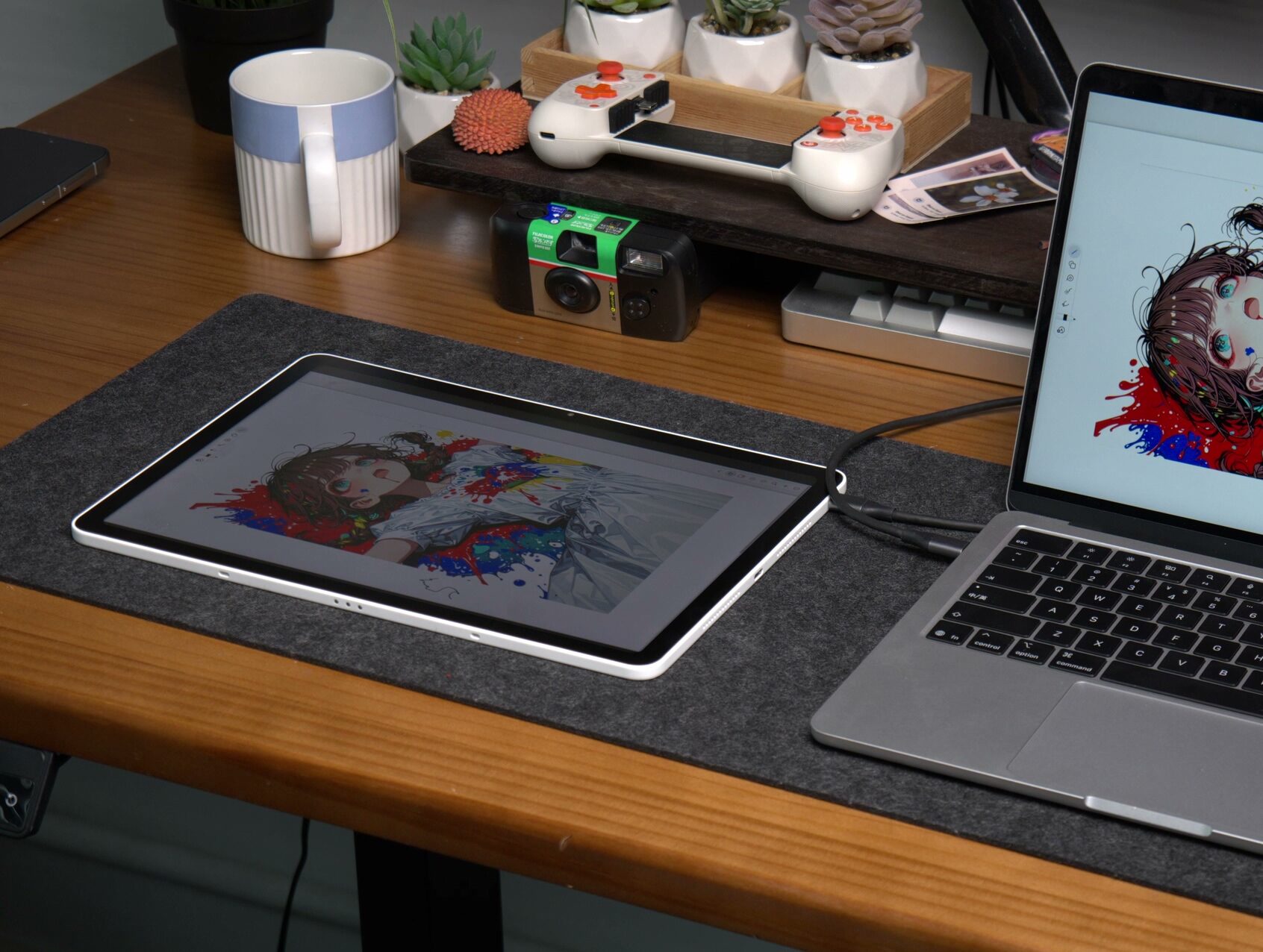
One of my favorite features is Drawing Display Mode. Connect the tablet to a computer with a full-function USB-C cable and you can use desktop software such as Photoshop, Clip Studio Paint and Blender directly on the tablet. That makes the workflow very straightforward. I can sketch on the tablet when I am away from my desk, then connect it to a computer and continue with a more complex project later.
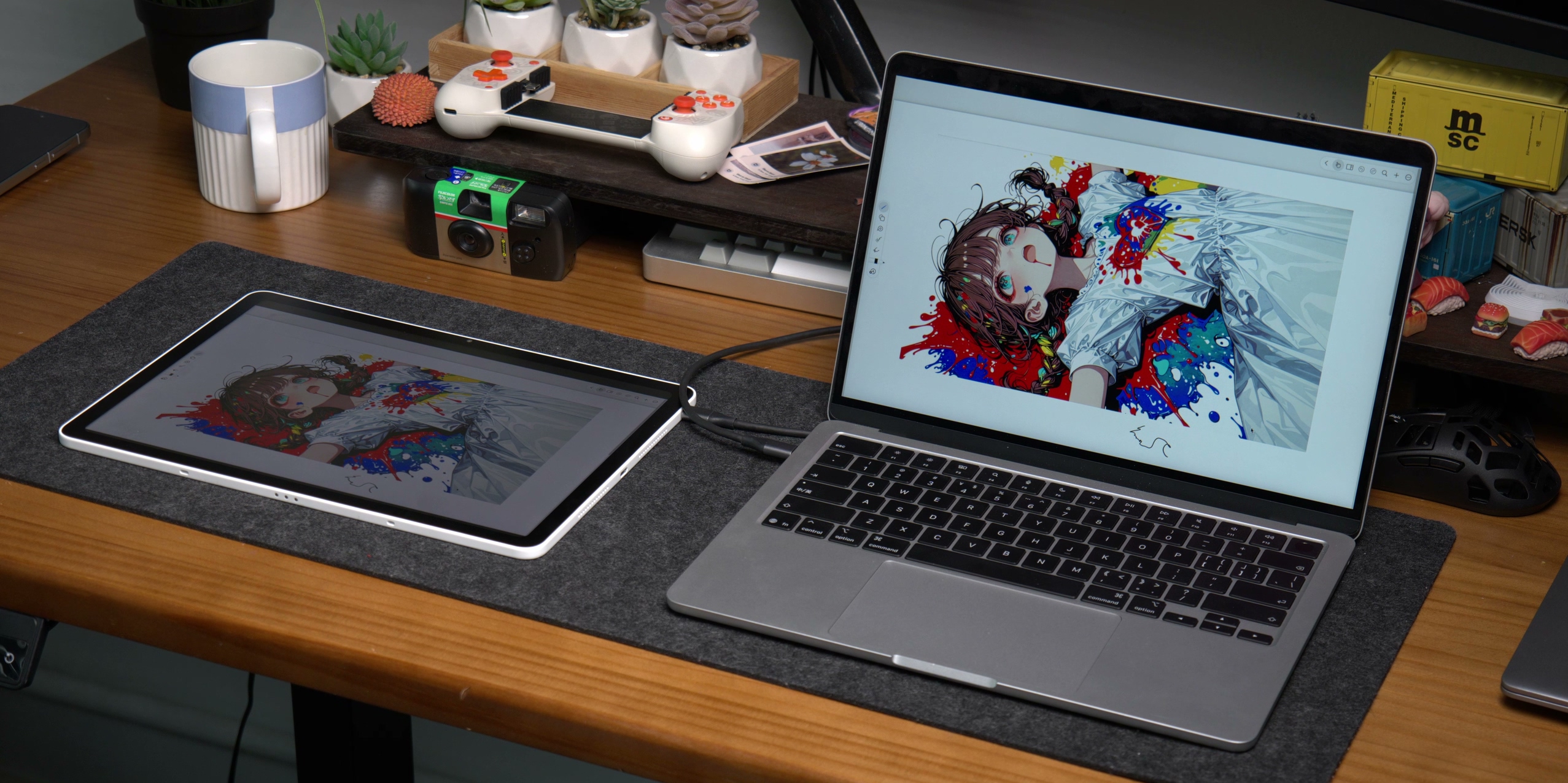
That is probably the best way to think about this device. Android handles quick sketches, notes and reference images. The computer handles large canvases, plug-ins and heavier projects. I do not have to switch to a completely different input method halfway through the process.
Performance, software and battery
The Magic Pro 13 uses a MediaTek Dimensity 8300 processor, 8GB of RAM and 256GB of storage, running Android 16. Opening a drawing app, changing brushes and working on a normal canvas all feel fairly smooth. The difference becomes clearer as the canvas and layer count grow. Large watercolor brushes, blur tools and complex filters can introduce more waiting.
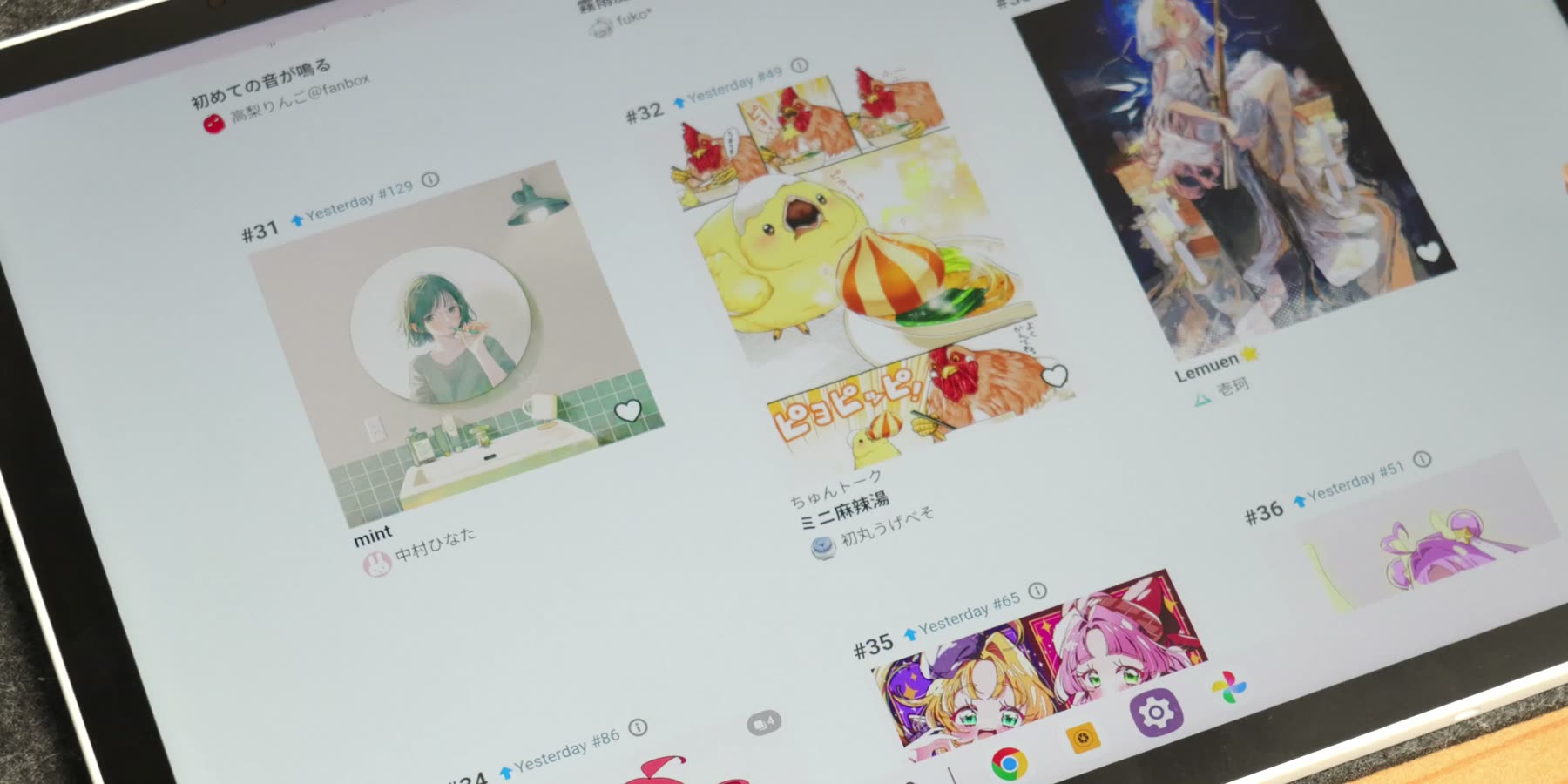
For sketches, line art and medium-sized illustrations, the performance is good enough. But if you want to use it as a complete replacement for a desktop computer, the limits of mobile software and 8GB of memory will eventually become noticeable.
The built-in battery is about 39.3Wh and supports 45W charging. The capacity is reassuring when taking the tablet outside, although the 3K display, high brightness and 120Hz refresh rate also consume more power. Using 90Hz or 60Hz is a more balanced choice for everyday work. The four speakers, dual microphones, front and rear cameras and Wi-Fi 6E also make it perfectly usable for classes, meetings and video playback.
What could be better
There are still a few limitations. The LCD panel cannot deliver the same black levels and HDR impact as a high-end OLED display. Android drawing apps also cannot match every feature of their desktop versions. Waiting a few extra seconds for an occasional filter is not a major problem. It is more frustrating when the pen has already moved but the line appears a moment later.
The keyboard, stand case, magnetic screen cover and 45W charger are optional accessories. If you want to build a complete mobile creative setup, the final cost will be higher than the tablet alone. Drawing Display Mode helps compensate for some of Android’s software limitations, but it is most valuable if you actually plan to connect the tablet to a computer.
Final thoughts
My first impression of the XPPen Magic Pro 13 is that XPPen is taking the idea of a creator-focused tablet seriously. The build quality is good, the screen is comfortable to look at, and the pen feels natural once you start drawing. This is not simply an Android tablet with a stylus added on top. The screen ratio, surface texture, ports and computer connection all seem to have been considered around the same goal: making the drawing workflow easier.
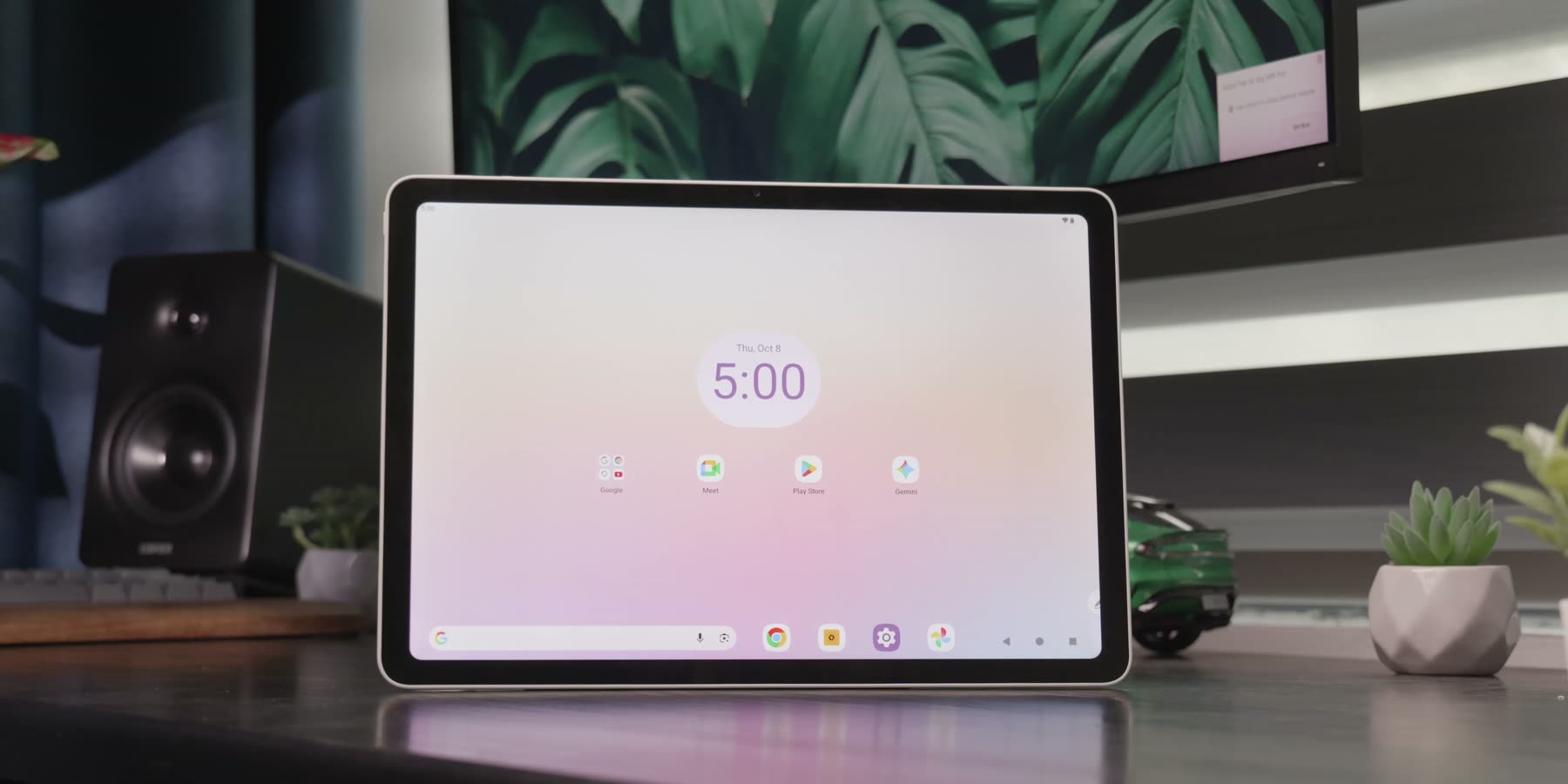
The XPPen Magic Pro 13 makes the most sense for creators who want a mobile device for sketches and line art, but still need to connect to a computer for more demanding work. The specifications are impressive, but what makes me want to keep using it is much simpler: the apps open quickly, the pen feels predictable, and I can continue on a computer when the project becomes more complex.
FREE DAILY NEWSLETTER
Joel Explains
What matters in phones and gadgets, before it reaches you. From Gizmochina’s editor-in-chief, every morning.
Join 1,500+ readers. One email a day, unsubscribe in one click.

Comments