
Add GIZMOCHINA as Preferred Source on Google
We reported on the Google Pixel Feature Drop earlier this year, which brought the “Locked Folder” functionality within the Google Photos app to Pixel devices. The search giant announced in October that the Locked Folder on Google Photos would be made available to more Android and iOS devices by the end of the year. Now, the feature sees its initial rollout to some Android devices.
According to a report by Androidpolice, the feature has arrived on some of their Android phones while still missing from other devices. The function is expected to be made available to a broader userbase soon via a server-side update.
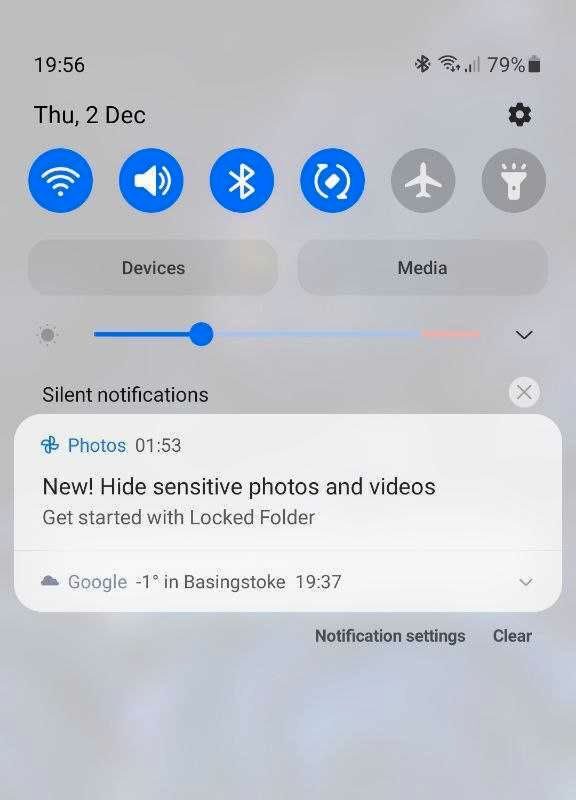
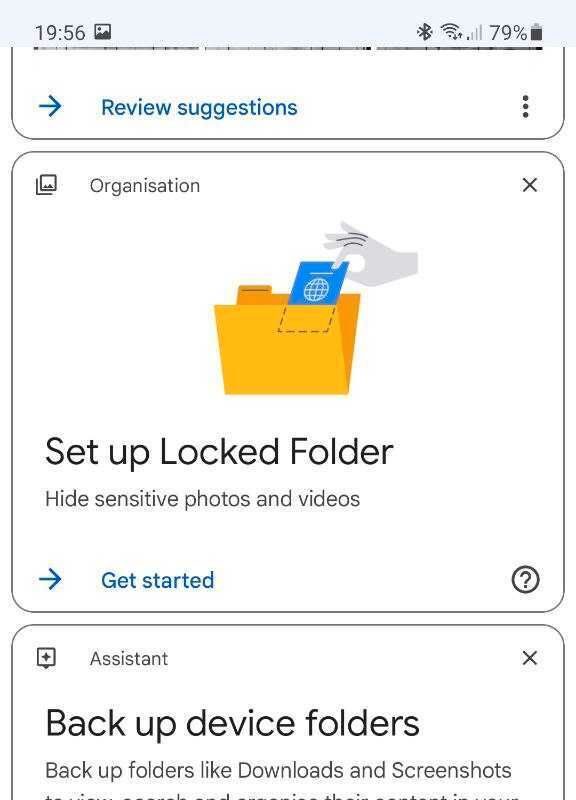
If you have never heard about the Locked Folder feature of the Google Photos app or are unclear about its functionality, let us clear your doubts and queries.
As we know, the Google Photos app enables its users to backup their photos on the Google Drive cloud storage, but with the Locked Folder feature, you can prevent the pictures and videos of your choosing from getting uploaded on the drive. In addition to that, these media files are hidden locally on the user’s phone and are protected by biometrics, similar to other vault/locker software on the market. The media that get moved to the Locked Folder doesn’t show up in any other part of the Google Photos app.
The feature offers another layer of privacy and security as you can ‘only view’ whatever you stored, and won’t be allowed to share, screenshot, or screen record any of the content unless it’s removed back out of the Locked Folder.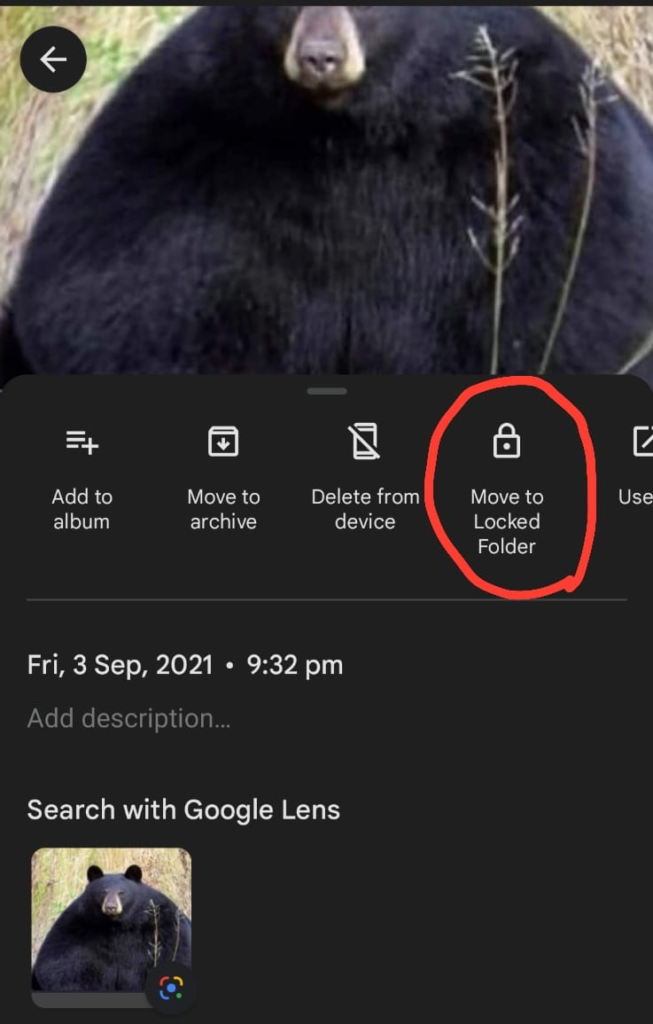 If you have received the update, the feature can be accessed by opening Google Photos and tapping on the “Library” tab, then on “Utilities” and scrolling down to “Locked Folder,” where you will be directed to set up the Locked Folder. Once that is done, you can move any media you like to this secure folder by swiping up after opening the file and choosing “Move to Locked Folder.”
RELATED:
- Vivaldi browser brings two rows of tabs to Android smartphones with 5.0 update
- Google announces multiple new Android features: new widgets, Emoji Kitchen combos, digital car keys
- Android TV app installation via smartphone rolls out to more users worldwide
- Android TV 12 released, with 4K UI support, blurred backgrounds, and new privacy features


Comments