
Add GIZMOCHINA on Google:
Nothing has released the latest Nothing OS 2.6 update for its Nothing Phone (2), introducing a variety of new features, game mode enhancements, and crucial bug fixes. This update weighs 87MB. You can check out the complete changelog below.
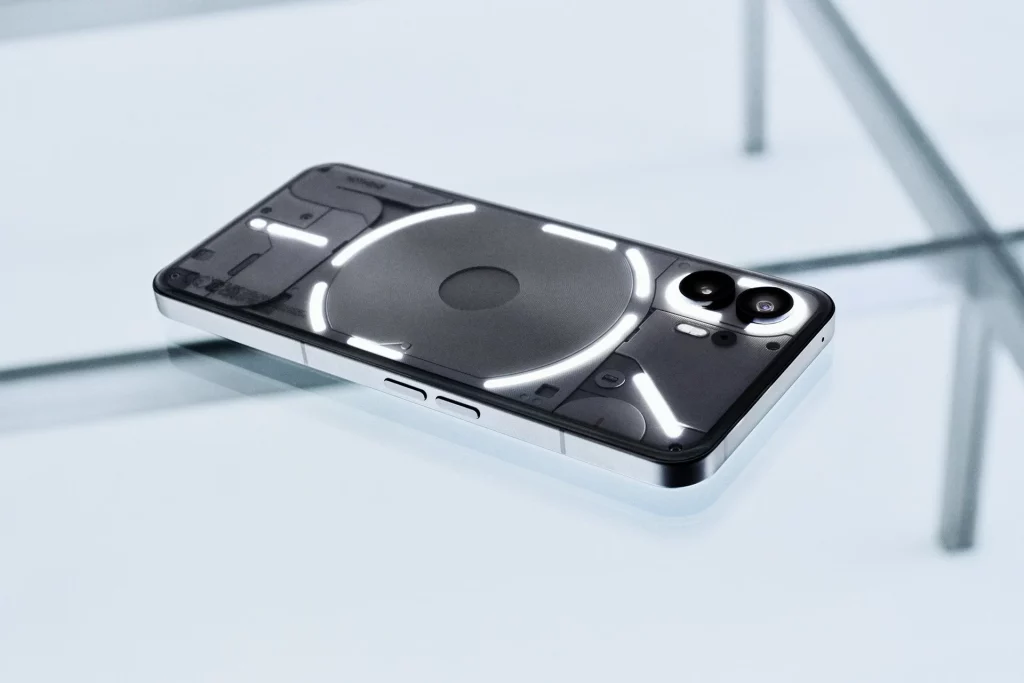
Nothing OS 2.6 update for Phone (2)
New features & experience improvements
- Added support for deleting wallpaper history in Wallpaper Studio.
- Enhanced initial setup for the Weather Widget/app with user-friendly prompts to add a specific city.
- Added support for displaying CMF Watch battery level in the Quick Settings Bluetooth tile.
- Optimized the Low Lag Mode experience for Nothing earbuds.
Game Mode enhancements:
- Tap the left sidebar for quick access to Game Dashboard during games.
- Incoming calls during games can now be displayed in a pop-up view.
- Added support to reject third-party app calls during gameplay.
- Support for one-tap callback after rejecting a regular call.
- Optimized light notifications to show more information during games.
- Support for blocking notifications during gameplay to reduce distractions.
Bug Fixes:
- Fixed an issue affecting voice and call recording in WhatsApp.
- Resolved anomalies when making emergency calls in certain scenarios.
- Fixed an issue where some apps could not use the Cloned Apps feature properly.
- Other general bug fixes.
As with most firmware rollouts, the Nothing OS 2.6 update is being deployed in stages. This staggered approach allows Nothing to monitor for any potential issues and ensures a stable update process. Users who have not yet received the OTA notification can manually check for the update by navigating to Settings > System > System Update.
In related news, Nothing’s sub-brand CMF has just launched a new budget smartphone across the globe called the CMF Phone 1. This device comes with customizable back plates that also support attachments like a kickstand or a lanyard, or a card case. Under the hood, the device features a Dimensity 7300 processor, paired with up to 8GB RAM and 128GB storage.




Comments