
Add GIZMOCHINA as Preferred Source on Google
Microsoft continues to work on Windows 11, making improvements to the latest version of the popular operating system. While this generally means good news for us users, it isn’t always the case. For example, Microsoft’s latest Windows 11 update adds new advertisements to your PC. Here ate the details…
Microsoft Inserts Ads in Latest Windows 11 Update – How to Turn Them Off
Windows is one of the most popular operating systems of all time. However, it’s hard to say that Microsoft is making as much money from this OS, which is used on billions of devices, as it wants.
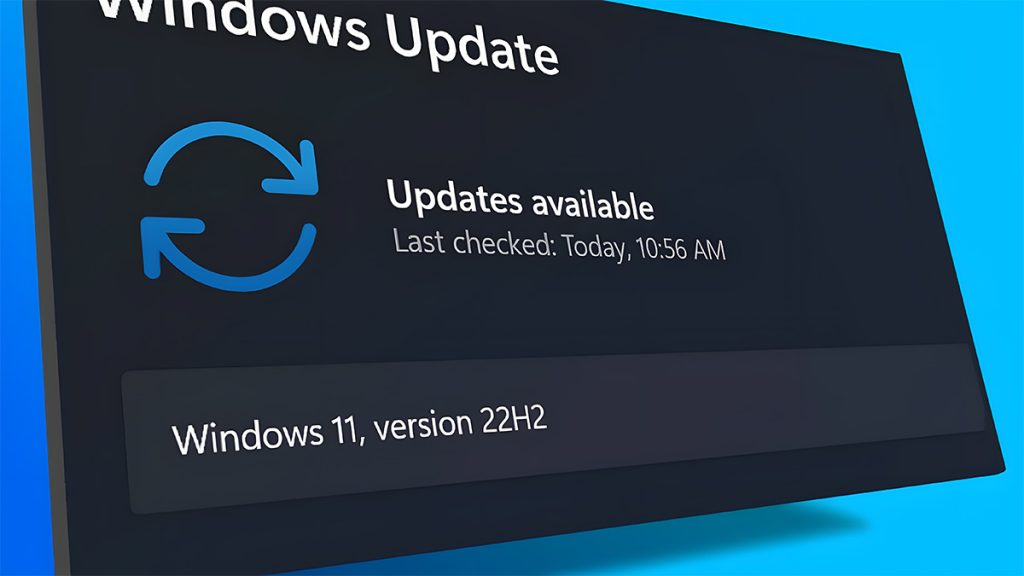
Although the company generates billions of dollars in revenue each year, there’s always room for more. This is where Microsoft’s cunning plan comes into play: showing advertisements.
It has been known for some time that the company wanted to add ads to various parts of the operating system. Now, in line with this plan, the tech giant has just released its new update for Windows 11 version 23H2 and Windows 11 version 22H2, which adds advertisements to your PC.
The update causes Windows 11 users to see advertisements in the Start menu and Settings section. These ads, often consisting of app promotions, are mostly categorized under “recommendations.”
However, don’t worry; during the beta phase, a way to disable this was added to Windows and is likely available in this version as well. To do this, simply ensure you are using the most up-to-date version and follow these steps:
- Open Settings: Press the Windows key and select Settings.
- Personalization: Go to Personalization.
- Start: Click on Start.
- Toggle Off: Turn off “Show recommendations for tips, app promotions, and more.”
RELATED:
- WhatsApp Last Seen Not Updating? Here’s How to Fix It
- Get $100 OFF on Xiaomi 14 Pro at Giztop (1TB Variant)
- Lenovo Legion Y700 2024: Latest Gaming Tablet with Enhanced Display now available at Giztop
- REDMAGIC Magnetic VC Cooler 5 Pro now available at a discounted price at
(via)


Comments