
Add GIZMOCHINA as Preferred Source on Google
I know many of you may not know that much about 3D printing, and probably in many people’s minds, 3D printers are still an expensive and very complicated product to use. For a 10-hour print, it might take the same amount of time to set everything up and debug. But the truth is that, in 2024, they are amazingly user-friendly and widely applied in consumers’ family but not just industrial uses. Today let’s unbox two 3D printers from Anycubic, one is an FDM printer – Kobra 3 Combo, and the other is an SLA model – Photon Mono M7 Pro. In this review, I would like to share with you how I tried out with the both, and how easy it will be for you to get started with them.
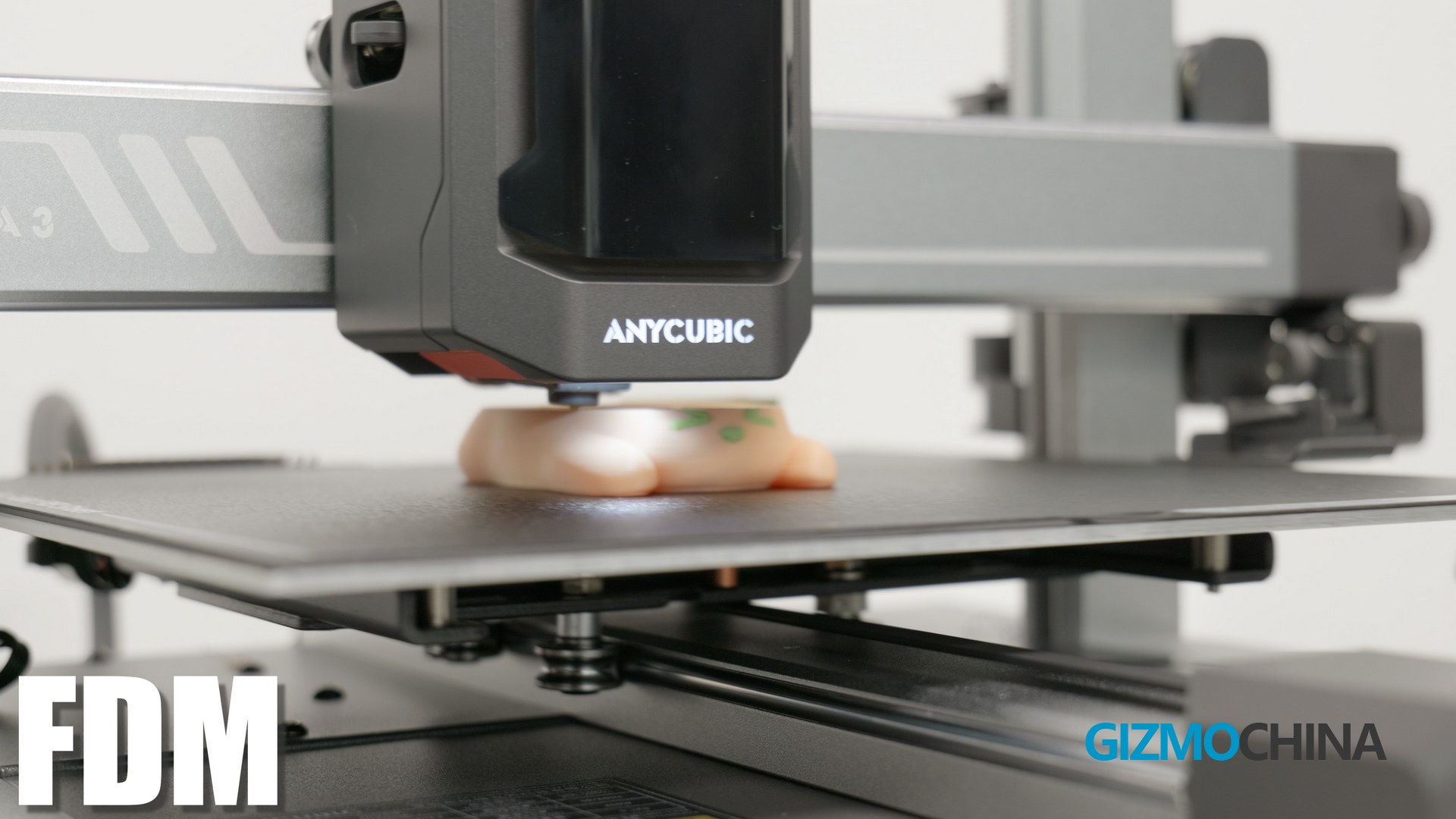
Fused Deposition Modeling (FDM)
First lets talk about this Anycubic Kobra 3 Combo, it’s a FDM printer, it is very easy to understand the principle, the print head melts the filaments and stacks them layer by layer. This makes it the most popular type of printer.This new machine I got is capable of 600mm/s monochrome printing, which is in the top tier of the market anyway, let Unbox it.
Unbox Kobra 3 Combo
The Anycubic kobra3 comes in a large cardboard box filled with a lot of protection material, after removing these material you can see the printer right there, the Multi Color engine and some accessories.
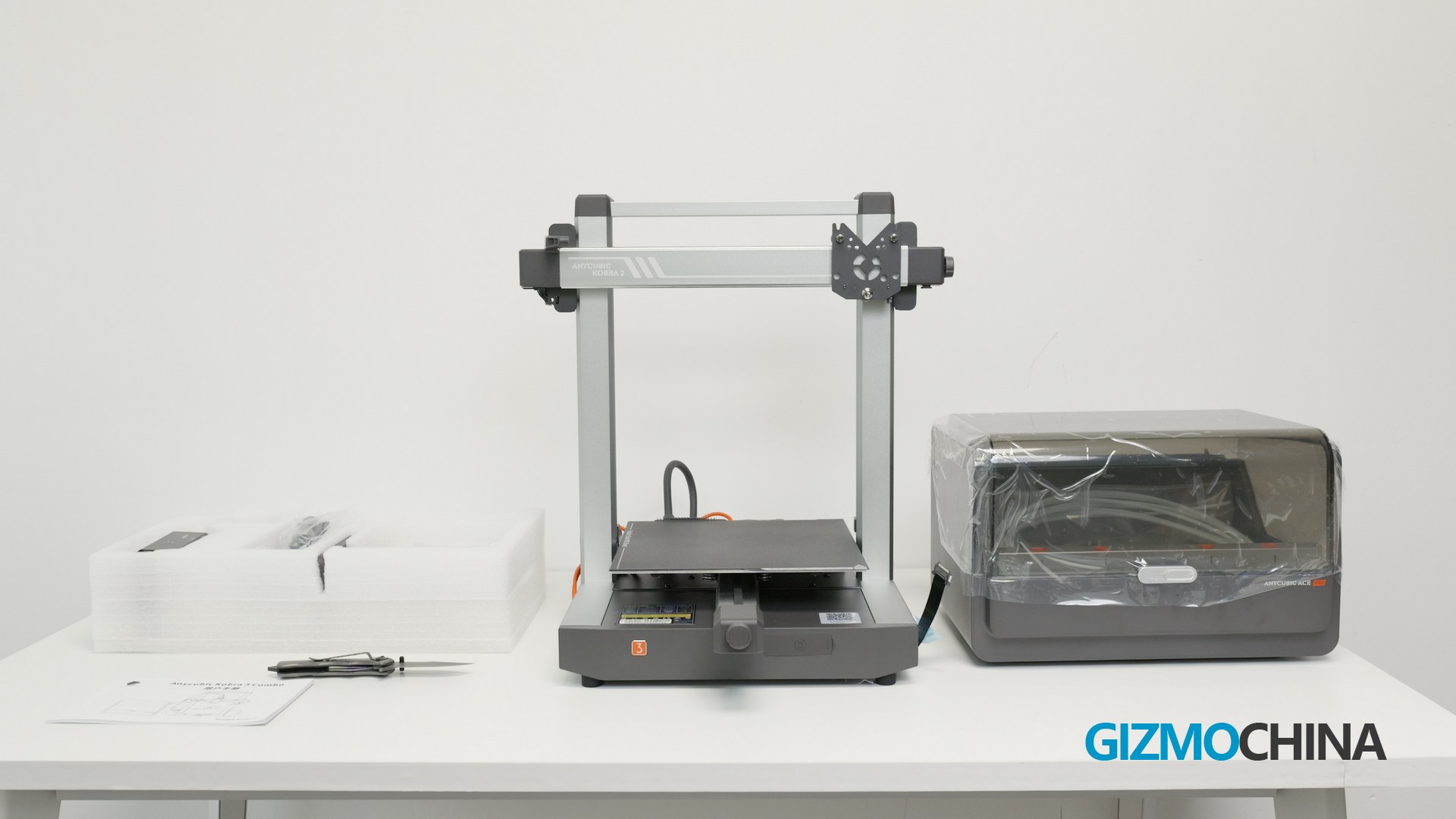
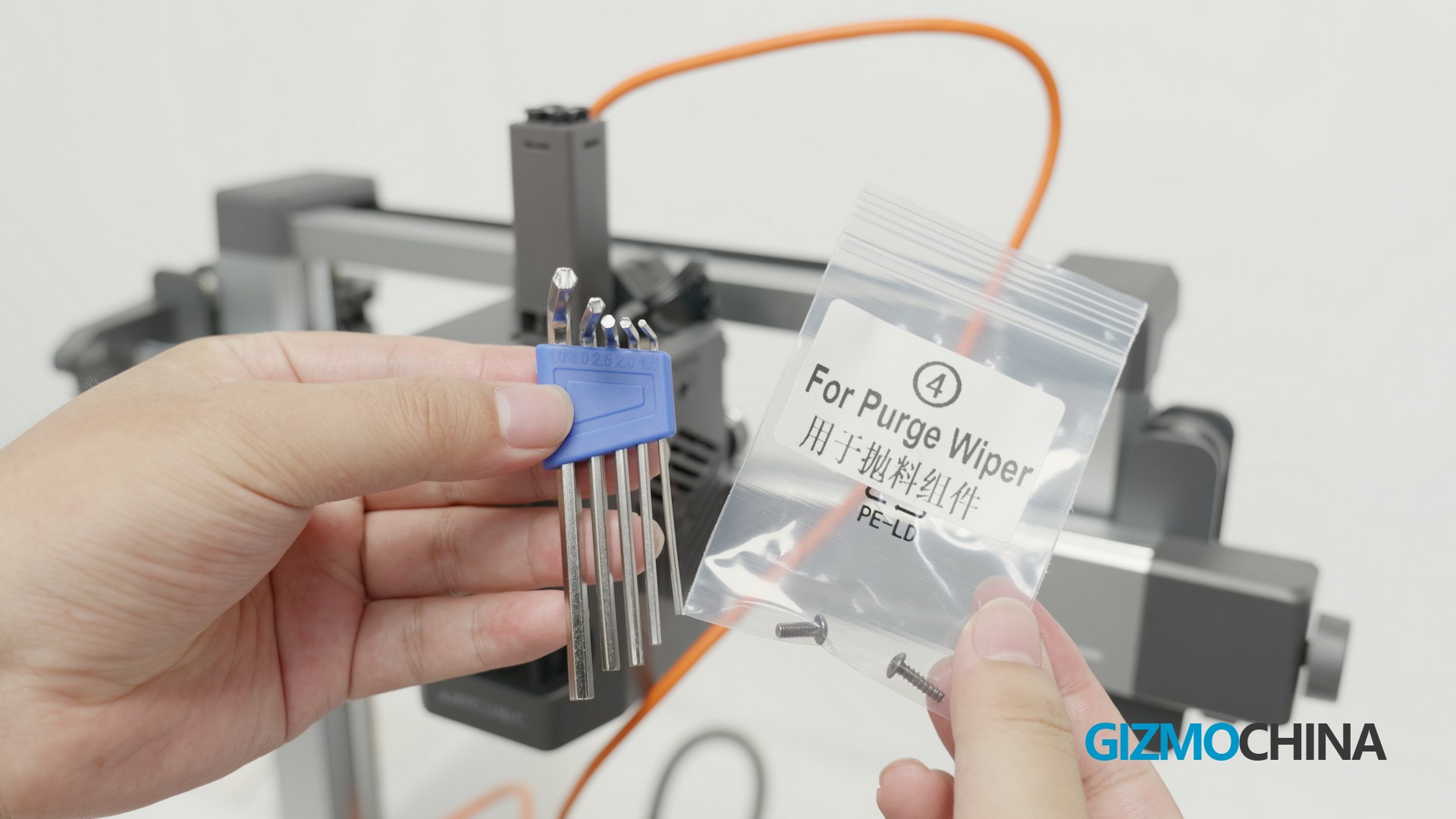
The printer was preinstalled and calibrated before it left the factory, the only thing I had to do was install the print head screen, then connect the cable and tube, it took me about an hour and a half to complete the installation, the installation experience was pretty good and the tools and accessories were labeled.
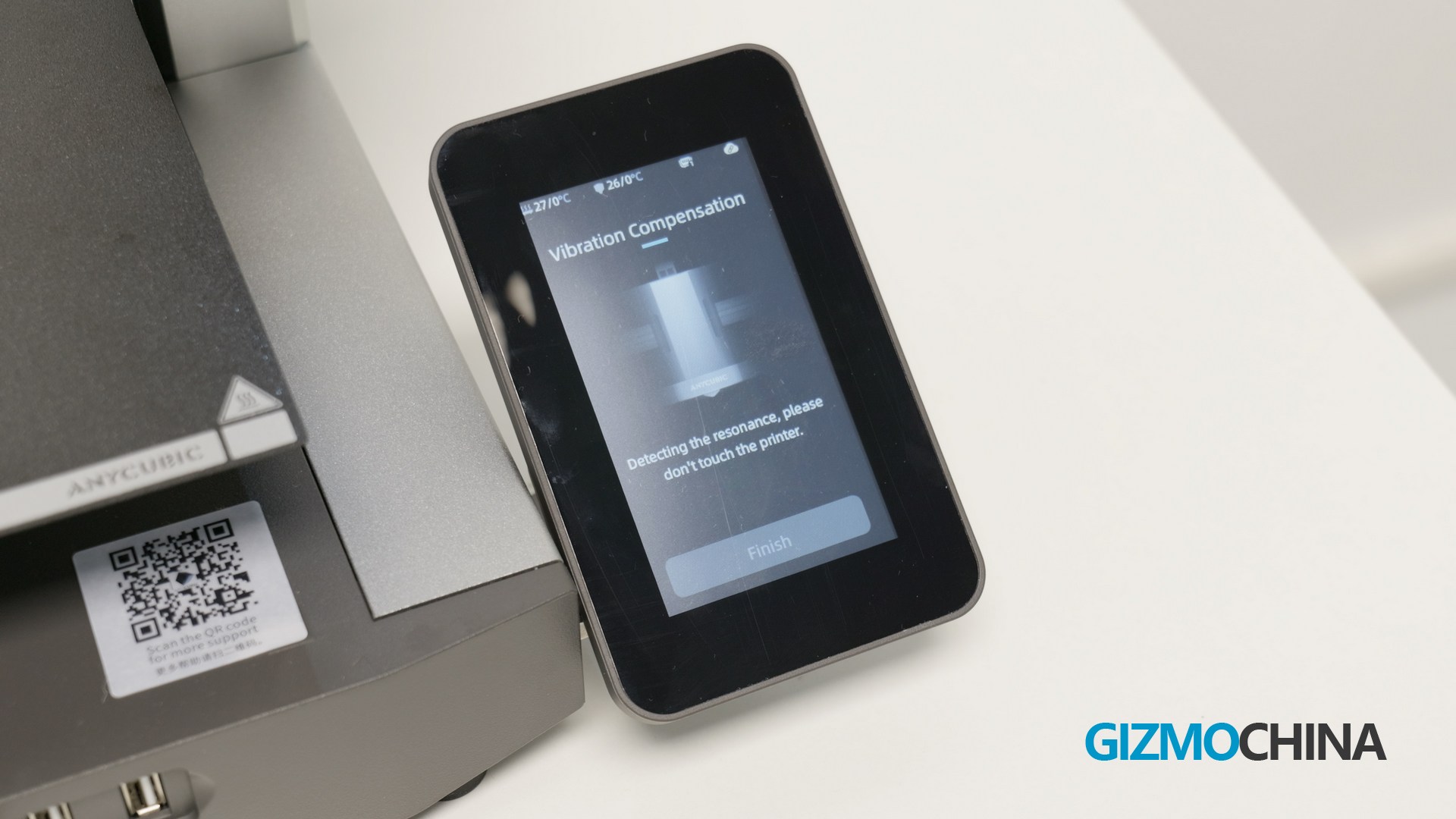
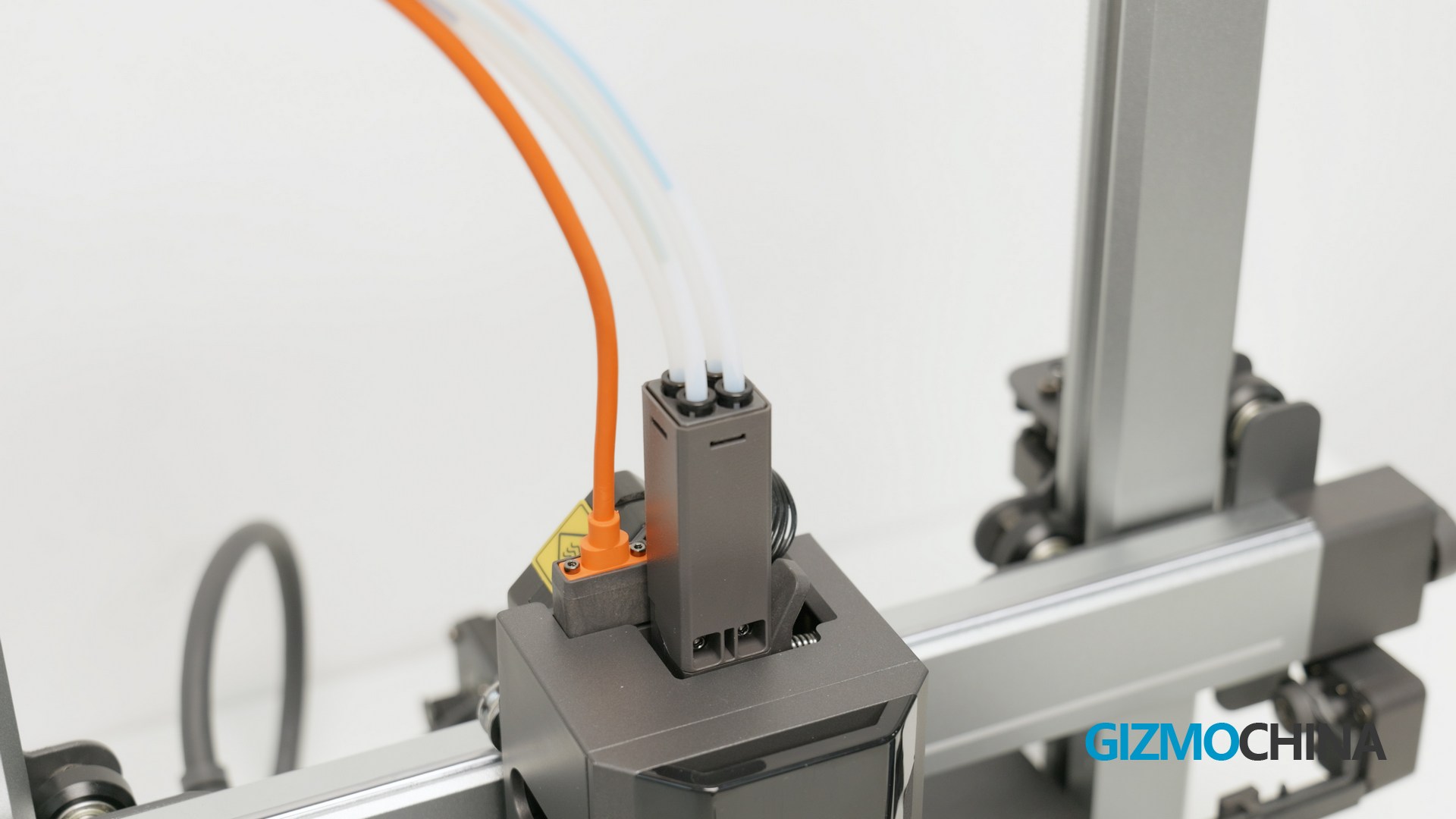
My only complaint is that the number of screws is just about right, I would like to have some extra, just in case I lost some.
Once the installation was complete, it was time to tune the machine by the guide, it was basically automated anyway, and that is why I love it. Now that the machine is ready, but we still need two more things – filaments and models.
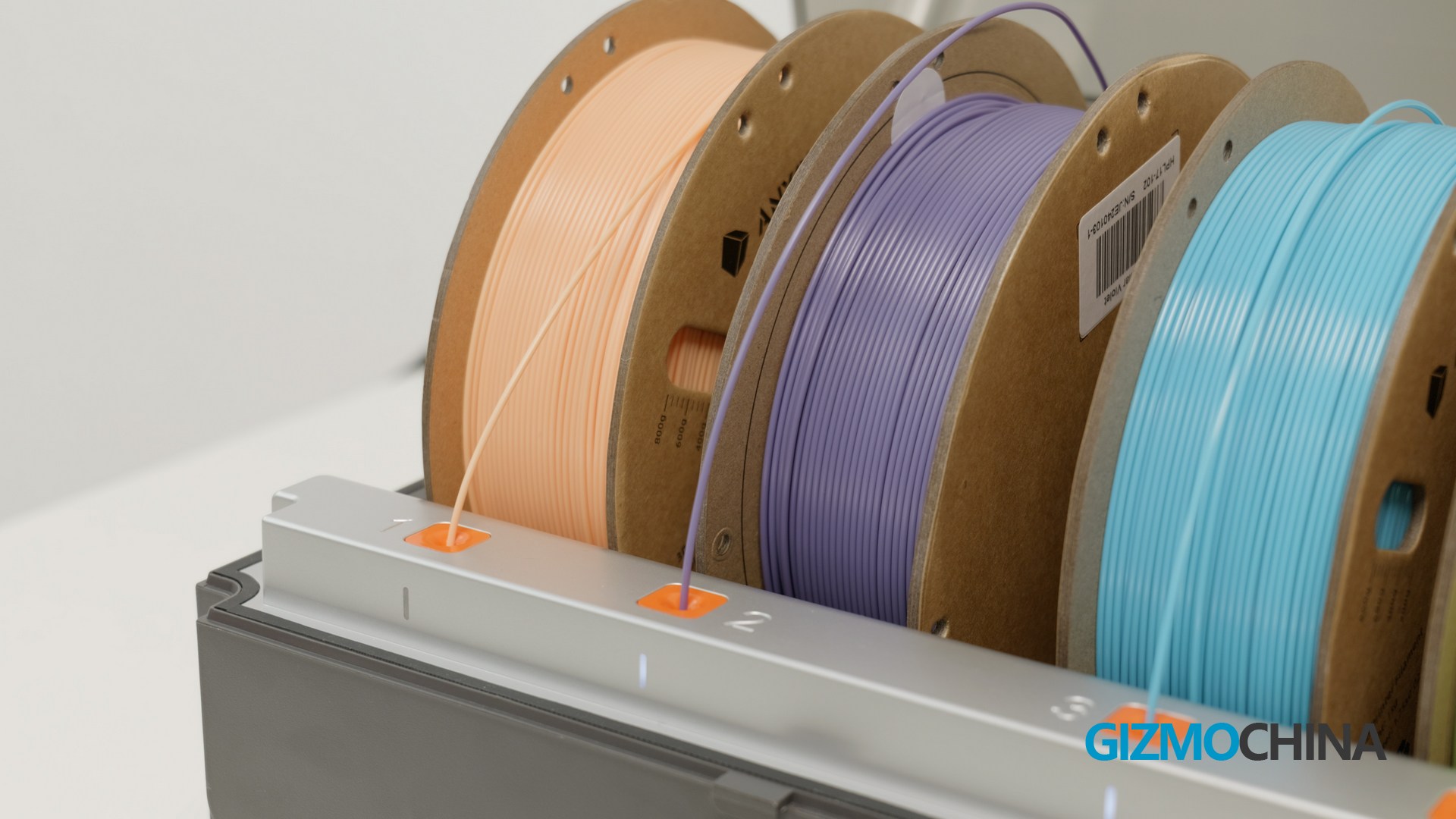
I used PLA filaments, PLA is a plant based material that is very easy to use in practice and has very low toxicity in the printing process, so this can be a good choice for average consumers. If you want to use other filaments you can also look up more info on the Anycubic wiki.
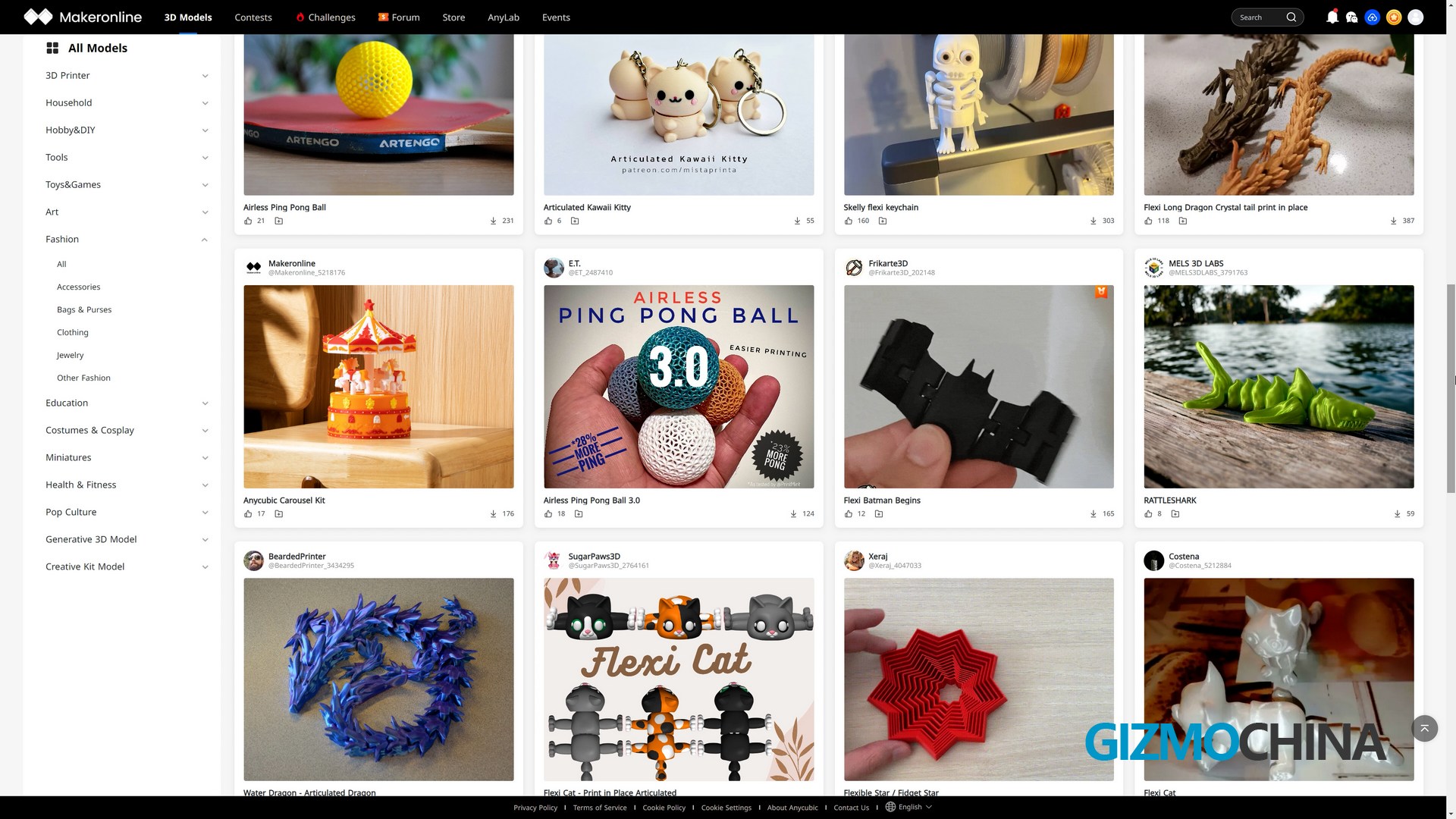
The models for printing are the easiest I think, you can download 3D models from Anycubic’s modelling community or third party modelling sites.
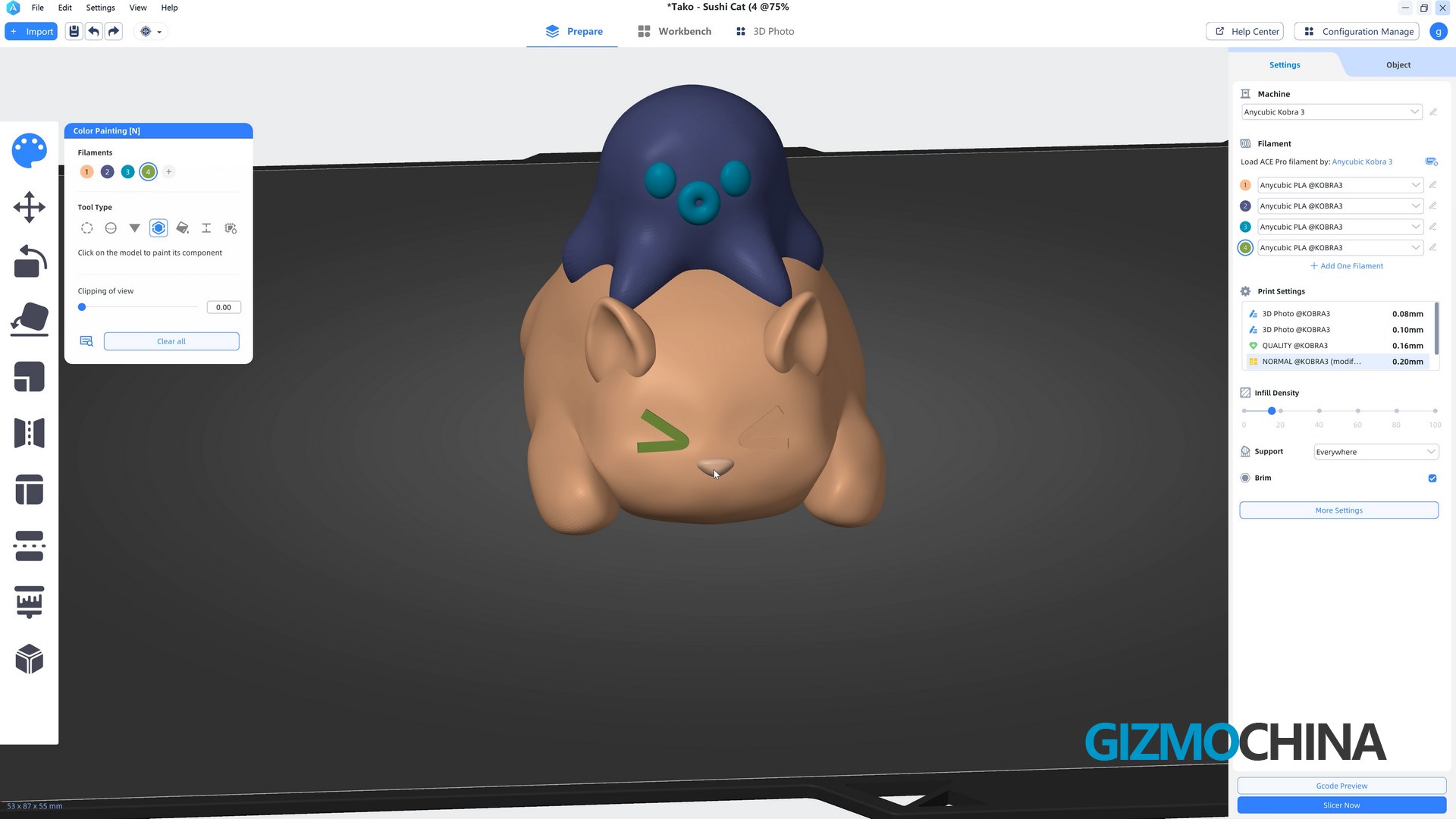
It’s ready to print once those models being imported into the software, and of course I can do more thanks to the Kobra 3 Combo’s Multi-Color support, for example I can customize the model’s colors very easily.
Now let’s try printing. After transferring the model to the printer over the network, this little screen shows the model is being printed and some parameters of it. Once the machine is up and running, all I have to do is wait.
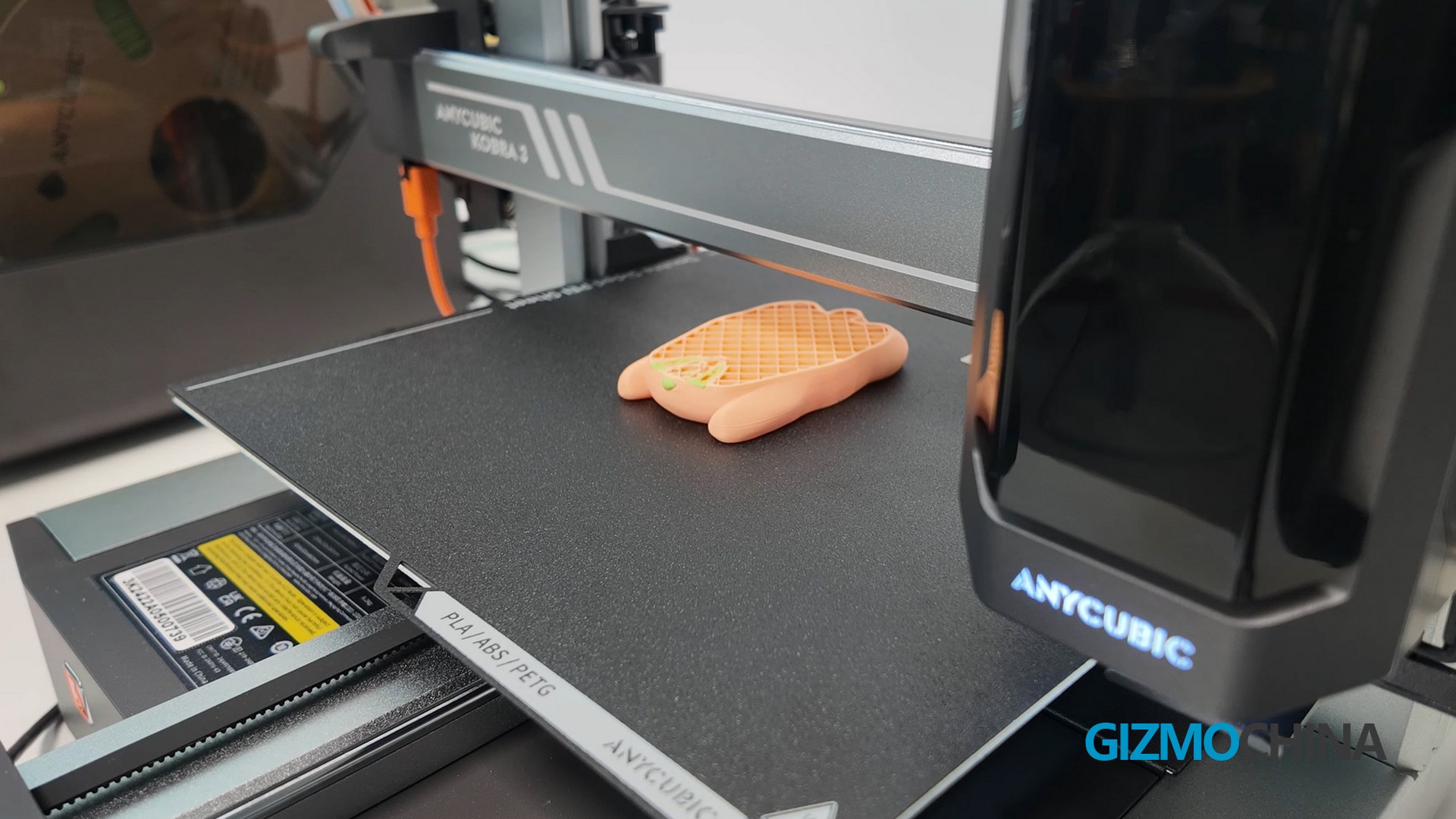
Sometimes larger models can take up to ten hours to print, I can check the working status on the mobile app, and when there’s a malfunction it stops automatically and pushes a message to my phone. I’m sorry I can’t show you this feature as it hasn’t failed in the time I’ve been using it.

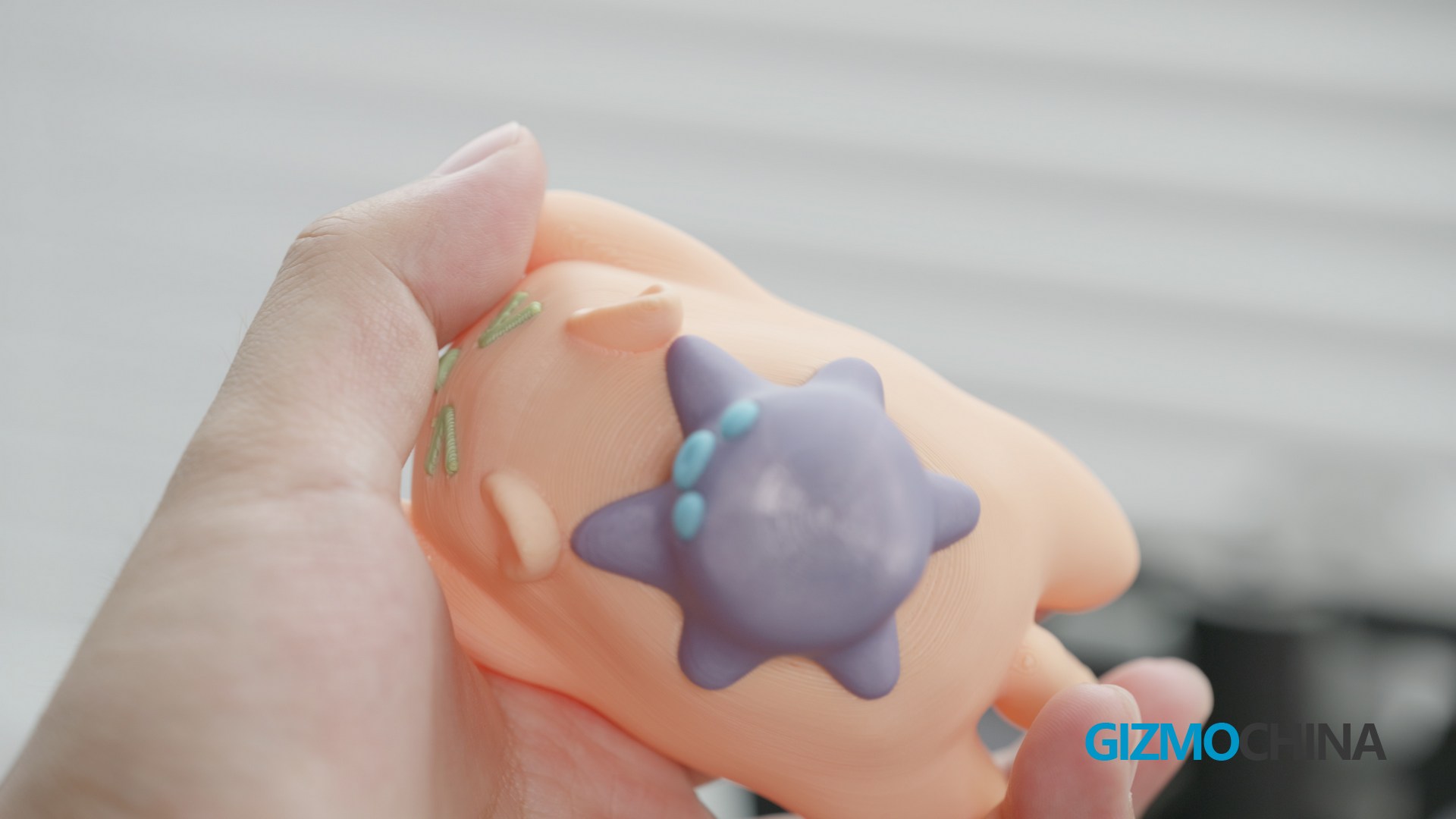
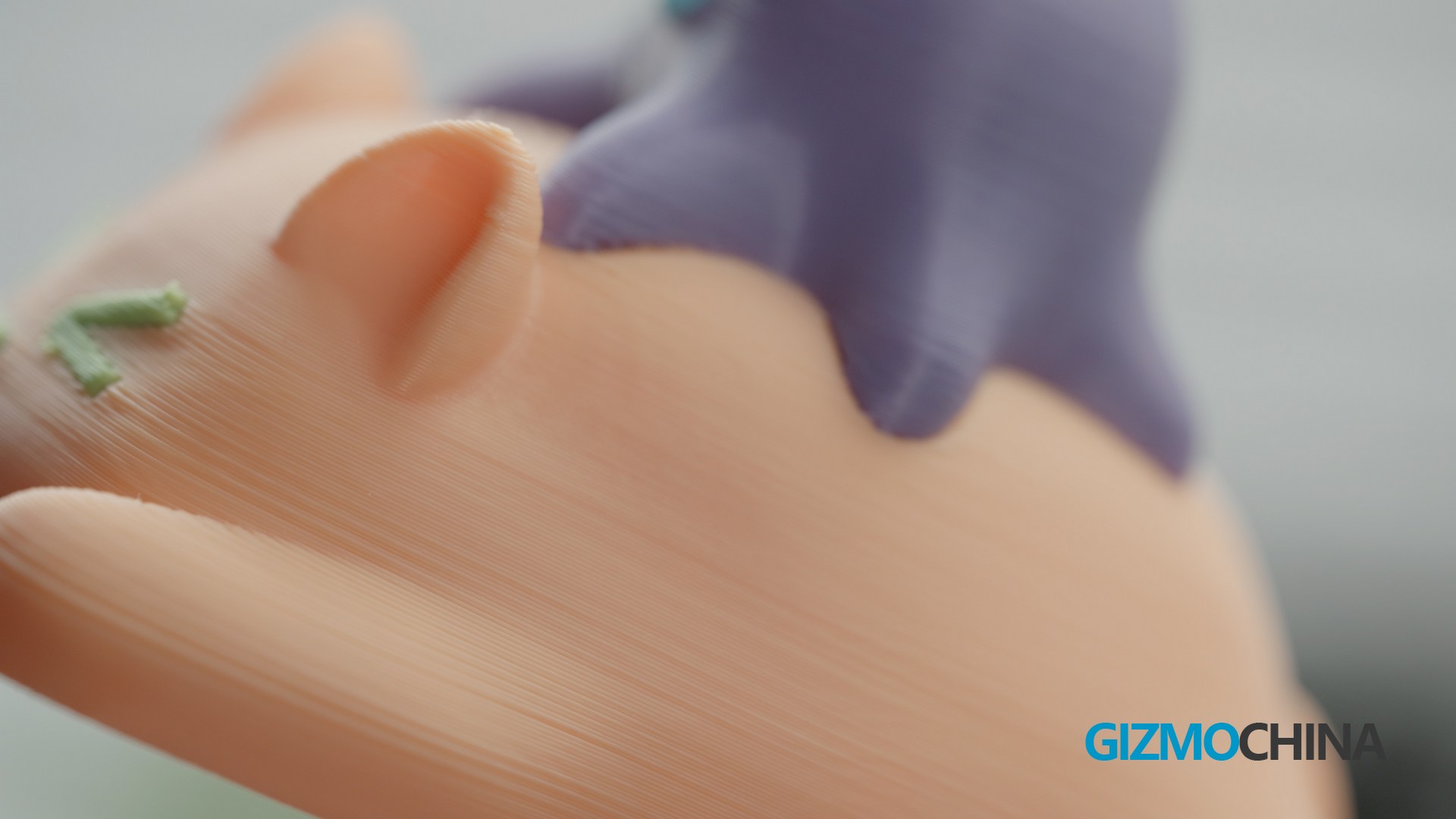
Now let’s check the final products of our kitten and octopus, I printed them using 0.2mm layer height and the surface is very smooth.
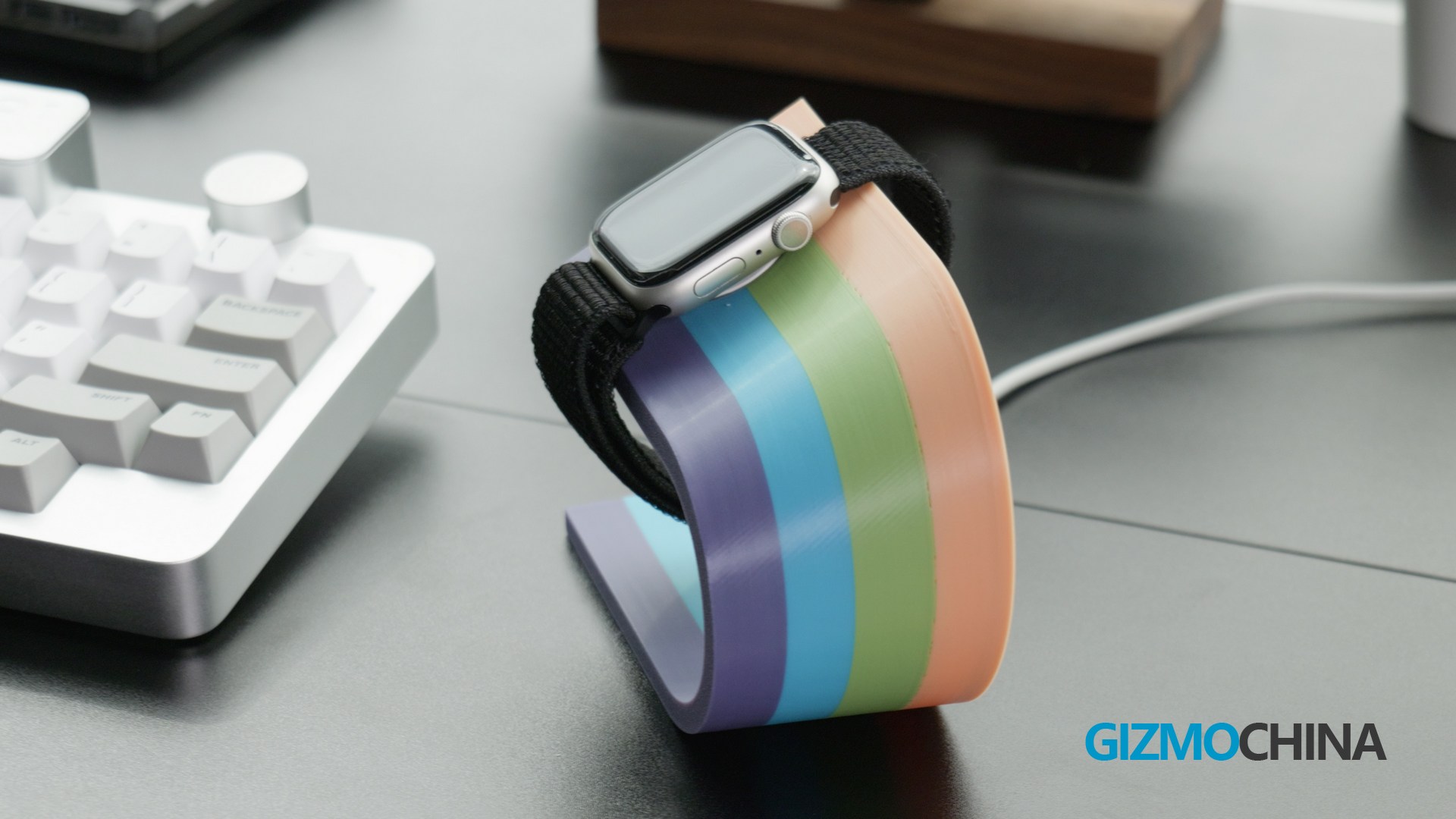
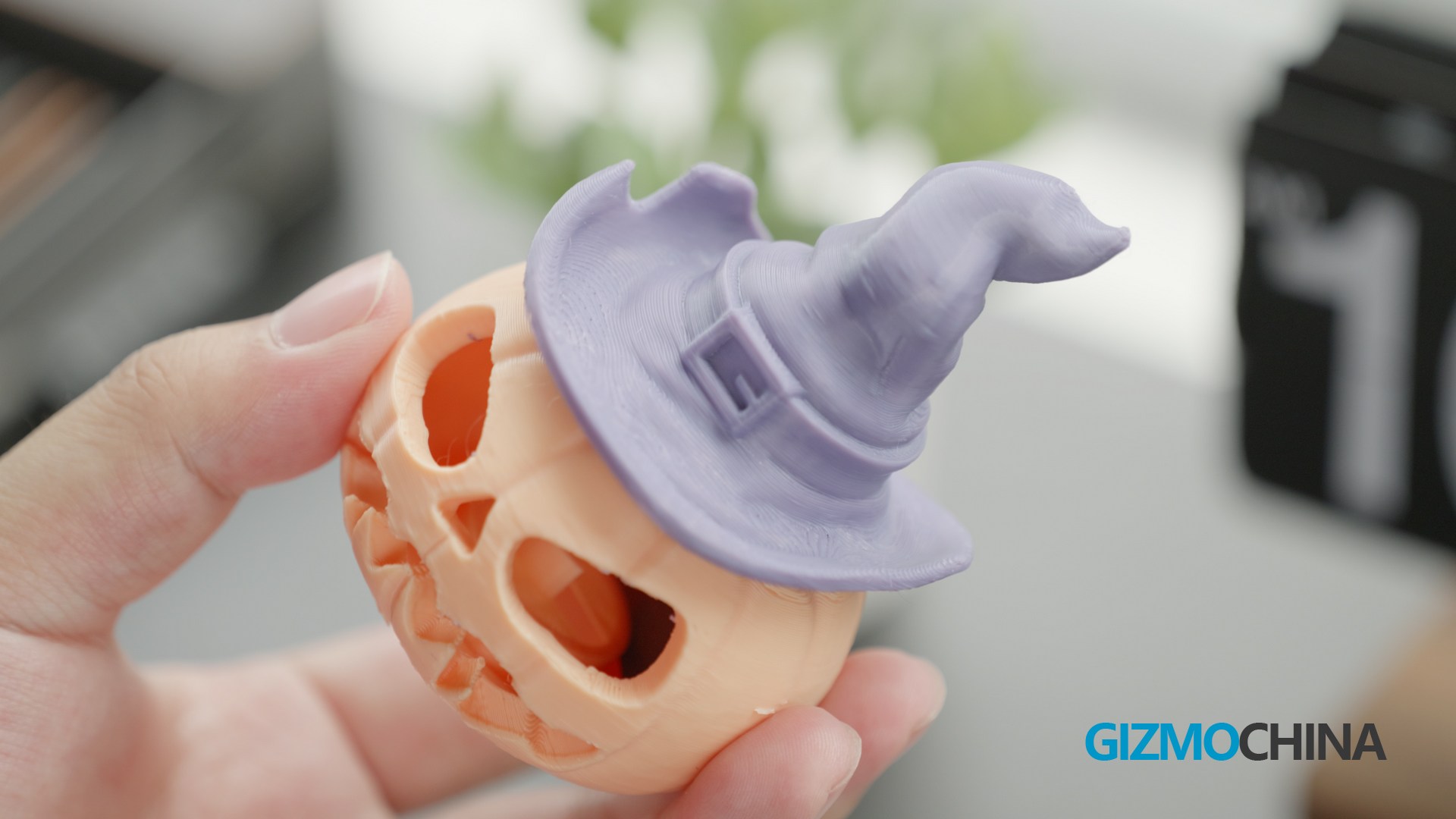
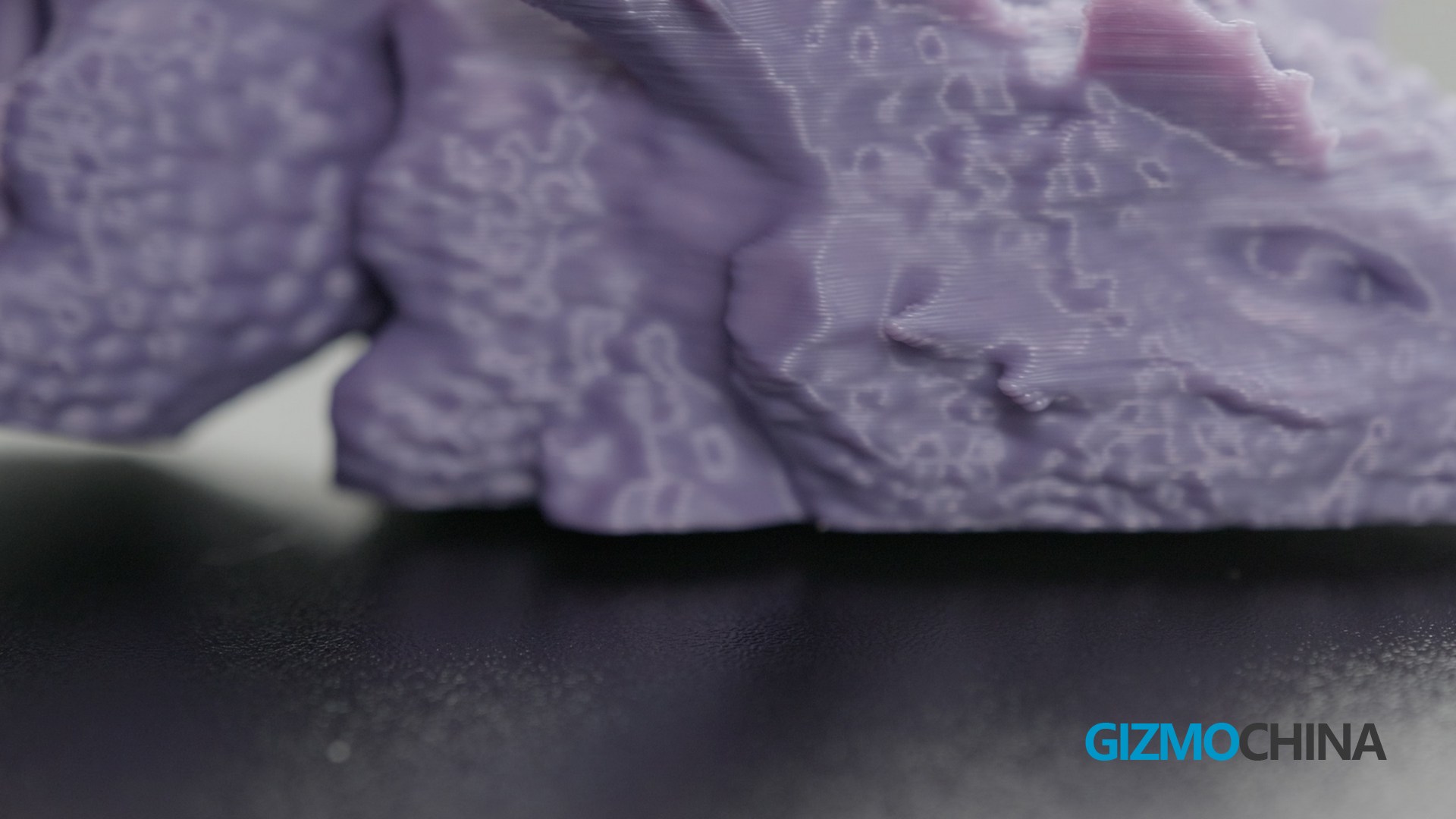
Of course I also printed some other stuff like this apple watch charging stand which works perfectly with my charger. And this Halloween pumpkin, which I now use to store my SD cards. And this dragon, really you can see the scales are so nicely done!
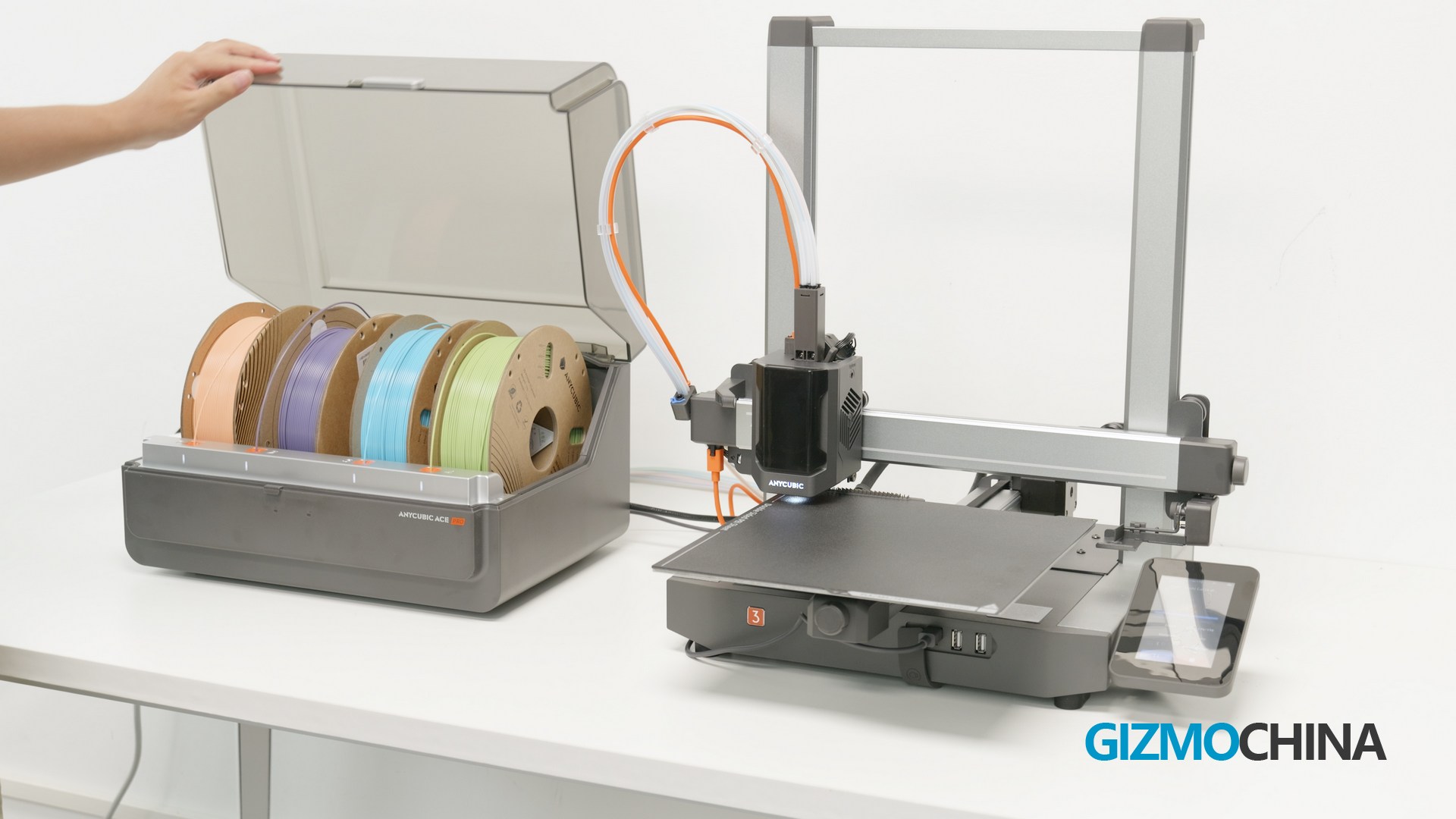
This Multi Color engine is actually very interesting, it has 3 functions, one is Multi Color print, which I demonstrated earlier.Anycubic claims to be exiting a new update at the end of August that will allow users to connect two ACE Pro multicolour systems to enable an 8-colour system, and I’m really looking forward to this! And if you use the same color filaments, it can get to the next roll them automatically when the last one runs out.
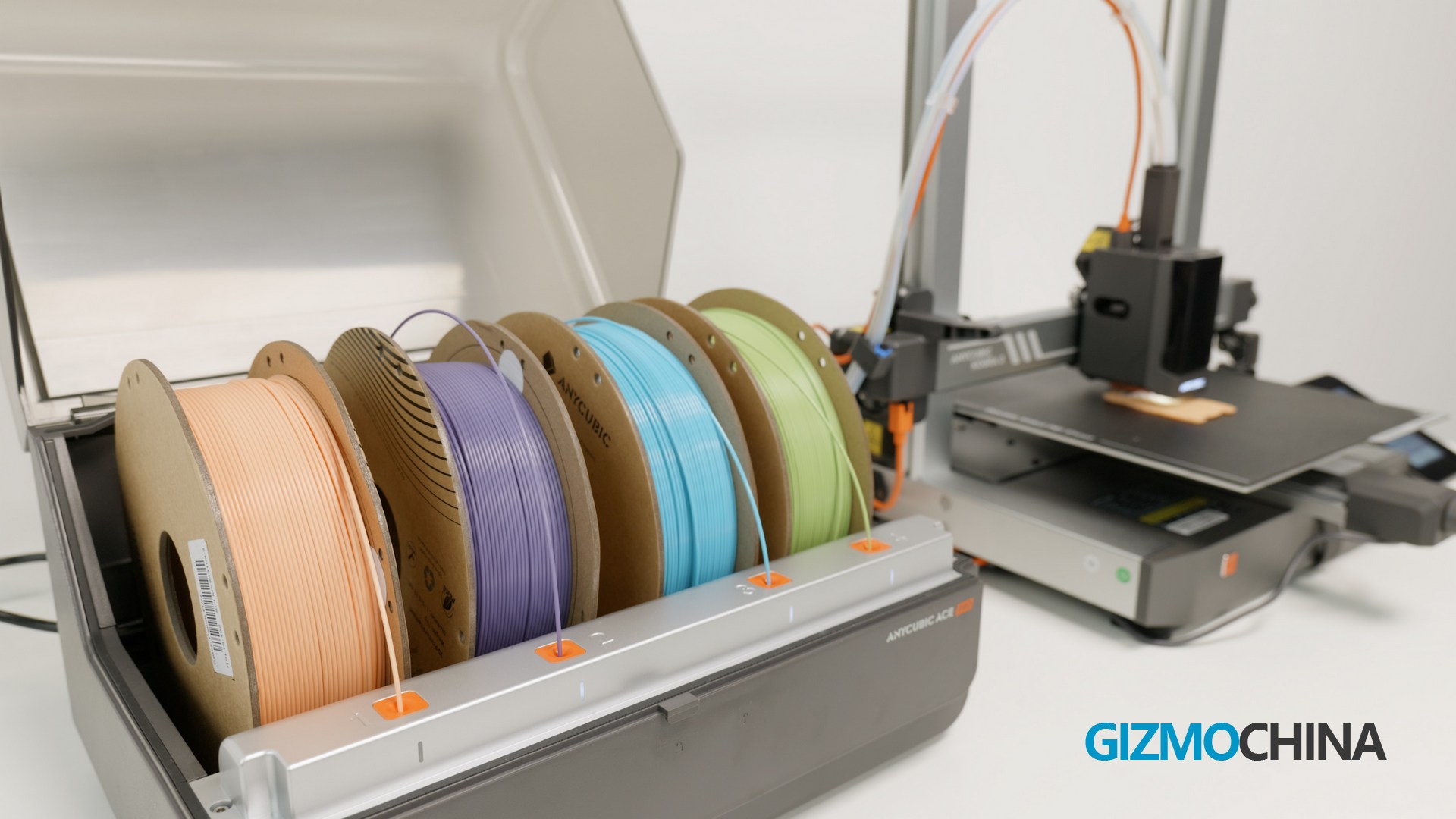
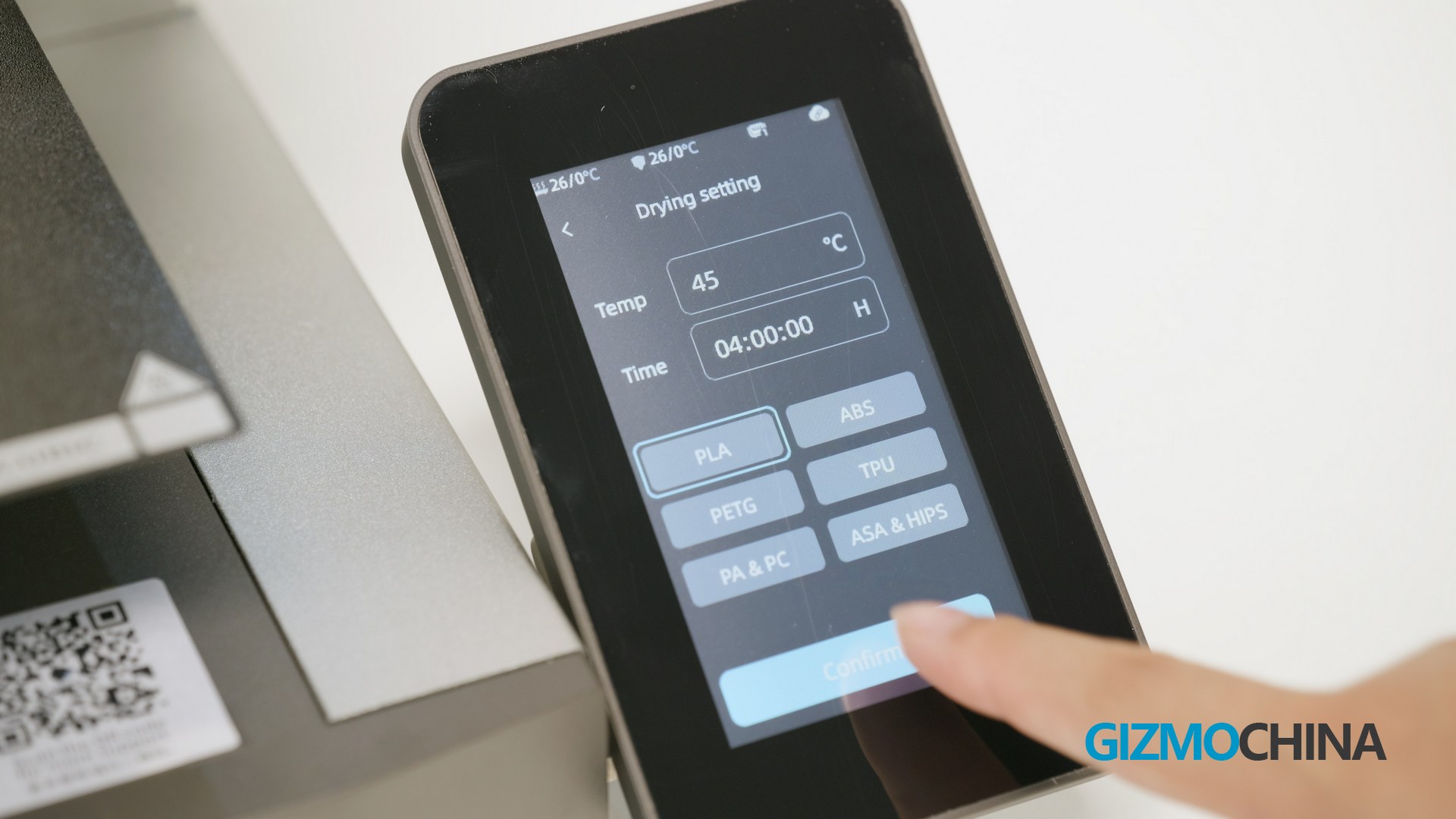
Of course the most important thing is that it can dry the material, And it can be done during the printing process, which is amazing!so it is very useful for me as I live in a high-humidity area.
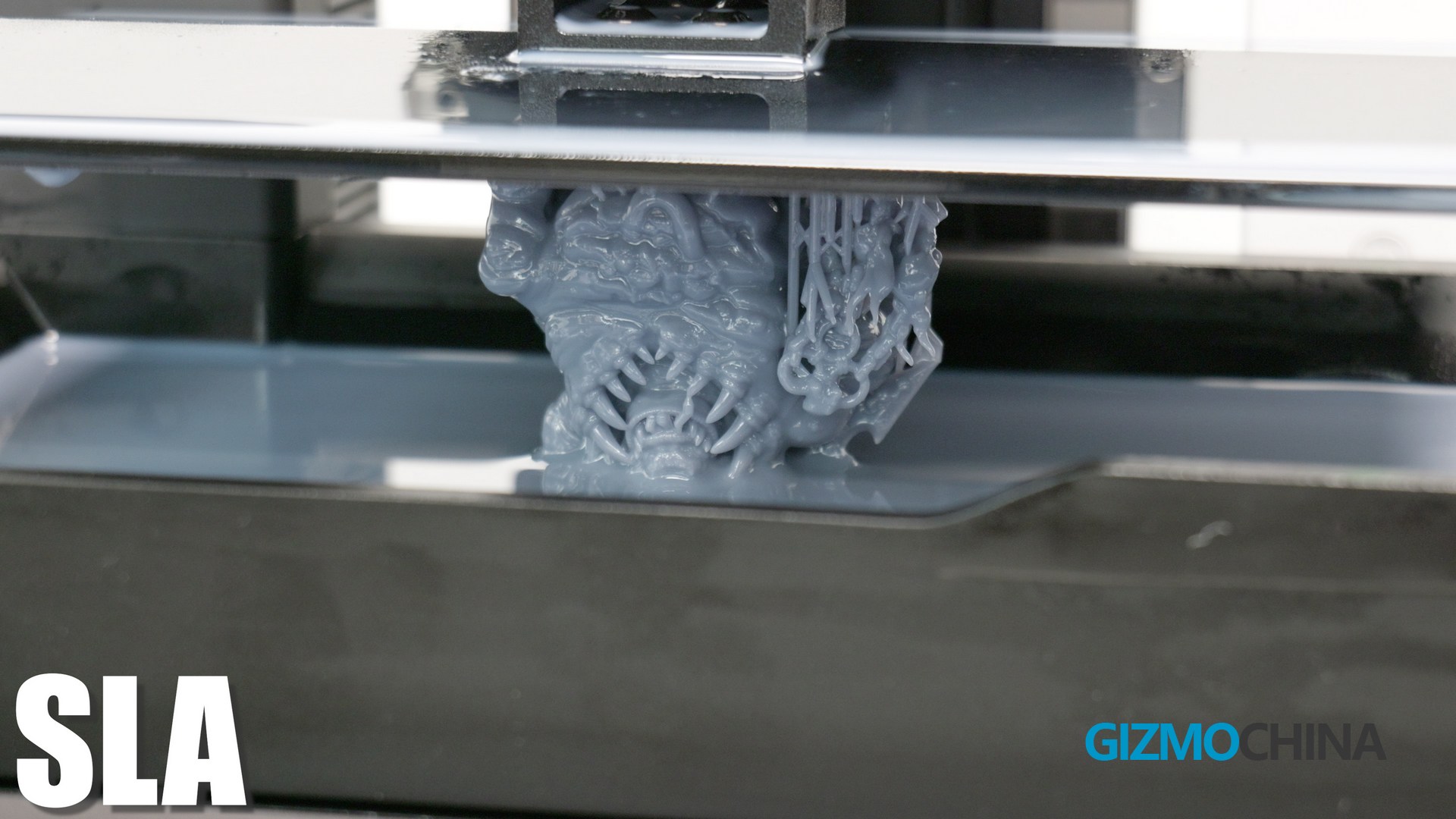
Stereolithography (SLA)
This SLA printer is from the Anycubic Photon Mono M7 Pro, many of you may have heard of or used Anycubic’s SLA machines, they are one of the best selling machines on the market.
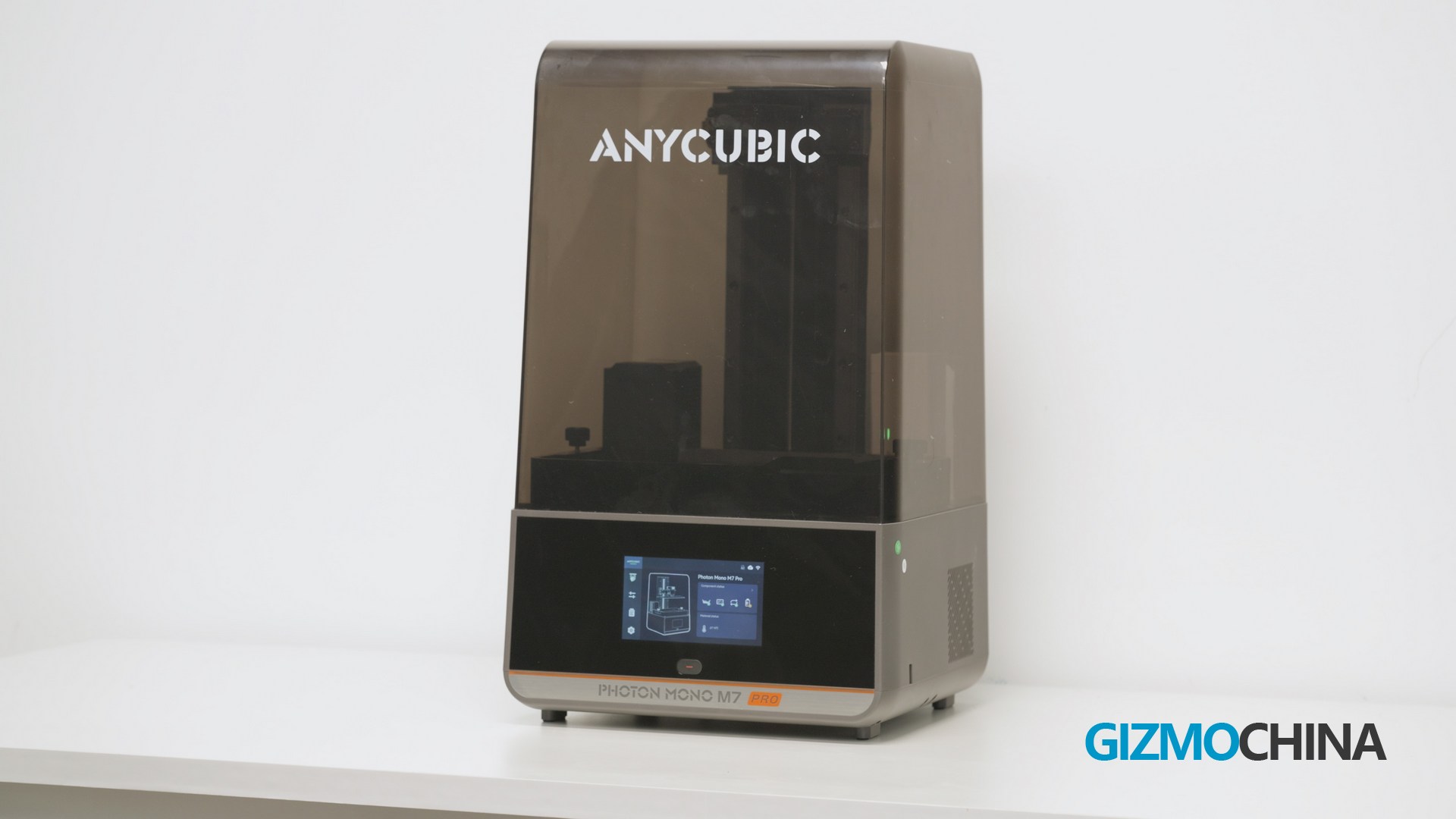
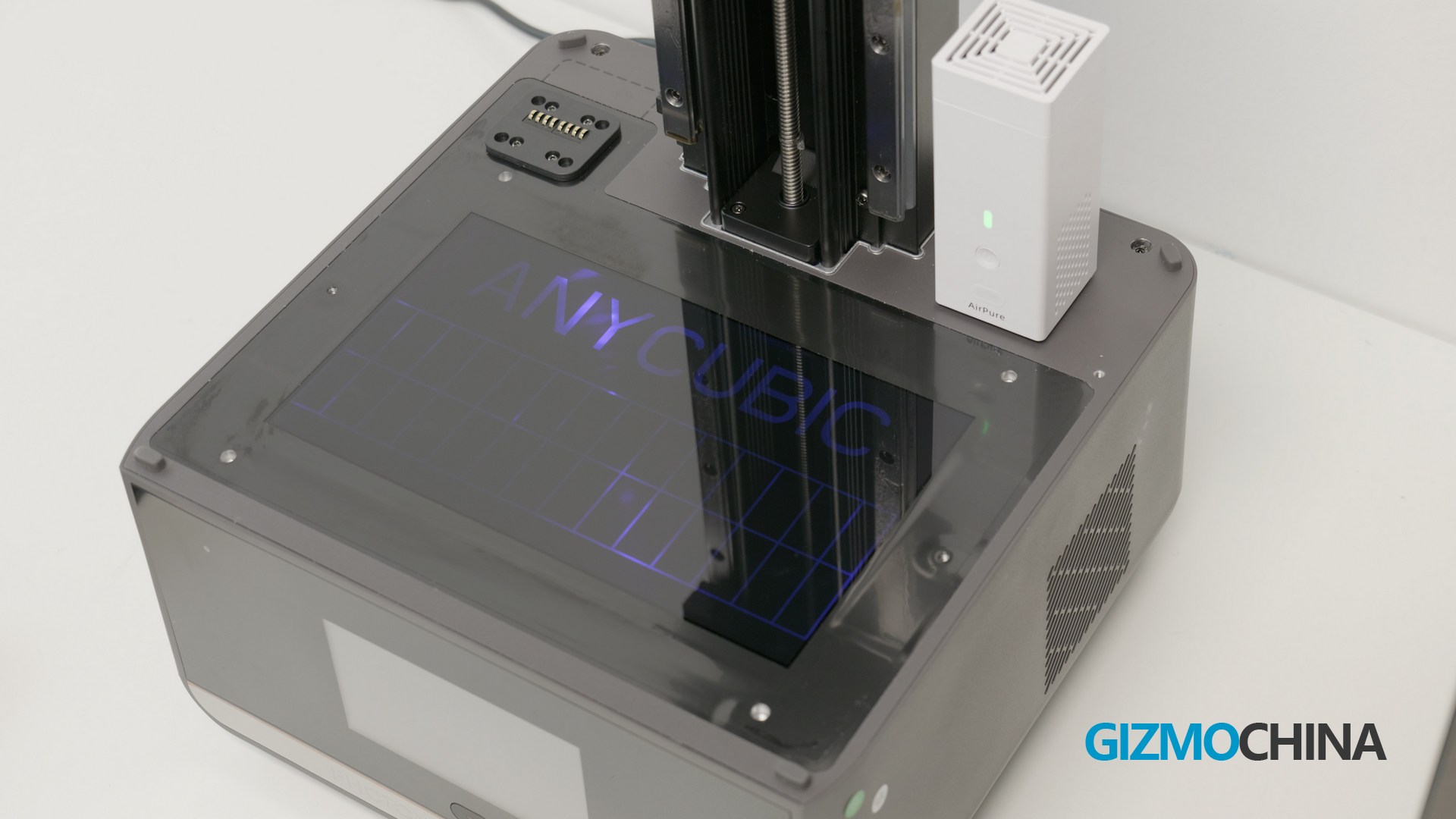
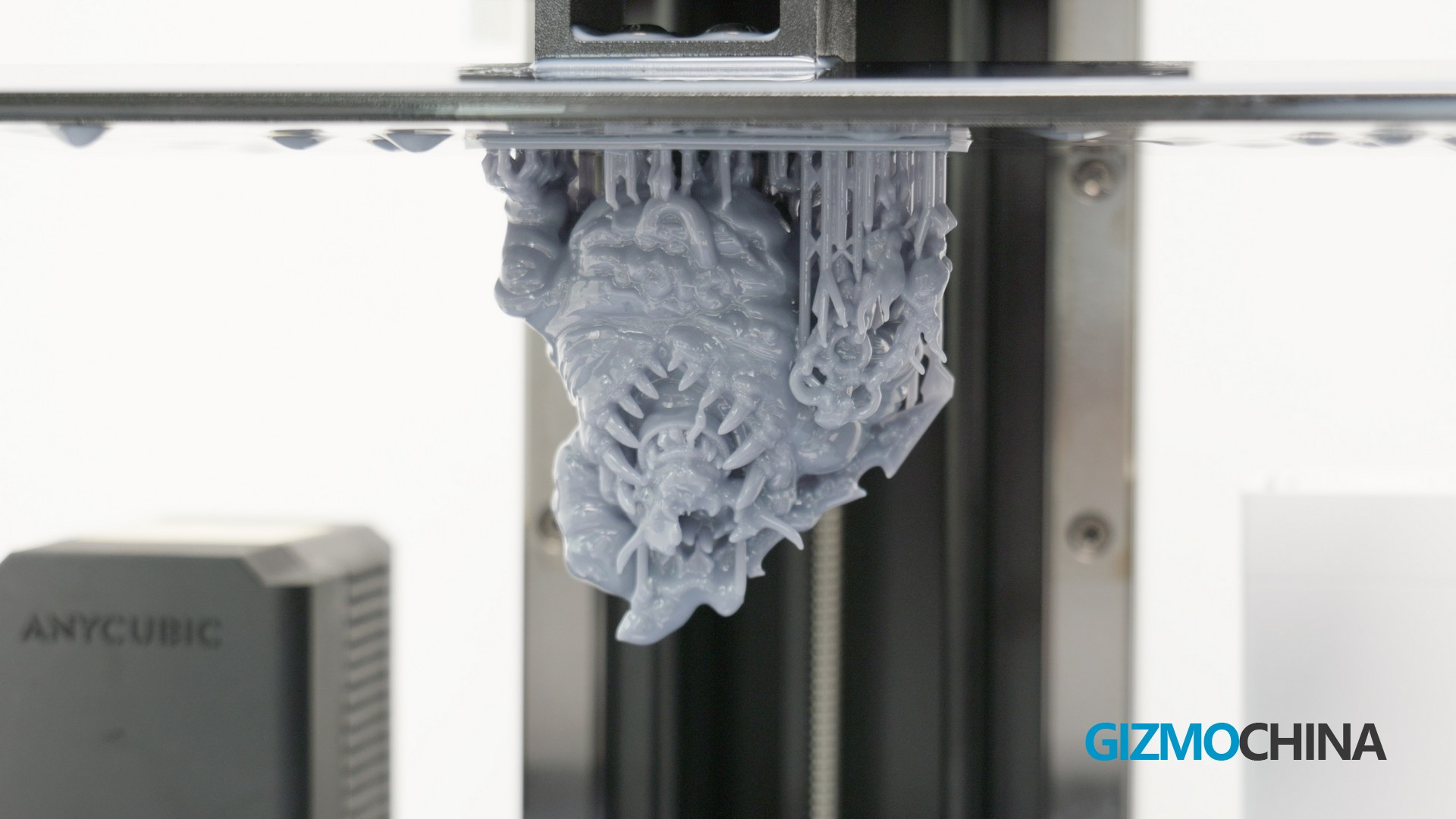
This machine creates a model by shining a light source through a liquid resin to harden it and curing it layer by layer. The accuracy of the print is determined by the screen that emits the light source, this M7 pro has a 14k resolution screen, yes that is 13320*5120. you can see how sharp and detailed these models are, this machine is particularly well suited for printing Figures.
Unbox Photon Mono M7 Pro
The installation of this machine is even easier, you don’t even need any tools for the whole installation process. Now it’s done.
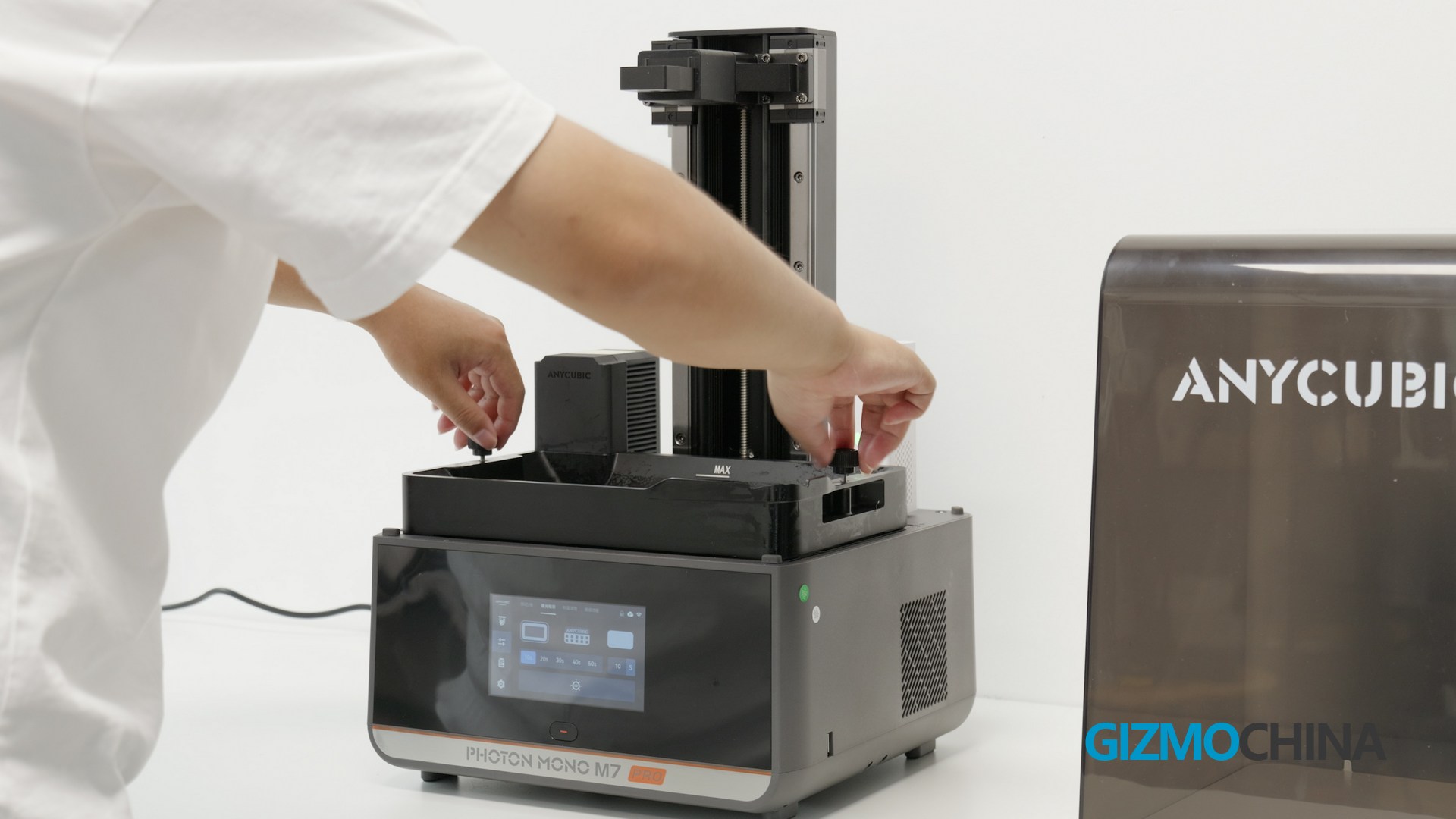
\ unlike the simplicity and convenience of the installation, there are a few things you need to be aware of before you use it. First of all, almost all resins are toxic, and have a nasty odour when you print them, so you need to protect yourself well and make sure the ventilation is good before printing them.
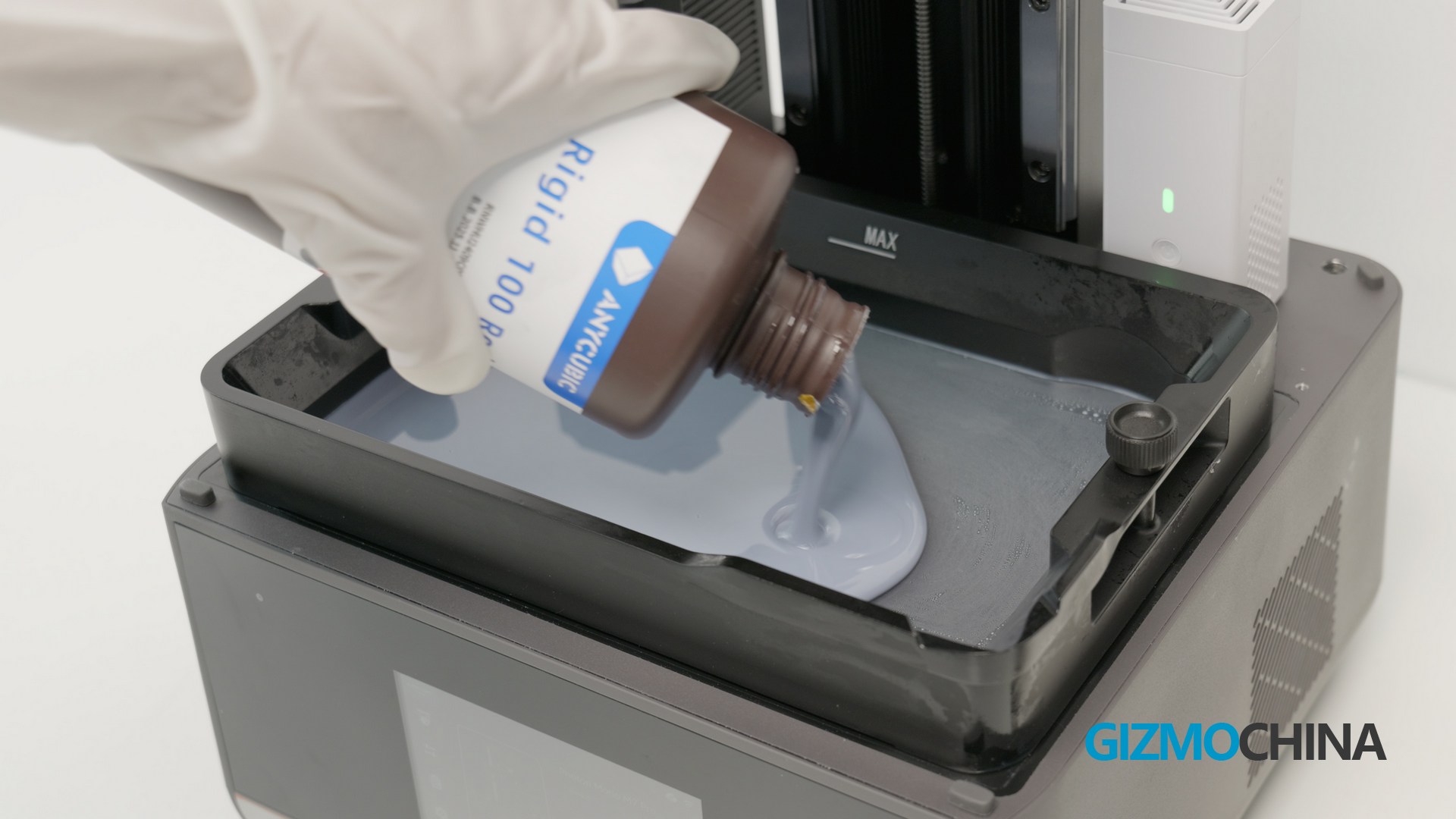
Pour in the resin, and as before, find a model, slice it and send it to the printer. Printing speed is 130mm/h with non-high-speed resins and 170mm/h with high-speed resins.
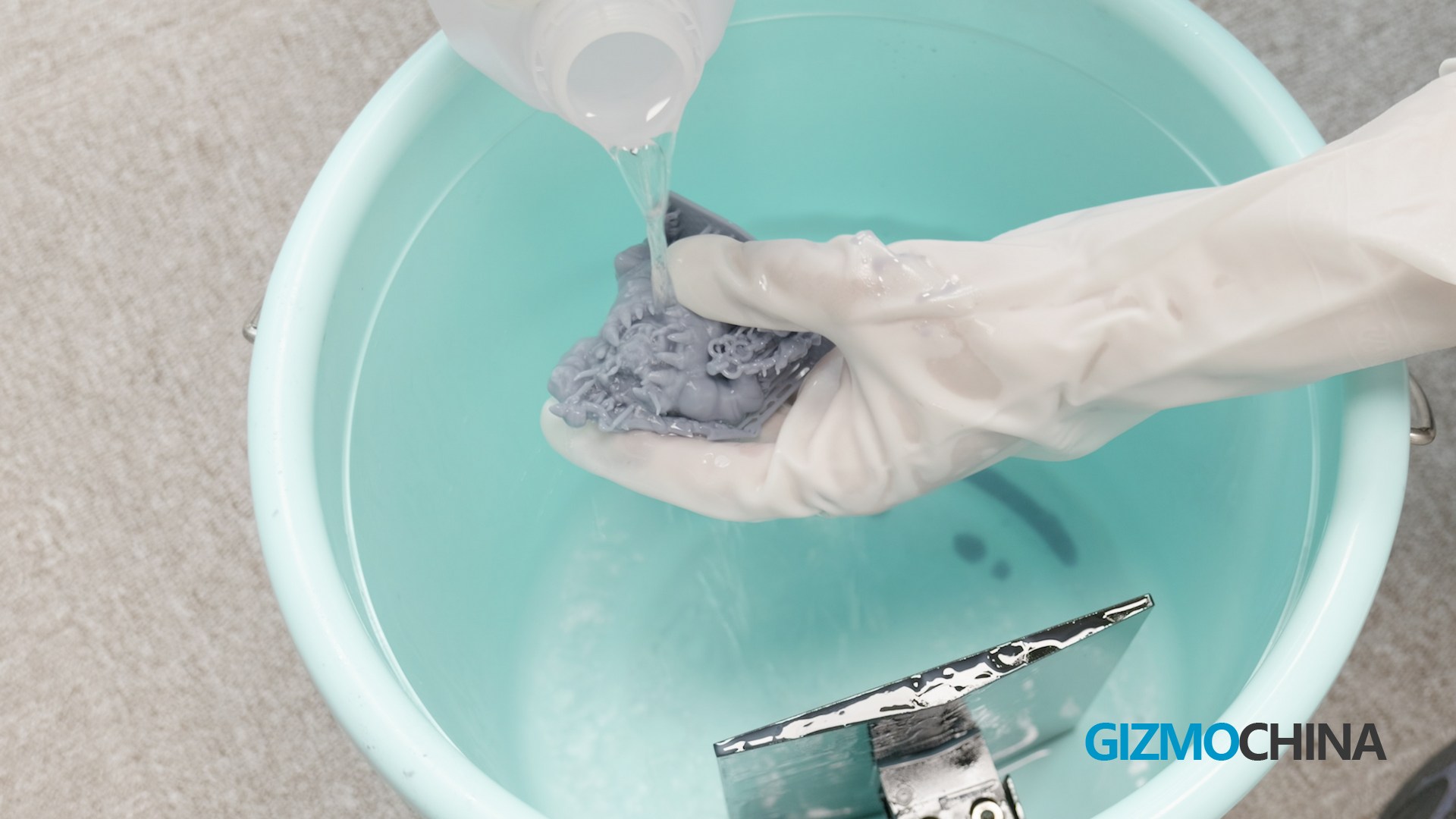
After the model is printed out, it needs to be cleaned with 95% alcohol and then fully cured, either with a UV light or simply sunlight.
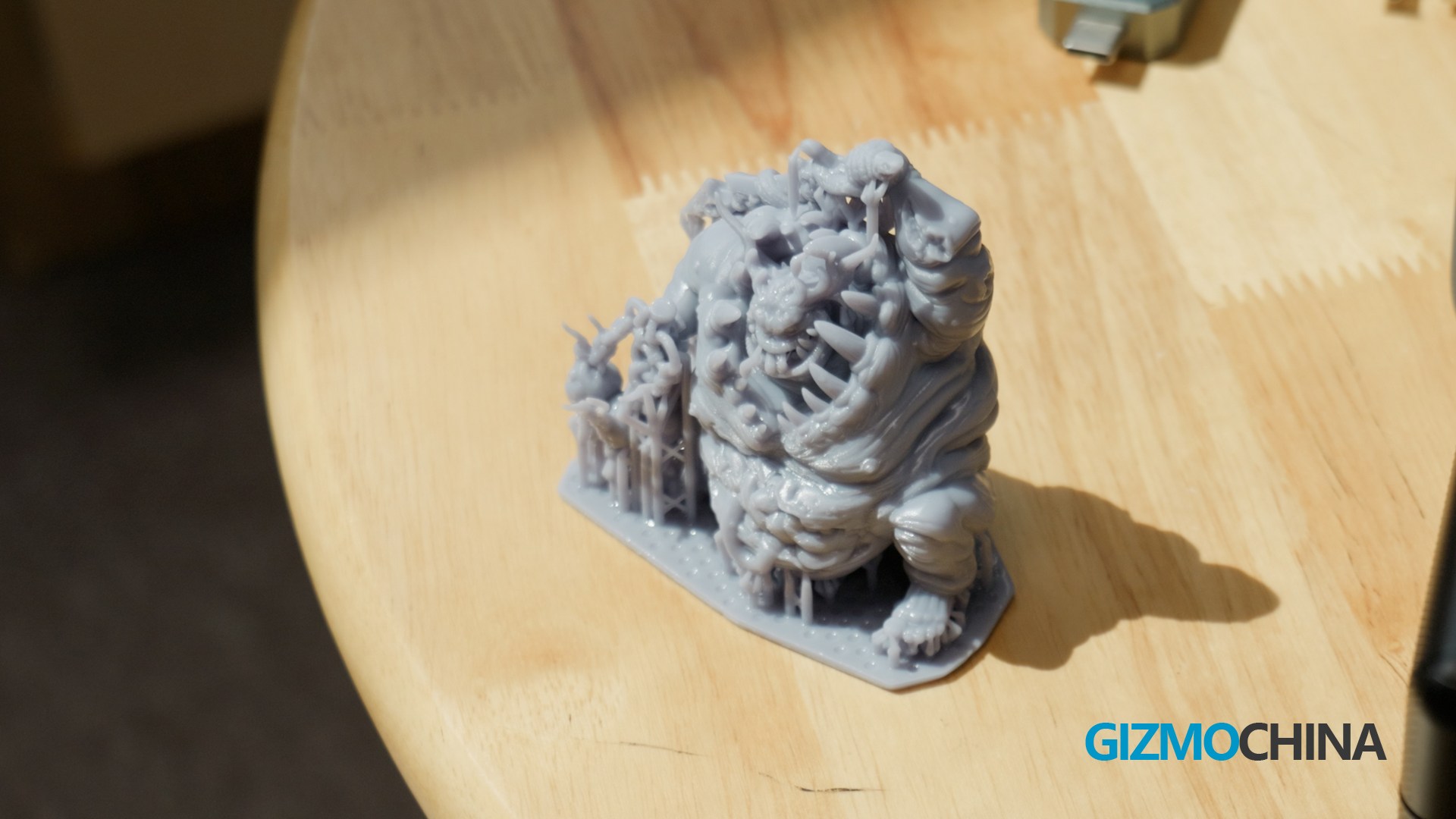
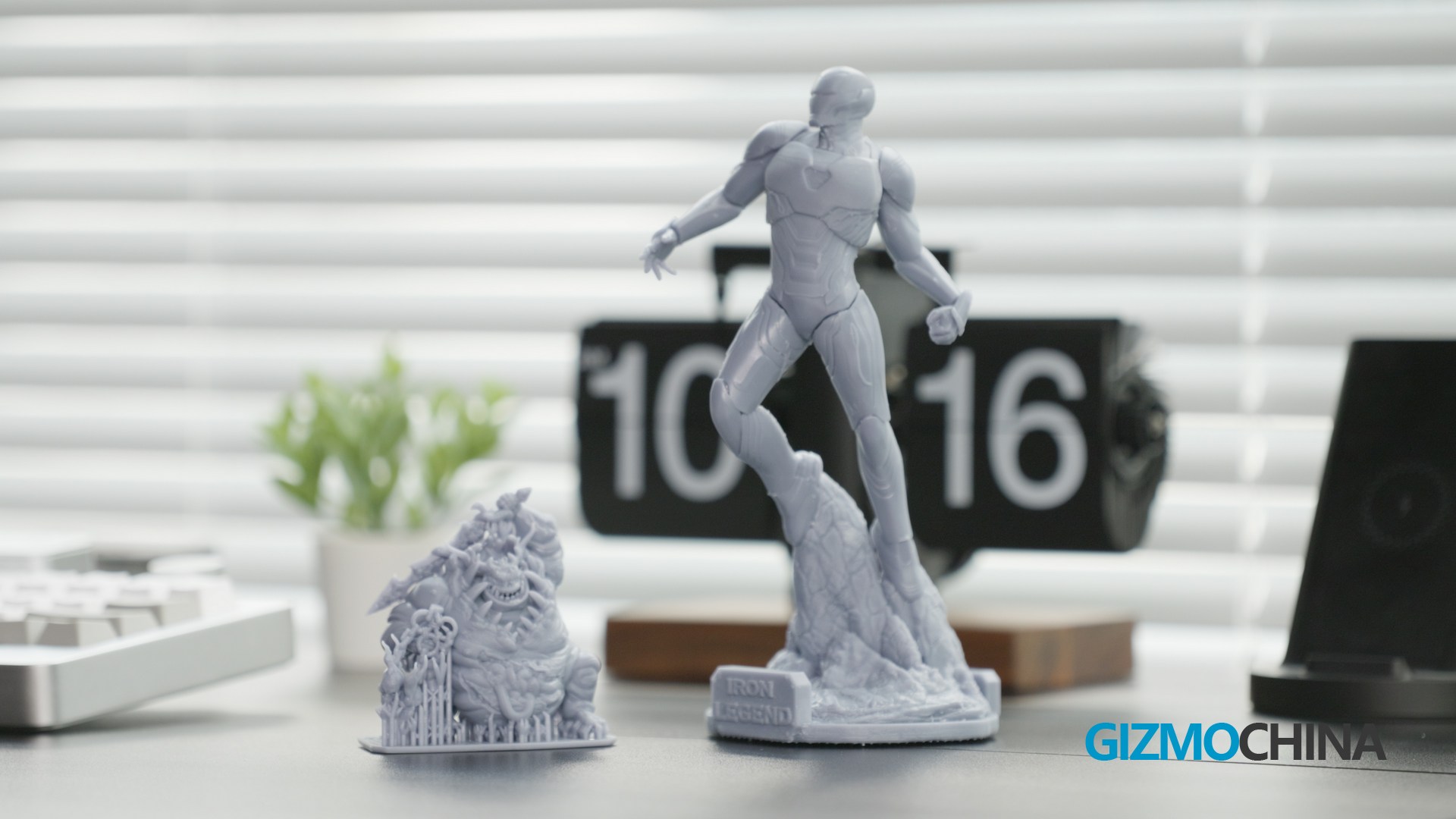
As for the print quality, I can’t pick any flaws, the surface is smooth and the details of the model are fine. As I said before,this machine is just too good for printing Figure.SO let’s give a shout out to this 14k resolution screen!
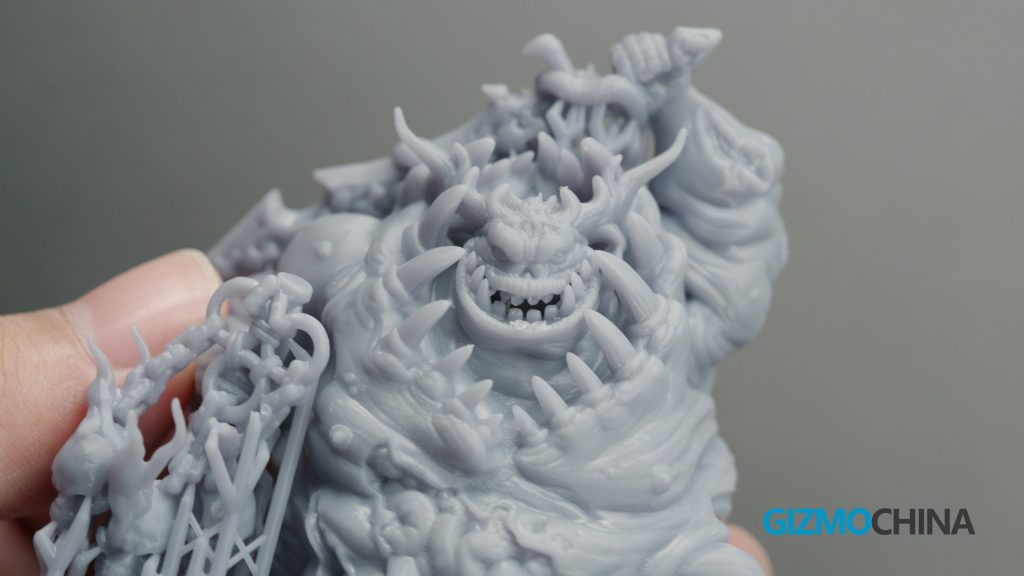
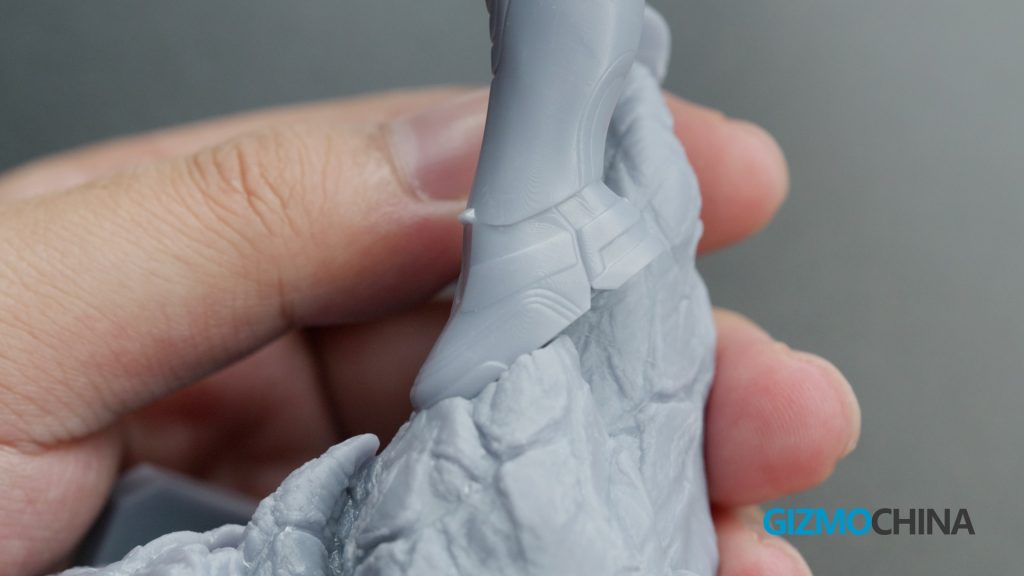
The resin and alcohol can be reused after the print is finished. It is a bit of inconvenient to use this machine compared to the FDM, but there is no substitute for this machine, as the quality of the prints was a pleasant surprise for me.
Conclusion
Alright, that’s my experience with both printers and I’m impressed with the excellent print quality and ease of use of these printers. If you are interested in these two machines you can check here to learn more.

Comments