
Add GIZMOCHINA as Preferred Source on Google
Privacy concerns have always remained in the limelight since the evolution of the Internet. With time, different tools, firewalls, and utilities have been developed to bolster the overall security of the network and data. In recent times, VPNs have become a primary tool that safeguards privacy while accessing the network. Nowadays, the advantages have varied, and users tend to use VPN services. SurfsharkVPN is one of the most talked-about VPN service providers around the globe. We have reviewed the VPN and found some advantages that are worth the applause and some issues that might hinder the ‘perfect’ experience. Let’s dive in for details.
Key Takeaways
- Surfshark offers useful features to hide your identity, safeguard your privacy, and even enhance system security.
- Surfshark offers a free seven-day trial on Android, iOS, and Mac, along with a 30-day money-back guarantee.
- Don’t worry about logs, as Surfshark doesn’t keep any logs.
Installation
SurfShark is compatible with almost every popular operating system, including MacOS, Windows, Android, and iOS, MacOS, and browsers such as Google Chrome, Mozilla Firefox, and Microsoft Edge. Below are the details of our setup:
Machine Environment
We tested the Surfshark VPN on an Android, iOS, and Windows OS machine and compared the features after rigorously testing the VPN across different use cases. We used different applications across different countries and tried to flaunt the features marketed by the VPN fully, and the results were satisfying. We tested the services from Toronto, Canada, and Chandigarh, India, to better evaluate the overall service. Moreover, what excites us is the company’s no-log audit report, which promises privacy for the end user. Below is the result of our evaluations:
There are several other competitors in the VPN space; however, Surfshark has maintained its spot by offering VPN services with some extra features at an affordable price.
Why We Recommend the SurfShark VPN
Note: For test purposes, we have used some online streaming services using VPNs. In no way do we recommend using these services unethically.
Unblocking the Web
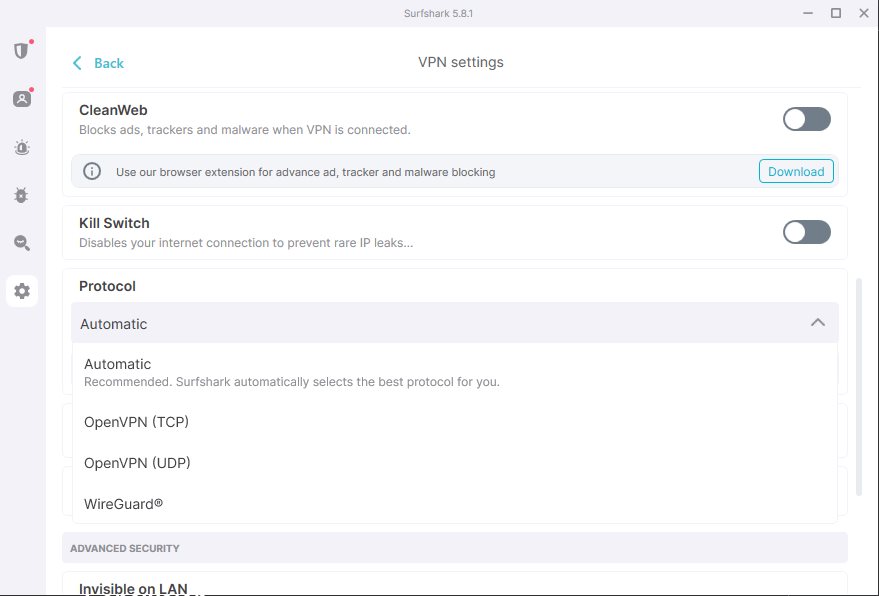
After the initial setup, we tried Surfshark VPN using its WireGuard protocol by accessing Weibo.com from India as it is blocked currently. However, with the Surfshark the website opened like a flash without a major delay. Moreover, we tried accessing some Prime Video India content from our Toronto location, and the content was buffering without any buffering in Full HD.
Speed Tests
Further, we tried the VPN using the OpenVPN Protocol and did a speed test from Toronto, and it offered a 340 Mbps download speed. From our location in India, it touched 130 Mbps download speed. However, speed to far-off locations often reduces the speed below 100Mbps. There’s a significant drop in speed if you want to access Australian servers from Toronto, Canada.
Alternative ID
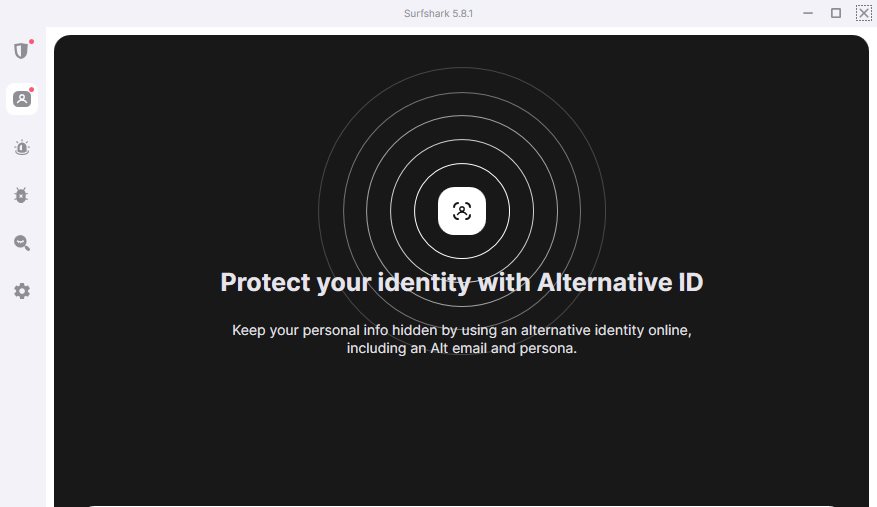
Moreover, the user can fake their profiles with the Alternative ID in countries such as the United States, Australia, Brazil, Denmark, Germany, and Portugal.
Ease of Access
Logging into the SurfShark VPN has become easy, as users can easily log in on different devices using a QR code from devices that are already logged in. There’s also an option to log into the Surfshark account with an Apple or Google account. Such practices help users easily access the services across devices.
Better User Interface with Kill Switch
In addition to Android and iOS apps, Surfshark offers a modern and easily accessible user interface. Precisely, the Android app has passed Google’s Mobile Application Security Assessment, confirming that SurfShark uses some best practices to secure the user’s data and privacy. Further, the user can use a Kill Switch (Soft or Strict) to fully cut down on internet access if the VPN is not active. It is a quite useful feature in some scenarios.
Split Tunneling
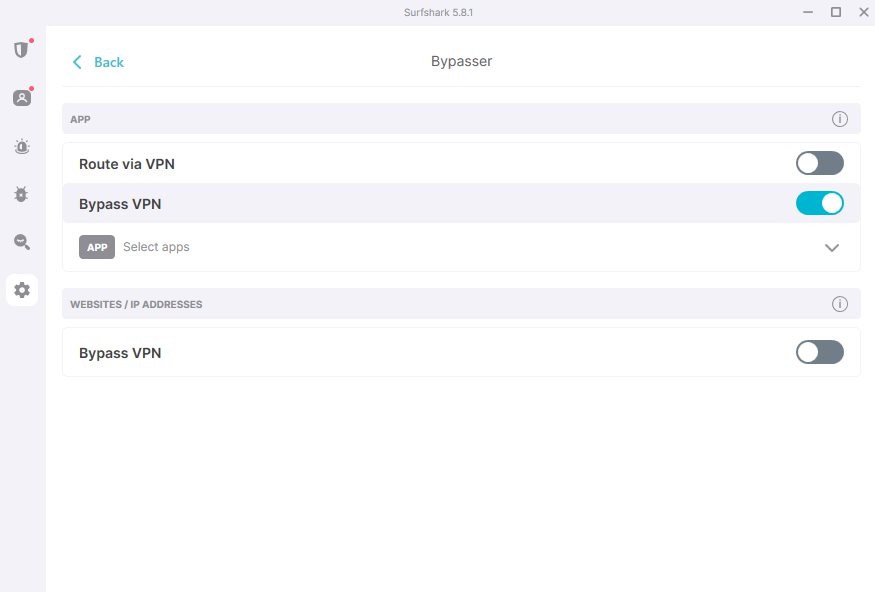
Surfshark Bypass is another useful feature that allows the VPN to bypass certain apps, programs, or websites.
Among the features listed on the product page, the product stuns with features like WireGuard, AlternativeID, and Incogni. Further, the no-logging policy attracted our attention. It bundles the ability to unlock Netflix, Player, Amazon, Prime, and Disney Plus. If you arrive in an odd situation, the support live chat is not so far away. Moreover, it helps to initiate multiple simultaneous conceptions at no extra cost. To access their network of 3200+ servers across 140+ locations in 100 countries, the user can buy cheap long-term plans.
Compatibility and Security
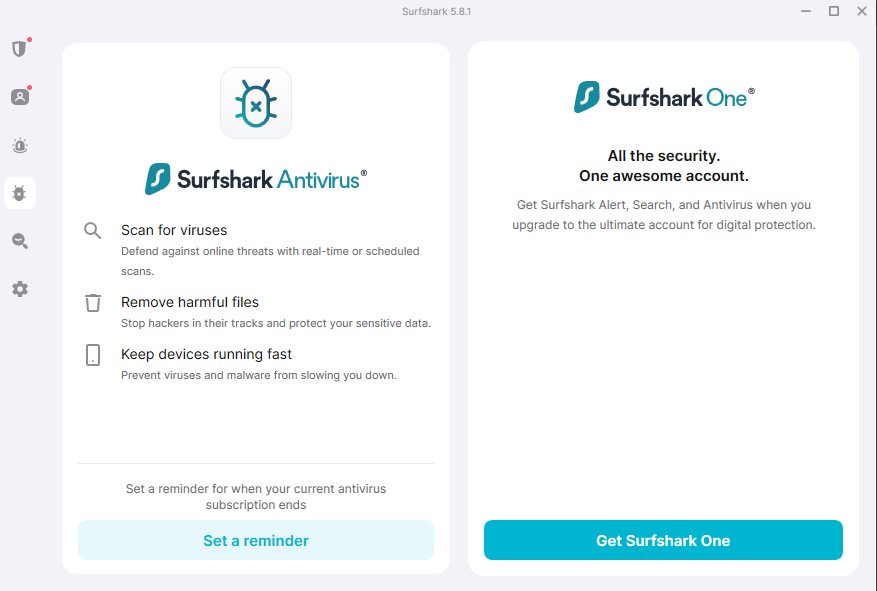
With extensive support across different operating systems like Windows, Mac, iOS, Android, and Linux. There are also dedicated extensions for Firefox, Chrome, and Edge. It allows users to connect with strong AES-256-GCM encryption and offers support for different protocols, such as OpenVPN, WireGuard, and IKEv2. Users can search on SurfShark without leaving any traces behind. There’s a dedicated antivirus program that protects you from incoming attacks.
Logging Policy
Certain independent security audit reports confirm the ‘strong security posture’. However, there were some general security flaws that were already fixed by Surfshark. In another audit, Deloitte verified the ‘no-logs’ policy claim and found the server setup “properly prepared, in all respects, by Surfshark’s description of its no-logs policy.”
Other Features
- WireGuard Protocol: Surfshark’s WireGuard protocol offers faster speeds and enhanced security compared to traditional VPN protocols.
- No-Logging Policy: The No-Logging Policy is a major advantage of using Surfshark, as none of your online activities are tracked or stored.
- Streaming Access: It unlocked popular streaming services like Netflix, Amazon Prime, Disney Plus, etc.
- Live Chat Support: The support team offers immediate assistance via 24/7 live chat.
- Strong Encryption: To further protect the user data, the communication is well protected with the AES-256 GCM encryption to secure your data.
- Protocol Flexibility: It supports multiple VPN protocols like OpenVPN, WireGuard, IKEv2, and others that enhance flexibility and security.
- Antivirus Integration: Includes a dedicated antivirus to protect against malware and other online threats.
However, since most of the features are part of the SurfShark One subscription, so you won’t be able to enjoy some features in the SurfShark Starter plan.
Future Improvements:
Certain features are limited to Android and Windows PCs; users on Mac or iOS are unable to utilize the Split Tunneling feature. Moreover, the pricing for a single month is a bit expensive, and the same goes for the renewal. Furthermore, you will get more latency for the servers nearest to your locations.
Pricing
ShurfShark offers three different plans including the SurfShark Starter, SurfShark One, and SurfShark One+. These plans could be expensive if you opt only for a month. We suggest going for the 12-month or 24-month plans. There are extensive discounts for long-time plans.
| Plan Name | 24 Months (+3 Free Months) |
| Surfshark Starter | $59.12 ~$2.19/M |
| Surfshark One | $72.63 ~$2.69/M |
| Surfshark One+ | $115.83 ~$4.29/M |
| Plan Name | 12 Months (+3 Months Free) |
| Surfshark Starter | $41.85 ~$2.79/M |
| Surfshark One | $47.85 ~$3.19/M |
| Surfshark One+ | $76.35 ~$5.09/M |
There are slight upgrades in the Surfshark One and Surfshark One+ plans; however, the difference increases if you opt for the Surfshark Starter. Most of the features are absent from the starter plan. We suggest you opt for the Surfshark One plan if you don’t want to delete your data from company databases or people’s search sites.
With long-term plans, it only costs $2.69 per month. It is worth considering the Surfshark VPN at this price, and we suggest you always opt for a 2-year plan to maximize the savings.
Conclusion
There are plenty of features, but those come at a cost, especially if you want to grab it for a month. The user has to shell out ~$15 per month. It is always recommended to grab the annual or biannual plan. The cost compensates better for a long-term plan.
Surfshark has features that would safeguard user privacy and data. Overall, speeds are good from certain locations; however, the speeds hamper once you connect far-off servers from your location. The VPN was able to unblock most of the websites and apps that are blocked in India. It is a better option if users in North America want to access Chinese applications and apps. You will never miss your favorite show while traveling, as the VPN easily unlocks the video streaming service’s content across the globe.



Comments