
Add GIZMOCHINA as Preferred Source on Google
As an Amazon Associate, Gizmochina earns from qualifying purchases. Links on this page may earn us a commission at no extra cost to you.
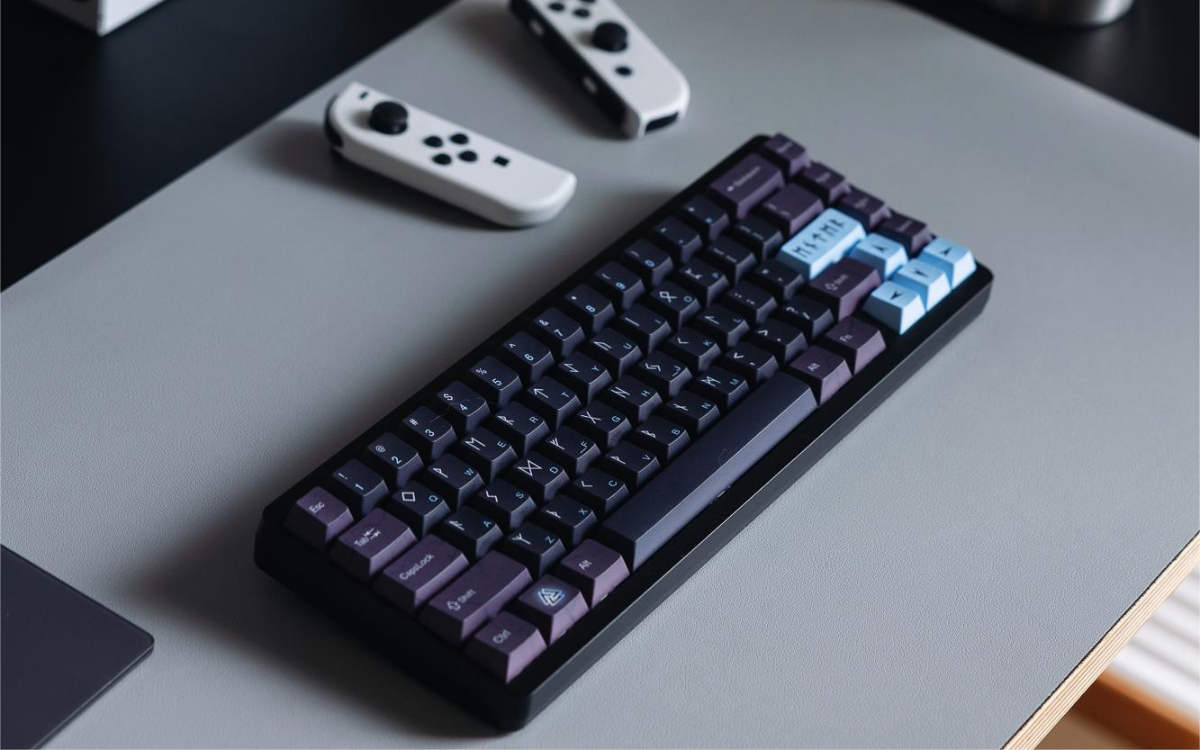
We recently got our hands on the Varmilo Muse65, a mechanical keyboard with magnetic switches that’s been generating quite a buzz among enthusiasts and gamers alike. Known for their exceptional build quality and attention to detail, Varmilo has a reputation that precedes them, so we were eager to see how the Muse65 would perform in real-world use. After spending considerable time with it, I can confidently say that this keyboard brings a lot to the table—literally and figuratively. So let’s check out:
What’s in the Box?
Unboxing the Muse65 is an experience that sets the tone for what’s to come. The packaging is sleek and minimalistic, giving you a hint of the premium product inside. Upon opening the box, you’re greeted by:
- The Muse65 keyboard itself
- A detachable, braided USB Type-C cable
- A keycap puller and switch puller
- A quick start guide
While the contents might seem straightforward, the inclusion of both keycap and switch pullers shows that Varmilo understands the needs of its users. These tools are essential for those who love to customize their setup, making it easier to swap out keycaps or switches.
Design and Build Quality
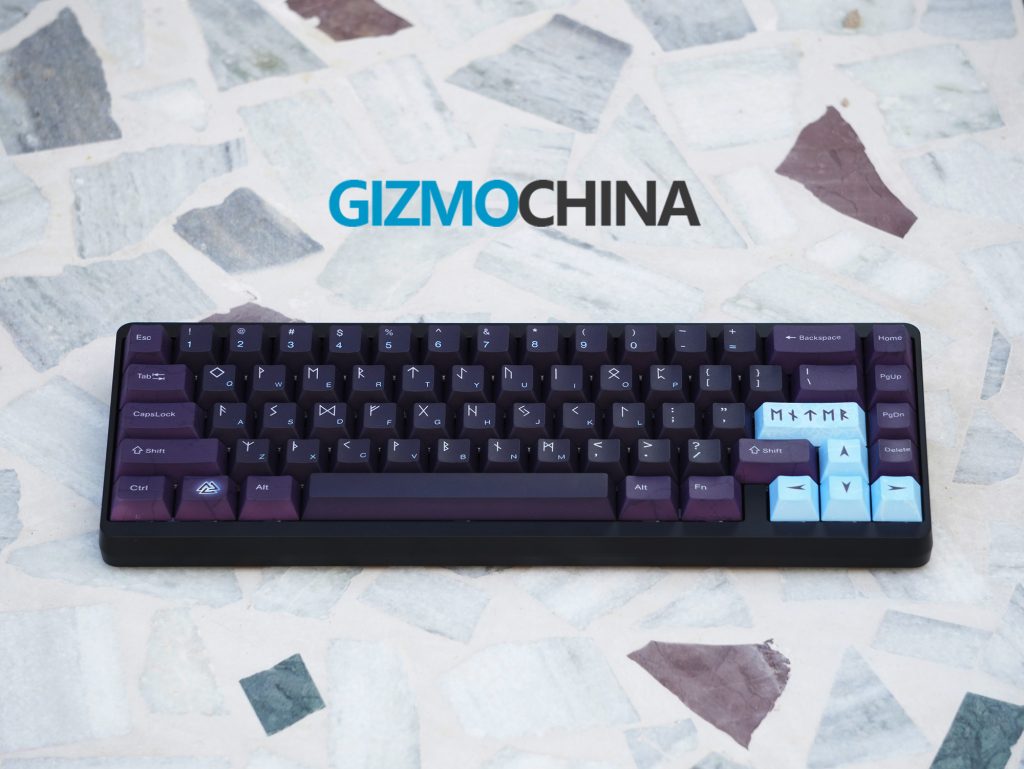
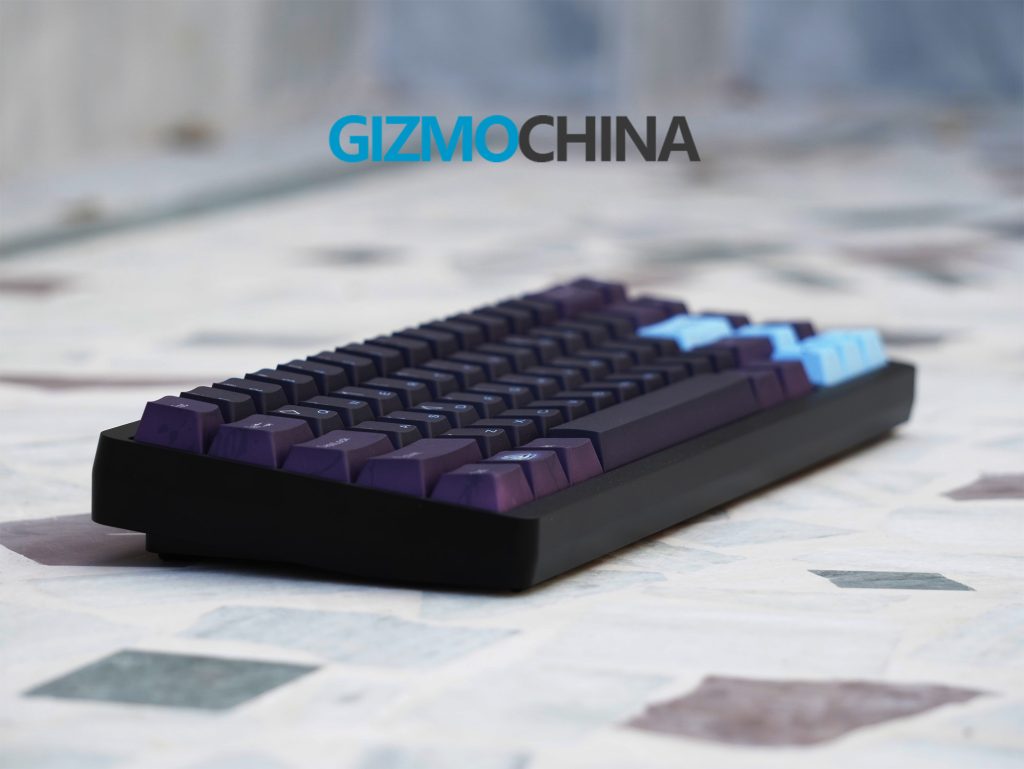
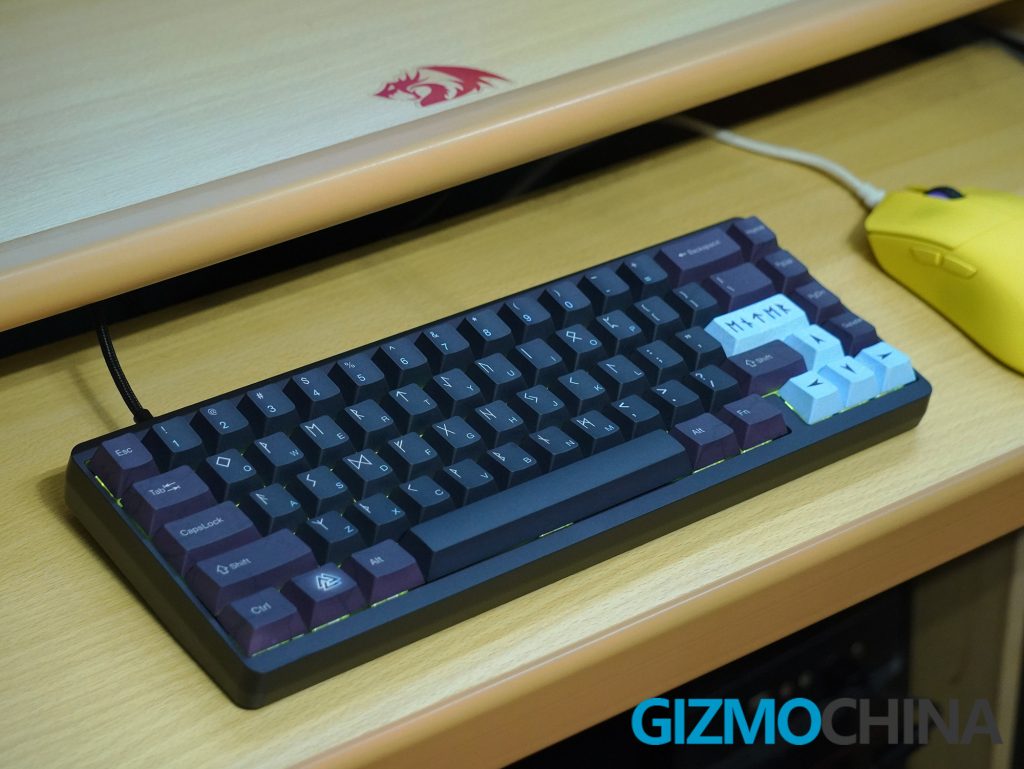
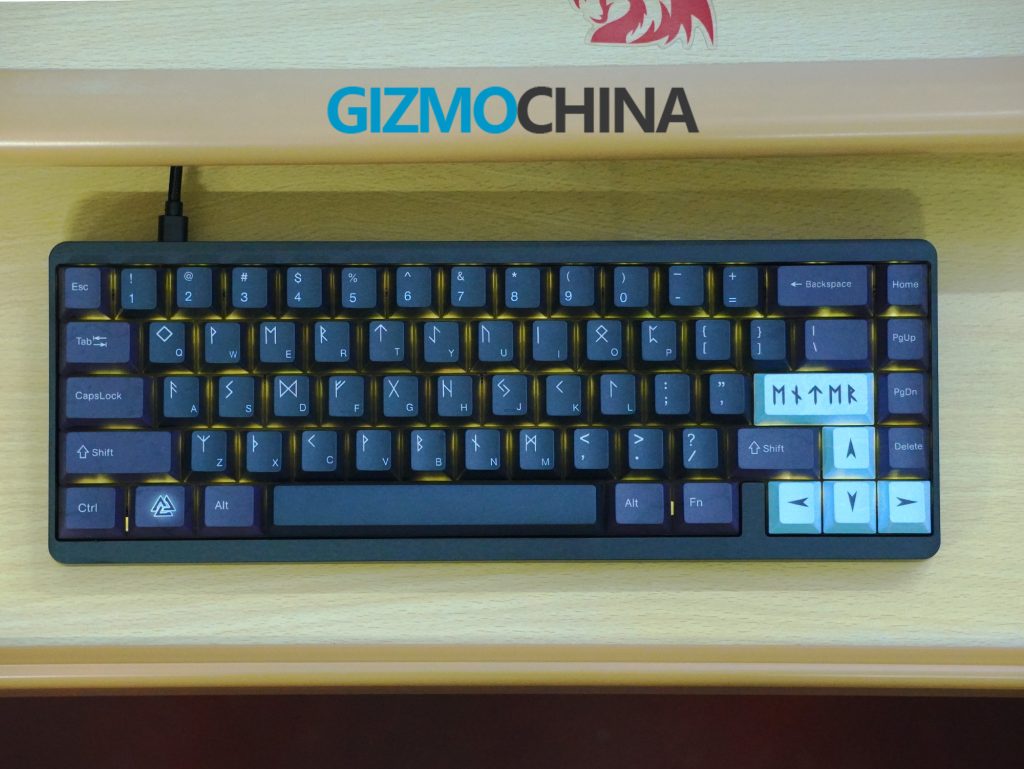
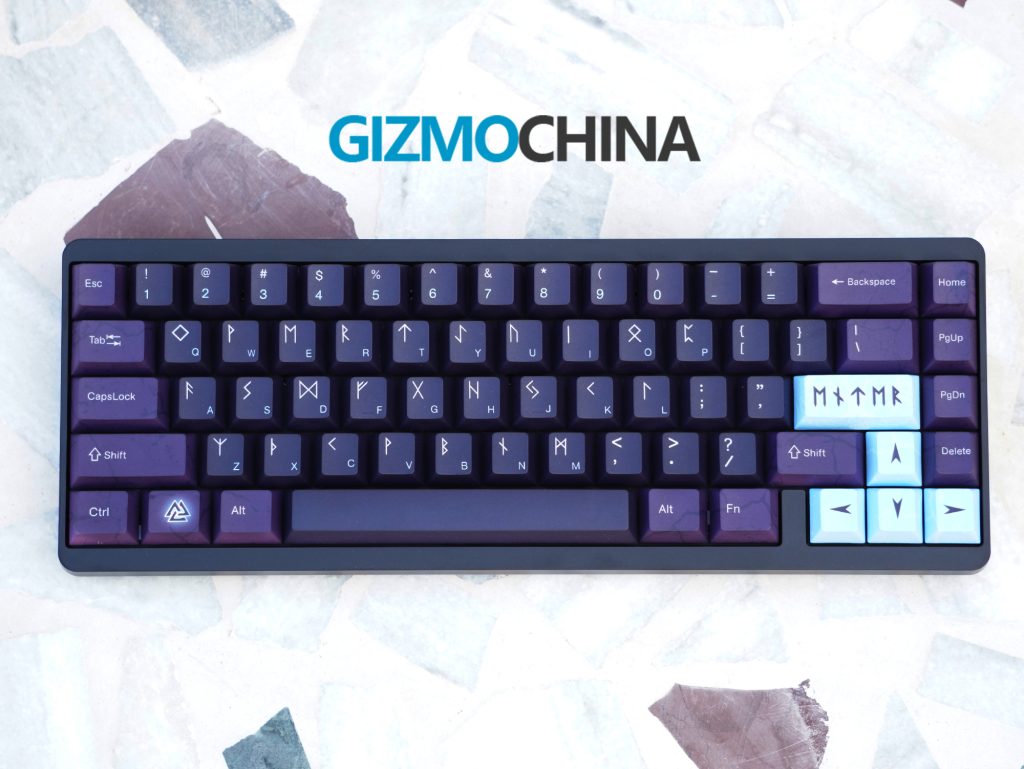
The first thing that strikes you about the Muse65 is its weight which is approximately 1.2 kg. The keyboard feels solid—thanks to the CNC-machined aluminum body, which gives it a premium, sturdy feel. It comes with a 65% layout, perfect for those who want to save desk space without sacrificing essential keys like the arrow keys or a few function keys.
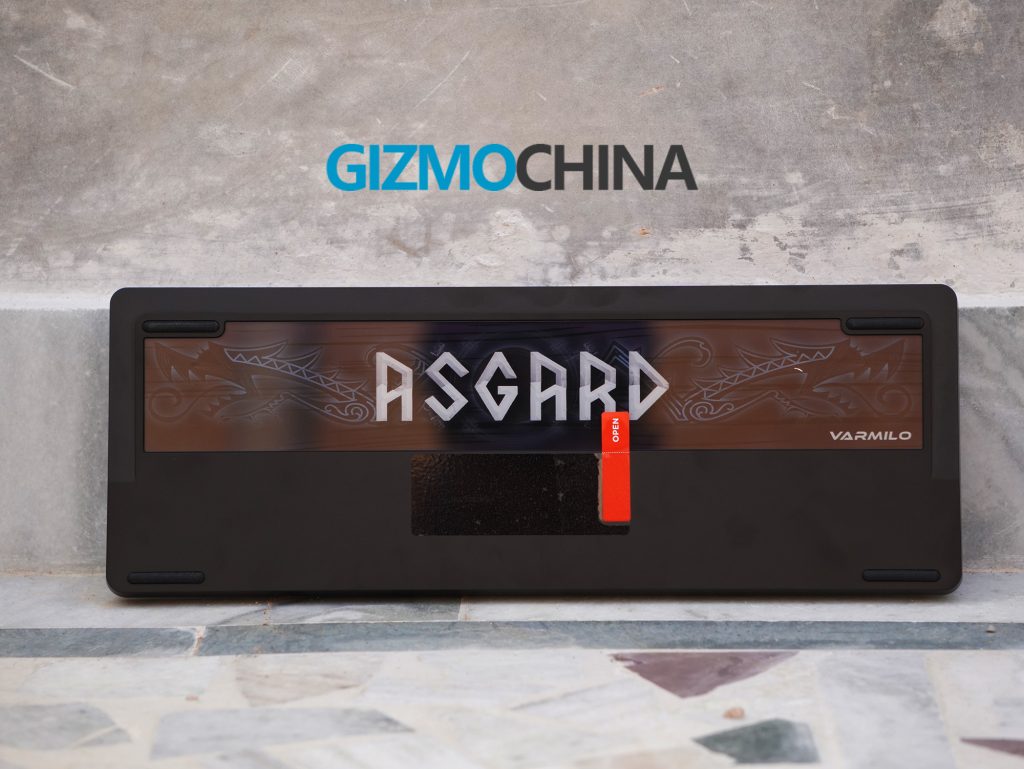
The keyboard is available in five distinct themes: Ariel, Asgard, Aurora, Sakura, and Summit, each offering a unique aesthetic that extends to the keycaps, metal case, and a glass plate on the back. Its design is minimalist, featuring clean lines and a sleek finish, with the Varmilo logo subtly positioned on the back to maintain its elegant appearance. The keyboard includes rubber feet that ensure stability during intense gaming sessions, though it lacks adjustable feet for customizing the typing angle.
Connectivity
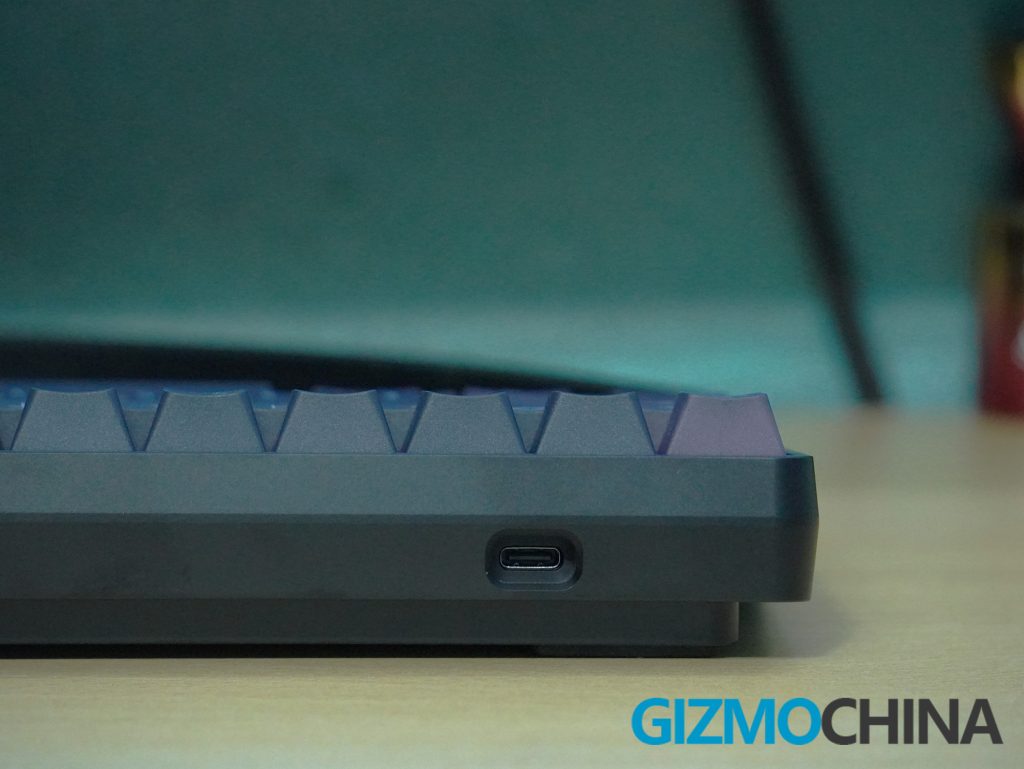
The Muse65 HE is a wired keyboard, and it connects via a USB-C port. The cable provided is braided, adding durability and a premium touch. While some might prefer a wireless option, the wired connection ensures a stable and consistent performance, particularly important for competitive gaming where every millisecond counts.
Features
The Muse65 HE features Hall effect switches, available in Gateron Magnetic White and Magnetic Jade options. The Magnetic White switches offer a linear feel with a 0.10 to 4.00 mm actuation range, while the Magnetic Jade switches provide a satisfying typing sound with a shorter 0.02 to 3.40 mm range. Both are highly durable and rated for 150 million clicks. I got the Magnetic White version.
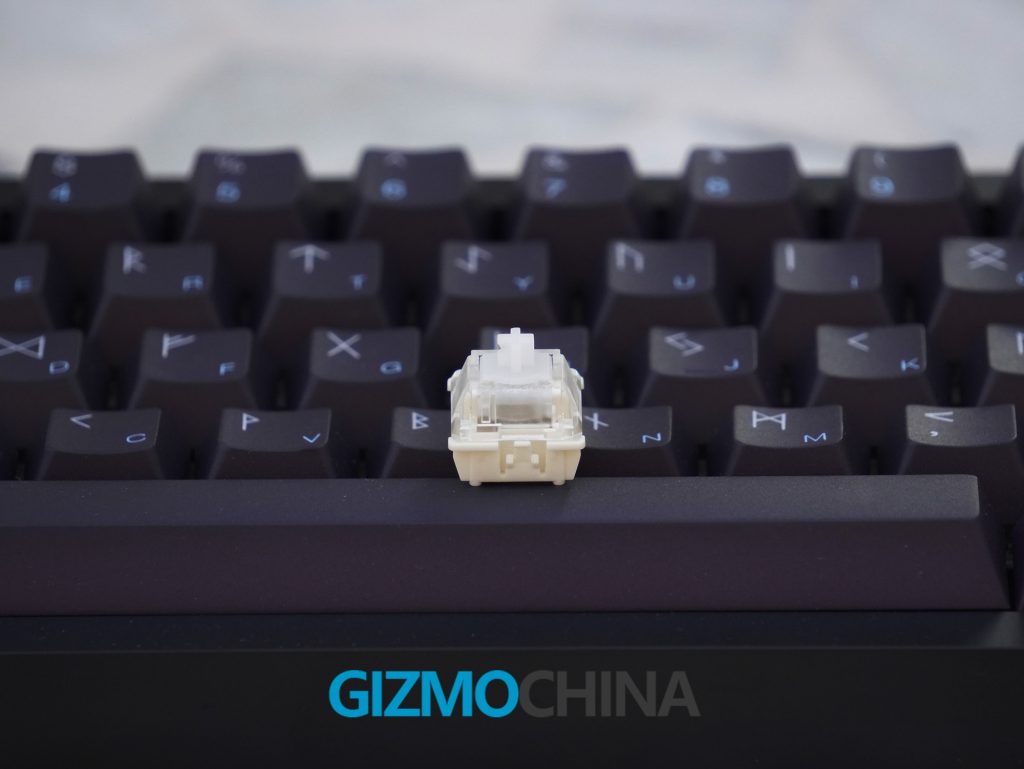
The keyboard offers the ability to customize the actuation point for each key with precision down to 0.1mm, making it ideal for gamers who need fast and responsive key presses.
The Muse65 HE also supports rapid trigger settings, allowing the keyboard to register multiple key presses in quick succession without needing to fully release the key. This feature can provide a significant advantage in fast-paced games where rapid inputs are crucial.
The keyboard supports an 8,000 Hz polling rate, which is significantly faster than most keyboards’ traditional 1,000 Hz polling rate, ensuring a more responsive gaming experience.
The keyboard also comes with Dynamic Keystroke feature which allows you to assign multiple functions to a single key. This can enhance efficiency, whether you’re gaming, coding, or just trying to streamline your workflow. It also supports N-key Rollover.
The keyboard features RGB lighting as well. The lighting effects are vibrant, but they don’t stand out as much as I’d like in well-lit environments. However, the RGB and Hall effect features coexist without any performance issues, which is a plus.
Software
The Muse65 HE comes with the Varmilo HE Driver, making it easy for users to customize the keyboard. Installation is straightforward: simply install it on your PC, and at the final step, select your keyboard layout, such as ANSI or ISO. However, be careful when choosing the layout; selecting the wrong one can cause the keyboard to malfunction. I experienced this myself. If it happens, you can fix it by pressing and holding the ESC key, plugging in the cable, and then directly opening the driver to upgrade the firmware.
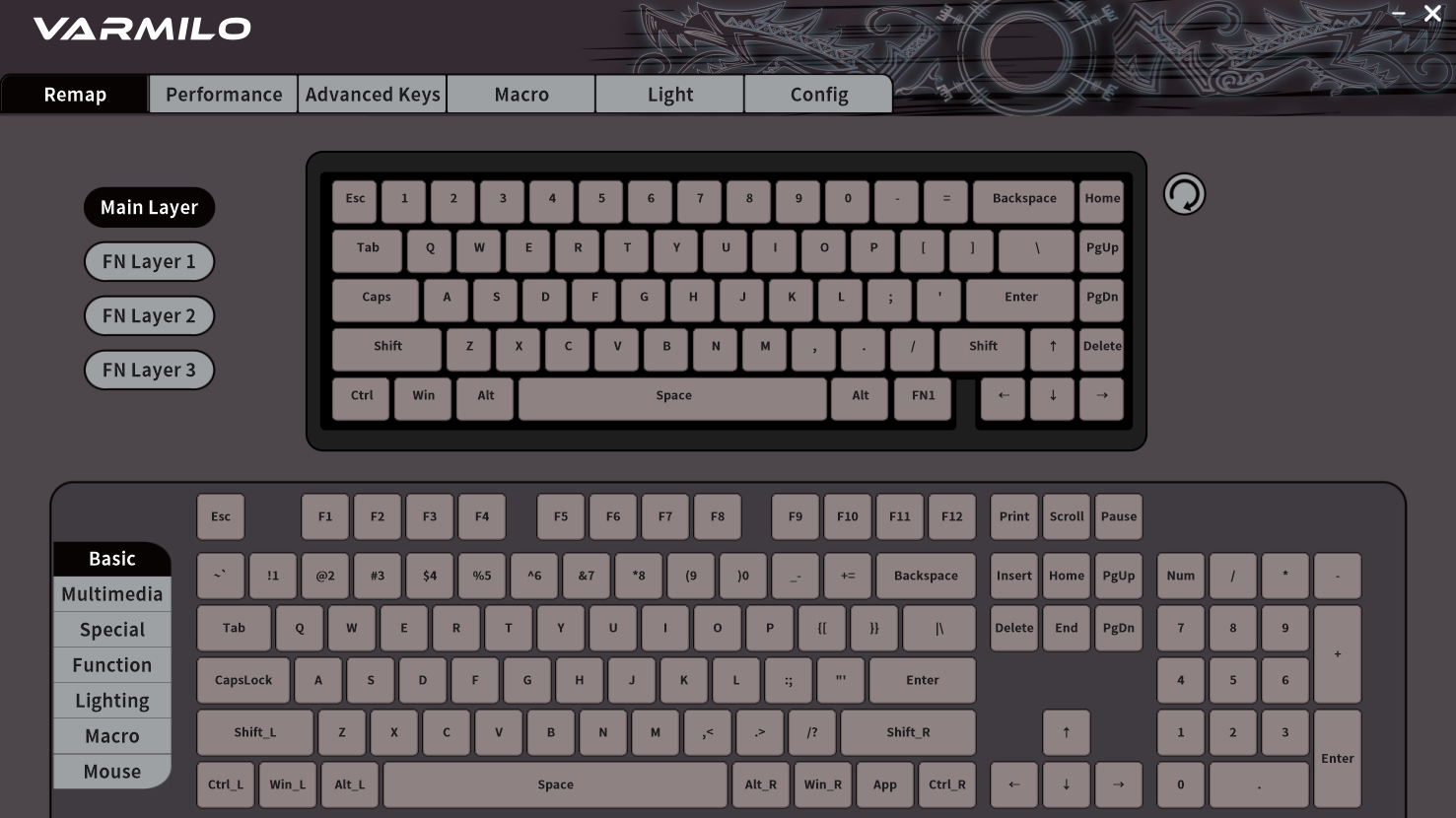
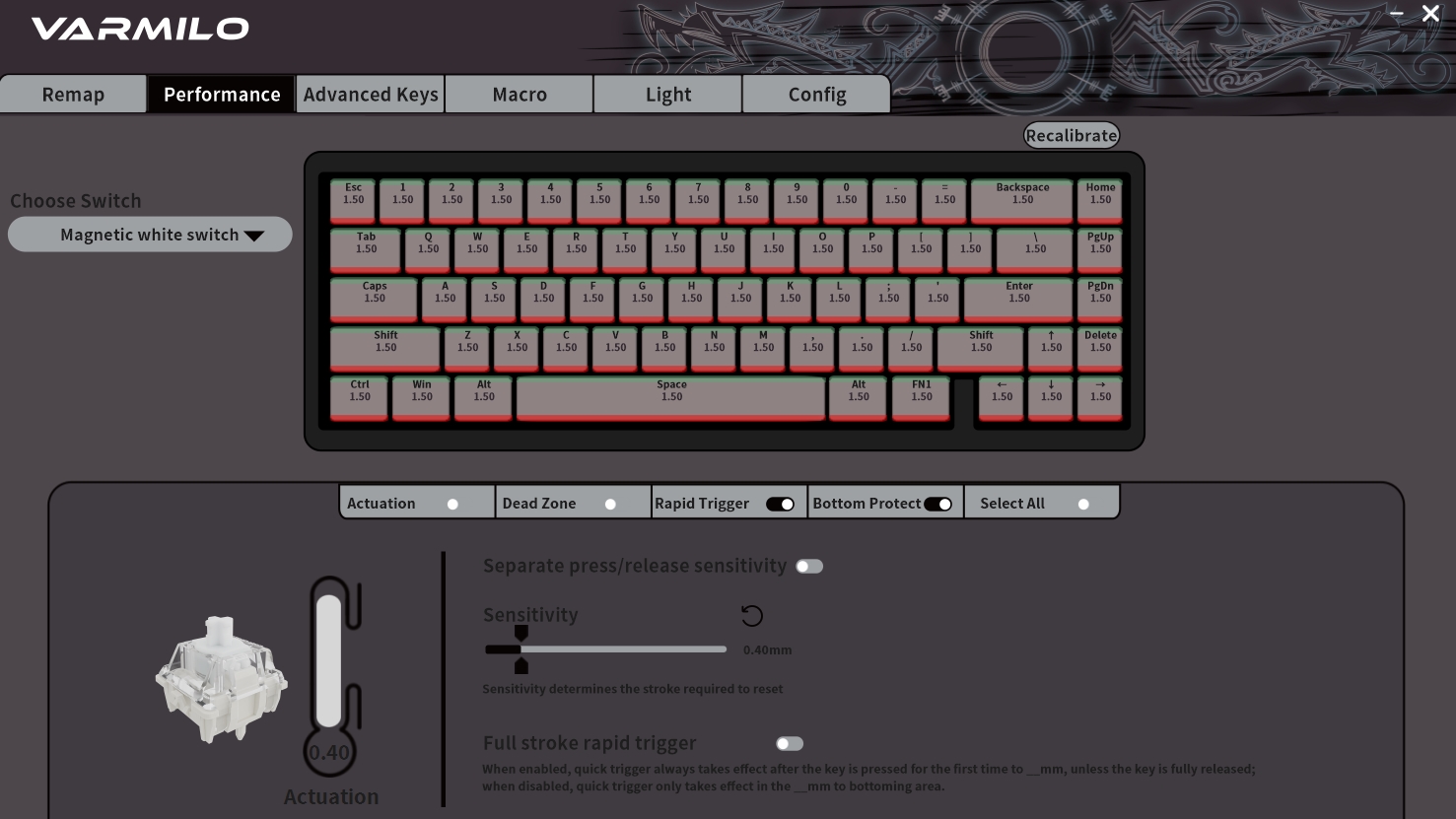
The software offers a variety of customization options, including macros, key remapping, setting up different layers for various functions, and customizing RGB lighting effects. It also allows you to adjust the actuation point for each key, down to 0.1 mm, which is particularly useful for gamers who need precise keypress control. You can also change the polling rate as well.
Additionally, the software supports rapid trigger settings, which can enhance responsiveness during typing or gaming. However, the current software version has some limitations, such as a less intuitive slider for setting actuation points and no option to input specific values directly. Despite these minor issues, the software provides a robust range of customization options.
Performance
The Muse65 HE excels in performance, thanks to its impressive 8,000 Hz polling rate, which is significantly higher than the standard 1,000 Hz found in most keyboards. This means the keyboard can send data to your computer much faster, virtually eliminating input delay—a crucial advantage in competitive gaming.
During my testing, the customizable actuation points proved particularly beneficial in games where quick reflexes and precision are essential. Being able to set the actuation point as low as 0.1 mm allowed for incredibly fast inputs, providing a noticeable edge in gameplay.
Typing on the Muse65 HE is also a delightful experience. The switches are smooth, producing a satisfying yet not overly loud sound. The aluminum case and tray mount design contribute to a consistent, pleasing typing sound that sets this keyboard apart from many others.
Conclusion
The Varmilo Muse65 HE is priced between $155 and $168, depending on the switch option you select, placing it at the higher end of the keyboard market—and for good reason. Its exceptional build quality, extensive customization options, and outstanding performance make it a worthwhile investment for serious gamers and heavy typists.
That said, it does have a few drawbacks. While the software is functional, it could be more user-friendly, particularly when adjusting actuation points. Additionally, the RGB lighting, though customizable, isn’t as vibrant as it could be.
Despite these minor flaws, the Muse65 HE shines where it counts most: performance and build quality. If you’re in the market for a high-end 65% keyboard that offers extensive customization without compromising on quality, the Varmilo Muse65 HE is an excellent choice.
You can purchase this keyboard from Varmilo’s official website and Mechkeys.






Comments