
Add GIZMOCHINA as Preferred Source on Google
After a long wait, Nothing has finally released the Nothing OS 2.6 update for its mid-range Nothing Phone (2a). The update, identified by the firmware version U2.6-240828-1906-IND, brings a range of new features, improvements, and bug fixes.
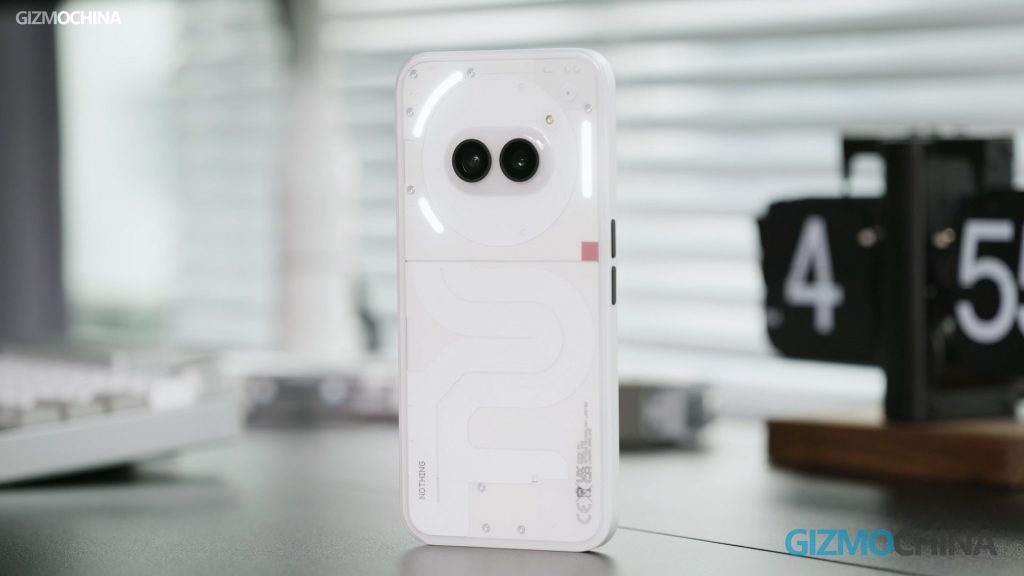
Nothing OS 2.6 changelog for Phone (2a)
New features
- Introducing the News Reporter Widget. Let your daily news stories be read aloud to you by Tim, Nothing’s CFO. Please note: this feature is still in beta and relies on various generative AI models, which may sometimes behave unexpectedly.
- Battery and Pedometer Widgets can now be displayed on the lock screen and Always On Display.
- The Date Widget now supports automatic updates. Enabled in Settings.
- Swipe down incoming notifications to enter Pop-up view. For easy access to information without having to leave an app. Turn on via Settings > System > Pop-up view.
- Added support for deleting wallpaper history in Wallpaper Studio.
- Added notifications in Charging Assistant to keep you informed about charging status.
Improvements
- Enhanced clarity for 2x zoom in Portrait Mode on the camera.
- Optimised compatibility issues with specific chargers.
- Updated Google Mobile Services.
- Improved audio delay in specific call scenarios.
- Improved stability of Bluetooth connectivity.
- Enabled vibration in Power Saving Mode.
- Updated to September Security Patch.
Bug Fixes
- Resolved an issue causing auto-rotation to not work for certain cloned apps
- Fixed an issue where the Media Player Widget couldn’t play music when switching from guest to main user.
- Ensured Bluetooth tile reflects correct earbud information.
- Fixed screen flickering issue when long pressing the power button during low battery levels.
- Fixed a system crash issue caused by window animations.
- Resolved an issue causing the Atmosphere Wallpaper Effect to display incorrectly on the lock screen.
- Improved Launcher for better system stability.
The update is being released gradually so it might take a few days to reach your device. If you wish to check for its availability, you can navigate to Settings > System > System Update.
(Source)


Comments