
Add GIZMOCHINA as Preferred Source on Google
Some iPhone users have recently reported a noticeable drop in battery life after installing the iOS 18 update, with some experiencing a 20% to 30% reduction within just one hour.
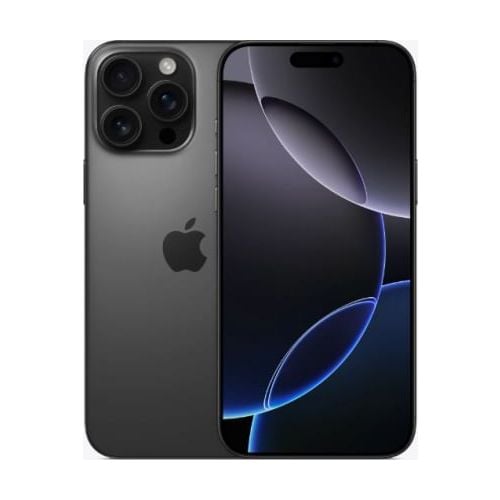
This sudden drop in battery life makes it challenging for users to get through the day on a single charge. This is especially a bad news and a very inconvenient situation for iOS users as none of the iPhones to date offer a respectable charging speed like most of the Android phones in its price range. In fact a significant proportion of iPhone users still charge their phone overnight.
Fortunately, Apple has provided several steps to help users identify and address the cause of battery drain, potentially improving battery performance. For those using the iOS 18 beta, a decline in battery performance is normal, as beta testers previously reported similar issues.
Apple Support notes that even though users can immediately use their iPhones after an update, certain processes continue to run in the background, temporarily affecting battery life and thermal performance. These background tasks may cause the device to consume more power until they are complete.
If you notice a drop in battery performance after installing iOS 18, there’s no need to worry right away. Often, battery optimization stabilizes after a few days as the system adjusts to the new update.
Tips to minimize the rapid battery drain
While iPhones generally optimize battery usage over time, there are a few steps users can take to reduce power consumption:
- Enable Auto-Brightness or Auto-Lock: These features help conserve battery by reducing screen brightness and turning off the display when not in use.
- Check App Permissions: Some apps may use your location in the background, draining battery life. Reviewing these permissions can help limit unnecessary power usage.
- Use Wi-Fi: Whenever possible, connect to Wi-Fi networks as they consume less battery than cellular data.
- Turn on Low Power Mode: Low Power Mode conserves battery by disabling non-essential features like background app refresh and visual effects.
- To better understand battery usage, go to Settings > Battery and check the Activity and Battery Usage charts. These tools show which apps are consuming the most power, allowing you to make necessary adjustments.




Comments