
Add GIZMOCHINA as Preferred Source on Google
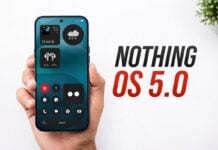
Nothing today officially launched the open beta for Nothing OS 3.0, based on Android 15. Phone (2a) users can join the beta immediately, while the beta will be available for Phone (2) in November. In December, the program will open for Phone (1), Phone (2a) Plus, and CMF Phone 1.
Although the company hasn’t gone into detail about the updates and features, looks like Mishaal Rahman from Android Faithful got an early look at Nothing OS 3.0. Based on his findings, it looks like the new OS is bringing a significant UI overhaul along with smarter app organization, and several feature enhancements.
Nothing OS 3.0: Here’s what you can expect
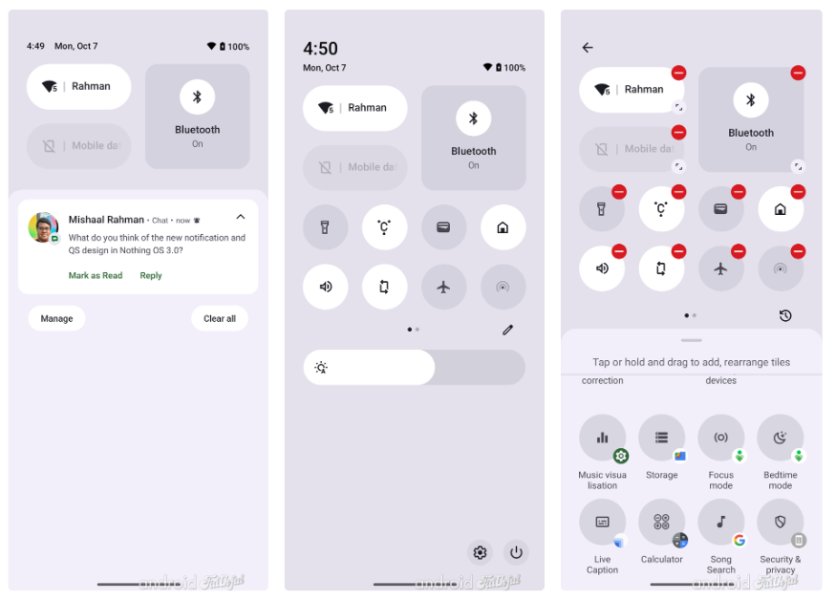
One of the most noticeable changes in Nothing OS 3.0 is the refreshed user interface. The notification and Quick Settings area has received a visual overhaul, adopting a more refined and dynamic aesthetic.
While it has the familiar stock Android feel, Nothing has infused its unique design language to create a cohesive and visually pleasing experience. The Quick Settings tiles have been redesigned to be resizable, allowing for greater customization and flexibility.
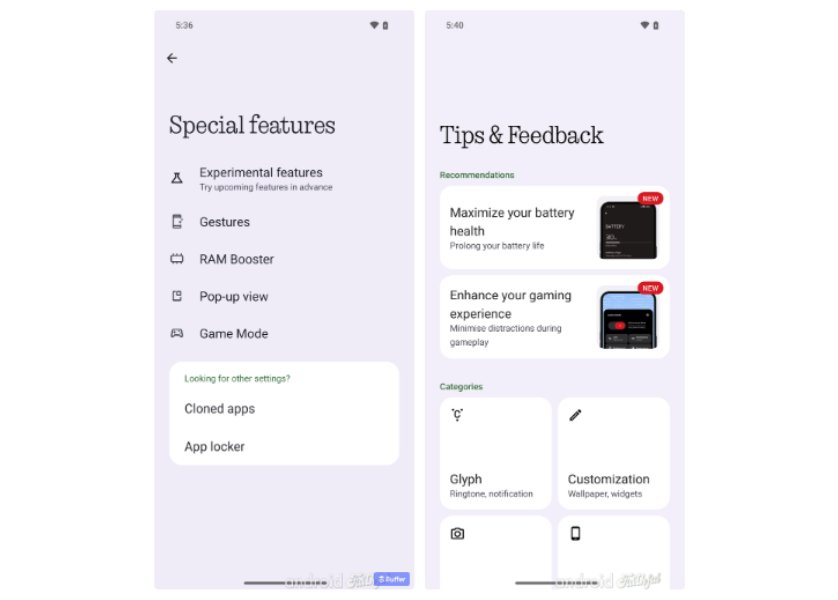
The Settings app has also been reorganized to improve navigation and accessibility. Key features have been grouped into distinct sections, making it easier to find the desired settings.
Additionally, Nothing has introduced new features such as a dedicated “Special features” section, which includes options for gestures, RAM booster, and game mode.
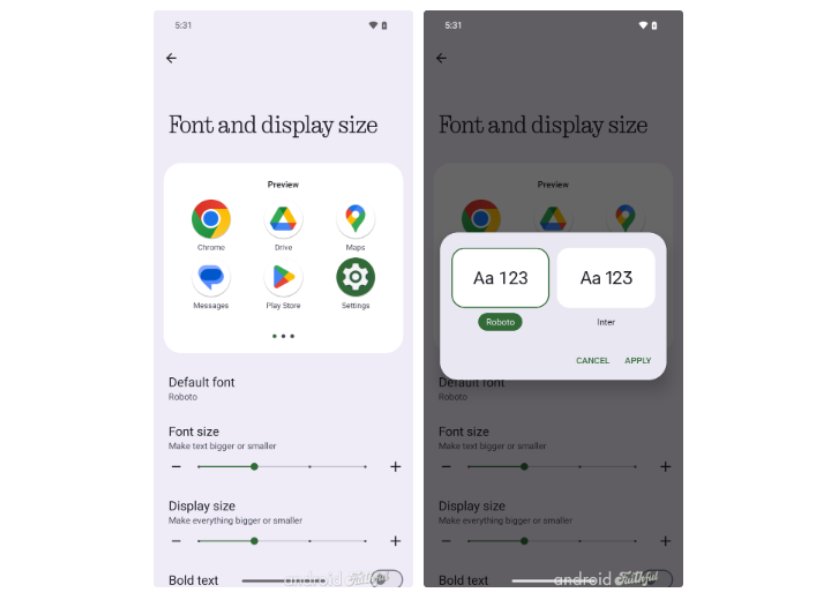
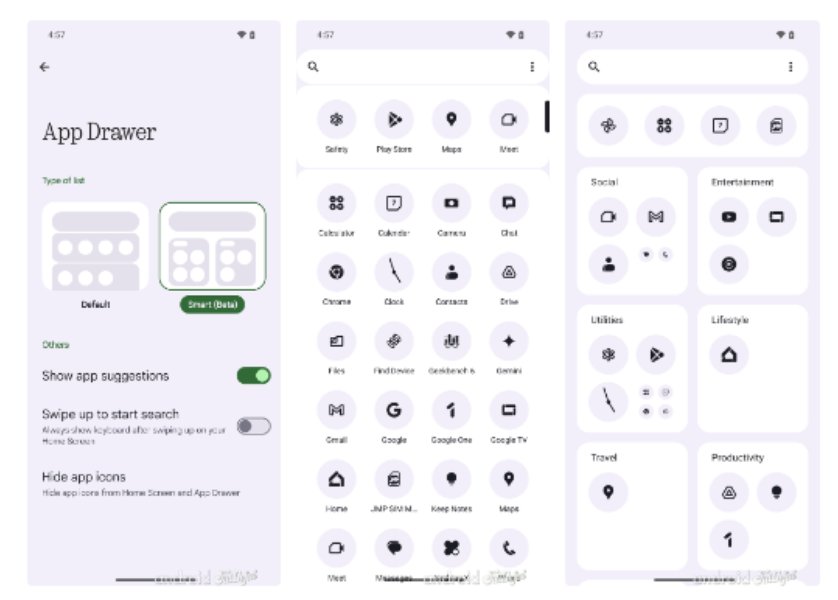
Customization options have also been expanded. Users can now change the system font, customize the lock screen with more flexibility, and even use AI-powered app drawer organization. The Smart App Drawer leverages artificial intelligence to categorize apps based on usage for a more intuitive and personalized experience.
Moreover, the pop-up view, which allows opening apps in a floating window in Nothing phones, now has buttons at the top to minimize the tab or to close it.
Inheriting Android 15 Features
As Nothing OS 3.0 is built on Android 15, it naturally inherits several new features introduced by Google. These include the ability to archive apps to free up space, adjust color contrast for improved accessibility, run basic device diagnostics, and set the Google Home Favorites page as the screen saver.
Additionally, Nothing OS 3.0 offers a dedicated shortcut to quickly access lock screen customization options, support for partial screen sharing during recording or casting, and native support for passkeys.
The update also brings several minor changes, including a “Current” card in the wallpaper picker that shows the user’s current wallpaper and opens the wallpaper editor upon tapping.
For a detailed look at Nothing OS 3.0, you can check out the original story from Android Faithful. Also, keep in mind, this is just the first beta, so more features are likely to be added in future releases.


Comments