
Add GIZMOCHINA as Preferred Source on Google
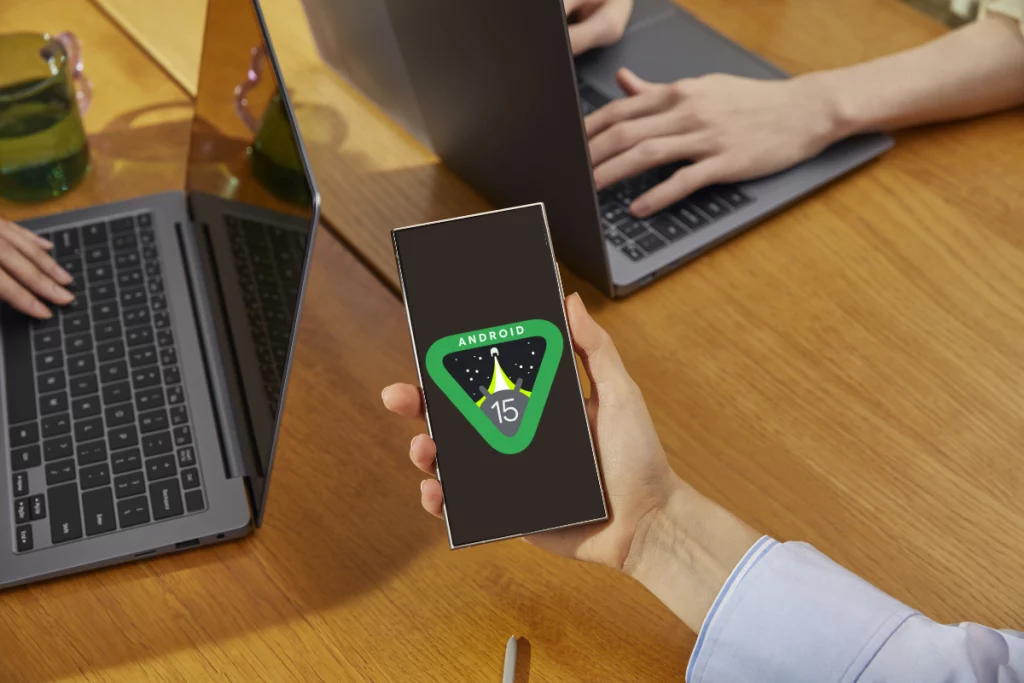
Android 15 has finally landed, and it’s already rolling out to Google Pixels, with other brands joining the party in the coming weeks. It’s largely similar to Android 14 from the design perspective, but you’ve to explore other areas to see the notable upgrades. Here are five reasons that make Android 15 a must-have upgrade.
1. Low storage, not a problem
Apps store a lot of data on the device itself to offer a snappier experience. While it benefits user experience, the device’s storage can fill up quickly.
Low storage is a problem for many devices with 128GB/256GB as base storage. Many prefer to uninstall the app to free up space. So, when they install it again, the user must sign in again and reconfigure the app.
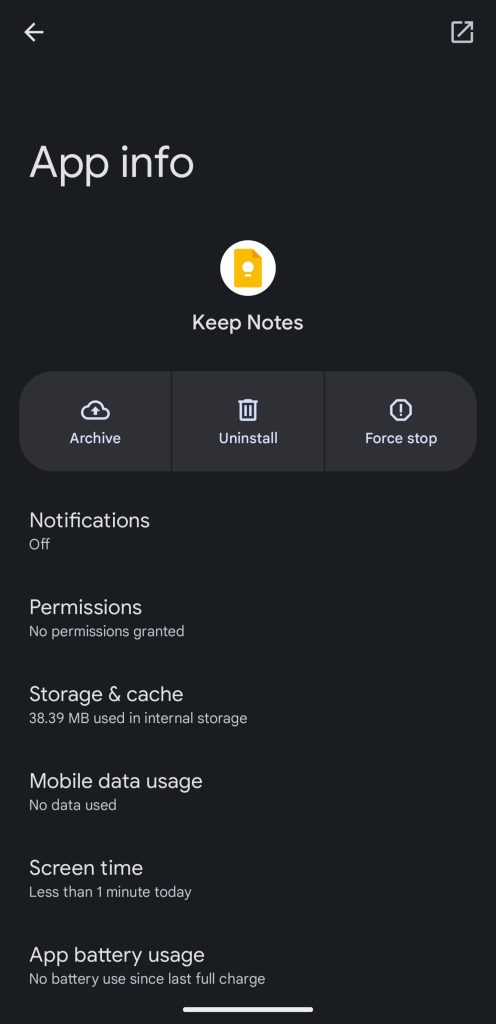
With Android 15’s new app archiving feature, you can remove apps while preserving their data for a temporary storage boost. When you reinstall the app, you don’t need to sign in again or reconfigure it.
2. Satellite connectivity support
Satellite connectivity on smartphones, first debuted on the iPhone 14 series, has saved many lives so far (1, 2, 3, 4) and has proven invaluable when Wi-Fi or cellular signals are unavailable. So, having support for it in Android 15 is a big bonus.
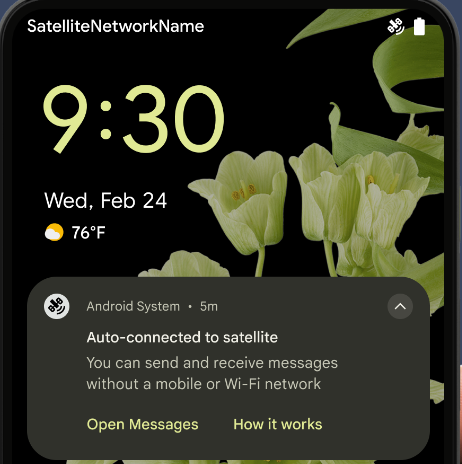
Upgrading to Android 15 won’t be enough to use the satellite connectivity, as it also requires capable hardware. Some devices, including the Google Pixel 9 series, can now use this feature to send SMS, MMS, and RCS text messages using the same technology.
3. Hidden space for your secret apps
Users’ privacy is crucial, and it continues to get better with every iteration of the Android OS. The latest Android 15 brings many security features, such as theft detection lock and offline device lock, but one standout feature is Private Space.
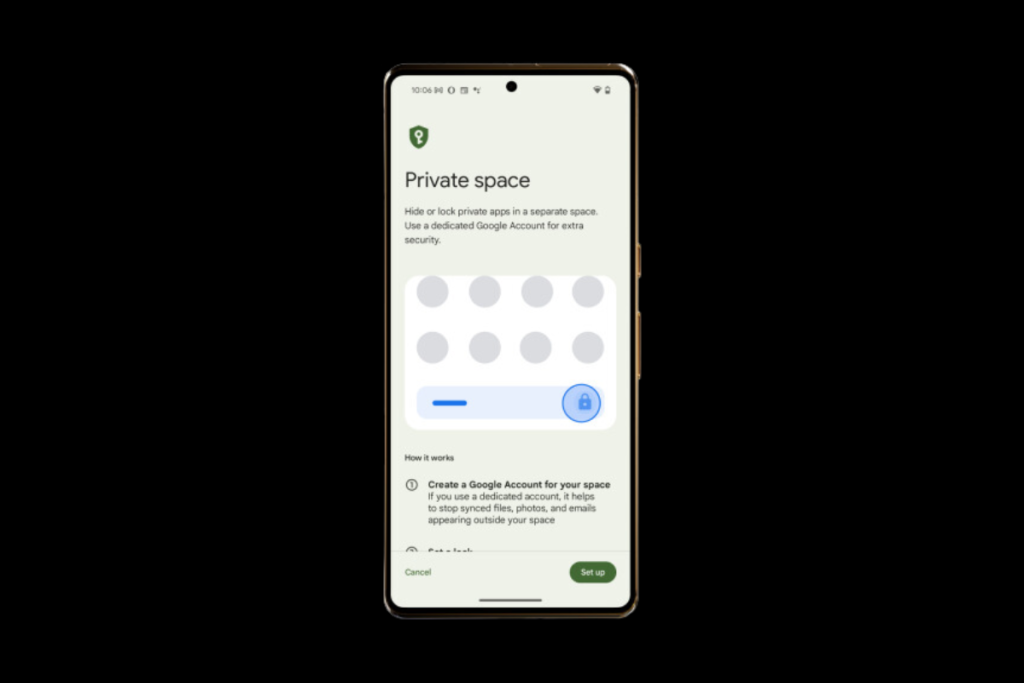
The new Private Space allows users to create a secure space with an additional layer of protection. It’s hidden from recent apps, settings, and the rest of the device, thus being the safest place to hide your secret dating or finance apps.
4. Better multitasking
Multitasking gets a lot better with Android 15, especially on larger devices such as foldables and tablets. It allows you to create app pairs for quicker access to your favorite apps in split-screen mode.
To create an app pair, open apps in the split-screen mode, tap the app icons at the top, and choose Save app pair. You’ll see a new shortcut icon on your home screen for this split-screen app pair.
Android 15 also has a foldable-specific addition that allows users to continue using an app on the cover display after closing the primary (inner) screen without unlocking the device.
You can now easily pin or unpin the taskbar on foldables and tablets. Obviously, you have your choices for taskbar apps, making it easier and quicker to switch between frequently used apps.
5. Real-time widget preview
Before Android 15, you had to drag a widget to the home screen to see how it looked. Now, that’s not a two-step process anymore. The latest OS brings real-time widget preview. This means the widget picker section now shows widgets as they would look on the home screen instead of a static resource.
Did you upgrade your device to Android 15? And, what are the features you’re enjoying the most? Share your thoughts in the comments below.
More on Android 15:
1. Android 15: 12 Game-changing features you must try
2. How to prepare your smartphone for Android 15 upgrade
3. These devices won’t get Android 15 update


Comments